Adobe Acrobat Reader Alternatives for Mac

There are many alternatives to Adobe Acrobat Reader for Mac if you are looking for a replacement. The best Mac alternative is Foxit PDF Reader. It's not free, so if you're looking for a free alternative, you could try Foxit PDF Reader or Xournal++. If that doesn't suit you, our users have ranked more than 100 alternatives to Adobe Acrobat Reader and many of them are available for Mac so hopefully you can find a suitable replacement. Other interesting Mac alternatives to Adobe Acrobat Reader are Stirling PDF, Linwood Butterfly, ABBYY FineReader PDF and LEKTRA.

filter to find the best alternatives

Adobe Acrobat Reader alternatives are mainly PDF Readers, but if you're looking for PDF Editors or Note-taking Tools you can filter on that. Other popular filters include PDF Editor, Open Source, Windows, Linux, Android, Free and Mac. You can also filter by region, for example EU-based alternatives if you prefer software developed in the European Union. These are just examples - use the filter bar below to find more specific alternatives to Adobe Acrobat Reader.
Copy a direct link to this comment to your clipboard
Adobe Acrobat Reader alternatives page was last updated

Alternatives list

  1. Foxit PDF Reader icon
     1383 likes

    Foxit Reader offers a lightweight PDF viewing experience across multiple platforms with features such as annotation, form filling, signing, cloud storage integration, collaborative review options, heightened security via Trust Manager, and organizational tools like Group Policy and XML Configuration.

    144 Foxit PDF Reader alternatives

    Cost / License

    • Free Personal
    • Proprietary

    Application types

    Alerts

    • Bundleware

    Platforms

    • Mac
    • Windows
    • ReactOS
     
    |
    14
    Bundleware

    The installer tries to install McAfee WebAdvisor and PhantomPDF Business. These can be skipped by clicking Decline on each.

    Foxit PDF Reader vs Adobe Acrobat Reader Comments
    Top Positive Comment
    Guest
    4

    This one has the ability to mark PDFs for highlighting books and etc.

    beng tang
    Positive
    1

    In Linux Mint, Foxit is better than Adobe Reader. The version of Adobe Reader for Linux is very old and out of date (and thus may be a security risk) and does not support annotating / commenting on PDF files. Foxit supports commenting / annotating very well with a lot of tools to do various types of anotations. It also opens and displays PDF files very well. So Foxit is not only an alternative to, but better than Adobe, in Linux at least.

    Guest
    Positive
    1

    Better than SumatraPDF because of Form field.

    3 of 14 comments
    • Foxit PDF Reader is Free Personal and ProprietaryAdobe Acrobat Reader is Freemium and Proprietary
  2. Xournal++ icon
     198 likes

    Handwritten note-taking and PDF annotation using pen input and pressure sensitivity, shape drawing, customizable toolbar layouts, image insertion, audio recording, multi-language options, LaTeX integration, and complete export in PDF or PNG formats across all platforms.

    69 Xournal++ alternatives

    Cost / License

    Application types

    Platforms

    • Mac
    • Windows
    • Linux
    • Snapcraft
    • Flathub
     
  3. PDFgear icon
     70 likes

    Read, edit, convert, merge, and sign PDF files across devices, for completely free and without signing up.

    79 PDFgear alternatives

    Cost / License

    • Free
    • Proprietary

    Application types

    Platforms

    • Mac
    • Windows
    • Online
    • Android
    • iPhone
    • Android Tablet
    • iPad
     
    |
    1
    PDFgear vs Adobe Acrobat Reader Comments
    malcmerlyn
    Negative
    0

    Doesn't show my RPG PDF bookmarks

    • PDFgear is Free and ProprietaryAdobe Acrobat Reader is Freemium and Proprietary
  4. Stirling PDF icon
     62 likes

    Locally hosted web application offering an interactive GUI to merge, split, reorganize, convert, compress, watermark, secure, sign, flatten, repair, extract images, detect blanks, apply OCR, set permissions, and enable file processing or API integration for PDFs.

    117 Stirling PDF alternatives

    Cost / License

    • Freemium
    • Open Source

    Application types

    Platforms

    • Mac
    • Windows
    • Online
    • Self-Hosted
    • Cloudron
    • Docker Hub
     
  5. Butterfly is a note-taking app where your ideas come first. You can paint, add texts, and export them easily on every device. This app works on android, windows, linux, and in the web.

    54 Linwood Butterfly alternatives

    Cost / License

    Platforms

    • Mac
    • Windows
    • Linux
    • Online
    • Android
    • iPhone
    • Android Tablet
    • Self-Hosted
    • Snapcraft
    • AltStore
    • Flathub
    • F-Droid
    • Linux Mobile
     
  6. Optical recognition software boasting unmatched text accuracy converts scanned documents to editable Word, Excel, or searchable PDFs while preserving layout. Supports 190 languages, simplifies processes with automated tasks, and includes PDF editing tools.

    100 ABBYY FineReader PDF alternatives

    Cost / License

    • Paid
    • Proprietary

    Application type

    Platforms

    • Mac
    • Windows
    • iPhone
    • iPad
     
  7. LEKTRA icon
     18 likes

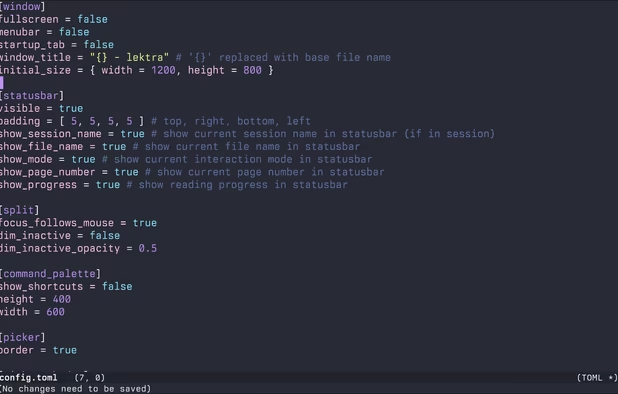
    High-performance viewer for documents and images offering split tabs, customizable single or book layouts, portals for side-by-side sections, instant search, line highlight, annotation tools, link hints, searchable highlights, session management, and TOML config.

    Cost / License

    Application types

    Platforms

    • Mac
    • Windows
    • Linux
     
  8. Preview icon
     123 likes

    Native macOS app for viewing, annotating, and editing images and PDFs, featuring tools for cropping, rotating, resizing images, rearranging pages, full-screen viewing, markup, document merging, batch conversion, and export in multiple formats.

    187 Preview alternatives

    Cost / License

    • Free
    • Proprietary

    Application types

    Platforms

    • Mac
    • iPhone
    • iPad
     
    |
    2
    Preview vs Adobe Acrobat Reader Comments
    Guest
    Positive
    1

    Easy, Very Fast, basic editing options.

    Guest
    Negative
    -6

    Unlike Adobe Acrobat Reader DC, which allows you to edit and erase certain parts of PDF files, Preview won't let you do it if it's only 1 page. I suggest getting a different PDF viewer, reader, and editor.

    • Preview is Free and ProprietaryAdobe Acrobat Reader is Freemium and Proprietary
  9. Sioyek icon
     24 likes

    Sioyek is a PDF viewer with minimal interface optimized for reading research papers and technical books.

    Cost / License

    Application type

    Platforms

    • Mac
    • Windows
    • Linux
     
    |
    1
    Sioyek vs Adobe Acrobat Reader Comments
    Barrett
    Positive
    1

    It's a minimalist PDF reader for programmers and other such nerds. Includes dark mode, keyboard navigation, and a minimalist UI that allows for great focus.

    • Sioyek is Free and Open SourceAdobe Acrobat Reader is Freemium and Proprietary
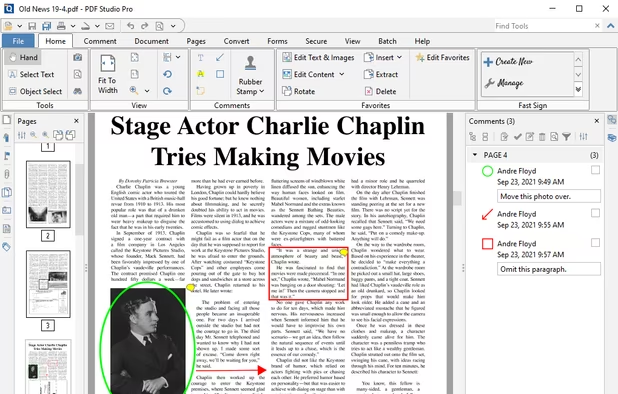
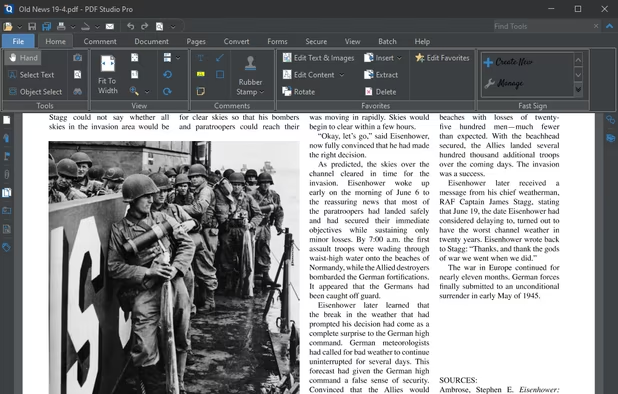
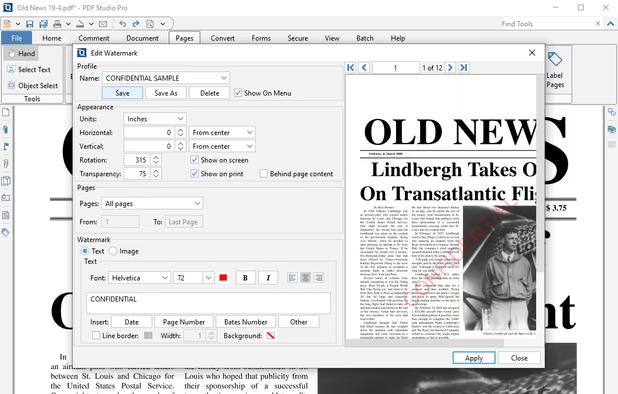
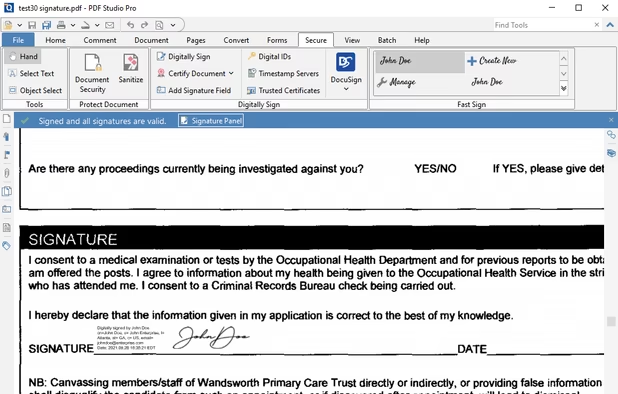
  10. Create, Convert, Review and Edit PDF Documents on Windows, macOS, and Linux.

    191 Qoppa PDF Studio alternatives

    Cost / License

    • Paid
    • Proprietary

    Application types

    Platforms

    • Mac
    • Windows
    • Linux
    • Chrome OS
     
    |
    1
    Qoppa PDF Studio vs Adobe Acrobat Reader Comments
    Guest
    Positive
    0

    it has ability to paste highlighted text in comment automatically like adobe acrobate pro or foxit pdf reader.

    • Qoppa PDF Studio is Paid and ProprietaryAdobe Acrobat Reader is Freemium and Proprietary
  11. Skim icon
     97 likes

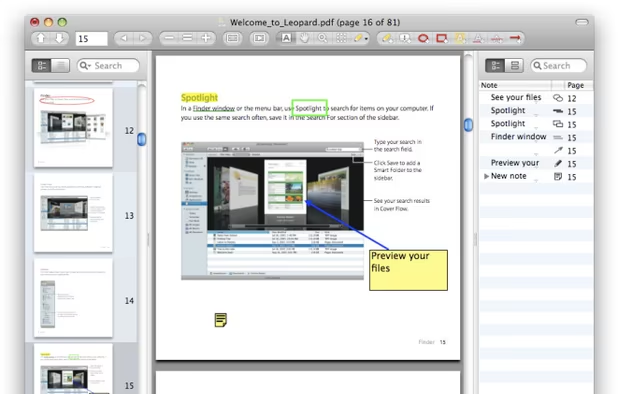
    PDF viewer for macOS supports scientific papers, annotations, highlights, bookmarks, split view, exporting notes, AppleScript, multiple annotation types, bibliography integration, full-screen, search, and compatibility with various macOS versions.

    Cost / License

    • Free
    • Open Source

    Application type

    Platforms

    • Mac
     
  12. Drawboard PDF icon
     15 likes

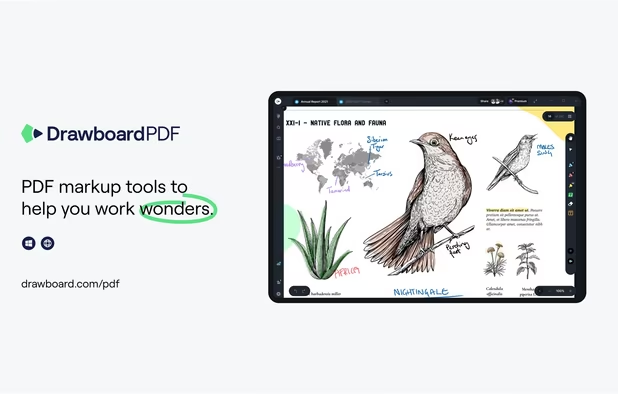
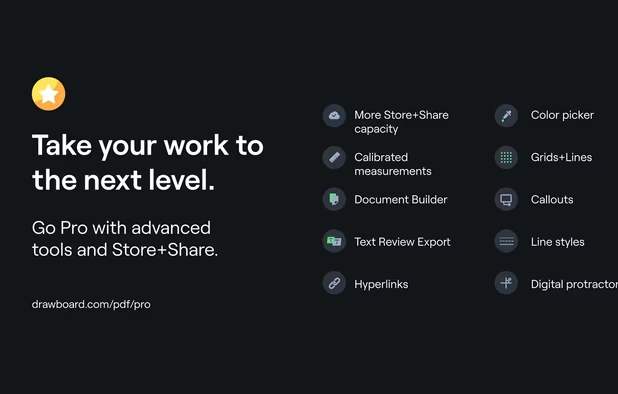
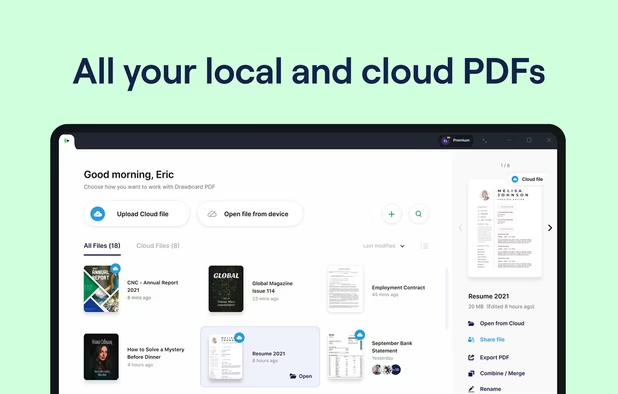
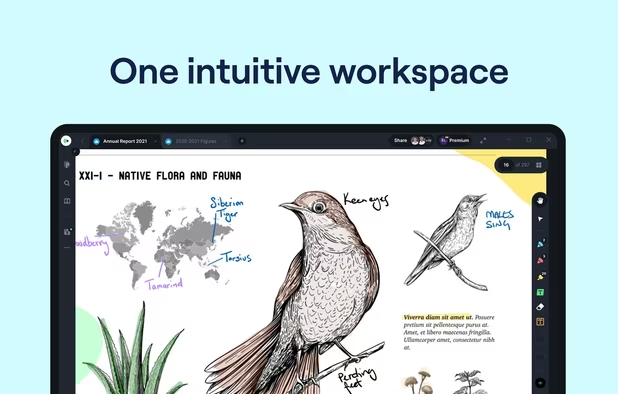
    The top AEC PDF app to markup and manage drawings and documents. Ideal for replacing pen and paper, avoid printing documents again by using our intuitive feature set that makes marking up a PDF easy. Open or create a new PDF, markup using our extensive array of tools, then save...

    71 Drawboard PDF alternatives

    Cost / License

    • Freemium
    • Proprietary

    Application types

    Platforms

    • Mac
    • Windows
    • Online
    • Android
    • iPhone
    • iPad
    • Android Tablet
     
12 of 41 Adobe Acrobat Reader alternatives