Adobe Acrobat Reader AlternativesOnly apps categorised as PDF Editors

The best PDF Editor alternative to Adobe Acrobat Reader is Okular, which is both free and Open Source. If that doesn't suit you, our users have ranked more than 100 alternatives to Adobe Acrobat Reader and loads of them are PDF Editors so hopefully you can find a suitable replacement. Other interesting PDF Editor alternatives to Adobe Acrobat Reader are Foxit PDF Reader, Xournal++, PDFgear and Stirling PDF.

filter to find the best alternatives

Adobe Acrobat Reader alternatives are mainly PDF Editors, but if you're looking for PDF Readers or Text to Speech Services you can filter on that. Other popular filters include PDF Editor, Open Source, Android, Windows, Free, Linux and Mac. You can also filter by region, for example EU-based alternatives if you prefer software developed in the European Union. These are just examples - use the filter bar below to find more specific alternatives to Adobe Acrobat Reader.
Copy a direct link to this comment to your clipboard
Get a badge for your siteAdobe Acrobat Reader alternatives page was last updated

Alternatives list

  1. Okular icon
     510 likes

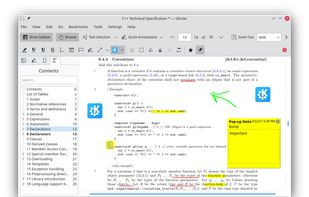
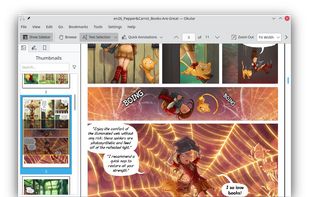
    Multi-platform document viewer supporting PDF, ePub, comics, images, and Markdown with annotation, digital signature verification, tabbed interface, sidebar navigation, text selection, text-to-speech, magnifier, search, dark mode, and plugin support.

    132 Okular alternatives

    Cost / License

    Application types

    Platforms

    • Windows
    • Linux
    • BSD
    • KDE Plasma
    • Snapcraft
    • Linux Mobile
    • Flathub
    • Haiku
     
    |
    12
    Okular vs Adobe Acrobat Reader Comments
    Top Positive Comment
    karlossss1996
    4

    It's very fast free pdf reader with some useful editing functions.

    Top Negative Comment
    Guest
    1

    There's no form filling tools

    bam121944
    Positive
    0

    I like to manage pdfs as well as read them

    3 of 12 comments
    • Okular is Free and Open SourceAdobe Acrobat Reader is Freemium and Proprietary
    • Okular is Privacy focusedAdobe Acrobat Reader is not according to our users
  2. Foxit PDF Reader icon
     1384 likes

    Foxit Reader offers a lightweight PDF viewing experience across multiple platforms with features such as annotation, form filling, signing, cloud storage integration, collaborative review options, heightened security via Trust Manager, and organizational tools like Group Policy and XML Configuration.

    147 Foxit PDF Reader alternatives

    Cost / License

    • Free Personal
    • Proprietary

    Application types

    Alerts

    • Bundleware

    Platforms

    • Mac
    • Windows
    • ReactOS
     
    |
    14
    Bundleware

    The installer tries to install McAfee WebAdvisor and PhantomPDF Business. These can be skipped by clicking Decline on each.

    Foxit PDF Reader vs Adobe Acrobat Reader Comments
    Top Positive Comment
    Guest
    4

    This one has the ability to mark PDFs for highlighting books and etc.

    beng tang
    Positive
    1

    In Linux Mint, Foxit is better than Adobe Reader. The version of Adobe Reader for Linux is very old and out of date (and thus may be a security risk) and does not support annotating / commenting on PDF files. Foxit supports commenting / annotating very well with a lot of tools to do various types of anotations. It also opens and displays PDF files very well. So Foxit is not only an alternative to, but better than Adobe, in Linux at least.

    Guest
    Positive
    1

    Better than SumatraPDF because of Form field.

    3 of 14 comments
    • Foxit PDF Reader is Free Personal and ProprietaryAdobe Acrobat Reader is Freemium and Proprietary
  3. Xournal++ icon
     199 likes

    Handwritten note-taking and PDF annotation using pen input and pressure sensitivity, shape drawing, customizable toolbar layouts, image insertion, audio recording, multi-language options, LaTeX integration, and complete export in PDF or PNG formats across all platforms.

    72 Xournal++ alternatives

    Cost / License

    Application types

    Platforms

    • Mac
    • Windows
    • Linux
    • Snapcraft
    • Flathub
     
  4. PDFgear icon
     74 likes

    Read, edit, convert, merge, and sign PDF files across devices, for completely free and without signing up.

    87 PDFgear alternatives

    Cost / License

    • Free
    • Proprietary

    Application types

    Platforms

    • Mac
    • Windows
    • Online
    • Android
    • iPhone
    • Android Tablet
    • iPad
     
    |
    1
    PDFgear vs Adobe Acrobat Reader Comments
    malcmerlyn
    Negative
    0

    Doesn't show my RPG PDF bookmarks

    • PDFgear is Free and ProprietaryAdobe Acrobat Reader is Freemium and Proprietary
  5. Stirling PDF icon
     65 likes

    Locally hosted web application offering an interactive GUI to merge, split, reorganize, convert, compress, watermark, secure, sign, flatten, repair, extract images, detect blanks, apply OCR, set permissions, and enable file processing or API integration for PDFs.

    126 Stirling PDF alternatives

    Cost / License

    • Freemium
    • Open Source

    Application types

    Platforms

    • Mac
    • Windows
    • Online
    • Self-Hosted
    • Cloudron
    • Docker Hub
     
  6. Xodo icon
     72 likes

    Xodo is the ultimate cross-platform PDF viewer and annotator. Powerful, fast, and optimized for all phones and tablets, Xodo makes it easy to access, edit, share, sync, manage, sign, and more.

    134 Xodo alternatives

    Cost / License

    • Paid
    • Proprietary

    Application types

    Platforms

    • Windows
    • Online
    • Android
    • iPhone
    • Chrome OS
    • Android Tablet
    • iPad
    • Google Chrome
     
    |
    5
    Xodo vs Adobe Acrobat Reader Comments
    Top Positive Comment
    malcmerlyn
    1

    Contrary to what has been written by guest, the app isn't totally free anymore. You should pay a subscription for several features like exporting non-watermarked PDF to your drive service

    Steven
    Positive
    0

    It's a free pdf viewer/editior that has all the features that most people use Adobe Reader for. More stable. More secure. The interface feels cleaner to me.

    Guest
    Positive
    -2

    Completely free, clutter-free interface, and easy to use.

    3 of 5 comments
    • Xodo is Paid and ProprietaryAdobe Acrobat Reader is Freemium and Proprietary
  7. Optical recognition software boasting unmatched text accuracy converts scanned documents to editable Word, Excel, or searchable PDFs while preserving layout. Supports 190 languages, simplifies processes with automated tasks, and includes PDF editing tools.

    103 ABBYY FineReader PDF alternatives

    Cost / License

    • Paid
    • Proprietary

    Application type

    Platforms

    • Mac
    • Windows
    • iPhone
    • iPad
     
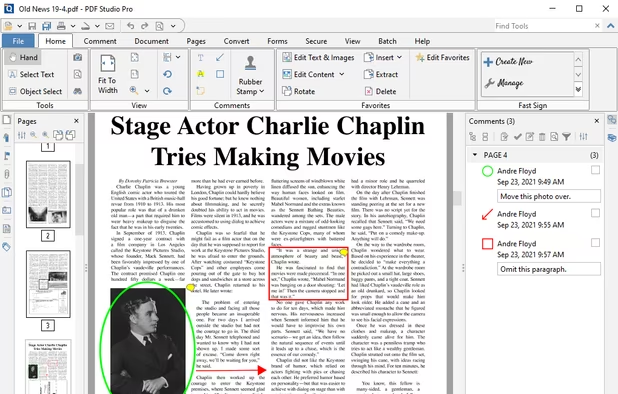
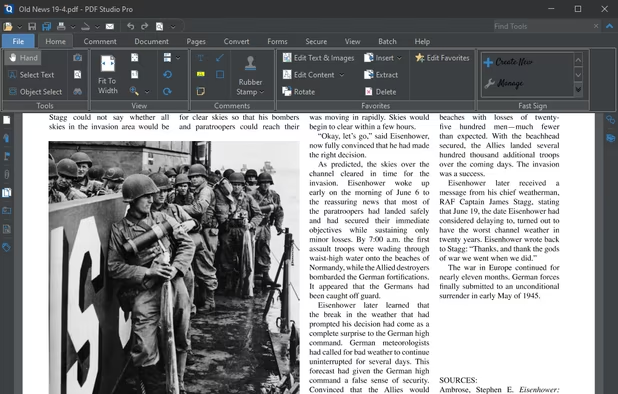
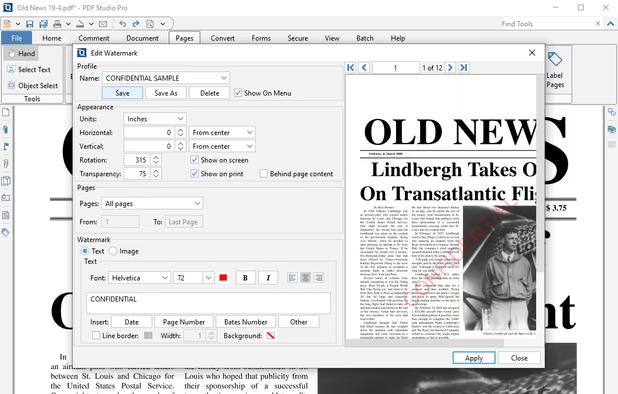
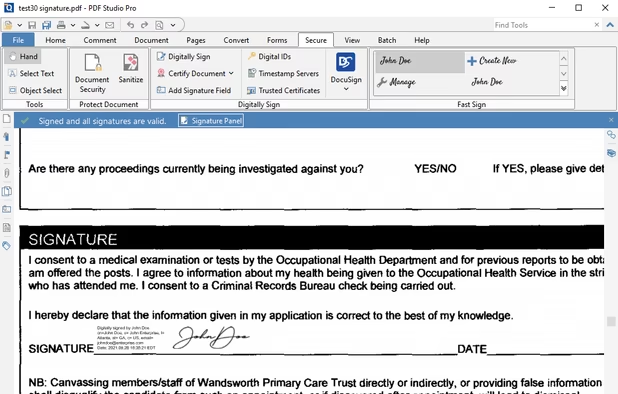
  8. Create, Convert, Review and Edit PDF Documents on Windows, macOS, and Linux.

    193 Qoppa PDF Studio alternatives

    Cost / License

    • Paid
    • Proprietary

    Application types

    Platforms

    • Mac
    • Windows
    • Linux
    • Chrome OS
     
    |
    1
    Qoppa PDF Studio vs Adobe Acrobat Reader Comments
    Guest
    Positive
    0

    it has ability to paste highlighted text in comment automatically like adobe acrobate pro or foxit pdf reader.

    • Qoppa PDF Studio is Paid and ProprietaryAdobe Acrobat Reader is Freemium and Proprietary
  9. Drawboard PDF icon
     15 likes

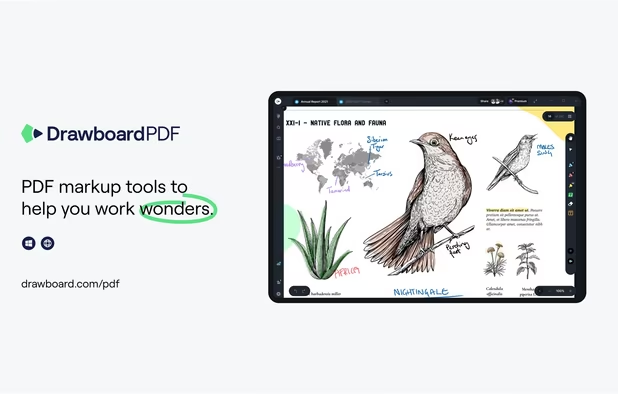
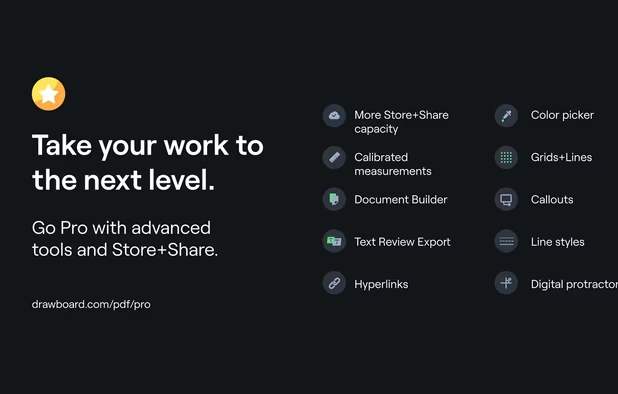
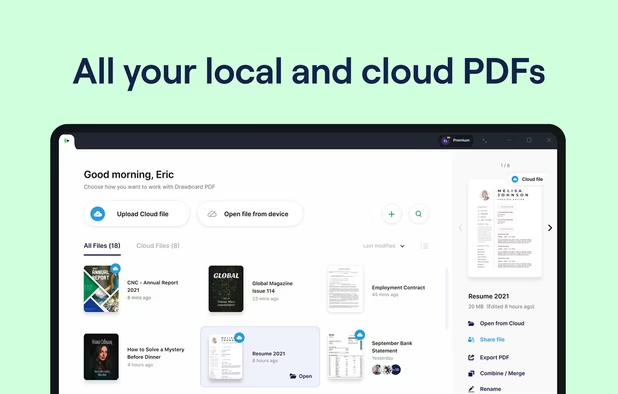
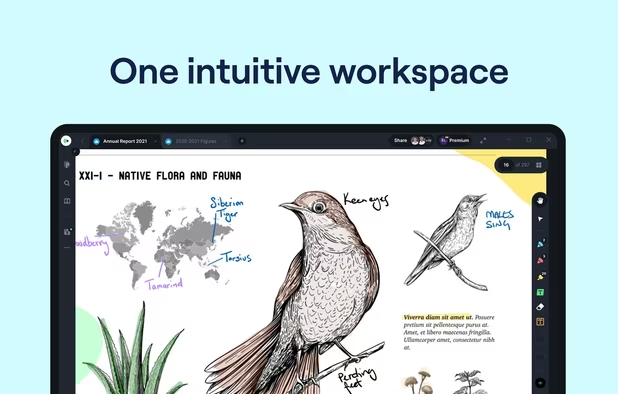
    The top AEC PDF app to markup and manage drawings and documents. Ideal for replacing pen and paper, avoid printing documents again by using our intuitive feature set that makes marking up a PDF easy. Open or create a new PDF, markup using our extensive array of tools, then save...

    74 Drawboard PDF alternatives

    Cost / License

    • Freemium
    • Proprietary

    Application types

    Platforms

    • Mac
    • Windows
    • Online
    • Android
    • iPhone
    • iPad
    • Android Tablet
     
  10. PdfDing icon
     6 likes

    PdfDing is a browser based PDF manager, viewer and editor that you can host yourself. It offers a seamless user experience on multiple devices. It's designed be to be minimal, fast, and easy to set up using Docker.

    Cost / License

    Application types

    Platforms

    • Online
    • Kubernetes
    • Docker
     
  11. Corel PDF Fusion is the all-in-one PDF toolkit: Powerful PDF Creation Software; Versatile PDF viewer; Supports 100+ file formats; Easy PDF creation; Save files to PDF, XPS and DOC formats. Boost your productivity with Corel PDF Fusion, an all-in-one PDF creator that lets you...

    Cost / License

    • Paid
    • Proprietary

    Application types

    Platforms

    • Windows
     
  12. Kami icon
     17 likes

    Cloud-based PDF viewer and annotation tool for your browser. Perfect for Chromebook 1:1 schools. View, export, print and share your PDF files straight from your browser. Kami works on all browsers and works best with Google Chrome.

    95 Kami alternatives

    Cost / License

    • Freemium
    • Proprietary

    Application types

    Platforms

    • Online
    • Google Chrome
     
12 of 59 Adobe Acrobat Reader alternatives