Adobe Acrobat Reader AlternativesOnly apps categorised as Text to Speech Services

The best Text to Speech alternative to Adobe Acrobat Reader is SumatraPDF, which is both free and Open Source. If that doesn't suit you, our users have ranked more than 100 alternatives to Adobe Acrobat Reader and 11 are Text to Speech Services so hopefully you can find a suitable replacement. Other interesting Text to Speech Service alternatives to Adobe Acrobat Reader are Okular, Foxit PDF Reader, PDFgear and Qoppa PDF Studio.

filter to find the best alternatives

Adobe Acrobat Reader alternatives are mainly PDF Readers, but if you're looking for Text to Speech Services or PDF Editors you can filter on that. Other popular filters include Open Source, Windows, Linux, Android, Free, Windows + Open Source and PDF Editor. You can also filter by region, for example EU-based alternatives if you prefer software developed in the European Union. These are just examples - use the filter bar below to find more specific alternatives to Adobe Acrobat Reader.
Copy a direct link to this comment to your clipboard
Adobe Acrobat Reader alternatives page was last updated

Alternatives list

  1. SumatraPDF icon
     1671 likes

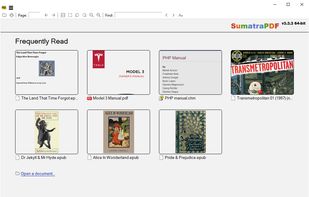
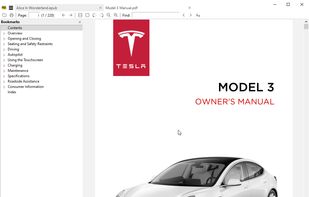
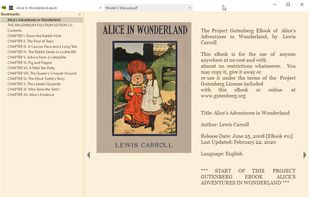
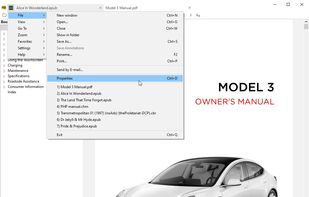
    This free, open-source viewer for Windows supports multiple formats like PDF, eBooks (ePub, Mobi), CHM, and Comic Books (CBZ, CBR). Prioritizing simplicity and speed, it offers a lightweight, portable design with a minimalist interface, catering to users seeking fast and efficient document viewing.

    113 SumatraPDF alternatives

    Cost / License

    Application types

    Platforms

    • Windows
     
    |
    36
    SumatraPDF vs Adobe Acrobat Reader Comments
    Top Positive Comment
    Atoshi
    13

    It's nowhere as vulnerable to attacks as Adobe Reader, doesn't execute embedded JS, and renders documents blazingly fast

    Top Negative Comment
    Guest
    47

    Sumatra does not support editing forms and adding annotations.

    Review by a new / low-activity user.
    Ramzi M
    Positive
    0

    For me it is the best alternative to Acrobat Reader. Very light no fuss software that allows you to work on PDF files.

    3 of 36 comments
    • SumatraPDF is Free and Open SourceAdobe Acrobat Reader is Freemium and Proprietary
    • SumatraPDF is Privacy focusedAdobe Acrobat Reader is not according to our users
  2. Okular icon
     486 likes

    Multi-platform document viewer offering extensive format support, including PDF, comics, images, EPUB, and Markdown, with annotation tools, sidebar previews, text-to-speech, DRM management, cross-platform compatibility, and integration with KDE Frameworks libraries.

    115 Okular alternatives

    Cost / License

    Application types

    Platforms

    • Windows
    • Linux
    • BSD
    • KDE Plasma
    • Snapcraft
    • Linux Mobile
    • Flathub
    • Haiku
     
    |
    12
    Okular vs Adobe Acrobat Reader Comments
    Top Positive Comment
    karlossss1996
    4

    It's very fast free pdf reader with some useful editing functions.

    Top Negative Comment
    Notiz_Me
    1

    Doesn't have the ability to print in booklet format.

    bam121944
    Positive
    0

    I like to manage pdfs as well as read them

    3 of 12 comments
    • Okular is Free and Open SourceAdobe Acrobat Reader is Freemium and Proprietary
    • Okular is Privacy focusedAdobe Acrobat Reader is not according to our users
  3. Foxit PDF Reader icon
     1379 likes

    Foxit Reader offers a lightweight PDF viewing experience across multiple platforms with features such as annotation, form filling, signing, cloud storage integration, collaborative review options, heightened security via Trust Manager, and organizational tools like Group Policy and XML Configuration.

    125 Foxit PDF Reader alternatives

    Cost / License

    • Free Personal
    • Proprietary

    Application types

    Alerts

    • Bundleware

    Platforms

    • Mac
    • Windows
    • ReactOS
     
    |
    14
    Foxit PDF Reader vs Adobe Acrobat Reader Comments
    Top Positive Comment
    Guest
    4

    This one has the ability to mark PDFs for highlighting books and etc.

    Review by a new / low-activity user.
    beng tang
    Positive
    1

    In Linux Mint, Foxit is better than Adobe Reader. The version of Adobe Reader for Linux is very old and out of date (and thus may be a security risk) and does not support annotating / commenting on PDF files. Foxit supports commenting / annotating very well with a lot of tools to do various types of anotations. It also opens and displays PDF files very well. So Foxit is not only an alternative to, but better than Adobe, in Linux at least.

    Guest
    Positive
    1

    Better than SumatraPDF because of Form field.

    Review by a new / low-activity user.
    3 of 14 comments
    • Foxit PDF Reader is Free Personal and ProprietaryAdobe Acrobat Reader is Freemium and Proprietary
  4. PDFgear icon
     59 likes

    Read, edit, convert, merge, and sign PDF files across devices, for completely free and without signing up.

    51 PDFgear alternatives

    Cost / License

    • Free
    • Proprietary

    Application types

    Platforms

    • Mac
    • Windows
    • Online
    • Android
    • iPhone
    • Android Tablet
    • iPad
     
    |
    1
    PDFgear vs Adobe Acrobat Reader Comments
    malcmerlyn
    Negative
    0

    Doesn't show my RPG PDF bookmarks

    • PDFgear is Free and ProprietaryAdobe Acrobat Reader is Freemium and Proprietary
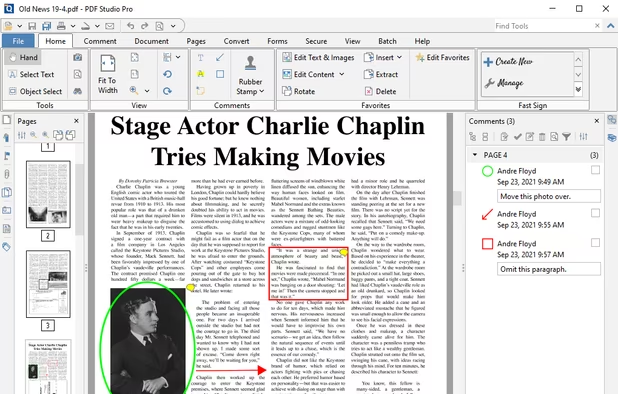
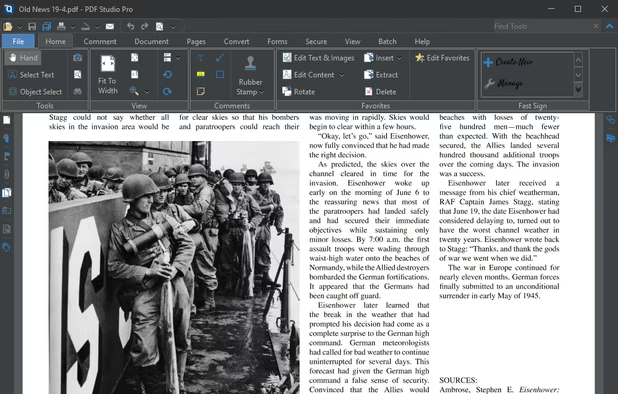
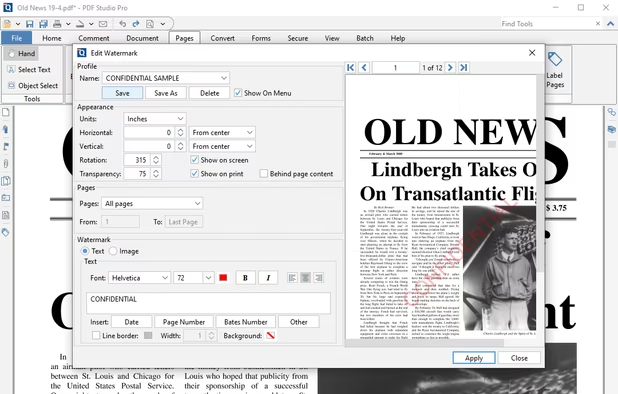
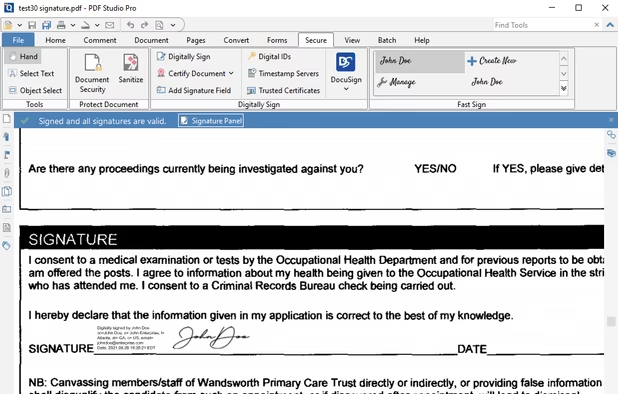
  5. Create, Convert, Review and Edit PDF Documents on Windows, macOS, and Linux.

    Cost / License

    • Paid
    • Proprietary

    Application types

    Platforms

    • Mac
    • Windows
    • Linux
    • Chrome OS
     
    |
    1
    Qoppa PDF Studio vs Adobe Acrobat Reader Comments
    Guest
    Positive
    0

    it has ability to paste highlighted text in comment automatically like adobe acrobate pro or foxit pdf reader.

    Review by a new / low-activity user.
    • Qoppa PDF Studio is Paid and ProprietaryAdobe Acrobat Reader is Freemium and Proprietary
  6. Papers icon
     12 likes

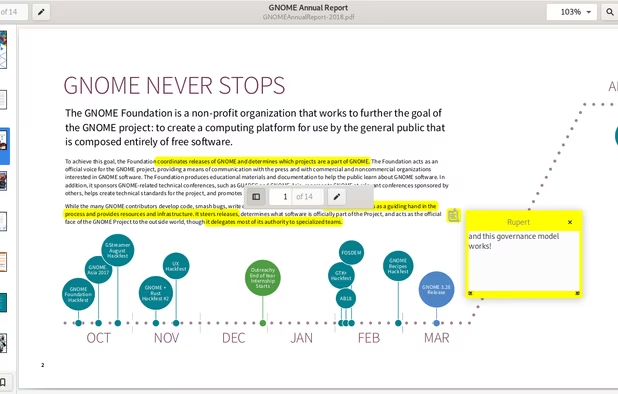
    A document viewer for the GNOME desktop. You can view, search or annotate documents in many different formats.

    Cost / License

    Application types

    Platforms

    • Linux
    • Flathub
    • GNOME
    • Flatpak
     
  7. Besides exceptionally fast launching and displaying speed, Gaaiho Reader is reliable in printing, filling forms annotating documents and adding bookmarks.

    Cost / License

    • Paid
    • Proprietary

    Application types

    Platforms

    • Windows
    • Android
    • iPhone
    • Android Tablet
    • iPad
    • Mac
     
    |
    1
    Right PDF Reader vs Adobe Acrobat Reader Comments
    Guest
    Positive
    0

    Can select text directly and annotate it.

    Review by a new / low-activity user.
    • Right PDF Reader is Paid and ProprietaryAdobe Acrobat Reader is Freemium and Proprietary
  8. Atril icon
     15 likes

    Atril is a simple multi-page document viewer. It can display and print PostScript (PS), Encapsulated PostScript (EPS), DJVU, DVI, XPS and Portable Document Format (PDF) files. When supported by the document, it also allows searching for text, copying text to the clipboard...

    Cost / License

    • Free
    • Open Source

    Application types

    Platforms

    • Linux
    • BSD
     
  9. PDF4QT icon
     8 likes

    Open-source PDF viewer and editor using Qt framework, featuring hardware-accelerated rendering, encryption, multithreading, text-to-speech, annotation tools, form filling, high-res monitor support, document compression, audio book conversion, and signature validation.

    103 PDF4QT alternatives

    Cost / License

    • Free
    • Open Source (MIT)

    Application types

    Platforms

    • Windows
    • Linux
    • Flathub
     
  10. ezPDF Reader icon
     13 likes

    ezPDF Reader is a PDF viewer with some powerful features such as TTS (Text-to-Speech), annotations and PDF forms.

    Cost / License

    • Paid
    • Proprietary

    Application types

    Platforms

    • Android
    • iPhone
     
11 of 11 Adobe Acrobat Reader alternatives