Cost / License
- Freemium
- Open Source
Application type
Platforms
- iPhone
- iPad
- Mac



Li
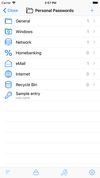
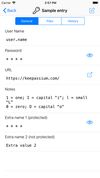
LinuxDoge’s noteKeepass App for iOS (only standard 3 supported!)


Some essential high Threatmodel privacy apps for Android, and some recommendations.
Following: Vanadium, Sentry, Duress,
Keepass App for iOS (only standard 3 supported!)

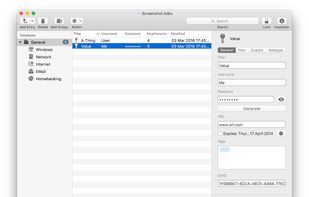
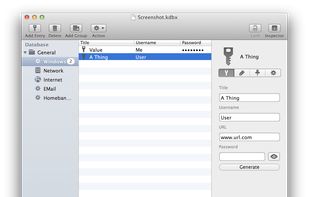
Native Keepass App for MacOS
The only transparent and private Operating Systems are Open source, so they are Linux, BSD, Android-based Desktops, ... not Windows or macOS, even though they say they are secure.
High security: Tails, QubesOS + Whonix
Normal security: Any common Linux Distribution with good Apps and some Hardening (Ubuntu, Fedora, Debian, SUSE, Manjaro, Arch, Deepin, ...)

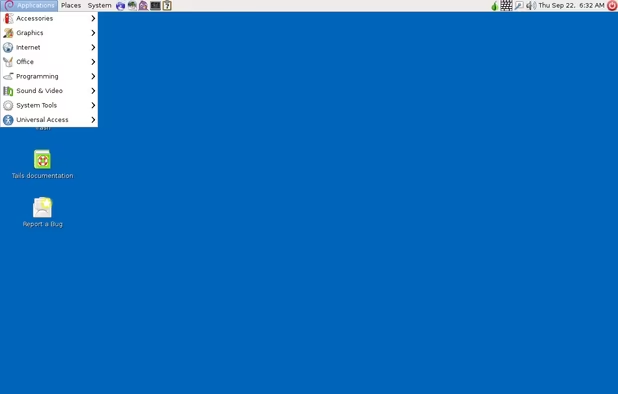
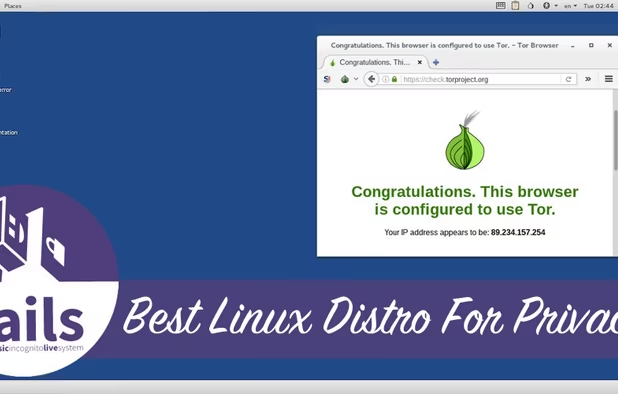
Tails is a Debian based live CD/USB with the goal of providing complete Internet anonymity for the user.
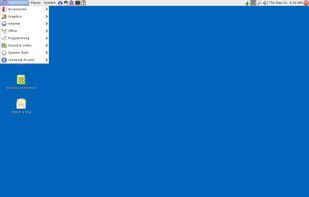
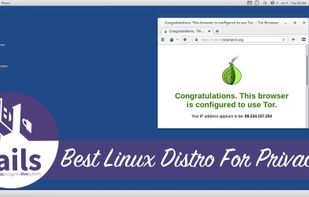
Number 1, excellent privacy, security, anonymity

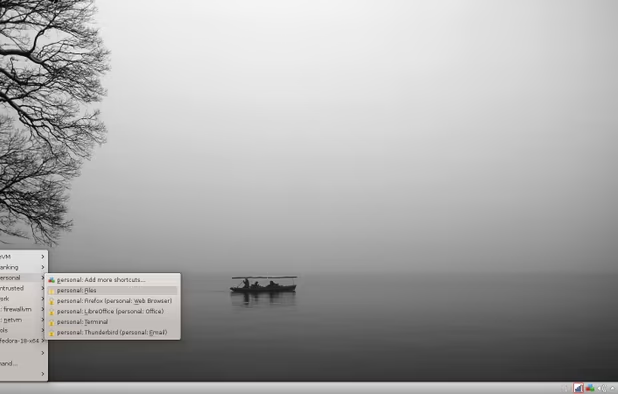
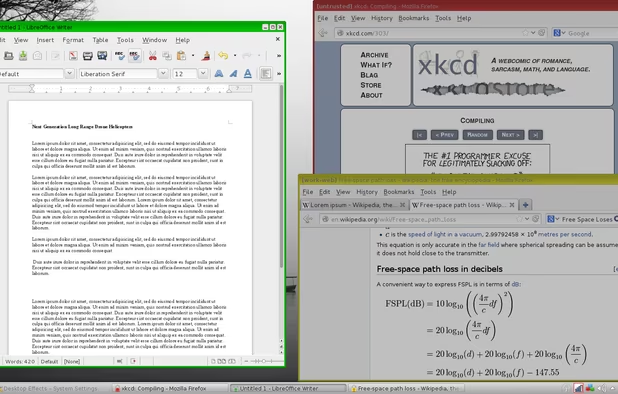
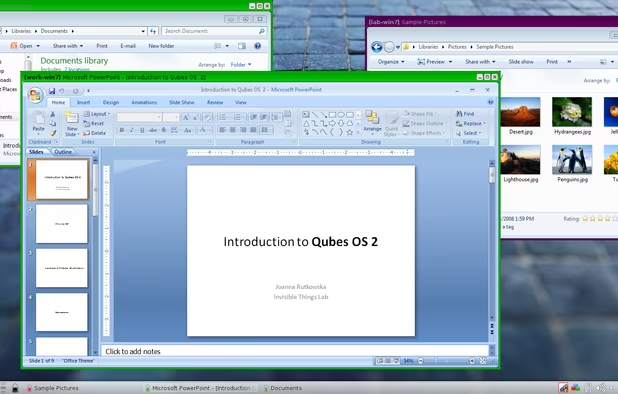
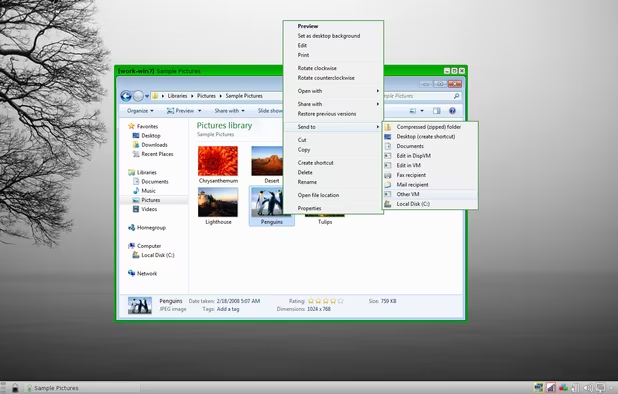
Qubes is an open source operating system designed to provide strong security for desktop computing.
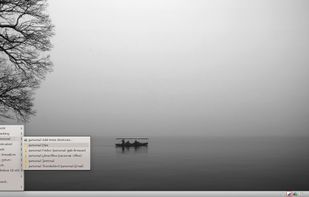

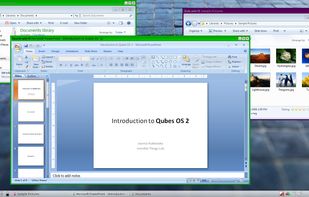

Complex and very secure, based on containerizing everything to not leak any data

Whonix is a desktop operating system designed for advanced security and privacy. Whonix mitigates the threat of common attack vectors while maintaining usability. Online anonymity is realized via fail-safe, automatic, and desktop-wide use of the Tor network.

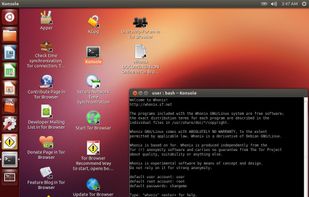
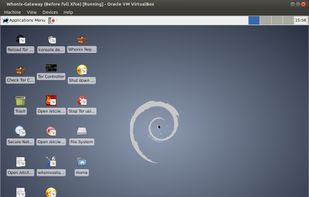
integrated into QubesOS, can be run as a VM on other OSses too. Consists of 2 virtual machines, the Gateway, that only channels outgoing traffic to the Tor network, and the main virtual machine with all the data. They dont know anything more about each other, for security reasons.

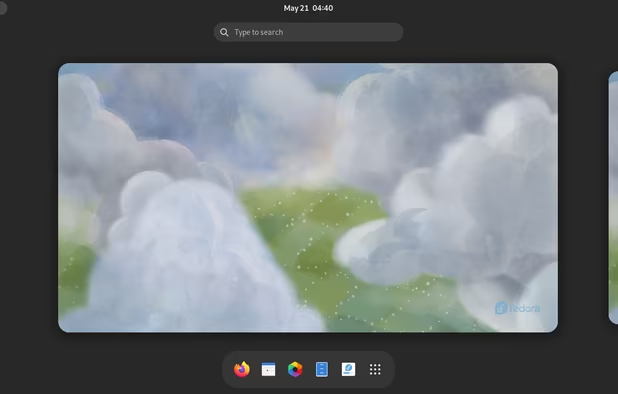
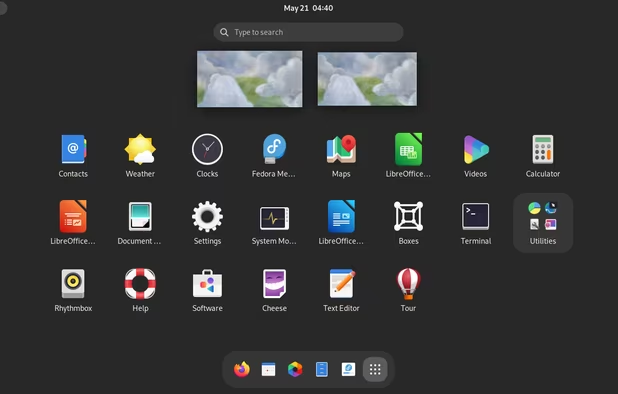
Fedora creates an innovative, free, and open source platform for hardware, clouds, and containers that enables software developers and community members to build tailored solutions for their users.

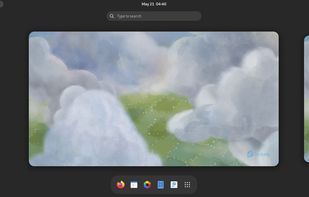
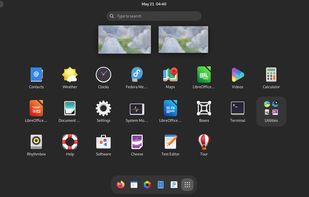
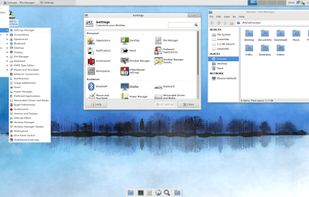
Lots of Variants, KDE, GNOME, Silverblue/Kionite are made for Flatpak use (Flatpaks are not yet ready to be called secure!), RockyLinux is also based on RedHatEnterprise Linux and replaces the former CentOS, which is more stable than fedora, no bugs, but older,

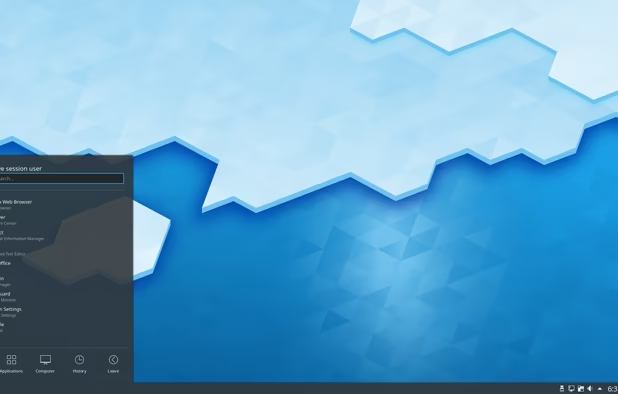
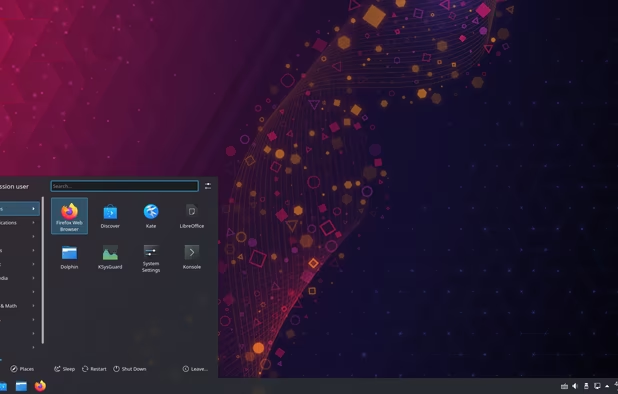
Kubuntu is an official "flavor" of  Ubuntu that uses the
  KDE Plasma desktop environment. This gives it a completely different look and feel.
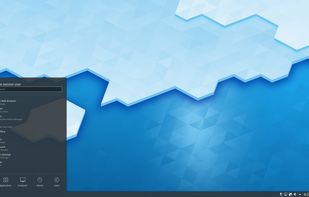
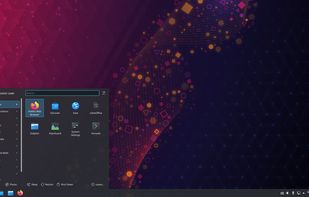
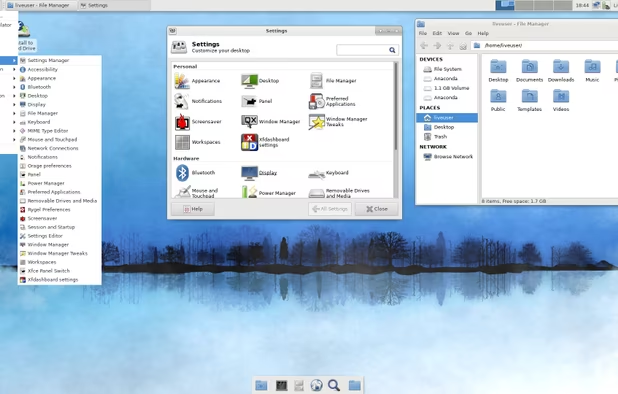
KDE, LXDE, XCFE, standard GNOME desktops, then there is Linux Mint, the parent Debian, KDE Neon, Vanilla Linux and more, all Debian or even Ubuntu based
GrapheneOS is the safest, it is optimized in many parts and the development focuses on security a lot. If you want to wipe your devices data on demand, it doesnt matter what custom OS you have, but it should be tracker-free.
If the Bootloader is unlocked, people can wipe and reinstall your device. Shouldnt be easier to get your data though.

GrapheneOS is a privacy and security focused mobile OS with Android app compatibility developed as a non-profit open source project. It's focused on the research and development of privacy and security technology including substantial improvements to sandboxing, exploit...
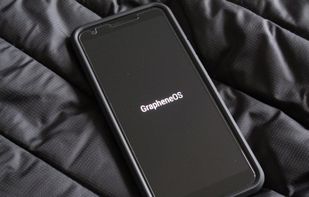
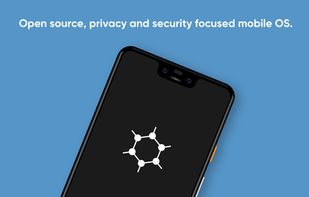
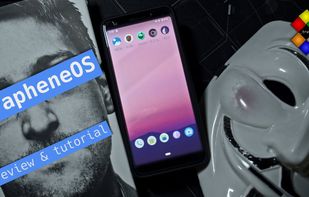
Place 1, most secure mobile OS available
Pro: very secure, relockable Bootloader, signed, hardened, lots of profiles, new updates (Android 13 currently)
Con: you need to fund a tracking company (Google), no customization
if you own a Pixel, get it! Installation is extremely easy (just 2 downloads and one klick on a script, if you dont use a Chromium-based Browser). Be careful about the security update span! https://grapheneos.org/faq#device-lifetime

Everyone needs a phone. Not everyone wants governments and corporations tracking their every move and spying on their communications. CalyxOS lets you have your cake and eat it too, with "Privacy by Design".
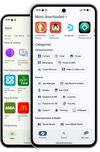
Place 2: Another AOSP fork, runs only on Pixel phones, less secure then GrapheneOS but more customizable. Relockable Bootloader.
Place 4: The most common custom ROM for Android, it is AOSP (Android Open Source Version) with minor additions. If you want fast network-based location, Google-services or Google-push, get "Lineage for microg".
Dont install Google apps as system apps onto it, if you should really need them, they can be installed as normal apps from the Playstore.
LineageOS is very customziable, but not very secure. The internet block for apps may be insecure. The Bootloader cant be locked, so anyone can wipe your device.

Resurrection Remix ROM is ultimately full featured, stable and combined with the best features of open source roms. We are also providing lot of awesome original Resurrection Remix ROM add-on s in the builds.
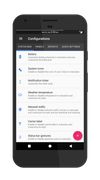
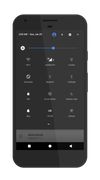
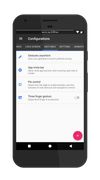
Another Android variant.
There are many tools you may use (a secure and private Browser!):
Desktop: Librewolf, Firefox (After configuration), Brave (after Configuration), Tor-Browser
Mobile: Mull, Bromite, Vanadium, Fennec, Tor-Browser
iOS: Firefox, Onion-Browser (they have to use Safaris engine though)

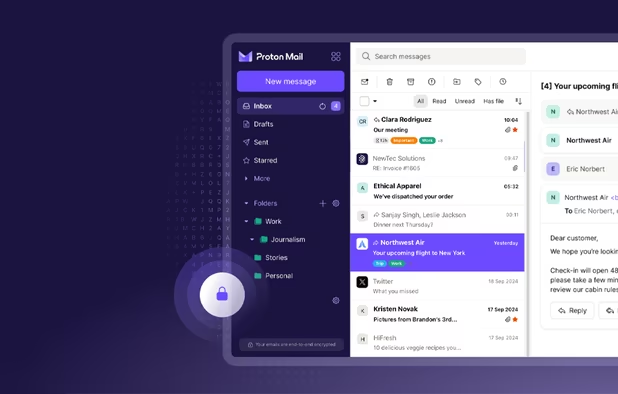
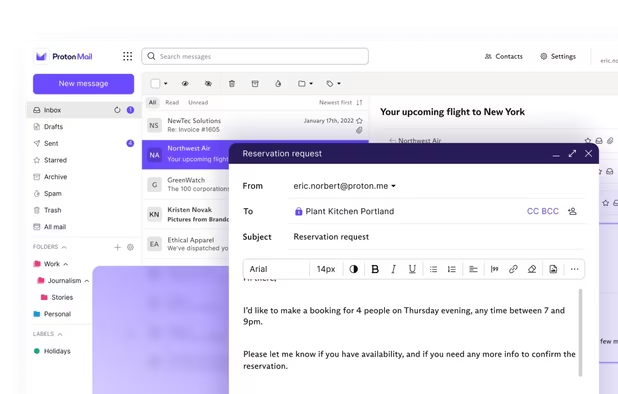
Secure Swiss-based email with end-to-end encryption and zero third-party access. Available across devices, offering a free version to promote privacy.
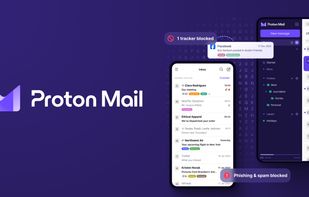
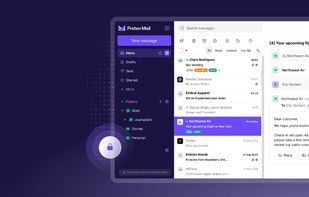
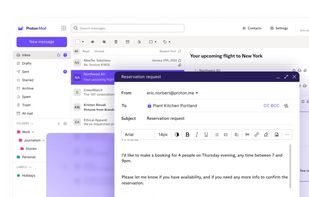

.onion adress, useful for creating a really secure (free) mail. Situated in switzerland. If you dont have to pay them, they cant know who you are.

E-mail inbox, online office, cloud storage, and video conferencing. Business or personal plans. From 1 € /month (1.10 USD).
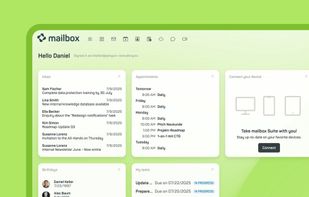
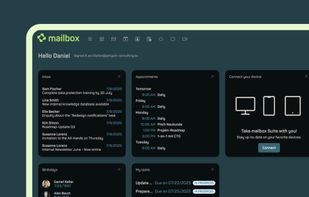
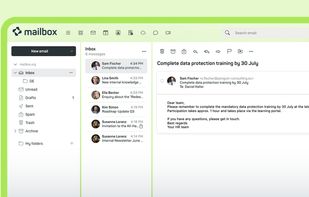
You can pay by cash, they are really focussed on privacy, transparency and security, situated in Germany though.

Riseup is an organization which provides online communication tools for people and groups working on liberatory social change. To create democratic alternatives & practice self-determination by controlling our own secure means of communications.

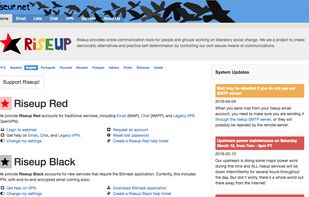

Mail provider, funded by Donations. In the USA though.

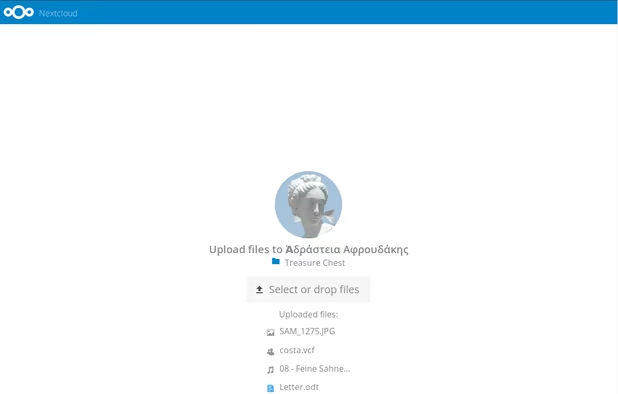
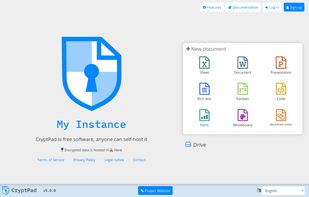
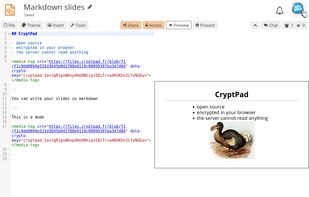
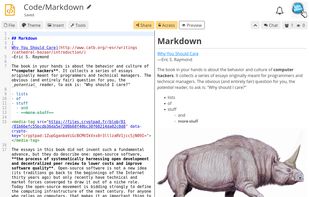
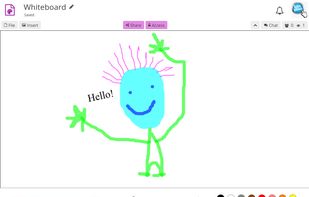
CryptPad is a private-by-design alternative to popular office tools and cloud services. All the content stored on CryptPad is encrypted before being sent, which means nobody can access your data unless you give them the keys.
This is less convenient as Nextcloud, but you dont havr to trust the server provider

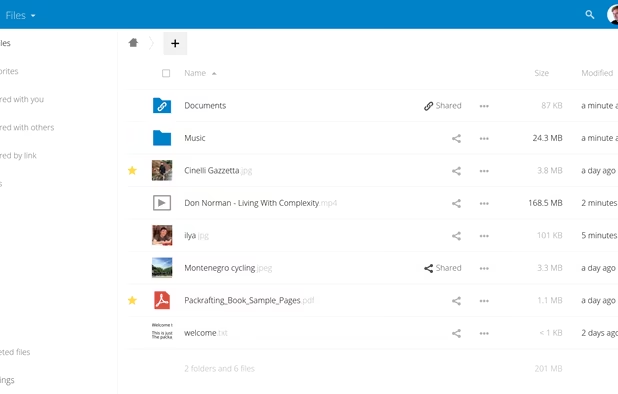
On-premises file sync, universal access, integrated collaboration, real-time communication with privacy and data control focus.
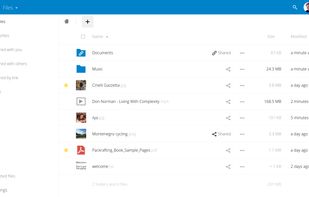
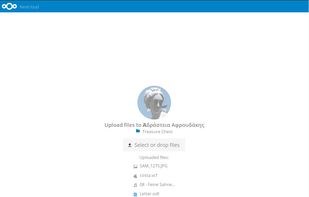
If you have your own, this is a really comfortable solution. Only secure on an encrypted server with panic-mode (auto turning off)

Free, open-source conferencing with end-to-end encryption, group chat, screen sharing, Etherpad integration, customizable setup, and privacy by default.
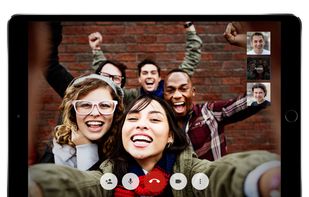


Another encrypted Videochat

BigBlueButton enables universities and colleges to deliver a high-quality learning experience to remote students.
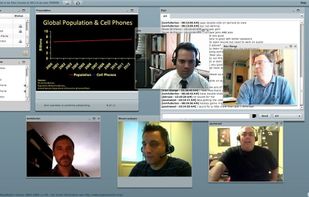
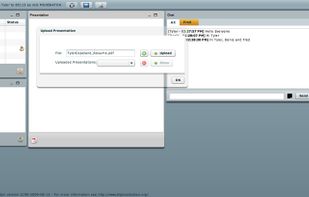
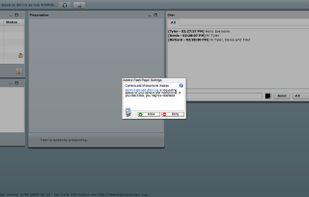
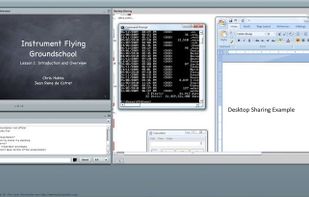
Encrypted Videochat

FlorisBoard is an open-source keyboard aimed at providing you with an easy way to type while respecting your privacy.



A customizable keyboard that has an integrated clipboard and the option to turn off user adaption at all. The keyboard can read everything you type, in every browser and messenger, so this is essential. Apps cant read the internal clipboard of Florisboard too, you have to activate it in the settings.

This protects your DNS queries from being snooped on by third parties when not connected to our VPN service as your DNS queries are encrypted between your device and our DNS server.
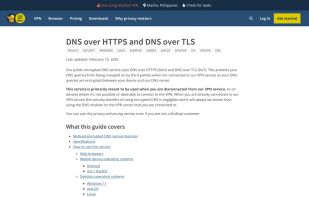
Configurable through your internet settings. DONT USE GOOGLES PRECONFIGURED DNS! This is also the case on LineageOS!
Otherwise every website you open will be processed by Google, of course this makes you transparent.

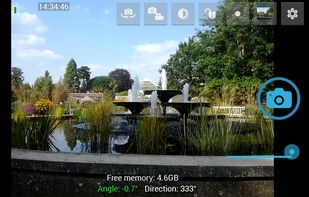
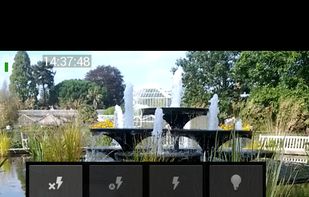
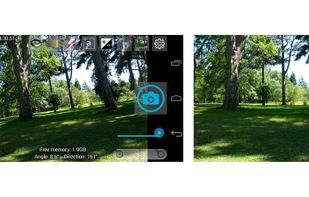
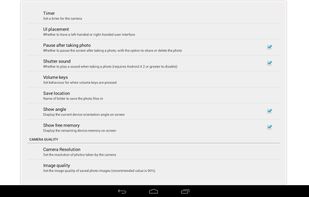
Extremely good Camera app, has a ton of features. You can configure GPS tag on images, but they still contain your device name so use it with Imagepipe / Scrambled Exif when sharing.
Firefox is the only common browser without a complete tracking company behind it. Prefer Firefox over Chromium-based ones, as Chromium breaks the liberty of the internet. In a dystopian future, if a site only works on Chromium, thats just how it is.

This project is a custom and independent version of Firefox, with the primary goals of privacy, security and user freedom.
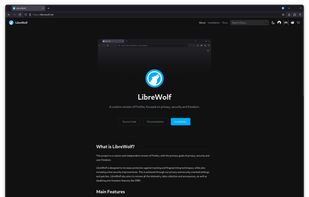
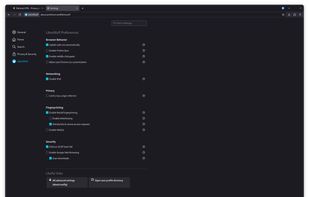
If you dont know how to harden Firefox, just take Librewolf. It works normally, but all the nessecary security changes are already added.

Open-source browser with Gecko engine, supporting HTML add-ons and providing privacy features like Enhanced Tracking Protection and third-party cookie blocking.
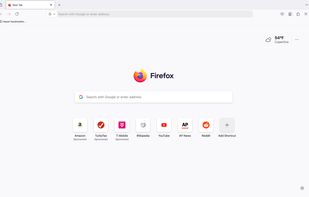
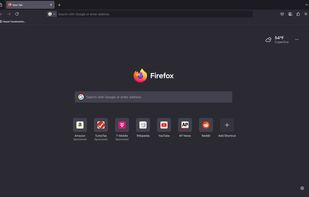
Fastest updates, and a good browser. Using the Arkenfox modifications and the Addon "NoScript", you can make it very secure. If you dont want to check changes and set settings manually, use Librewolf.

This is a privacy oriented and deblobbed web browser based on  Mozilla Firefox technology. It enables many features upstreamed by the
  Tor Uplift project using preferences from the arkenfox-user.js project.
Hardened Firefox mobile, very secure for what it can. Most private browser for mobile apart from Tor-browser, still pretty fast

The Tor software protects you by bouncing your communications around a distributed network of relays run by volunteers all around the world: it prevents somebody watching your Internet connection from learning what sites you visit, it prevents the sites you visit from learning...
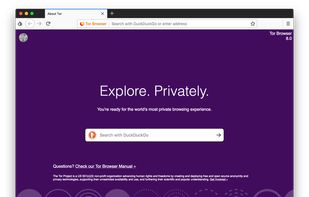
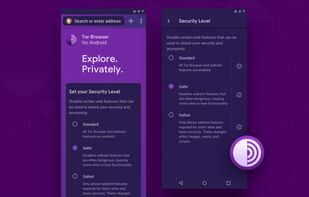
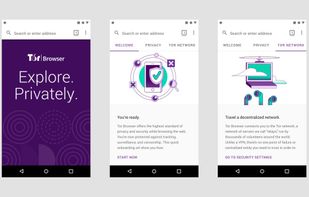
Desktop: Available for all Linux distributions, as a binary install and Flatpak. Integrated into Tails and Whonix.
For Android you get it from the Guardian projects repo through Droid-ify. It is limited to what hardening you can apply to Firefox mobile, not as secure as Tor for Desktop!

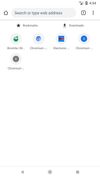
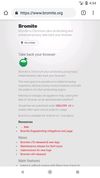
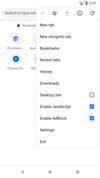
Based on Chromium, hardened for privacy. No addon support, no customizability, no expert configs, no custom search engines, but Tabs are isolated from each other, so it is more secure than Firefox mobile. Security vs. Privacy is the problem on Android at the moment.

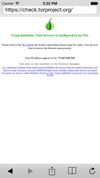
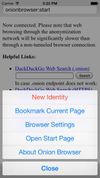
"Tor Browser" for iOS. The only one you should use, there are a lot of duplicates! Doesnt allow video and audio because of Apple insecuritites.

Protect your communication in transit and on your phone. Silence (formerly SMSSecure) is a full replacement for the default text messaging application: all messages are encrypted locally and messages to other Silence users are encrypted over the air.
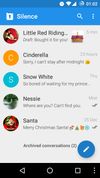
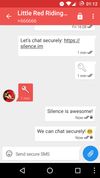
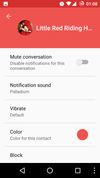
Send encrypted SMS like it was Signal! Only works on Android and if the partner uses the app too. A Fork of Signal, which supported that in the past. It got dropped, because SMS is not private at all, only the content is!

A secure collaboration app with end-to-end encryption and interoperability across web, desktop, and mobile. Includes chat, voice, and video calls.
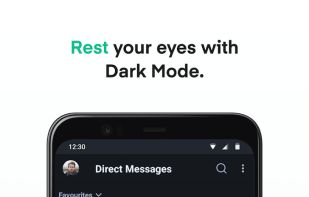
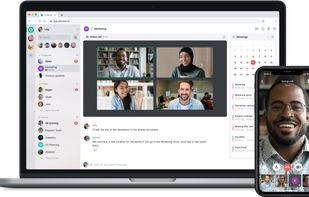
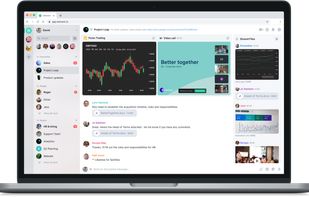
Very easy to use but powerful App for the Matrix protocol. Dont let it fool you, "matrix.org" is not "the Element server", there are hundreds, and you should choose one of them! https://joinmatrix.org/servers/

Censorship-resistant peer-to-peer messaging that bypasses centralized servers. Connect via Bluetooth, Wi-Fi or Tor, with privacy built-in.
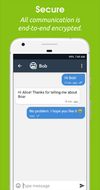
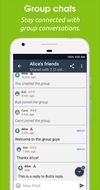
Awesome Messenger supporting Android and Linux (Flatpak). Works through Bluetooth too and has a lot of security features.

Decentralized messenger with end-to-end encryption, no registration, no tracking, metadata protection, secure file sharing, and multi-device syncing.


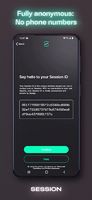
In theory very secure. At the moment you cant delete sent messages from the blockchain, so dont use it!

K-9 is an open source email client for Android with multi-folder sync, email signatures, Bcc-to-self, return-address configuration, keyboard shortcuts, Exchange Support, message flagging, IMAP deletes, saving attachments, configurable notifications and more.



Secure easy to use mail client that can use PGP (OpenKeyChain) for encryption and signing

OpenKeychain helps you communicate more privately and securely. It uses high-quality modern encryption to ensure that your messages can be read only by the people you send them to, others can send you messages that only you can read, and these messages can be digitally signed so...
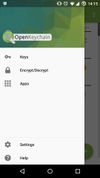
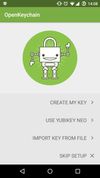
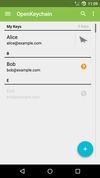
Easy to use PGP app. Import your private keys, encrypt and decrypt files and more.

KeePassDX is a material design KeePass client for managing keys and passwords in an encrypted database for your Android device.
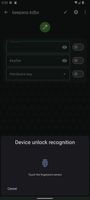
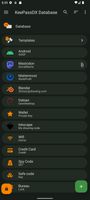
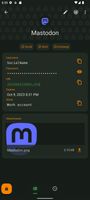
Keepass Password manager that even supports fingerprint and can fill out forms in most browsers. (Firefox based work). Very good interface. Allows easy strong password creation and management. You nedd a password manager!

DroidFS is an alternative way to use encrypted overlay filesystems on Android that uses its own internal file explorer instead of mounting virtual volumes. It currently works with gocryptfs and CryFS.
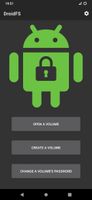
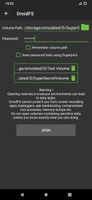
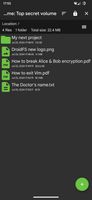
Very easy creation of an AES encrypted drive, that you open with a password and store wherever you want. Has an inbuilt camera, media viewer and more. Importing files or folders automatically asks to delete them on the unencrypted storage.

Cryptomator provides transparent, client-side encryption for your cloud. Protect your documents from unauthorized access. Cryptomator is free and open source software, so you can rest assured there are no backdoors.
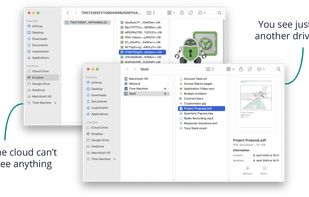
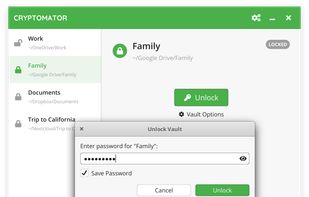
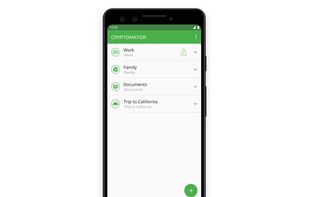
Encrypt your cloud backups. Theoretically allows usinf whatever provider you want as everything online is encrypted. Prefer an encrypted backup for double security though (like Mega)

Aegis Authenticator is a free, secure and open source app to manage your 2-step verification tokens for your online services.
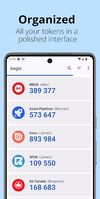
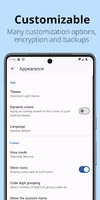
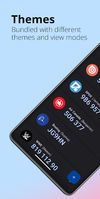
2FA, secured by a password, unlockable by fingerprint
Tools to hide you, your data, your traffic e.g. The best ones need root (or a custom Operating system) and may cause speed problems.

InviZible Pro uses  DNSCrypt Protocol, Tor and
  i2pd (I2P Daemon) (PurpleI2P) to achieve maximum security, privacy and comfortable use of the Internet.
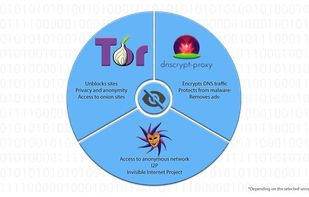

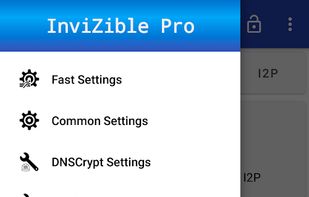

Like Orbot but way more complex. Allows DNSCrypt and I2P proxying too.
Orbot is a freely licensed open-source application developed for the Android platform. It acts as a front-end to the Tor binary application, and also provides an HTTP Proxy for connecting web browsers and other HTTP client applications into the Tor SOCKS interface.
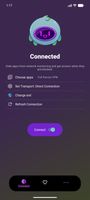
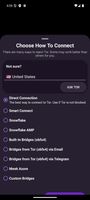
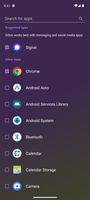
Channel apps traffic through the Tor proxy. Doesnt have much sense if you use tracking apps like Instagram or login to accounts.

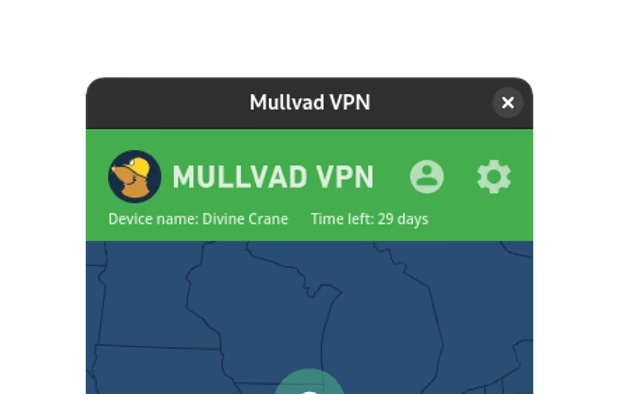
Free the internet from data collection with Mullvad VPN – a service that helps keep your online activity, identity, and location private. Only €5/month.

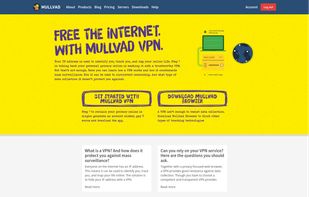
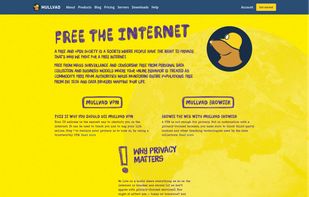
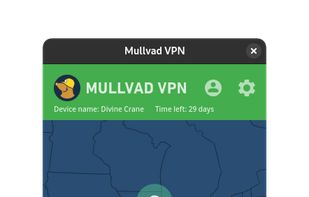
Most trustworthy VPN provider with Monero ability and no email or phone number requirement.
No comments so far, maybe you want to be first?