Apps with 'Schedule Backup' feature Page 3 of 5

All apps in Apps with 'Schedule Backup' feature category. Use the filters below to narrow down your search. 
Copy a direct link to this comment to your clipboard
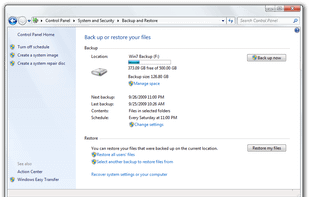
  1. Windows Backup and Restore (formerly Windows Backup and Restore Center) is a component of Microsoft Windows introduced in Windows Vista and included in later versions that allow users to create backups and restore from backups created earlier.

    Cost / License

    • Free
    • Proprietary

    Platforms

    • Windows
    Windows Backup and Restore screenshot 1
    Windows Backup and Restore screenshot 1
    34 alternatives
  2. SyncTime icon
     6 likes

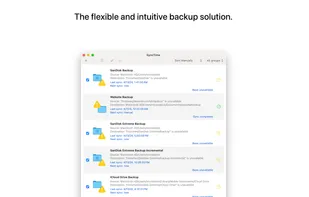
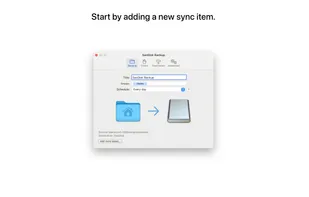
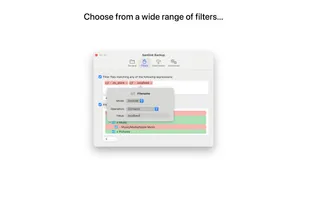
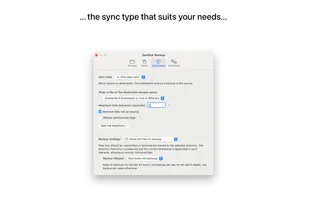
    SyncTime is the easy-to-use and flexible solution to synchronize your files. Keep all your backup copies up to date with the click of a button, with automated schedules, from the Shortcuts app or even via AppleScript.
    Cost / License

    • Paid
    • Proprietary

    Application type

    Platforms

    • Mac
    SyncTime screenshot 1
    SyncTime screenshot 1
    SyncTime screenshot 2
    +4
    SyncTime screenshot 3
    42 alternatives
  3. Backer icon
     4 likes

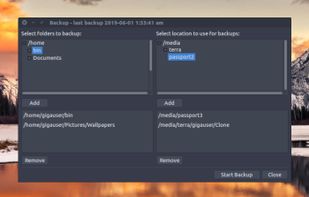
    Backer is a visual front end to the rsync command. It allows the user to select multiple folders and back them up to multiple locations. It stores your backup settings for you so that all your backups can be run easily using a single button click.
    Cost / License

    Platforms

    • Mac
    • Linux
    Backer screenshot 1
    142 alternatives
  4. Copywhiz icon
     51 likes

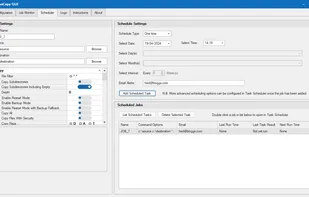
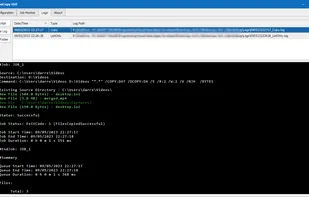
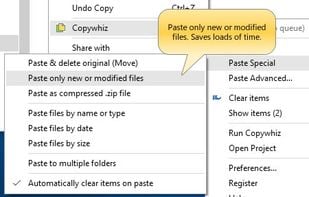
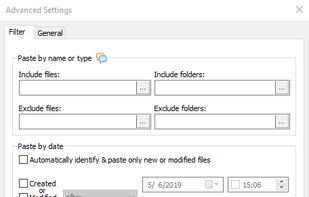
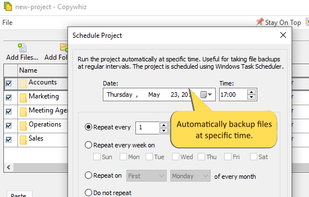
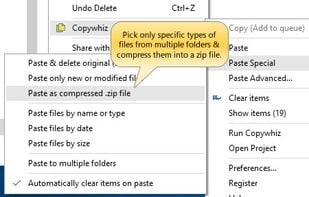
    Crazy & Smart File Copy Program for Windows that lets you have more control when copying files in Windows. Also automate complex tasks & save hours.

    Cost / License

    • Paid
    • Proprietary

    Application type

    Platforms

    • Windows
    Copywhiz screenshot 1
    Copywhiz screenshot 1
    Copywhiz screenshot 2
    +14
    Copywhiz screenshot 3
    74 alternatives
  5. File Specific Automatic BackUps

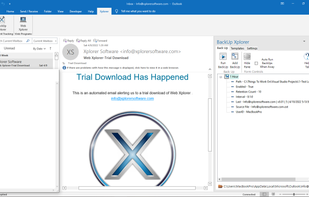
    BackUp Xplorer creates an environment where the user controls the frequency, location, and number of backups for each individual file.

    Works With: Excel | Word | PowerPoint | Publisher | Project.

    Cost / License

    • Paid
    • Proprietary

    Platforms

    • Windows
    • Microsoft Office Powerpoint
    • Microsoft Office Outlook
    • Microsoft Project
    • Microsoft Office Publisher
    • Microsoft Office Word
    • Microsoft Office Excel
    BackUp Xplorer In The Microsoft Outlook Task Pane
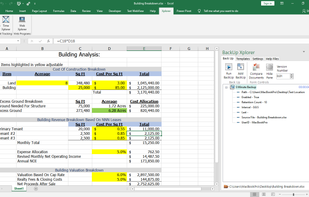
    BackUp Xplorer In The Microsoft Excel Task Pane
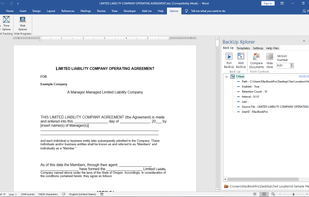
    BackUp Xplorer In The Microsoft Word Task Pane
    +4
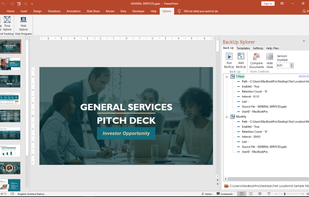
    BackUp Xplorer In The Microsoft PowerPoint Task Pane
    1 alternatives
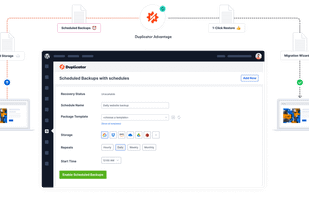
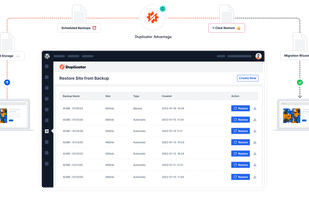
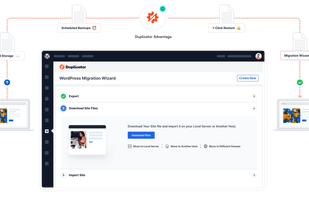
  6. Enables migration, backup, and cloning of WordPress sites between domains or hosts, supports zero downtime, easy site restoration, staging, and local development.

    Cost / License

    • Freemium
    • Open Source

    Platforms

    • Online
    • Self-Hosted
    • Wordpress
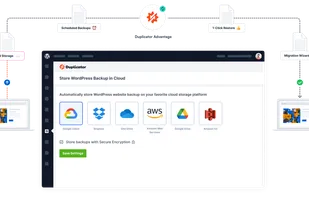
    Duplicator Pro screenshot 1
    Duplicator Pro screenshot 1
    Duplicator Pro screenshot 2
    +2
    Duplicator Pro screenshot 3
    12 alternatives
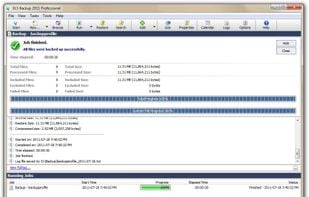
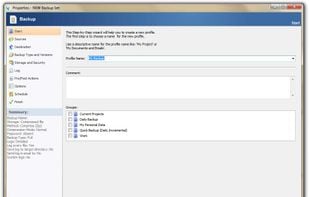
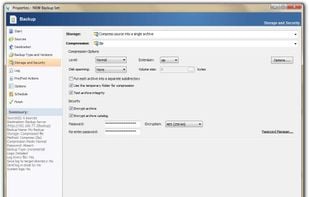
  7. KLS Backup icon
     5 likes

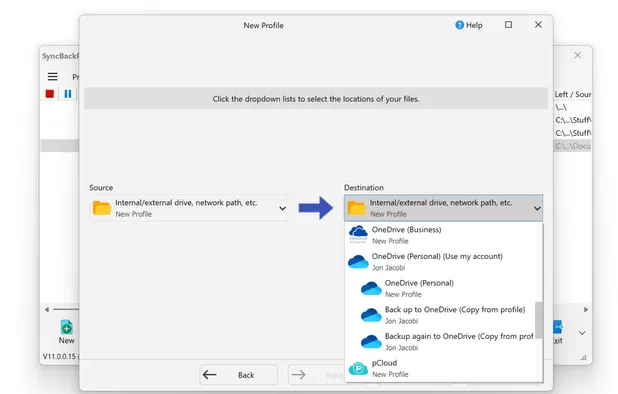
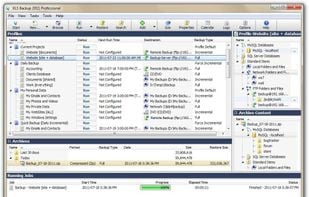
    KLS Backup - Powerful backup and synchronization program with FTP, WebDAV and cloud support (Windows Azure, Amazon S3, Eucalyptus Walrus)

    Cost / License

    • Paid
    • Proprietary

    Platforms

    • Windows
    Main Screen
    Backup Progress
    Profile Wizard - Start Screen
    +3
    Profile Wizard - Compression Screen
    97 alternatives
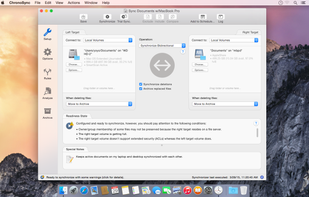
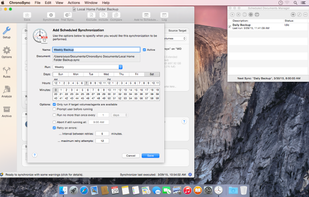
  8. ChronoSync icon
     38 likes

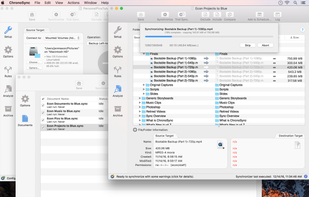
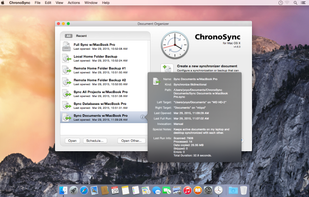
    ChronoSync can synchronize, backup, and create bootable backups to almost anything you can connect to your Mac: select cloud services, other Macs, NAS drives, external drives, PC's or anything you can mount as a volume.

    Cost / License

    • Paid
    • Proprietary

    Platforms

    • Mac
    Create multiple synchronizer documents and add them to a Container.
    ChronoSync Setup panel.
    Add a Schedule to automate your synchronizations.
    +3
    Manage all of your Synchronizer and Container documents in the Document Organizer.
    65 alternatives
  9. FBackup icon
     14 likes

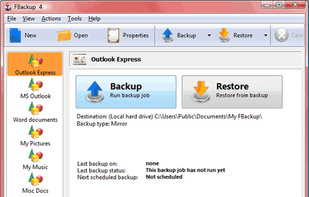
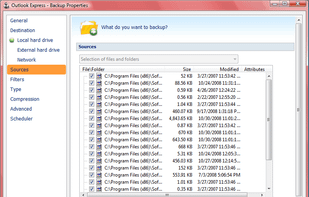
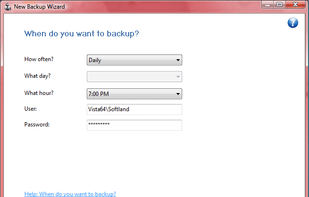
    FBackup is a free backup software for both personal and commercial use. It protects your important data by backing it up automatically to any USB/Firewire device, local or network location. The backed up data can be either compressed (using standard zip compression) or an exact...

    Cost / License

    • Free
    • Proprietary

    Platforms

    • Windows
    FBackup Main Window
    FBackup Wizard
    FBackup Properties
    61 alternatives
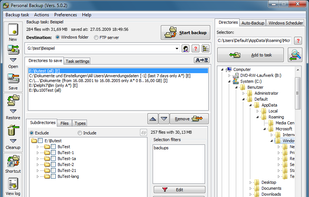
  10. Personal-Backup is an English/German program to save personal data to any destination folder. This folder may be located on a local fixed or removable drive, on a windows network server or on a FTP server.

    Cost / License

    • Free
    • Proprietary

    Platforms

    • Windows
    Directories
    36 alternatives
  11. Defter Notes icon
     2 likes

    Loved by academics, students, teachers, researchers, journal keepers, knowledge workers, visual thinkers, writers, designers, architects, engineers, and productivity-focused creatives.

    Cost / License

    • Paid
    • Proprietary

    Platforms

    • iPad
    Defter Notes screenshot 1
    Defter Notes screenshot 1
    Defter Notes screenshot 2
    +2
    Defter Notes screenshot 3
    1 alternatives
  12. UpdraftPlus icon
     4 likes

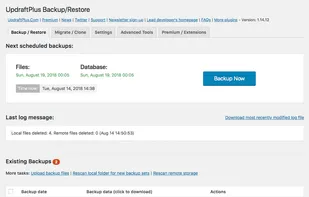
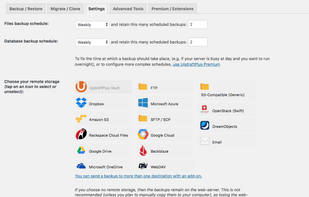
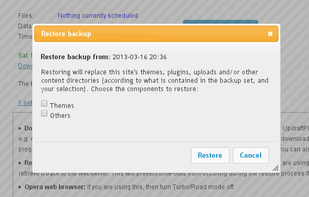
    UpdraftPlus simplifies backups and restoration. It is the world’s highest ranking and most popular scheduled backup plugin, with over two million currently-active installs.

    Cost / License

    • Freemium
    • Proprietary

    Platforms

    • Self-Hosted
    • Wordpress
    UpdraftPlus screenshot 1
    UpdraftPlus screenshot 1
    UpdraftPlus screenshot 2
    +1
    UpdraftPlus screenshot 3
    11 alternatives
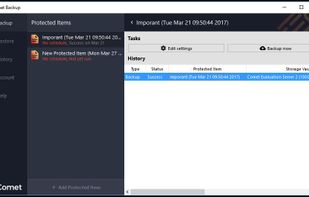
  13. Comet Backup icon
     1 like

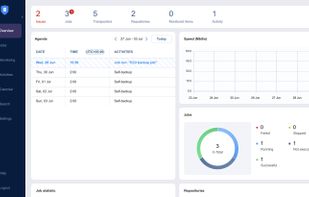
    Comet is advanced backup software for MSPs, IT Companies and Backup Providers. Featuring fast back and restore and the flexibility to deploy and backup to any location of your choosing. Comet has a simple monthly pricing plan that lets you scale as you need it and no fees for...

    Cost / License

    • Paid
    • Proprietary

    Application type

    Platforms

    • Mac
    • Windows
    • Linux
    Comet Backup screenshot 1
    3 alternatives
  14.  4 likes

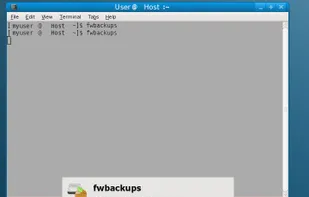
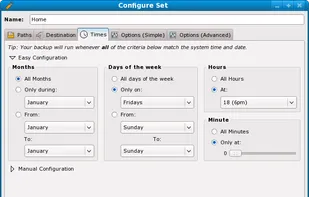
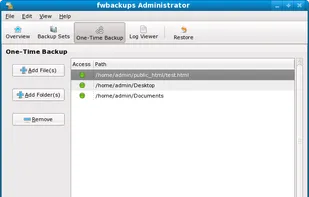
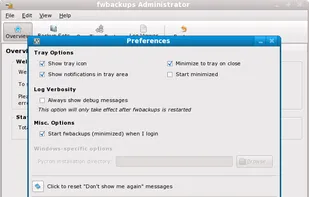
    fwbackups is a feature-rich user backup program that allows you to backup your documents anytime, anywhere. It is completely free to download and use without any sort of trial or restrictions. In fact, fwbackups is open-source, which means anybody can use, share it and improve...

    Cost / License

    • Free
    • Open Source

    Alerts

    • Discontinued

    Platforms

    • Windows
    • Linux
    fwbackups screenshot 1
    fwbackups screenshot 1
    fwbackups screenshot 2
    +4
    fwbackups screenshot 3
    41 alternatives
  15. The fastest data backup and restore tool on Android phones! You can backup applications, contacts, text messages, call history, bookmarks, calendars to your SD card, Gmail, or Google Drive You will never lose your data again!.

    Cost / License

    • Freemium
    • Proprietary

    Platforms

    • Android
    9 alternatives
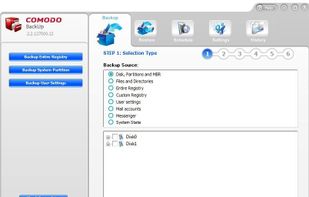
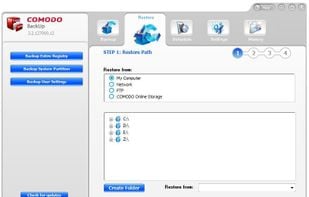
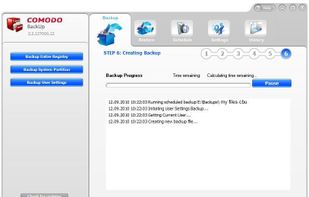
  16. Comodo Backup is an excellent backup utility from the creators of Comodo Free Firewall. It’s free, easy to use and has everything you might need. You can easily backup your local files and folders to anywhere on your computer, network, DVD / CD...

    Cost / License

    • Freemium
    • Proprietary

    Application type

    Platforms

    • Windows
    Backup Creation
    Restore Options
    Backing Up User Files
    48 alternatives