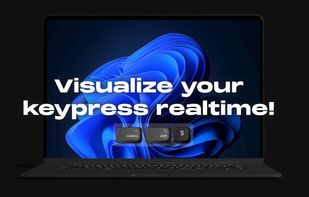
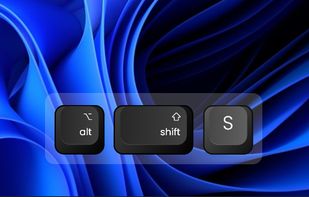
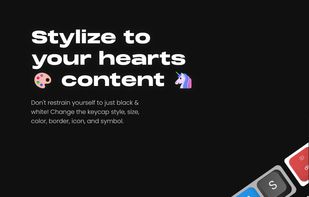
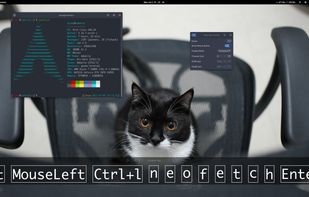
Keyviz is a free and open-source tool to visualize your keystrokes and mouse actions in real-time.
Cost / License
- Freemium (Pay once)
- Open Source (GPL-3.0)
Application typeApplication types
Since
- Since 2022
GitHub
- GitHub stars: 9.8k
 India



+3
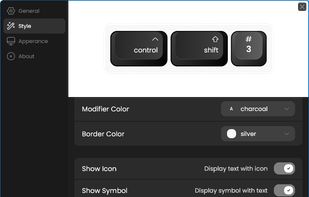


Keyviz is a free and open-source tool to visualize your keystrokes and mouse actions in real-time.
India
Captura is a Windows software that allows you to record your screen or a region of you screen in high resolution with or without audio, keystrokes and mouse cursor.
India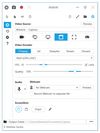
 OBS Studioand
 ShareX

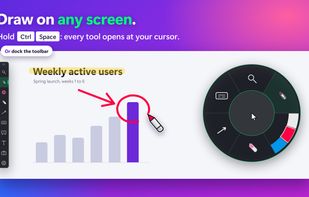
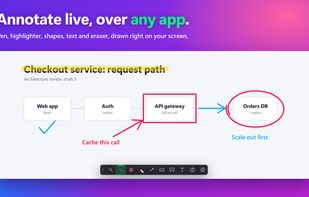
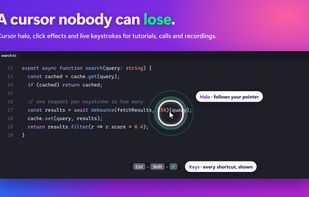
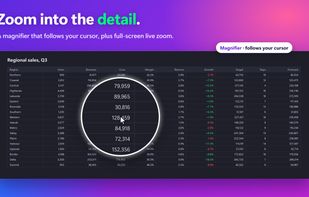
Annotate any Windows app, highlight your cursor and clicks, magnify details, and show keystrokes from the SHARA Wheel at your cursor. No floating toolbar.
 Türkiye

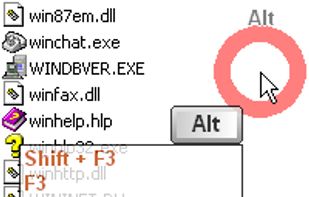
Displays keystrokes, mouse clicks, and shortcuts in a customizable overlay window with visual indicators, high-dpi support, opacity, and history view.
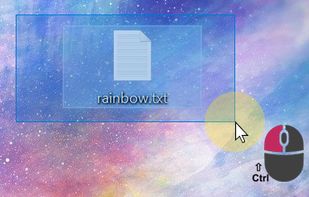
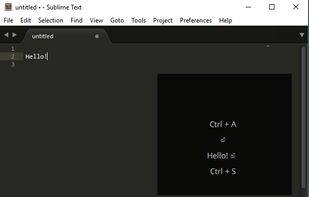
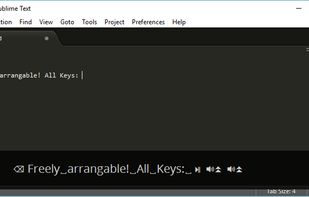
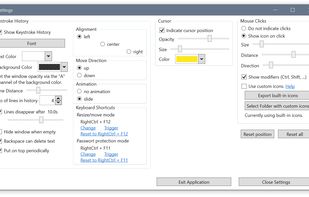

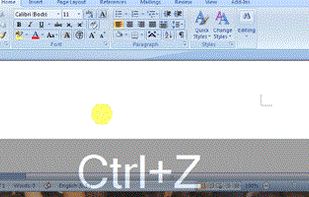
Show keys you typed on screen, so your audiences can see what you do clearly while you are streaming or recording.

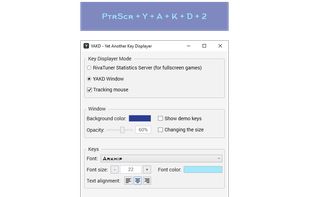
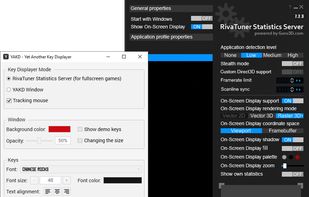
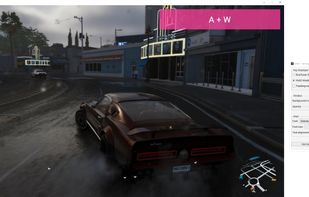
YAKD (Yet Another Key Displayer) is a lightweight, open-source Windows tool for displaying keyboard and mouse button presses on-screen, typically for use with screen recording and screen-casting. RTSS Rivatuner Statistics Server is supported.


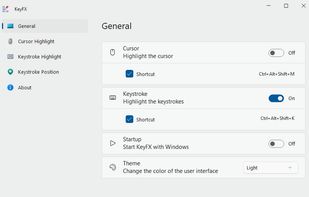
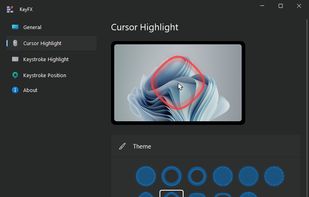
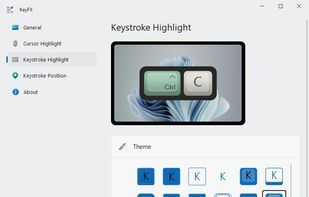
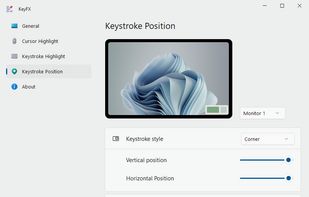
KeyFX is a screencast and presentation utility that allows you to highlight the mouse cursor and visualize your keystrokes.
 Romania
 EU


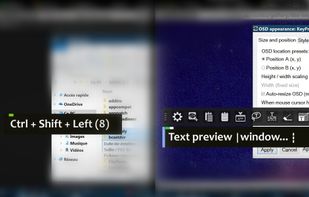
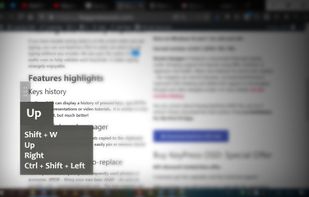
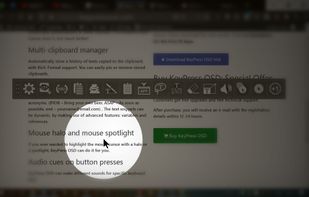
KeyPress OSD is a full-featured screencasting tool for displaying key-presses on Windows. Beyond on-screen keypress display, it features text-expansion, mouse-highlighting and a multi-clipboard manager.

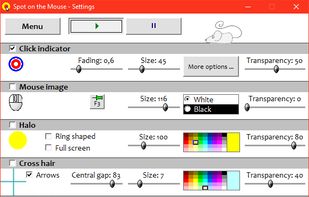
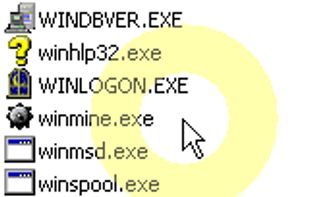
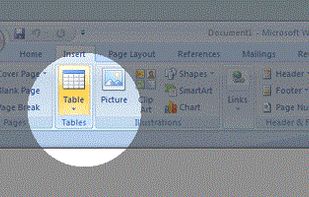
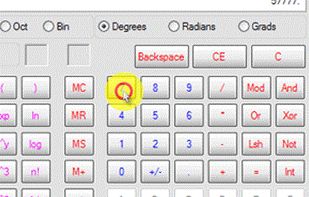
Visualizes mouse clicks, pointer movement, and keyboard actions with customizable halo, crosshair, and indicator settings for enhanced clarity.
 GermanyEU


 United States
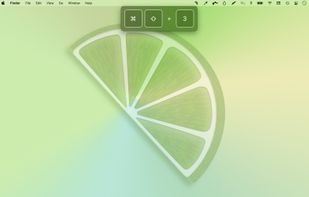

KeyScreen makes your keystrokes visible on screen-perfect for tutorials, presentations, and screen recordings.
 IrelandEU
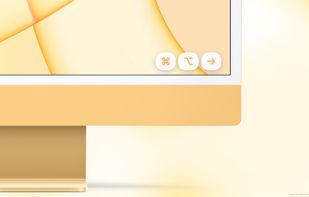
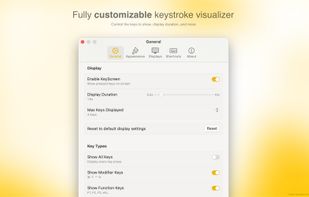
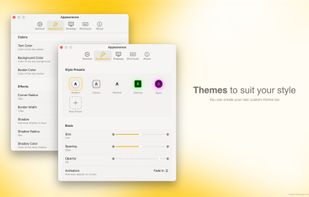
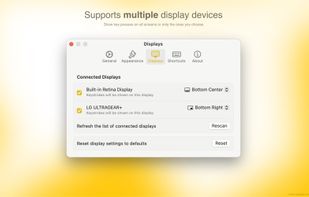

Customizable widget displays keystrokes and highlights your cursor with adjustable styles, themes, and placement, while realistic mechanical keyboard sounds enhance recordings on Windows and macOS.
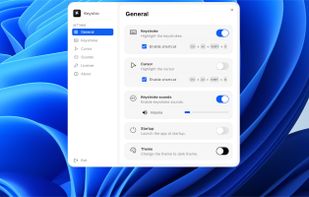
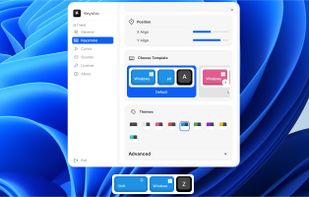
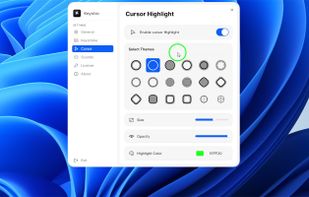
 Keyviz

Allows you to highlight the cursor using either the toolbar or hotkeys. Options include spotlight, highlight, drawing on the screen, magnifier or show keystrokes.
 China


 India

A floating glass HUD names every keyboard shortcut you fire — so you don't have to squint at the menu-bar flash to confirm.
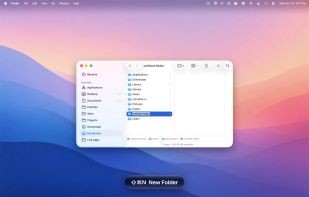
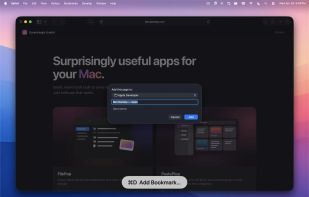
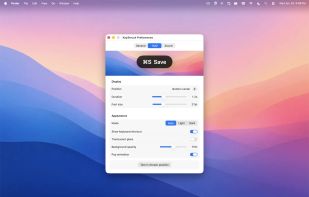
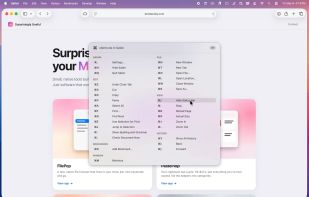

KeyDrawer draws keypresses on the screen of your Mac with a style that matches your Mac's look and feel. It will make your tutorial videos, video streams and presentations look elegant and professional.
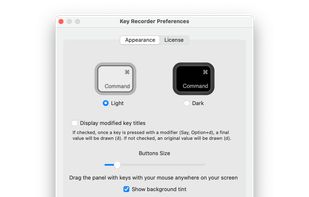
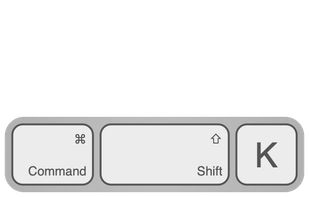
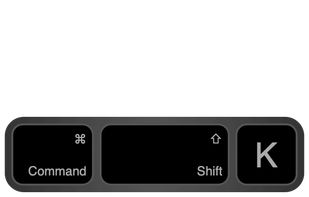

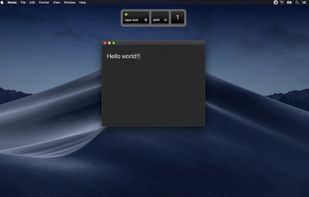
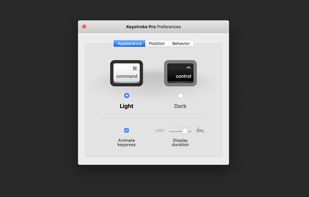
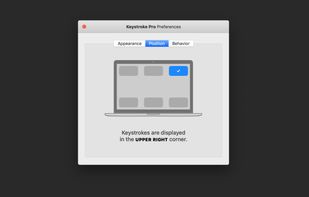
“Keystroke Pro” visualizes single and combined keypresses in an unique and elegant way. It’s the perfect companion for capturing tutorials, ?recording screencasts and performing presentations.
GermanyEU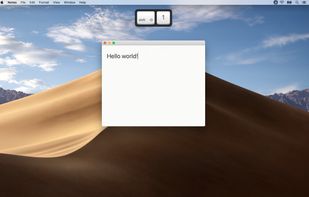

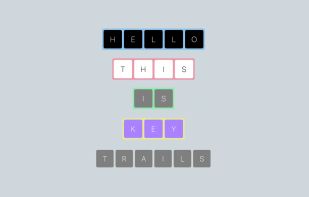
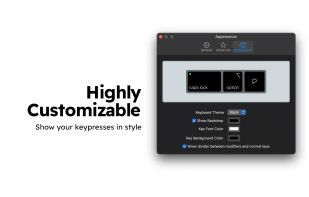
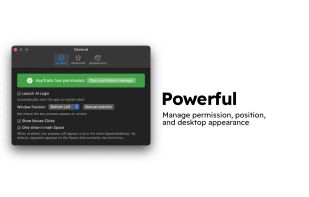
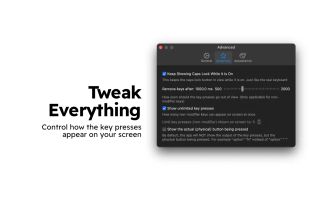
KeyTrails helps you present your keyboard input on your screen. Whether you are making a tutorial video, streaming your gaming session, or giving a business presentation, KeyTrails makes your content just a bit catchier.

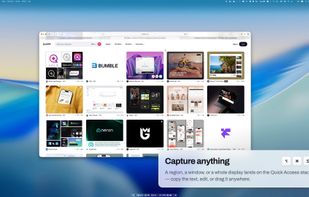
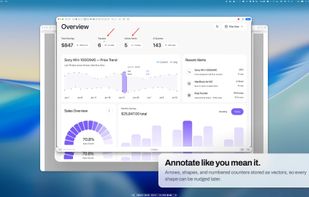
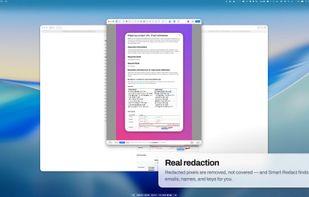
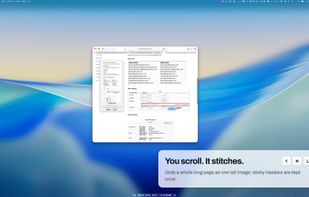
Screenshot & screen-recording studio for the macOS menu bar. Scrolling capture, OCR-searchable history, no cloud, no subscription.


Display your keystrokes clearly during screen recordings, presentations, and video calls. Fully customizable and built for macOS full-screen and dark mode.

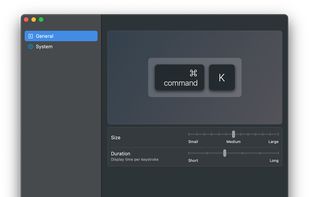
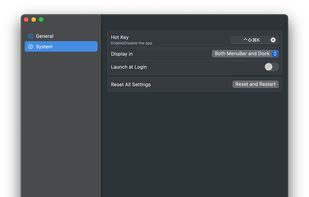
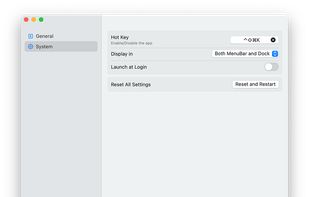
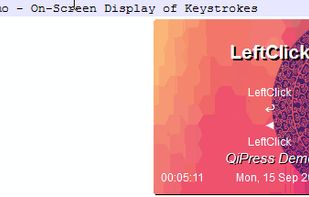
QiPress is a portable Windows program that displays key presses on the screen. The keyboard input display takes minimal space, and highly customizable.