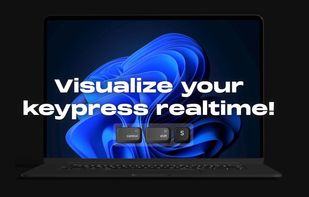
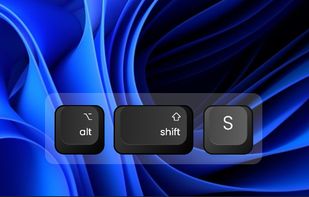
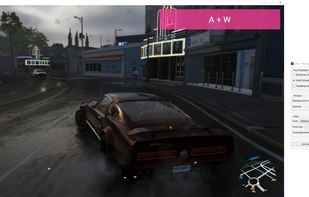
Keyviz is a free and open-source tool to visualize your keystrokes and mouse actions in real-time.
Cost / License
- Freemium
- Open Source (GPL-3.0)
Application typeApplication types
Platforms
- Mac
- Windows
 India
India




+4
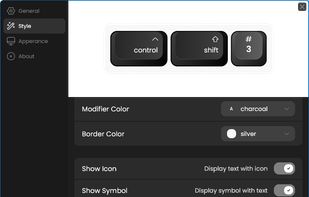


Apps similar to KeyStruck include Keyviz, which is open source with a free version. Other options are SHARA, Screenkey, Key'n'Stroke and Keyty. You can choose from more than 10 Keystroke Visualizers like KeyStruck for Windows, Mac, Linux and the web.
Keyviz is a free and open-source tool to visualize your keystrokes and mouse actions in real-time.
India
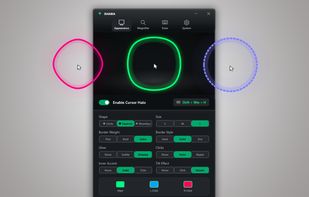
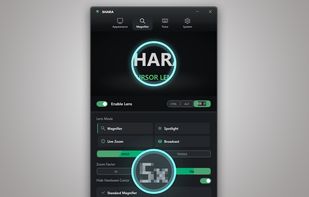
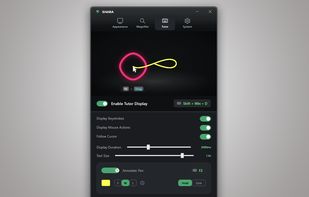
Provides mouse pointer highlighting with animated glow and 3D tilt, lag-free click-through magnification with customizable zoom modes, and a sleek keystroke visualization overlay. Fully local, privacy-first utility for presentations, coding, streaming, and more on Windows.
 Türkiye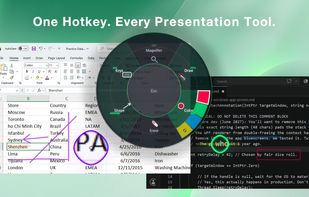


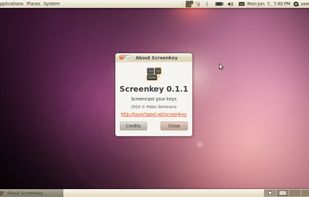
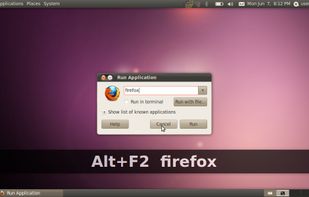
Screenkey is a screencast tool to display your keys inspired by Screenflick for Mac OS and based initially on Key-mon project.
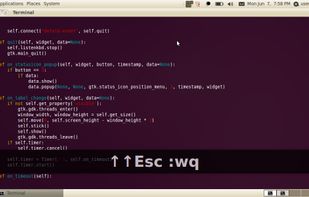
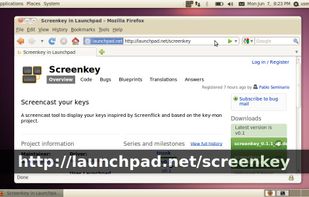


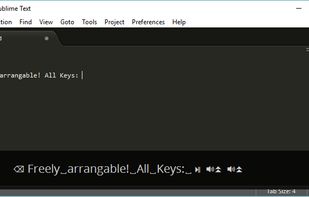
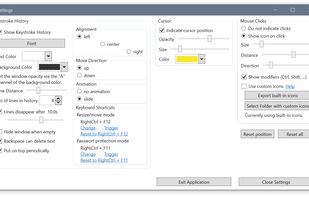
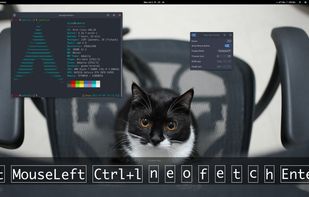
Displays keystrokes, mouse clicks, cursor position, shortcuts, and special keys in a fully customizable overlay. Offers click-through mode, opacity, resizable window, history of pressed keys, high-dpi and multi-dpi screen support, and notification area icon.
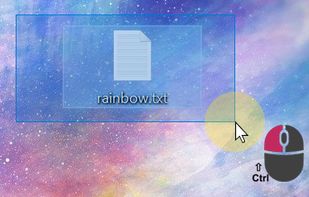
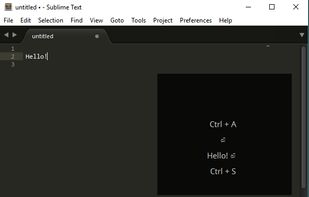

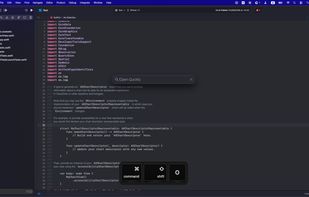
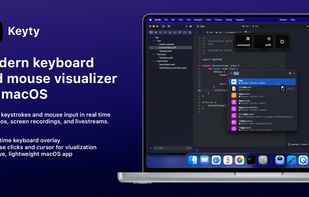
Open-source macOS visualizer that shows keystrokes, shortcuts, mouse input, and cursor movement in real time with customizable overlays, Apple-style keycaps, flexible positioning, per-display settings, and click-through support for recordings and education.
 Ukraine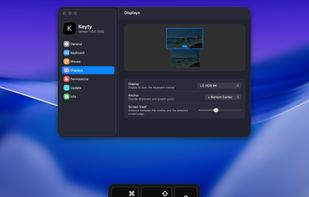


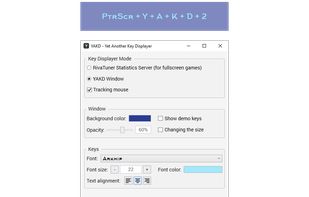
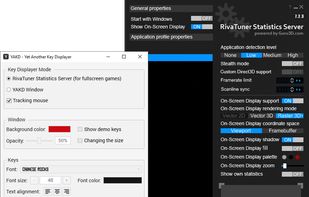
YAKD (Yet Another Key Displayer) is a lightweight, open-source Windows tool for displaying keyboard and mouse button presses on-screen, typically for use with screen recording and screen-casting. RTSS Rivatuner Statistics Server is supported.



KeyCastr lets you easily display your keystrokes while recording screencasts.
 United States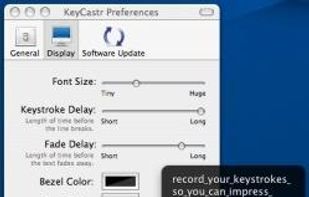


Show keys you typed on screen, so your audiences can see what you do clearly while you are streaming or recording.


 Australia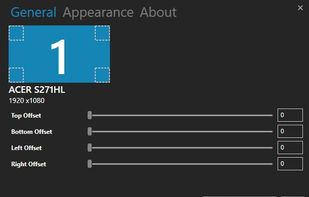
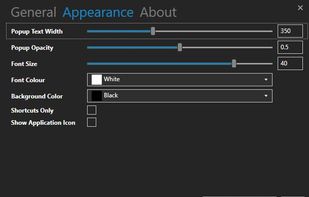


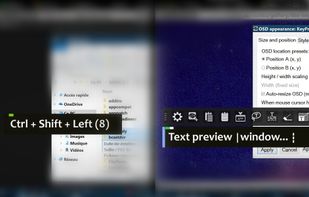
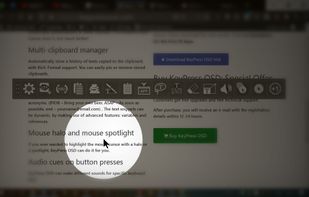
KeyPress OSD is a full-featured screencasting tool for displaying key-presses on Windows. Beyond on-screen keypress display, it features text-expansion, mouse-highlighting and a multi-clipboard manager.
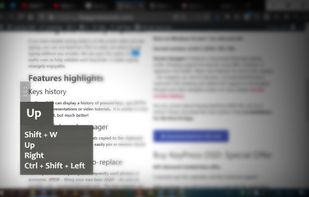


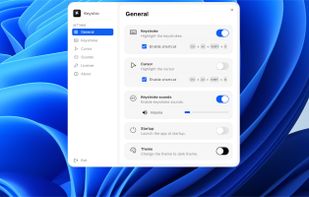
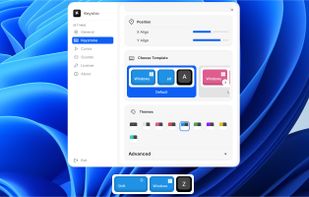
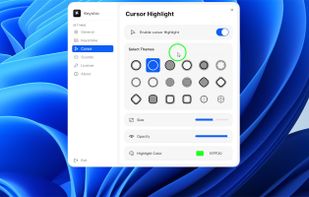
Floating widget shows each key pressed in real time and highlights the cursor with fully adjustable design. Choose from 10+ styles, unlimited color themes, and over 10 sound options. Works across multiple screens for screen recording on Windows and macOS.


Mouseposé is the indispensible mouse pointer highlighting tool (aka "virtual laserpointer") for everyone doing demos at tradeshows, presentations and trainings, or those individuals with huge and high resolution displays.
 Germany
 EU
EU