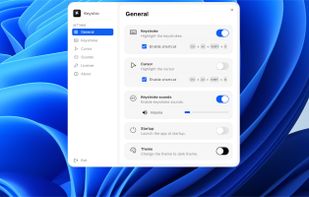
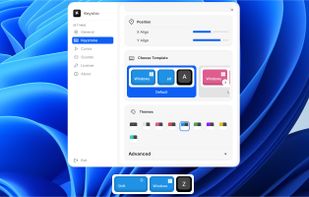
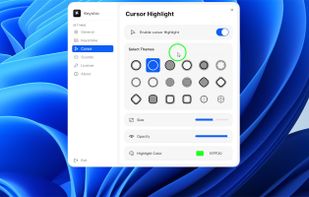
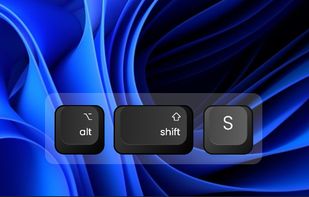
Keyviz is a free and open-source tool to visualize your keystrokes and mouse actions in real-time.
Cost / License
- Freemium
- Open Source (GPL-3.0)
Application typeApplication types
Platforms
- Mac
- Windows
 India
India



+4
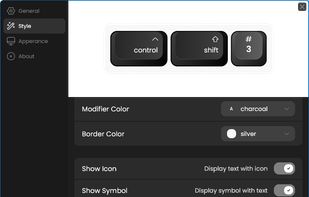


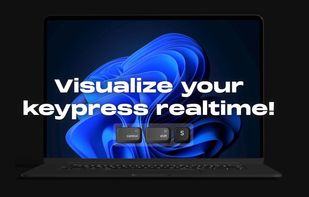
Keyviz is a free and open-source tool to visualize your keystrokes and mouse actions in real-time.
India
Provides mouse pointer highlighting with animated glow and 3D tilt, lag-free click-through magnification with customizable zoom modes, and a sleek keystroke visualization overlay. Fully local, privacy-first utility for presentations, coding, streaming, and more on Windows.
 Türkiye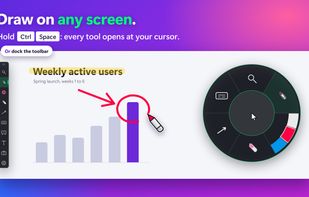
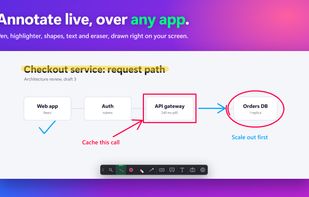
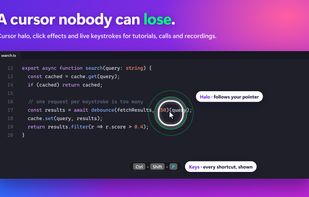
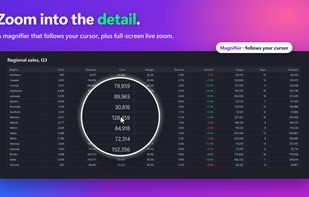


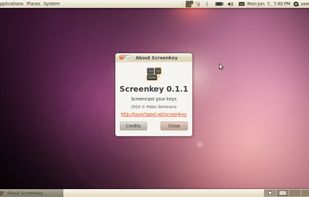
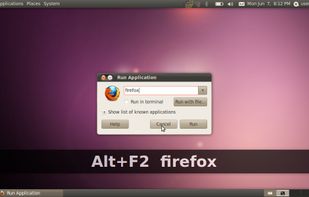
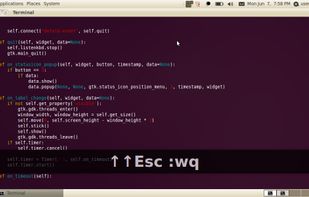
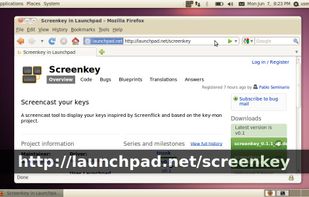
Screenkey is a screencast tool to display your keys inspired by Screenflick for Mac OS and based initially on Key-mon project.

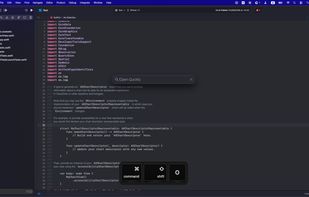
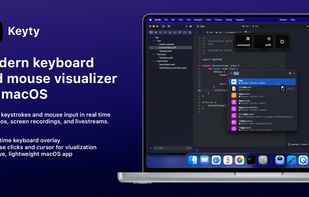
Open-source macOS visualizer that shows keystrokes, shortcuts, mouse input, and cursor movement in real time with customizable overlays, Apple-style keycaps, flexible positioning, per-display settings, and click-through support for recordings and education.
 Ukraine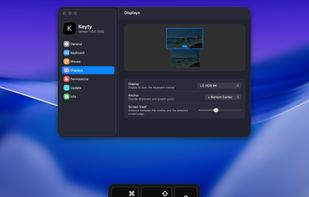


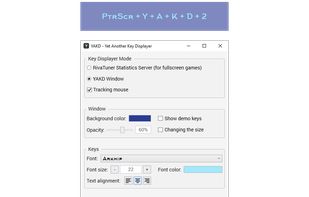
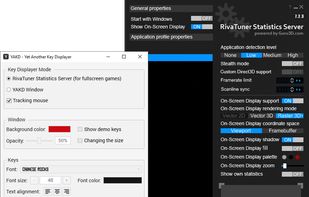
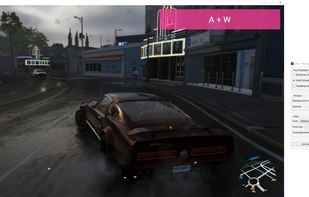
YAKD (Yet Another Key Displayer) is a lightweight, open-source Windows tool for displaying keyboard and mouse button presses on-screen, typically for use with screen recording and screen-casting. RTSS Rivatuner Statistics Server is supported.



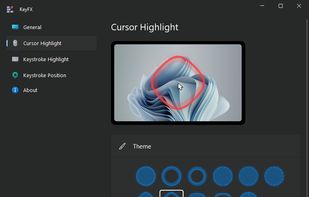
KeyFX is a screencast and presentation utility that allows you to highlight the mouse cursor and visualize your keystrokes.
 Romania
 EU
EU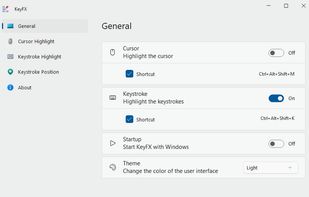
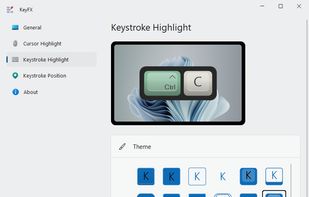
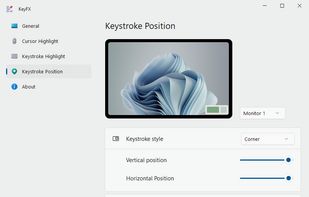


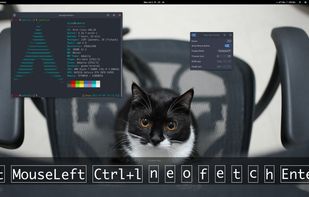
Show keys you typed on screen, so your audiences can see what you do clearly while you are streaming or recording.


 Australia
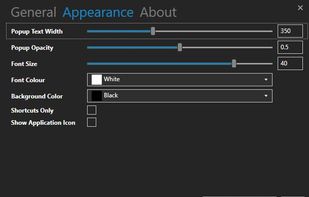


A live screen effect layer for macOS that adds real-time zoom, cursor spotlight/highlight, and freehand drawing directly on your screen.
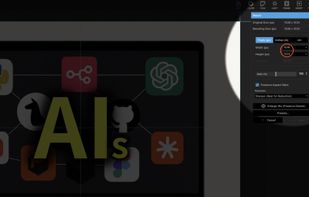
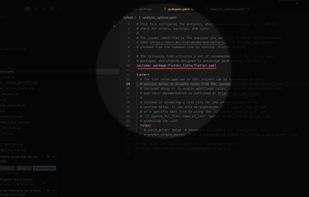


KeyPress OSD is a full-featured screencasting tool for displaying key-presses on Windows. Beyond on-screen keypress display, it features text-expansion, mouse-highlighting and a multi-clipboard manager.
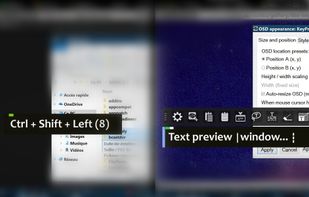
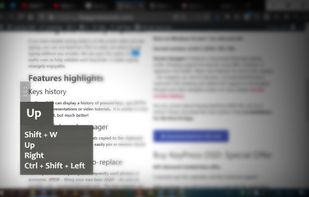
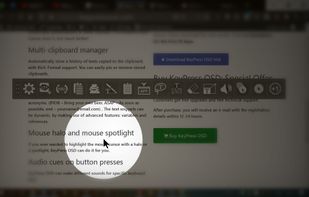


KeyScreen makes your keystrokes visible on screen-perfect for tutorials, presentations, and screen recordings.
 IrelandEU
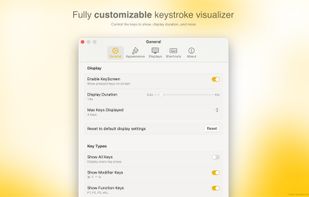
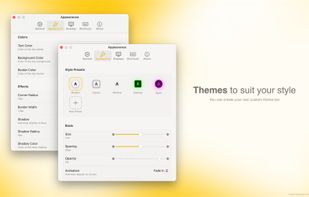
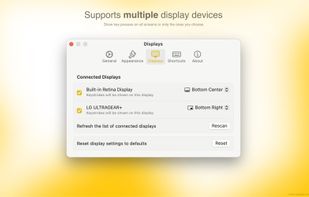


Floating widget shows each key pressed in real time and highlights the cursor with fully adjustable design. Choose from 10+ styles, unlimited color themes, and over 10 sound options. Works across multiple screens for screen recording on Windows and macOS.