



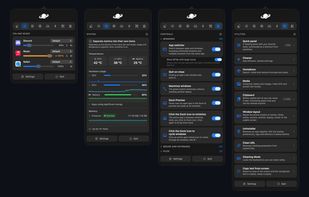
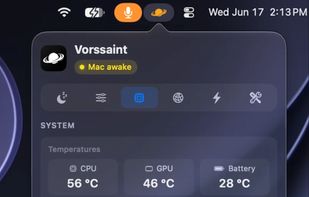
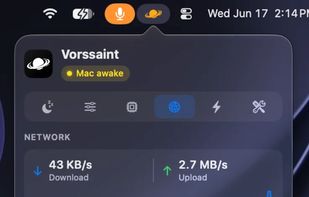
Menu bar toolkit for macOS combining system monitor, per-app volume, app switcher, window snapping, clipboard history, snippets, and more with no tracking.
Cost / License
- Free
- Open Source (GPL-3.0)
Application type
Platforms
- Mac



+5
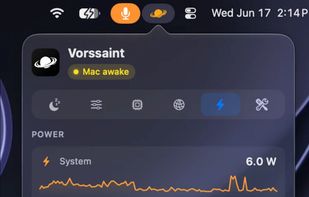


Menu bar toolkit for macOS combining system monitor, per-app volume, app switcher, window snapping, clipboard history, snippets, and more with no tracking.
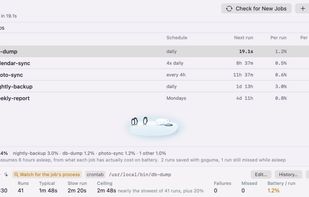
Wakes your Mac for scheduled jobs, holds it awake while long work finishes, and lets it sleep otherwise. Finds the cron jobs that have been missing runs; keeps a coding agent running with the lid shut.
 United States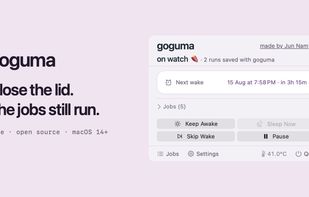
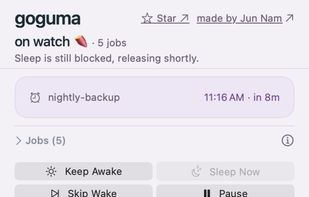

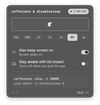
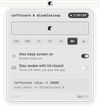
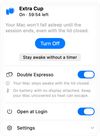
caffeinate & disablesleep replaces two macOS terminal commands: caffeinate -disu and sudo pmset -a disablesleep 1. One click keeps the Mac awake, with an option to stay awake when the lid is closed. Timed sessions run from 15 minutes to 8 hours, or forever.
 Australia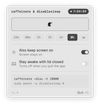


JIGGLER prevents Windows from going to sleep, locking the session or switching your status to "Away" during presentations, long file transfers, builds or remote sessions.
 Switzerland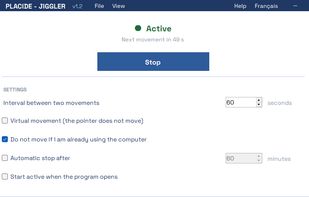


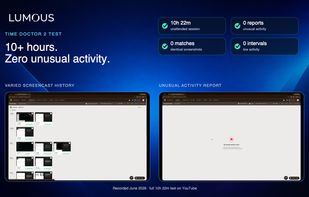
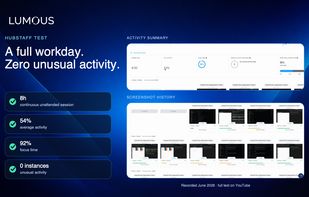
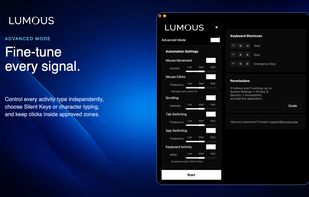
Lumous keeps a Windows or macOS desktop naturally active while you're away from the keyboard, coordinating mouse movement, smart clicking, scrolling, keyboard activity, browser tabs, and open apps in changing, work-like patterns — not the single-signal approach of a basic...
 Canada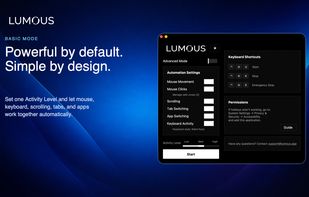


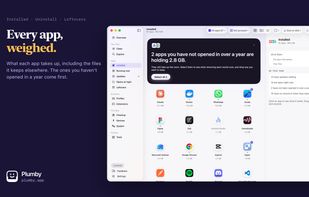
Plumby shows you where your Mac's space, memory and battery are going, and clears out what is only taking up room. Every group says what removing it costs you, before you remove it. Looking is free.
United States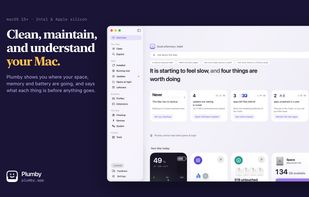

macOS CLI that keeps your Mac awake with the lid closed on battery, so a local Codex, Claude Code, or Cursor session keeps running.
 Germany
 EU
EU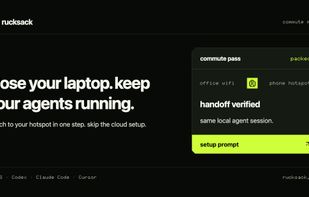
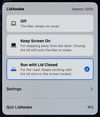
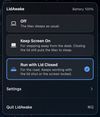
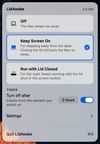
LidAwake is a macOS menu bar app that keeps your Mac awake, including with the lid closed and no external display. It has two modes: Keep Screen On for stepping away from the desk and Run with Lid Closed for a laptop that has to keep working while closed.
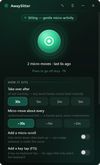
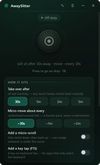
AwaySitter is a quiet desk-sitter for Windows: when you have truly been idle past a threshold you choose, it makes small human-like mouse movements at randomized intervals - and the instant you touch the real mouse or keyboard it pauses and stays out of your way.

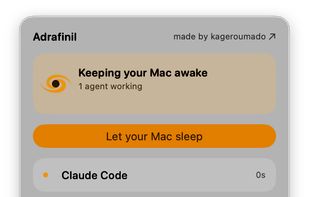
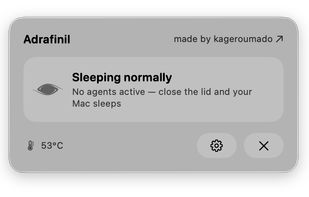
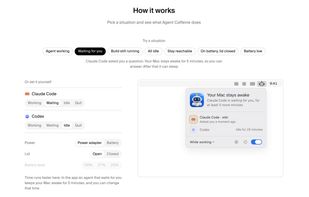
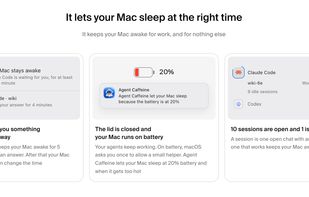
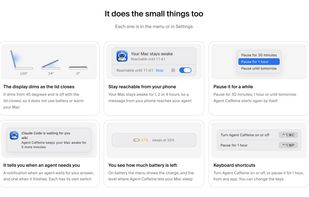
A macOS menu bar utility that keeps the Mac awake while supported AI coding agents work, including with the lid closed, then restores normal sleep.
 Türkiye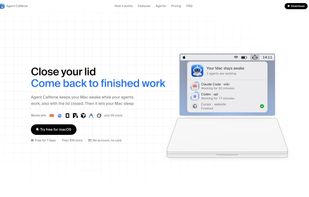

Shake It On is a menu bar app for macOS that keeps your Mac awake by moving the cursor in a smooth, natural pattern, so the system idle timer, Slack and Teams presence and remote desktop sessions all stay active.
United States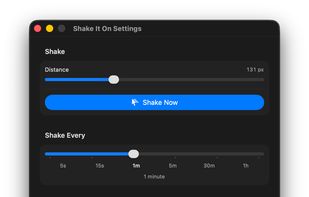

 United Arab Emirates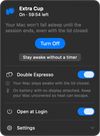

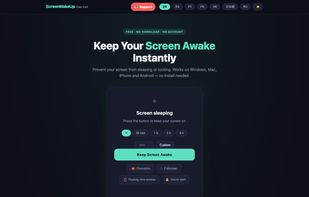
ScreenWakeUp is a free, browser-based tool that keeps your screen from sleeping or locking. It uses the modern Screen Wake Lock API — nothing to install, no admin rights, no account. Open it in any browser on Windows, macOS, Linux, ChromeOS, Android or iPhone and click one...
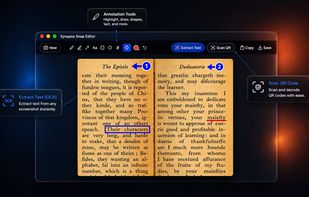
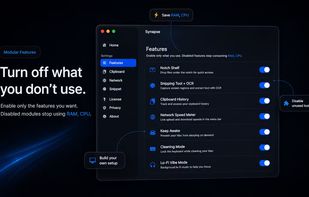
Synapse is a native macOS utility suite that combines clipboard history, screenshots, OCR, Keep Awake, QR scanning, and other everyday tools into a single lightweight app. Built in Swift, Synapse is designed to stay fast, efficient, and out of the way.
 Sri Lanka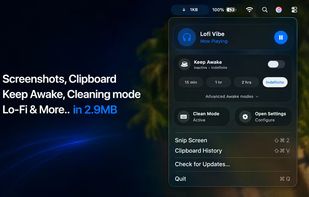
A tiny macOS menu-bar app that keeps your Mac running even with the lid closed — so coding agents (Claude Code, Codex, etc.) keep working while you move around.
 Vietnam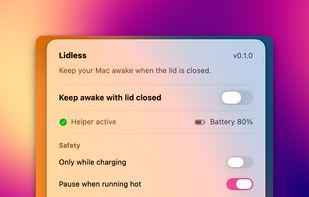
Close the lid. Keep coding. Hold My Lid keeps your Mac awake while Claude Code, Codex, and your other agents finish the job — lid shut, in your bag.
 India
India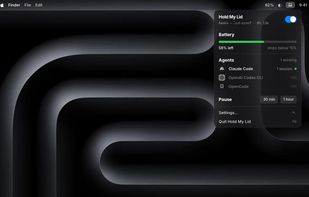
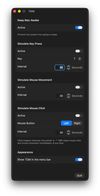
A small macOS utility that stops your Mac from falling asleep and, if you want, simulates key presses, mouse movement or mouse clicks at an interval you choose. Free, open source, no account, no tracking.
GermanyEU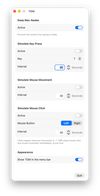

A lightweight Windows utility that helps keep your PC active during long work sessions and provides quick local notes.
 Japan
Japan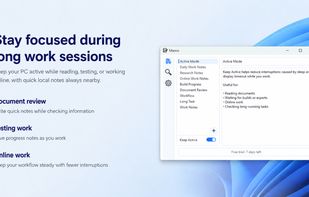
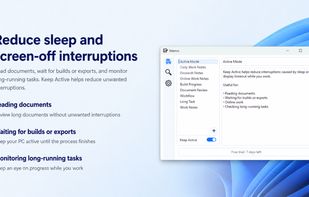
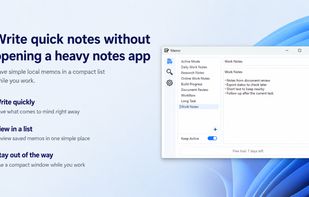
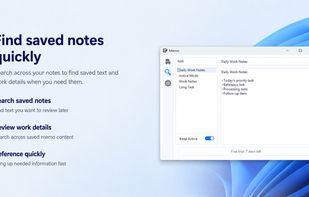
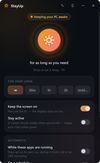
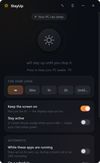
StayUp keeps a Windows PC awake on your terms: forever, for a set time, until a clock time, while a chosen app is running (Zoom, OBS, a backup job), or on a daily schedule like workdays 9-18. It uses the Windows power request API - no fake keypresses - and lives quietly in the...

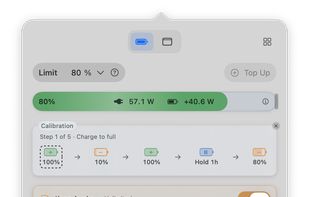
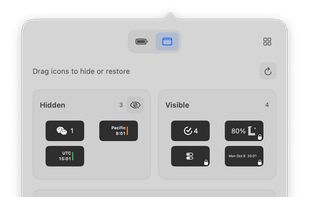
Liwu is a menu bar app with small tools for Apple silicon MacBooks. Set a charging target from 80% to 100%, or as low as 20% on Macs where Liwu confirms low-target support, and save named presets for the targets you switch between.




 Moldova


 Egypt
Egypt


