

Free and open-source tool for screen capture and recording; enables file uploads, annotation, dark mode, 4K support, and customizable themes.
 United States


+29


4.5
Excellent62 reviews


Free and open-source tool for screen capture and recording; enables file uploads, annotation, dark mode, 4K support, and customizable themes.

Linear video editor for basic cutting, filtering, encoding, scripting, and batch processing; supports many formats but not for non-linear or montage editing.


Comprehensive photo management software for viewing, batch converting, editing and resizing images and creating thumbnail sheets.


 IrfanView
Open source non-destructive RAW photo editor and image database with lighttable and darkroom views, real-time editing, HDR and scientific image support.


Fast, stable Windows-compatible image viewer and editor with extensive browsing, conversion, and editing features, including slideshows and EXIF info.


XnConvert is an easy image converter for graphic files, photos and images available on Windows, MacOSX and Linux.


Manage your photo collection with Piwigo Piwigo is open source photo gallery software for the web. Designed for organisations, teams and individuals.


 Ente Photosand
 digiKam
Advanced filters, precision color controls, clarity, dehaze, batch export, custom filter creation, editable workspace and high-precision sliders for detailed photo editing.


 GIMPand
 Adobe Photoshop
Free digital asset manager to preview, organize, edit, and publish creative assets, with metadata tools, Adobe integration, and raw editing support.


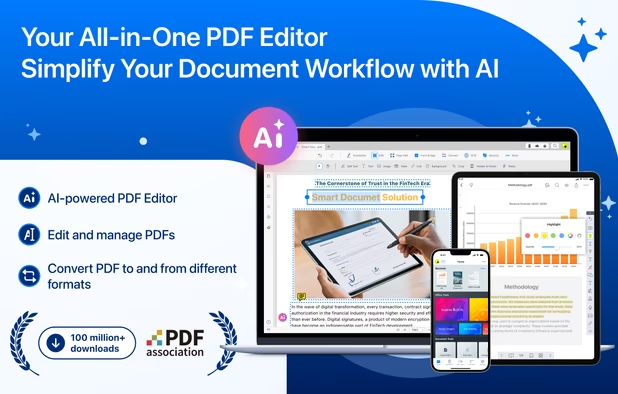
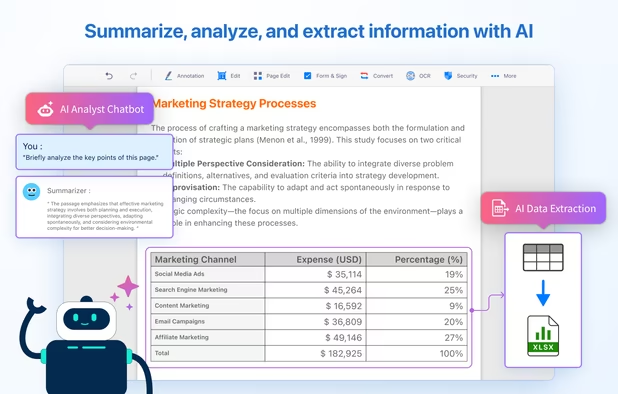
All-in-one tool for editing, OCR, annotating, signing, converting, and redacting PDFs, featuring AI-powered document analysis and cross-device workflow support.

 Okular
Efficient file API with real-time processing, CDN delivery, multi-source uploads, AI ops, EXIF-based rotation, and robust security features.


Resize, compress, and convert images with batch support. Integrated shell access for quick editing, high-resolution settings, custom watermarks, and PDF conversion.


Securely, easily add a watermark to your sensitive photos. To prevent them from being leaked or exploited by the BAD GUY.
Of course, it is also suitable for making emojis. After all, it supports image watermarking with very ghostly effects.


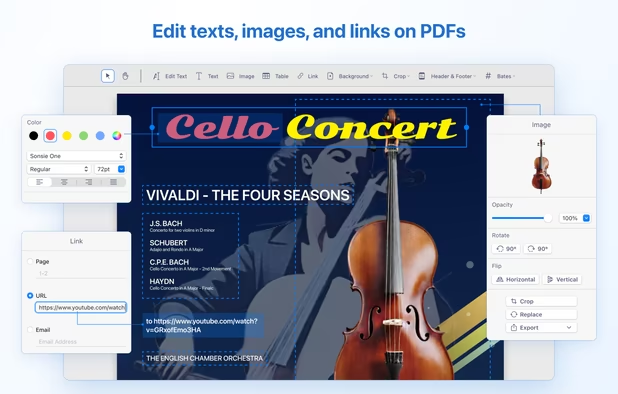
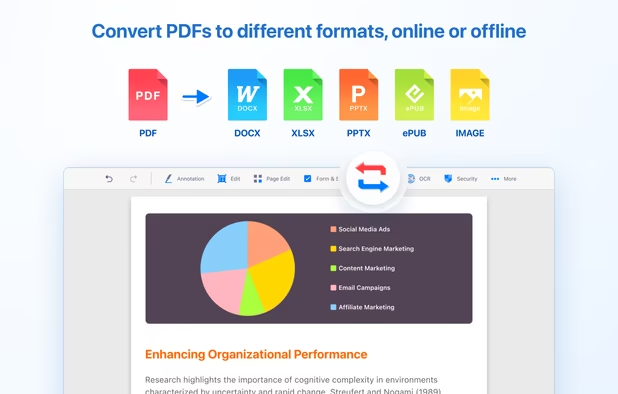
Edit text, images, and objects within PDFs, annotate, convert to Word or other formats, use OCR, fill and sign forms, merge, split, and manage pages.


 LibreOffice - Writer
Image Tuner is a free batch image resizing, renaming, conversion and watermarking software with a super-intuitive and straightforward interface.


DevHub is a feature-rich offline application, carefully crafted to support developers' daily tasks and ensure the highest security of their data.


Smart desktop software for effective photo editing, featuring smart tools, intuitive interface, and comprehensive adjust, filter, and crop options.


 RawTherapee
Cross-platform PDF suite with precise conversion to Word, Excel, PowerPoint, and AutoCAD, advanced editing, annotation, redaction, batch tools, and secure digital signatures.


 Adobe Acrobat DC

Your sensitive images should be watermarked before sending to someone to protect against exploitation by unkind or immoral people.


Curtain MonGuard is an enterprise solution that displays watermarks on users' screens, showing information like computer name, username, and IP address. This feature captures user attention and serves as a reminder before taking screenshots to share sensitive information.


Image Converter Plus is a conversion and resizing software for Windows. It can convert files across various image formats while maintaining quality. It allows users to save images in popular formats and includes a quick conversion feature.


 GIMP
GIMP
Pixillion is a photo and image conversion software to convert image files between gif, jpg, bmp, tif, png, pdf and much more. Before converting your file Pixillion allows you to preview the image alongside the current image parameters.


 File Converterand

Phatch is an user friendly, cross-platform Photo Batch Processor and Exif Renamer with a nice graphical user interface. Phatch handles all popular image formats and can duplicate (sub)folder hierarchies.


PreviewMaker helps you to put watermarks on a lot of photos. You can use multiple templates (like „do not copy“ stamps or a „sample“ background-writing), chose size and position where the watermark should appear, and even edit color temperature, hue, brightness and contrast.


 France
 EU
EU


 Germany


 Canada


 Taiwan


 China
China
 Russia


 Cyprus


 United Kingdom

 Australia
 Belgium