


File Sumo Pro helps keep your Mac lightweight and running smoothly by finding and deleting those huge files that sit there taking up space.
 India


+2


Best alternatives are 
1 alternative

File Sumo Pro helps keep your Mac lightweight and running smoothly by finding and deleting those huge files that sit there taking up space.
India
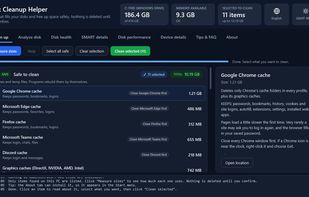
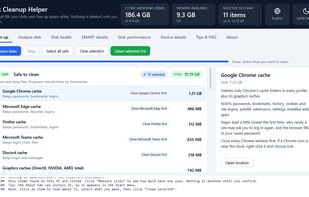
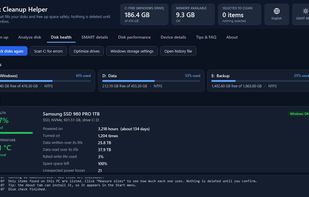
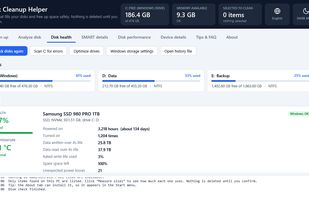
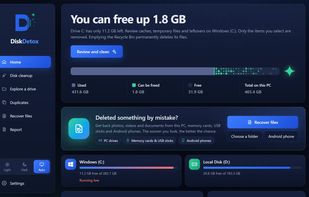
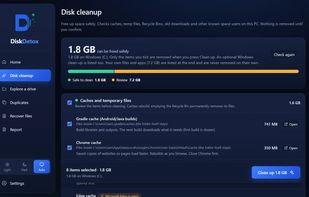
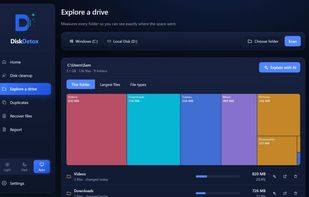
Free disk cleanup for Windows 10 and 11. Safely frees space, shows what fills your drives, and checks disk health, SMART data and speed. 18 languages.

 WinDirStat

DiskDetox is a free Windows app for disk cleanup, visual disk space analysis, duplicate detection and deleted-file recovery.
 WinDirStat

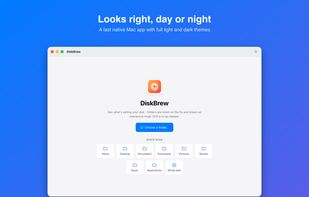
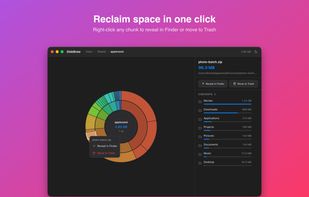
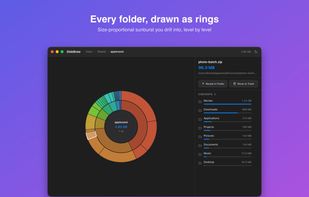
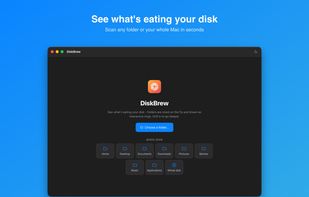
DiskBrew visualizes your disk space so you can see exactly what's taking up storage — including the mysterious "System Data" — and reclaim it safely. DiskBrew is included in every getapps.cafe subscription.
 United States


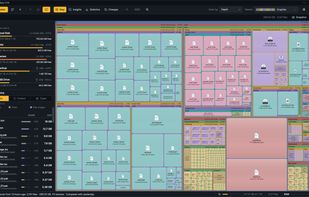
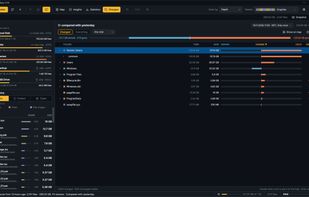
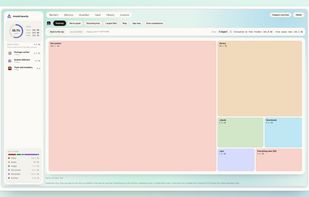
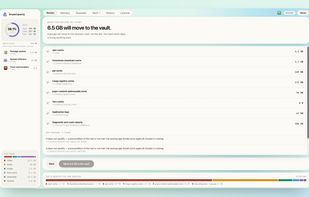
SpaceSharp shows a Windows drive as a zoomable map where every file and folder is a box sized by the space it uses, so you can see where your disk space went, what changed since last time, filter in plain words, and clean up directly from the map.
 Norway

 WinDirStatand

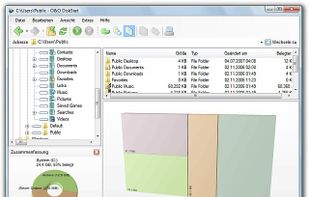
O&O DiskStat is a high-power tool for analyzing the used disk space on your storage volumes. With an easy-to-use interface based on the design of the Windows Explorer, you can take a closer look at the file and folder structure of your internal and external drives.
 Germany
 EU
 WinDirStatand

 Ukraine
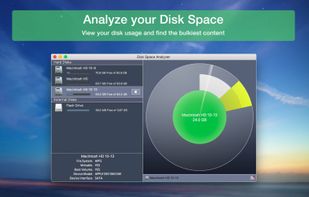
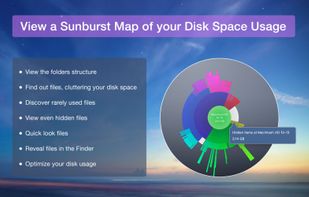

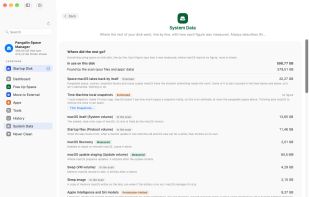
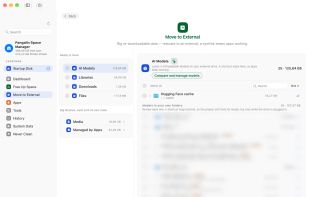
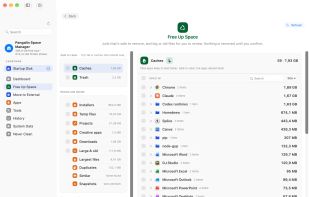
Pangalin Space Manager shows exactly where your Mac's space went, down to individual folders, and breaks down what macOS calls "System Data". It sorts everything into what's safe to clean, what's worth moving to an external drive, and what needs a look...
 South Africa



A private Android file manager with an encrypted vault that also reaches your NAS, Windows PC and servers. Keep files in an AES-256 vault (names hidden too, fingerprint unlock) and make password-protected AES-256 zips; browse and copy over SMB, SFTP, WebDAV, Nextcloud and...
United States



 KDE Connect

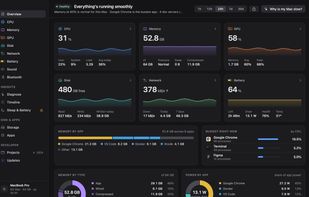
iKnowMyMac is a native Mac app that explains what your Mac is doing. It groups about 1,000 background processes into the apps they belong to, and its "Why is my Mac slow?" button reads the last hour and names the cause, with the evidence and one action for each.
India

 Mission Centerand


Breathing Room is an open-source macOS storage and maintenance app for exploring disk usage, understanding app activity, and reviewing cleanup actions before approving them.


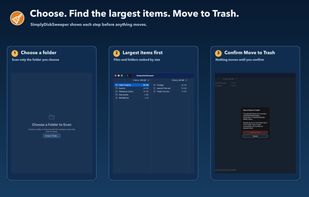
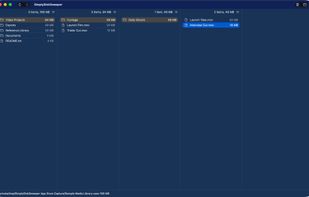
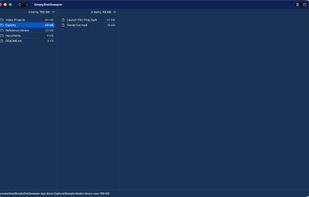
SimplyDiskSweeper is a sandboxed macOS disk-space utility for folders you choose. It ranks accessible files and folders by allocated size in a Finder-like hierarchy. You select what to remove, then confirm before macOS moves those items to Trash.

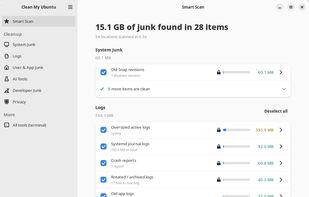
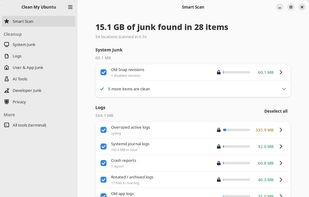
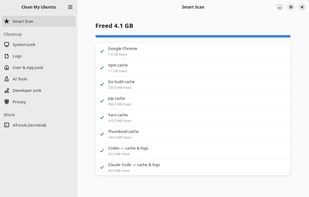
Free, open-source disk cleaner for Ubuntu. Finds caches, old logs, old kernels and snaps, developer and AI-tool junk, and removes them only after you confirm.
 United Kingdom


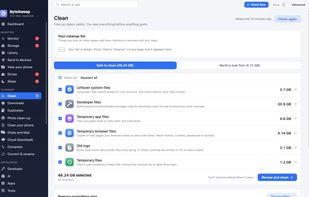
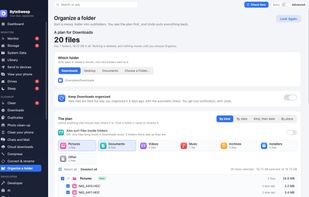
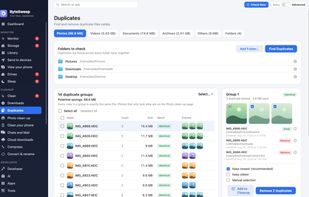
Bytesweep is a disk cleaner for Mac, Windows and Linux that asks first. It shows what is filling your disk, you choose what goes, and anything cleaned can be put back for 7 days.


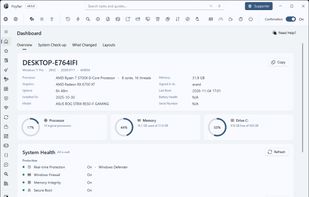
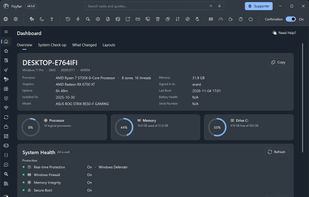
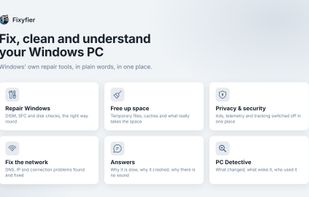
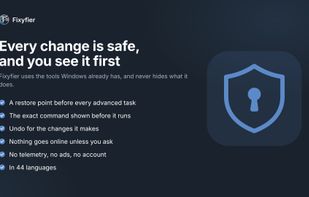
Fixyfier is a free Windows maintenance and repair toolkit that gathers the utilities Windows already ships with — DISM, SFC, CHKDSK, the built-in troubleshooters, the network commands, winget, Windows Update and dozens of buried settings — into one clear interface, so they can...
 GreeceEU

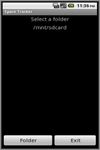
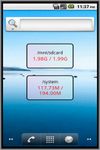
For users who like to upload download transfer files frequently, finding whether there are enough space on sdcard or phone is monotonous affair. Using the default Settings app provide that info but this widget app go further.
 Singapore



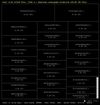
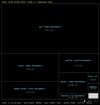
diskonaut is a terminal disk space navigator. Given a path on your hard-drive (which could also be the root path, eg. /). diskonaut scans it and indexes its metadata to memory so that you could explore its contents (even while still scanning!).
 WinDirStatand


A modern disk space analyzer for Windows that visually maps your storage and uses AI to help you quickly find and clean up unnecessary files.
United States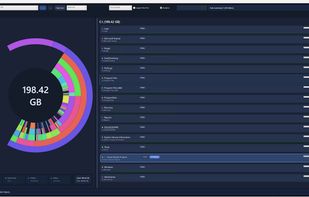 WinDirStatand

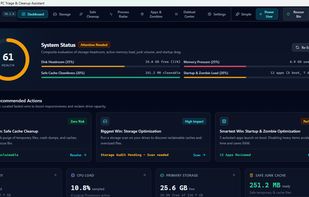
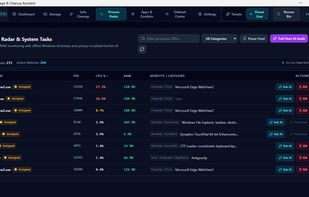
Vapor (ClearDeck Engine) is an ultra-lightweight, open-source native Windows PC triage, hardware capability rating, and safe debloat assistant built with Rust (Tauri 2.0) and Svelte 5.



MacDirStat is a free, open-source disk space analyzer for macOS, inspired by WinDirStat. It scans a drive or folder and draws every file as a color-coded rectangle sized by its disk usage, so the biggest files and folders stand out at a glance.
United States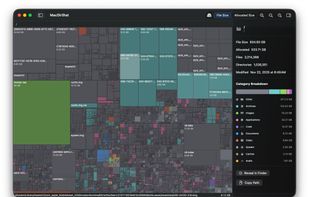 WinDirStatand

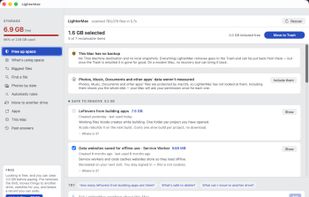
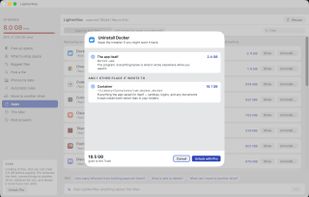
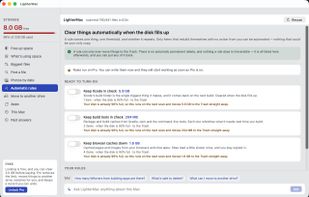
LighterMac opens up the “System Data” your Mac won't explain and tells you, item by item, what each thing is and what happens if you delete it (“Xcode rebuilds it on the next build”, “this may be your only copy”).

 WinDirStatand

Mac storage analyzer that finds rebuildable caches, installers, backups and leftovers, explains each item, and restores changes for seven days.
India
 Baobab Disk Usage Analyzer
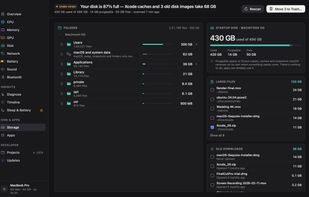
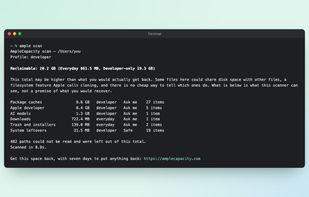
Disk space analyzer for Mac: see what fills your disk, from Xcode caches to app leftovers, and remove only what you approve.
 Thailand



 WinDirStatand

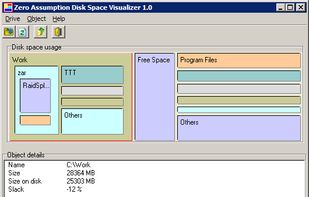
Disk Space Visualizer digs for a free disk space. This freeware program was created to simplify "garbage collection" procedures. In a typical usage the hard drive space is slowly filled up by the useless data. This may include temporary files, rarely used software, and.
 WinDirStatand

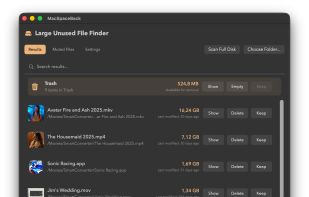
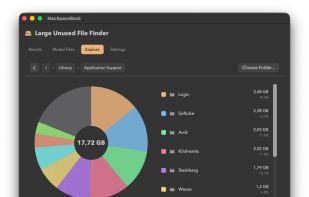
A menu-bar macOS cleaner that ranks large, seldom-used files, alerts you when storage runs low, and moves chosen items to the Trash for review before deleting.
 LithuaniaEU
 WinDirStatand


