
Apps tagged with 'OCR' Page 7 of 31

All apps in Apps tagged with 'OCR' category. Use the filters below to narrow down your search. 
Copy a direct link to this comment to your clipboard
  1. MIKE icon
     1 like

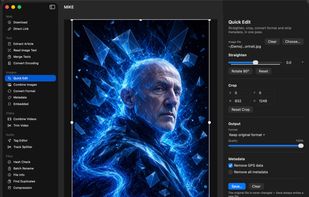
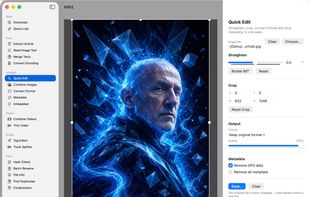
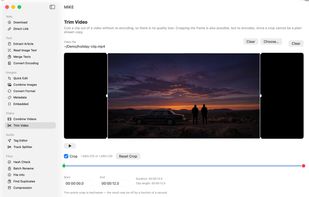
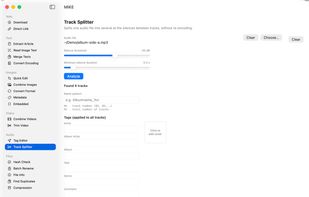
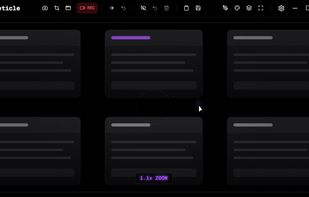
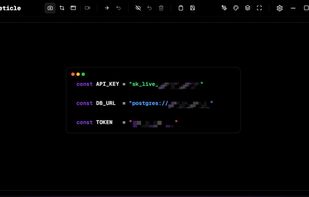
    A free, open-source macOS toolbox — download videos, extract articles, read text from images, edit metadata, trim audio and video, convert formats, find duplicates and more.

    Cost / License

    Application type

    Since

    • Since 2026 (updated Nov 2026)

    GitHub

    • GitHub stars: 5

    Platforms

    • Mac
    • DE flagGermany
    • European Union flagEU
    MIKE screenshot 1
    MIKE screenshot 2
    MIKE screenshot 3
    +36
    MIKE screenshot 4
    14 alternatives
  2. patchworkPDF icon
     1 like

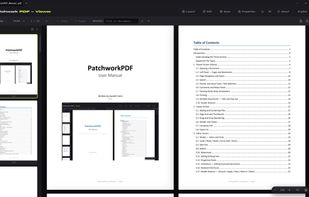
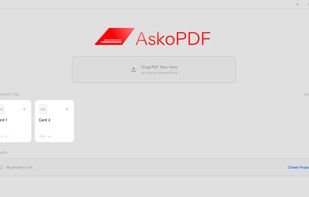
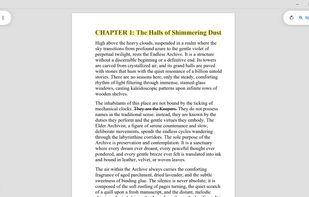
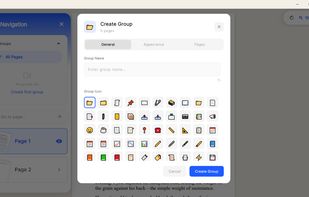
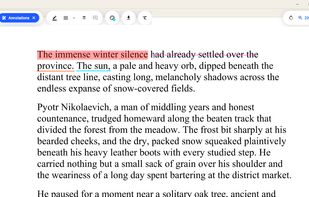
    A free, open-source PDF editor for Windows (Linux and MacOS coming). Merge, reorder, rotate, OCR, redact, sign, add form fields and watermarks — then just save. No account, no paywall.

    Cost / License

    • Free
    • Open Source

    Application type

    Since

    • Since 2026

    Platforms

    • Windows
    • Linux
    • AU flagAustralia
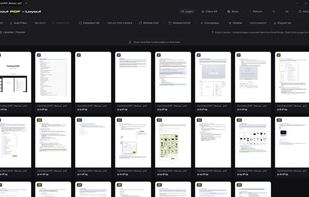
    patchworkPDF screenshot 1
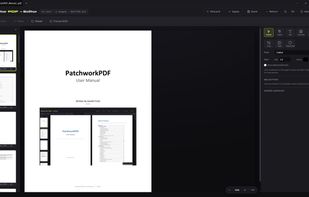
    patchworkPDF screenshot 2
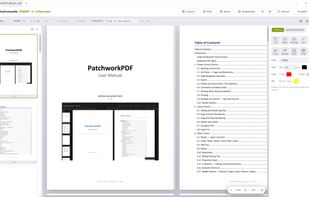
    patchworkPDF screenshot 3
    patchworkPDF screenshot 4
    5 alternatives
  3. Teedy icon
     1 like

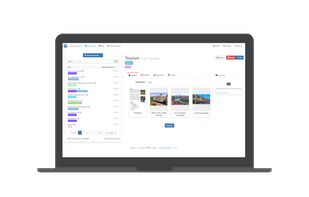
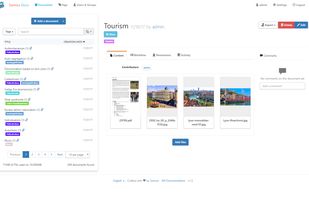
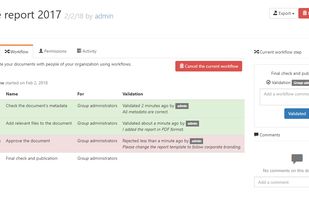
    Teedy is a lightweight document management system packed with all the features you can expect from big expensive solutions but still easy to use.

    Cost / License

    Application type

    Since

    • Since 2021 (updated Nov 2026)

    GitHub

    • GitHub stars: 2.6k

    Platforms

    • Software as a Service (SaaS)
    • Self-Hosted
    • FR flagFrance
    • European Union flagEU
    Teedy screenshot 1
    Teedy screenshot 2
    Teedy screenshot 3
    +6
    Teedy screenshot 4
    22 alternatives
  4. Translate lets you quickly and easily translate your voice and text between languages. Designed to be the best and easiest-to-use app for translating phrases, conversations, and even the text around you.

    Cost / License

    • Free
    • Proprietary

    Application type

    Since

    • Since 2022 (updated Oct 2026)

    Platforms

    • Mac
    • iPhone
    • iPad
    • US flagUnited States
    Apple Translate screenshot 1
    Apple Translate screenshot 4
    +11
    Apple Translate screenshot 6
    59 alternatives
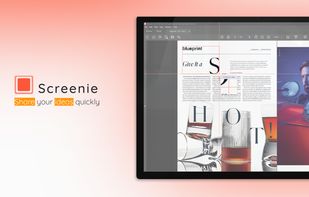
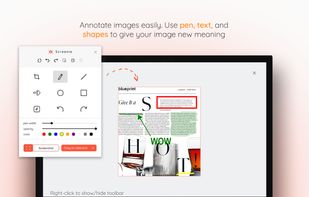
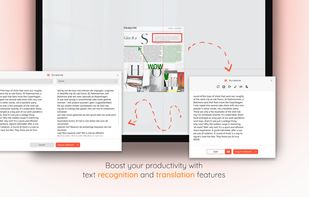
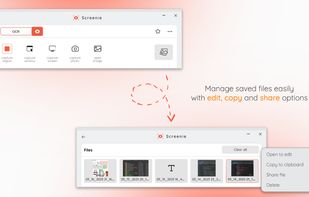
  5. 💥 Capture and share your ideas quickly and easily with Screenie - the ultimate screenshot tool for designers, developers, and anyone who needs to share information efficiently. Simply take a snap, annotate it, and copy it to the clipboard in seconds.

    Cost / License

    • Freemium (Subscription)
    • Proprietary

    Application type

    Since

    • Since 2023

    Platforms

    • Windows
    • CA flagCanada
    Screenie for Windows screenshot 1
    Screenie for Windows screenshot 2
    Screenie for Windows screenshot 3
    Screenie for Windows screenshot 4
    54 alternatives
  6. Vizion icon
     Like

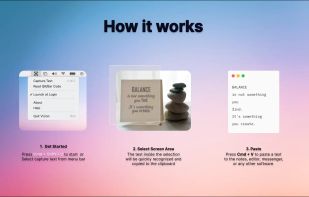
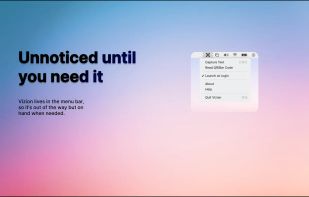
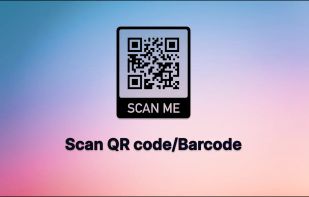
    Never get annoyed by unselectable text on websites, PDFs, images or system user interfaces again. Just select the region of your screen in the same manner as you would take a screenshot and find all recognized text in your clipboard ready to get pasted anywhere.
    Cost / License

    • Pay once
    • Proprietary

    Since

    • Since 2022

    Platforms

    • Mac
    Vizion screenshot 1
    Vizion screenshot 2
    Vizion screenshot 3
    51 alternatives
  7. Speak4Me icon
     Like

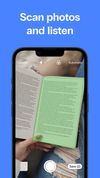
    Speak4Me converts any text file, including PDFs and websites, into audible content, enabling you to listen to your documents or school materials anytime, anywhere.

    Cost / License

    • Freemium (Subscription)
    • Proprietary

    Application type

    Since

    • Since 2021 (updated Mar 2026)

    Platforms

    • iPhone
    • iPad
    Speak4Me screenshot 1
    Speak4Me screenshot 2
    +6
    Speak4Me screenshot 3
    88 alternatives
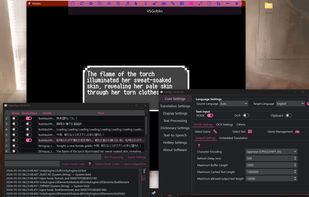
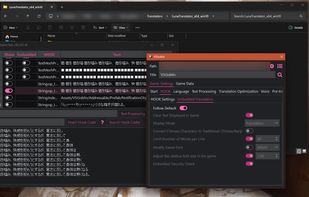
  8. Program to extract and translate text from japanese/chinese visual novels in real-time with optical character recognition, supports NS/PSP/PSV/PS2 games through HOOK emulators.

    Cost / License

    Since

    • Since 2026 (updated Nov 2026)

    GitHub

    • GitHub stars: 14.2k

    Platforms

    • Windows
    • JP flagJapan
    Luna Translator screenshot 1
    Luna Translator screenshot 2
    4 alternatives
  9. Clypy icon
     2 likes

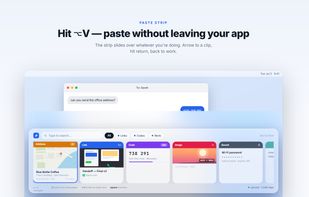
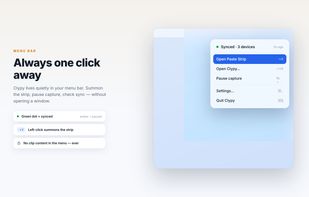
    Clypy is a cross-platform clipboard manager with end-to-end encrypted sync between macOS, Windows, Linux, iOS and Android, and on-device semantic search.
    Cost / License

    • Freemium (Pay once)
    • Proprietary

    Application type

    Since

    • Since 2026 (updated Oct 2026)

    Platforms

    • Windows
    • Mac
    • Linux
    • Android
    • iPhone
    • iPad
    • Android Tablet
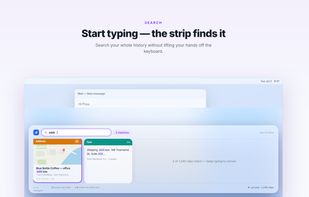
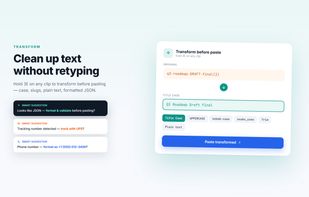
    Clypy screenshot 1
    Clypy screenshot 2
    Clypy screenshot 3
    +1
    Clypy screenshot 4
    29 alternatives
  10. SnapTray icon
     2 likes

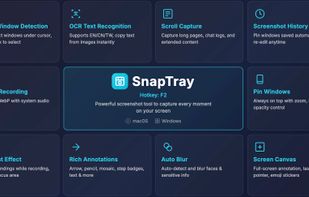
    SnapTray is a tray-native screenshot and screen recording app for macOS and Windows. It is built for fast desktop workflows: capture a region, explain it instantly, keep references on screen, and turn the same moment into a shareable image or video.

    Cost / License

    • Free
    • Open Source (MIT)

    Application type

    Since

    • Since 2026 (updated Nov 2026)

    GitHub

    • GitHub stars: 20

    Platforms

    • Windows
    • Mac
    • TW flagTaiwan
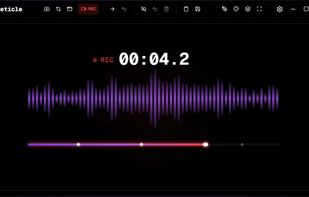
    Snap Tray introduction
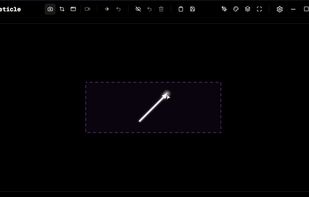
    Example
    6 alternatives
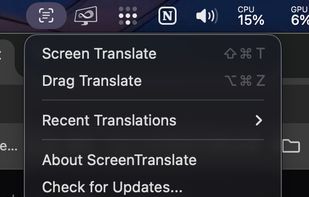
  11. Translate any text on your Mac screen — capture an area or select text directly. Free, private, on-device.

    Cost / License

    Application type

    Since

    • Since 2026 (updated Nov 2026)

    GitHub

    • GitHub stars: 90

    Platforms

    • Mac
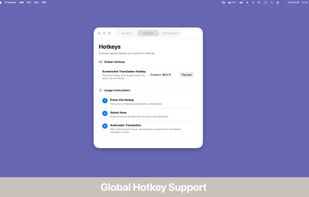
    Translation Result pop-up
    Screen Capture Translate
    Text Selection Translate
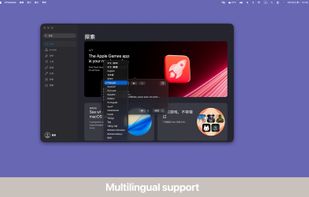
    +1
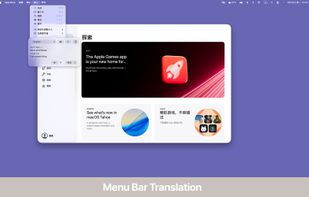
    Menu-bar
    61 alternatives
  12. PaddleOCR icon
     1 like

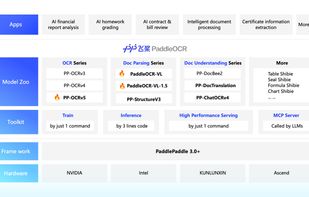
    Turn any PDF or image document into structured data for your AI. A powerful, lightweight OCR toolkit that bridges the gap between images/PDFs and LLMs. Supports 100+ languages.
    Cost / License

    Since

    • Since 2026 (updated Sep 2026)

    GitHub

    • GitHub stars: 92.9k

    Platforms

    • Windows
    • Mac
    • Linux
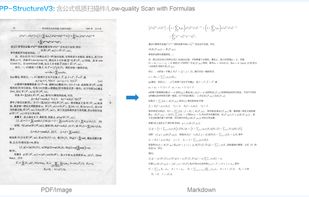
    PaddleOCR screenshot 1
    PaddleOCR screenshot 2
    PaddleOCR screenshot 3
    2 alternatives
  13. Etranslate icon
     1 like

    Etranslate is a professional Mac translation app supporting selection translation, multi-language recognition, and AI smart translation. Break through copy restrictions with one-click area selection for translation.

    Cost / License

    • Freemium (Subscription)
    • Proprietary

    Application type

    Since

    • Since 2026

    Platforms

    • Mac
    • CN flagChina
    Etranslate screenshot 1
    Etranslate screenshot 2
    Etranslate screenshot 3
    +2
    Etranslate screenshot 4
    56 alternatives
  14. OCRMyScreen icon
     1 like

    OCRMyScreen is a small, focused utility that lets you capture text from anywhere on your screen, especially in places where normal copy-paste simply does not work. Instead of retyping error messages, one-time codes, or text inside images and locked UIs, you press a button, drag...

    Cost / License

    • Free
    • Open Source

    Since

    • Since 2026

    Platforms

    • Windows
    • PK flagPakistan
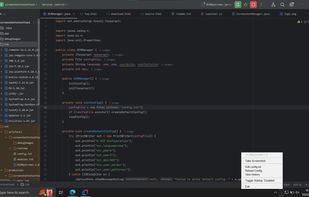
    System Tray - Example
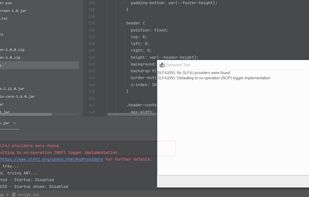
    Text Extraction - Example
    5 alternatives
  15. Ahsk icon
     1 like

    This application for Mac is specifically created to minimize the distractions that come with constantly switching between different tasks. It aims to enhance your productivity by providing tools and features that help you concentrate better on your work.

    Cost / License

    • Pay once
    • Proprietary

    Since

    • Since 2025

    Platforms

    • Mac
    • IT flagItaly
    • European Union flagEU
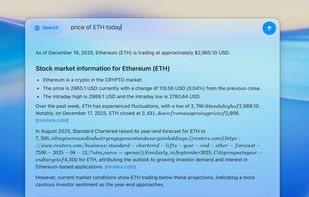
    live internet search
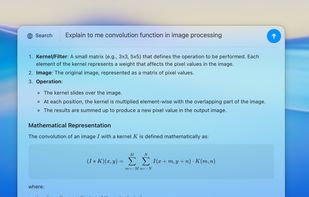
    complex rendering and explanations
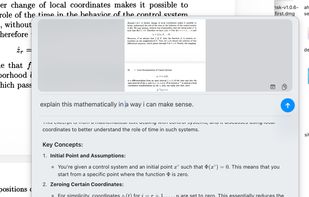
    Usage of screenshot tool to get quick responses.
    15 alternatives
  16. TextGlance icon
     1 like

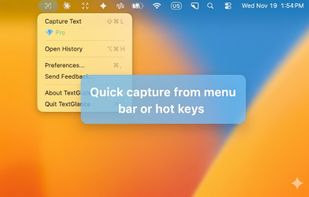
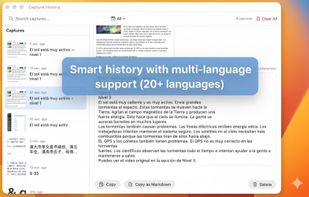
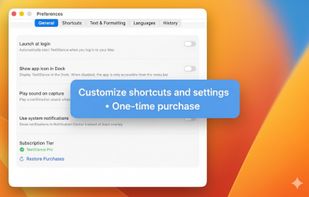
    TextGlance makes it effortless to grab text from anywhere on your Mac. See text you can't select in videos, images, or PDFs? Just drag a lasso and get editable text instantly. On-device OCR, no cloud uploads.

    Cost / License

    • Freemium (Pay once)
    • Proprietary

    Since

    • Since 2025

    Platforms

    • Mac
    • US flagUnited States
    TextGlance screenshot 1
    TextGlance screenshot 2
    TextGlance screenshot 3
    37 alternatives
  17. vFlat icon
     5 likes

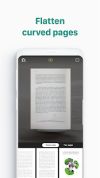
    vFlat Scan is a powerful scanner app that automatically crops, flattens, and enhances images on your mobile device, allowing you to effortlessly scan, save, and share documents as digital files.

    Cost / License

    • Freemium (Subscription)
    • Proprietary

    Application type

    Since

    • Since 2020 (updated Nov 2026)

    Platforms

    • Android
    • iPhone
    • iPad
    • KR flagSouth Korea
    vFlat screenshot 1
    vFlat screenshot 2
    +3
    vFlat screenshot 3
  18. LaTeX OCR icon
     1 like

    A simple macOS menu bar application to perform OCR on screen captures, with a special focus on extracting mathematical equations into LaTeX format using the Google Gemini API.

    Cost / License

    • Free
    • Open Source (MIT)

    Since

    • Since 2025 (updated Aug 2026)

    GitHub

    • GitHub stars: 97

    Platforms

    • Mac
    • CA flagCanada
    LaTeX OCR screenshot 1
    4 alternatives
  19. gscan2pdf icon
     20 likes

    gscan2pdf can scan, clean the scan and do OCR on the scan or imported images (incl. existing PDFs, DjVus or other file types), and make PDF and DjVu-files with embedded OCR-text. It works together with tesseract, ocropus, cuneiform an gocr-OCR-engines

    Cost / License

    • Free
    • Open Source

    Application type

    Since

    • Since 2013

    Platforms

    • Linux
    • GB flagUnited Kingdom
    Main Window
    35 alternatives
  20. Online OCR icon
     19 likes

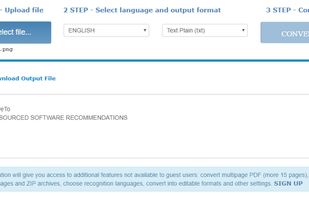
    Free Online OCR is a software that allows you to convert scanned PDF and images into editable Word, Text, Excel output formats.
    Cost / License

    • Free
    • Proprietary

    Since

    • Since 2011

    Platforms

    • Online
    Online OCR screenshot 1
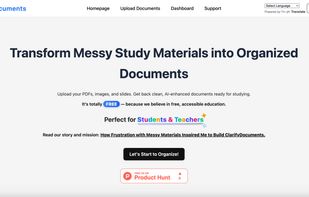
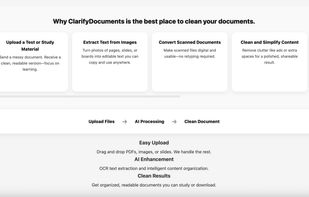
  21. ClarifyDocuments is a free AI tool that converts PDFs, images, and slides into clean, editable text. It automatically cleans, organizes, and processes content in any language, helping students and educators focus on learning.

    Cost / License

    • Free
    • Proprietary

    Since

    • Since 2025

    Platforms

    • Online
    • IT flagItaly
    • European Union flagEU

    ClarifyDocuments screenshot 1
    ClarifyDocuments screenshot 2
    99 alternatives