


Reticle
1 like
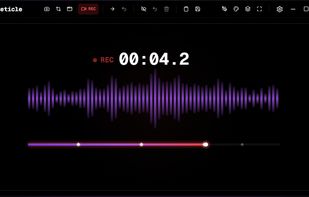
Free screenshot and screen recording tool featuring instant capture, advanced editor with annotation, blur, pixelation, history for re-editing, hotkeys, dark mode, multiple capture types, OCR, GIF/video export, multi-monitor support, and offline use.

Cost / License
- Free
- Open Source (MIT)
Application typeApplication types
Platforms
- Windows



Features
Highlights All activities
Reticle News & Activities
Recent activities
- Danilo Venom added Pixelate Image as a feature to Reticle
- Danilo Venom updated Reticle
 Danilo Venom added Reticle as alternative to OBS Studio, OpenScreen, ScreenArc, SimpleScreenRecorder and 47 more
- niksavc liked Reticle
- Reticle added Reticle
Developed by
 Vadim (Momonth)
 Licensing
Open Source (MIT) and Free product.Written in
Alternatives
49 alternatives listedBadge
Get an embeddable badge for ReticleSupported Languages

AlternativeTo Categories
Photos & Graphics, Video & Movies, Office & ProductivityGitHub repository
- 24 Stars
- 1 Forks
- 0 Open Issues
- Updated


No comments or reviews, maybe you want to be first?