Apps tagged with 'Windows 11' Page 3 of 5

All apps in Apps tagged with 'Windows 11' category. Use the filters below to narrow down your search. 
Copy a direct link to this comment to your clipboard
  1. Defender Control is a small Portable freeware which will allow you to disable Microsoft Defender in Windows 10 and 11 completely.

    Cost / License

    • Free
    • Proprietary

    Since

    • Since 2023

    Platforms

    • Windows
    • TR flagTürkiye
    running
    turned off
    cannot be started
  2. Barcodrod.io icon
     4 likes

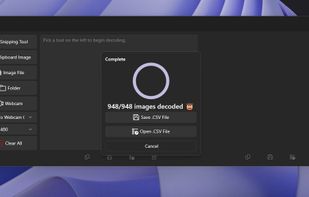
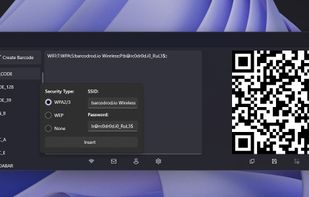
    Barcodrod.io is a free barcode and QR code toolkit for Windows 10 and 11. It can read and create 17 different types of barcodes, launch decoded results into an app, and create 13 different types of barcodes. The toolkit includes templates for Wi-fi, Email, and vCard QR codes.

    Cost / License

    Application type

    Since

    • Since 2023

    Platforms

    • Windows
    Decoding a QR code.
    Creating a QR code.
    Bulk decode feature.
    +1
    WiFi QR code creator.
  3. ElevenClock icon
     2 likes

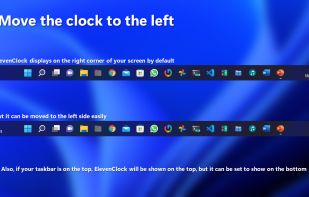
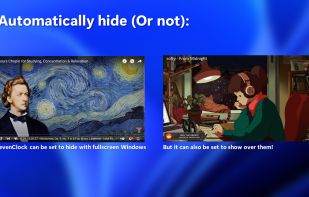
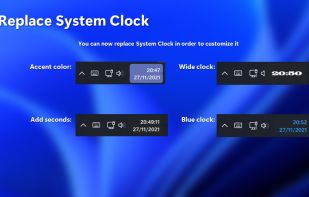
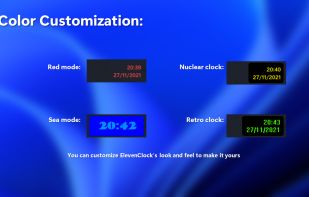
    The whole point of ElevenClock is to have a customizable clock on your Windows 11 taskbars. When Microsoft's engineers were creating Windows 11, they forgot to add a clock on the secondary screen taskbar. So I did that.

    Cost / License

    Since

    • Since 2022

    Platforms

    • Windows
    • ES flagSpain
    • European Union flagEU
    ElevenClock screenshot 1
    ElevenClock screenshot 1
    ElevenClock screenshot 2
    +5
    ElevenClock screenshot 3
    66 alternatives
  4. High Performance Powered by a Rust backend and Tauri, ensuring minimal resource usage and maximum speed.

    Cost / License

    • Free
    • Proprietary

    Since

    • Since 2026

    Platforms

    • Windows
    • Global
    MKV Extractor Pro screenshot 1
    MKV Extractor Pro screenshot 1
    5 alternatives
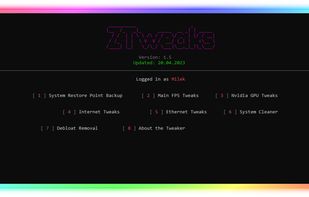
  5. Open source windows defender disabler.

    Cost / License

    • Free
    • Open Source

    Since

    • Since 2022

    Platforms

    • Windows
    Defender Control screenshot 1
  6. PC Tweaker icon
     2 likes

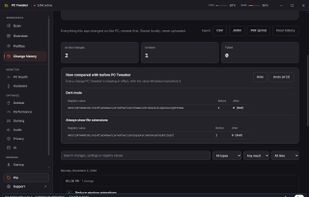
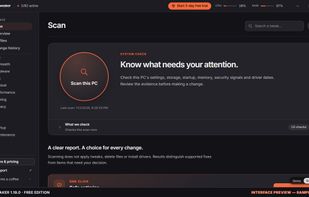
    See what Windows is doing before you change it. Review audio devices, scan findings and inspectable Windows tweaks; restore supported settings.

    Cost / License

    • Freemium
    • Source Available

    Application type

    Since

    • New

    Platforms

    • Windows
    • IT flagItaly
    • European Union flagEU
    PC Tweaker 1.20.0 — Audio diagnostics in the official browser demo. Interface preview with synthetic sample data: playback and recording formats, Bluetooth call mode and device findings; not measurements from a real PC.
    PC Tweaker 1.20.0 — Scan start screen in the official browser demo. Interface preview with synthetic sample data; starting a scan does not automatically apply tweaks.
    PC Tweaker 1.20.0 — Change history interface preview. Synthetic sample data; illustrates reviewing supported changes and previous state, not a restore performed on a real PC.
    +8
    PC Tweaker 1.19.0 — Scan 2.0 results in the official browser demo. Interface preview with synthetic sample data; not measurements from a real PC.
    27 alternatives
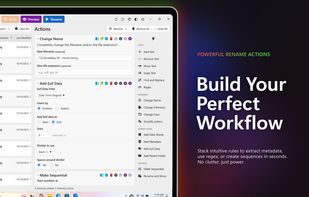
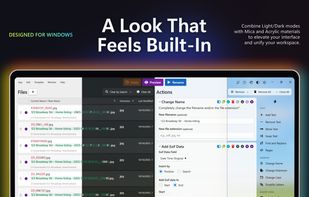
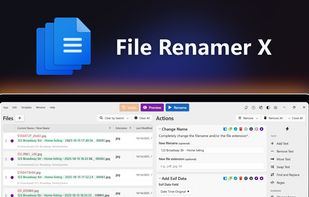
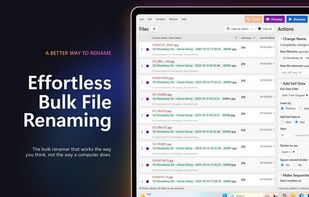
  7. Rename thousands of files in seconds with 16 stackable actions. Batch rename by Exif data, metadata, regex, date, and more. One-time purchase, no subscriptions.
    Cost / License

    • Paid
    • Proprietary

    Application type

    Since

    • Since 2026

    Platforms

    • Mac
    • Windows
    File Renamer X screenshot 1
    File Renamer X showing 45 files loaded with new names generated using Exif data and sequential numbering
    File Renamer X showing the configuration of several rename actions being used
    +1
    File Renamer X actions panel showing all available rename actions including Add Text, Add Exif Data, and Make Sequential
    20 alternatives
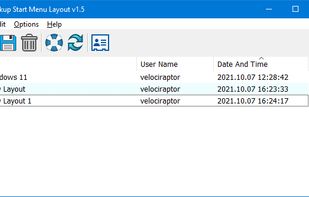
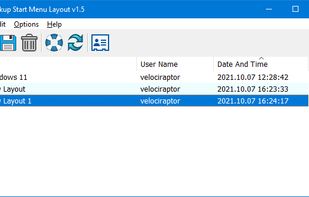
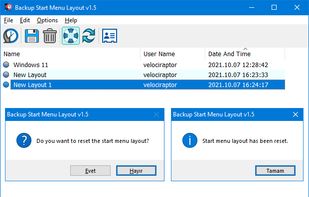
  8. After devoting so much time arranging tiles on the Start menu, it would be annoying if something were to happen to it , a registry corruption , a new application installation or a bad update can rearrange or delete the tiles on the Start menu.

    Cost / License

    • Free
    • Proprietary

    Since

    • Since 2022

    Platforms

    • Windows
    • TR flagTürkiye
    Icon
    Backup
    restore
    +2
    layout reset
  9. NTVDMx64 icon
     2 likes

    NTVDMx64 makes it possible to run old DOS / Windows applications under 64-bit Windows 7 and Windows 10. (It is reported to work correctly with Windows Server 2008 R2, and perhaps also with more recent Windows Server versions.).

    Cost / License

    • Free
    • Open Source

    Since

    • Since 2020

    Platforms

    • Windows
    1 alternative
  10. My Notes icon
     2 likes

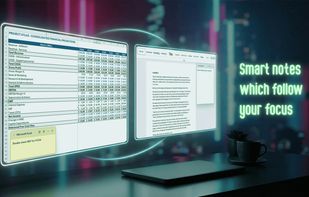
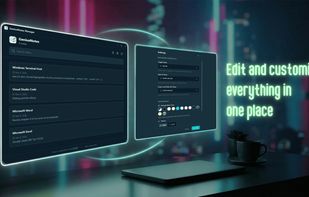
    There are many note and reminder apps available on GitHub and other platforms; however, I didn't find one that combines both of these while using a modern UI, so I created this enhanced one.

    Cost / License

    Since

    • Since 2024

    Platforms

    • Windows
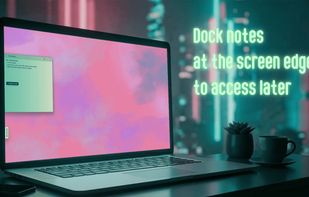
    notes screen with mica theme
    reminders screen with acrylic theme
    settings screen with acrylic theme
    +3
    notes screen with mica alt theme
  11. Rednote Mirror is a secure remote support and desktop access solution for businesses, featuring unattended access, session recording, screenshot capture, screen sharing, controlled file transfer, and real-time remote assistance.

    Cost / License

    • Free
    • Proprietary

    Application type

    Since

    • Since 2026

    Platforms

    • Windows
    • IN flagIndia
    Home Screen
    Settings
    About
    18 alternatives
  12. PinPane icon
     1 like

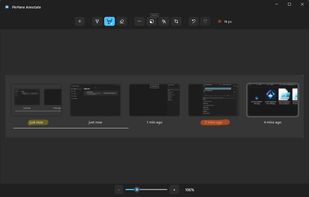
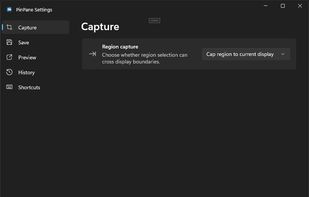
    PinPane is a Windows screenshot tool built for captures you still need after taking them. Take a region, window, or full-display capture with familiar Print Screen shortcuts, then pin it as a floating reference image that stays above all other windows.
    Cost / License

    • Paid
    • Proprietary

    Application type

    Since

    • Since 2026

    Platforms

    • Windows
    PinPane screenshot 1
    PinPane screenshot 1
    4 alternatives
  13. Themia icon
     2 likes

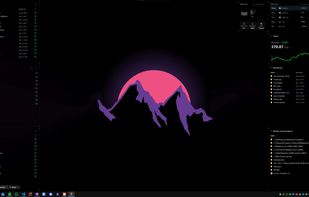
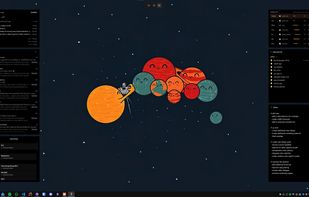
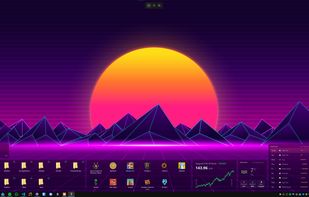
    Themia turns empty Windows desktop into useful surface. Widgets float on wallpaper, never steal focus, never clutter taskbar. Drag-and-resize grid, dark glass aesthetic, configurable per monitor.

    Cost / License

    • Freemium
    • Proprietary

    Since

    • Since 2026

    Platforms

    • Windows
    • CH flagSwitzerland
    Themia screenshot 1
    Themia screenshot 1
    Themia screenshot 2
    37 alternatives
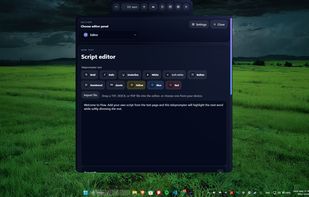
  14. A lightweight Windows teleprompter built with Tauri, featuring a minimal always-on-top reading UI, tray controls, script editing, and Groq-powered prompt generation. Made for creators, educators, students, and everyone who wants to read off their screen while looking at the camera.
    Cost / License

    Application type

    Since

    • Since 2026

    Platforms

    • Windows
    • Global
    Text editor
    AI assistant
    Settings
    +1
    Teleprompter
  15. SpringDesk icon
     1 like

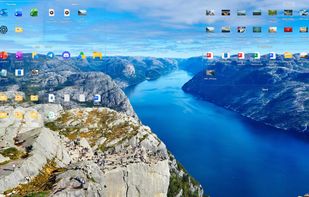
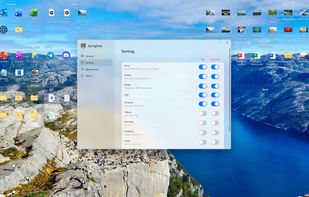
    The desktop organizer made for Windows 11: clear glass boxes for your icons, new files that put themselves away, Space to look inside and typing to find anything. Buy once, no subscription.
    Cost / License

    • Paid
    • Proprietary

    Application type

    Since

    • New

    Platforms

    • Windows
    Put your desktop in order: icons live in translucent boxes that snap to a grid and never overlap.
    New files sort themselves: documents, spreadsheets, slides, PDFs and pictures each get a tab.
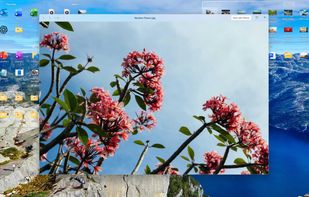
    Press Space to preview a photo without opening it. The arrow keys flip through the rest.
    +2
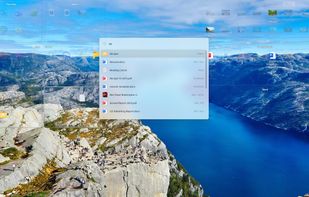
    Click the desktop and just start typing to find anything in any box.
    50 alternatives