Apps tagged with 'Computer-Aided Design' Page 11 of 13

All apps in Apps tagged with 'Computer-Aided Design' category. Use the filters below to narrow down your search. 
Copy a direct link to this comment to your clipboard
  1. myVenuePlan is a CAD-style floor plan designer built specifically for events. Create accurate, to-scale floor plans for events of any size, from private functions to large-scale productions.

    Cost / License

    • Subscription
    • Proprietary

    Application type

    Since

    • New

    Platforms

    • Windows
    • Mac
    • Online
    • Android
    • iPhone
    • iPad
    • Android Tablet
    • Google Chrome
    • AU flagAustralia
    myVenuePlan screenshot 1
    1 alternative
  2. mesh2cad icon
     Like

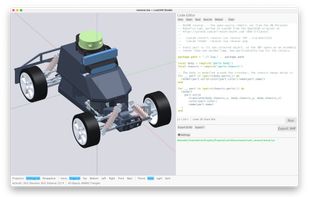
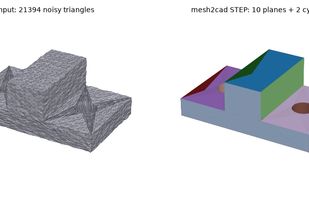
    Open-source tool that turns STL, OBJ and PLY meshes into editable CAD: STEP files with real planes, cylinders, cones, spheres and fillets, plus CadQuery, OpenSCAD and FreeCAD scripts with named parameters. CLI and MCP server.
    Cost / License

    • Free
    • Open Source (MIT)

    Application type

    Since

    • New

    GitHub

    • GitHub stars: 2

    Platforms

    • Windows
    • Mac
    • Linux
    • Python
    mesh2cad screenshot 1
    3 alternatives
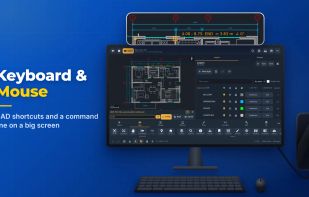
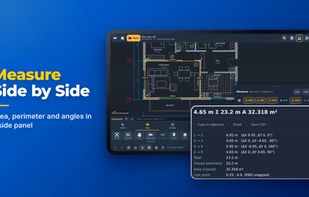
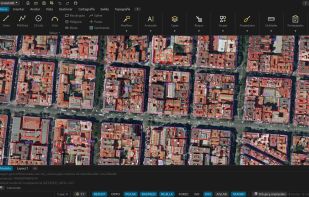
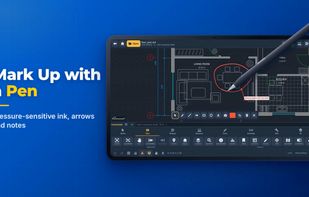
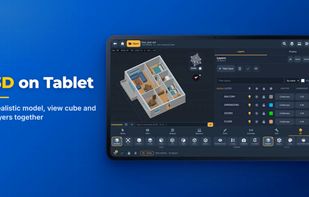
  3. Offline viewer for DWG, DXF, DGN and IFC models, with snapped distance, area and angle measurements, GPS map placement, and local document access.
    Cost / License

    • Freemium (Subscription)
    • Proprietary

    Application type

    Since

    • New

    Platforms

    • Windows
    • Mac
    • Linux
    • Online
    • Android
    • iPhone
    • iPad
    • Android Tablet
    DWG OfficeZip screenshot 1
    DWG OfficeZip screenshot 2
    DWG OfficeZip screenshot 3
    +9
    DWG OfficeZip screenshot 4
    10 alternatives
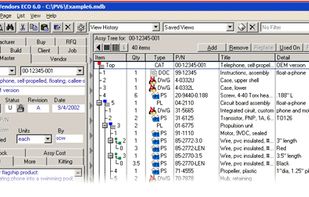
  4. Parts&Vendors makes it easy to document your new product design as the work progresses. It keeps item specs, parts lists, notes, links to drawing files, links to web sites and vendor contact information all in one place and accessible.
    Cost / License

    • Pay once
    • Proprietary

    Since

    • Since 2018

    Alerts

    • Discontinued

    Platforms

    • Windows
    Parts&Vendors screenshot 1
    10 alternatives
  5. Lineplate icon
     Like

    Turn a STEP assembly into exact hidden-line drawings and exploded views in your browser. SVG, PDF, PNG. Nothing is uploaded.

    Cost / License

    • Freemium (Subscription)
    • Proprietary

    Application type

    Since

    • New

    Platforms

    • Online
    • GB flagUnited Kingdom
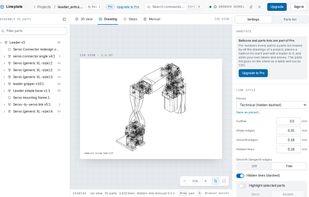
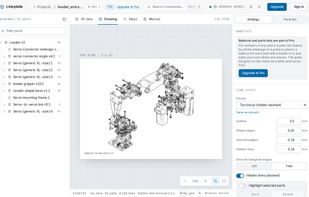
    A 91-part robot arm opened from a STEP file in the browser, drawn as an exact hidden-line isometric view with hidden edges dashed. Line weights for outlines, sharp edges, smooth edges and hidden lines are set in millimetres on the right.
    The same 91-part assembly exploded automatically, so every part and screw is visible, with dashed trails showing where each one goes. The hidden-line drawing is recalculated in the browser; the file is never uploaded.
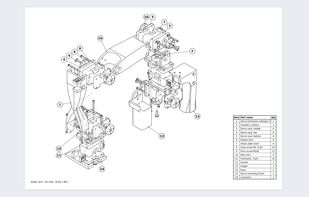
    A finished parts drawing (Pro): each part numbered with a balloon and leader line, and a parts list table with item, part name and quantity. Exports as vector PDF or SVG, and the parts list as CSV.
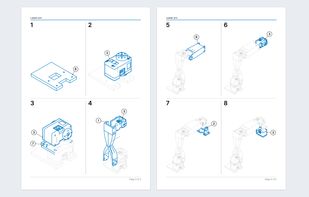
    Two pages of a step-by-step assembly manual (Pro). Each step shows the part being added in colour against the parts already fitted, with balloons matching the parts list.
    1 alternative
  6. Your railing system translated into a customized design solution - Design in 2D, view in 3D from every angle, instantly populate a parts list, and get a quote with the click of a button.

    Cost / License

    • Subscription
    • Proprietary

    Application type

    Since

    • Since 2021

    Platforms

    • Online
    • Software as a Service (SaaS)
    • US flagUnited States
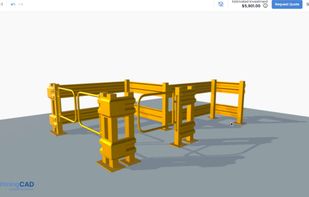
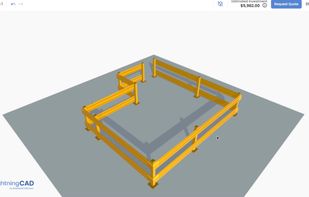
    A simple guardrail design in 3D
    Another guardrail design shown in 3D
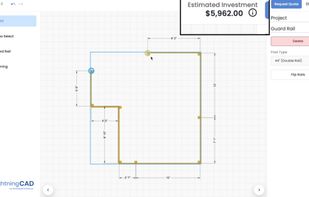
    A 2D design being created while highlighting the price
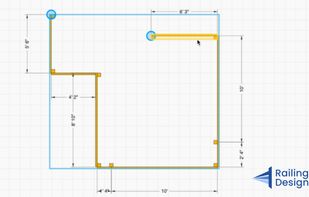
    A 2D design being created using the simple click and drag controls
    61 alternatives
  7. BlinkCAD icon
     Like

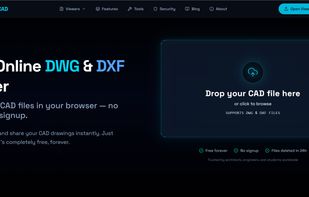
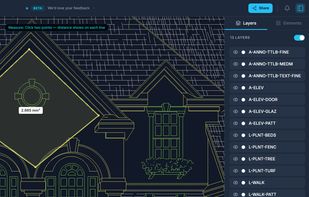
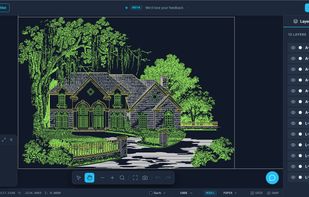
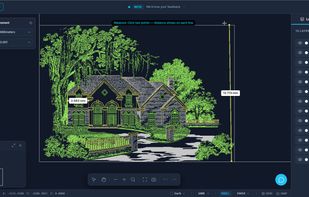
    Free online DWG and DXF viewer for contractors, engineers, and architects. Open AutoCAD files in your browser — no install, no signup, no software. Measure distances, toggle layers, and share files via private link. Supports files up to 50MB.

    Cost / License

    • Free
    • Proprietary

    Application type

    Since

    • Since 2026

    Platforms

    • Online
    • Software as a Service (SaaS)
    • IN flagIndia
    HomePage
    Layers panel — toggle individual layers on and off to focus on what matters
    Viewing a DWG file in BlinkCAD — drawing rendered instantly in the browser, no install required
    +2
    Built-in measure tool — click two points on the drawing to get exact distances
    10 alternatives
  8. LinceCAD icon
     Like

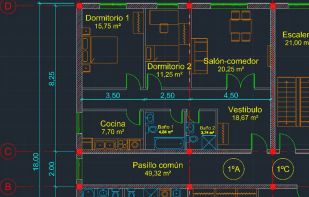
    LinceCAD is a 2D and 3D CAD program that opens, edits and saves DWG and DXF files natively, on Windows and on Linux. There is no import step and no conversion: the drawing you edit is the DWG. It is written entirely in Rust.

    Cost / License

    • Pay once
    • Proprietary

    Application type

    Since

    • New

    Platforms

    • Windows
    • Linux
    • ES flagSpain
    • European Union flagEU
    LinceCAD screenshot 1
    LinceCAD screenshot 2
    LinceCAD screenshot 3
    +1
    LinceCAD screenshot 4
    3 alternatives
  9. PilotCNC icon
     Like

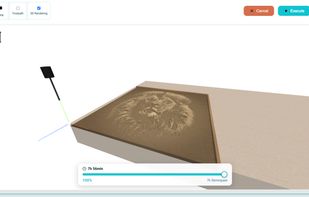
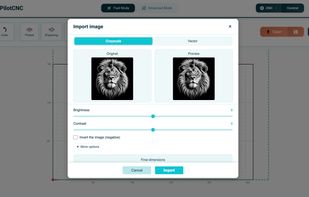
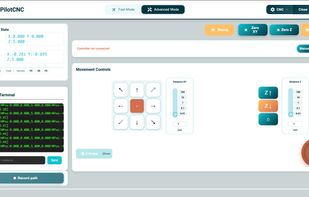
    PilotCNC combines drawing, G-code generation and machine control in a single browser tab, with no installation. It works for both CNC milling and laser engraving, imports SVG, DXF, STL and LightBurn files, and generates G-code for GRBL, Marlin, FluidNC, LinuxCNC, Mach3 and more.

    Cost / License

    • Freemium (Subscription)
    • Proprietary

    Since

    • New

    Platforms

    • Online
    • Software as a Service (SaaS)
    • CA flagCanada
    PilotCNC screenshot 1
    PilotCNC screenshot 2
    PilotCNC screenshot 3
    +9
    PilotCNC screenshot 4
  10. Gridsnap icon
     Like

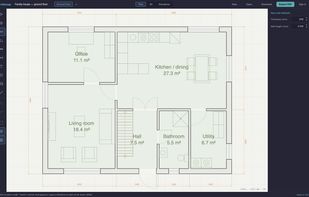
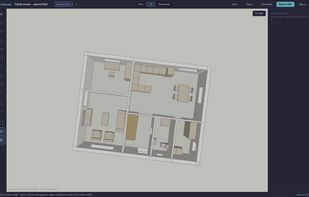
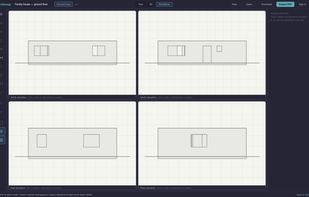
    A free browser-based floor plan editor with millimetre precision, live 3D and automatic elevations, and true vector PDF/DXF export — no signup, no watermarks.

    Cost / License

    • Free
    • Proprietary

    Application type

    Since

    • Since 2026

    Platforms

    • Online
    • EE flagEstonia
    • European Union flagEU
    Gridsnap floor planner free online editor
    Gridsnap screenshot 2
    Gridsnap screenshot 3
    5 alternatives
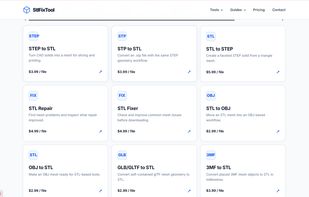
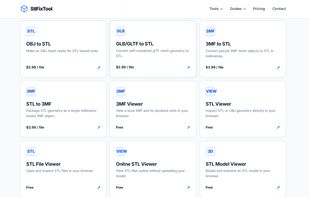
  11. StlFixTool converts and repairs 3D and CAD files in the browser — STEP to STL, STL to STEP, OBJ and 3MF in both directions, and GLB/GLTF to STL, plus mesh repair for holes, non-manifold edges, duplicate faces and inconsistent normals.

    Cost / License

    • Freemium (Pay once)
    • Proprietary

    Application type

    Since

    • New

    Platforms

    • Online
    • MA flagMorocco
    StlFixTool screenshot 1
    StlFixTool screenshot 2
    StlFixTool screenshot 3
    6 alternatives
  12. Chamfered icon
     Like

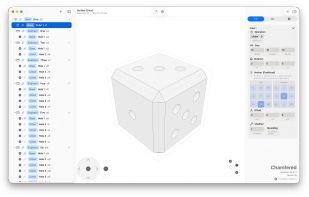
    Chamfered is a privacy-respecting Mac-first 3D CAD app designed to take full advantage of the Apple platform and its hardware -- without the compromises that cross-platform apps have to make to make it work on multiple platforms.

    Cost / License

    • Free
    • Proprietary

    Application type

    Since

    • Since 2026

    Platforms

    • Mac
    • iPad
    • NL flagNetherlands
    • European Union flagEU
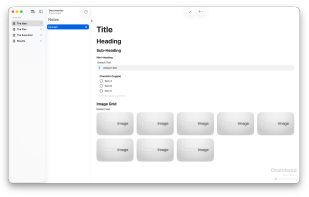
    This is Builder -- where you create per-project geometry
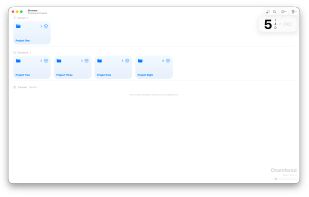
    This is Browser -- where you create and manage Projects
    This is Documenter -- where you can write any per-Project details you like
    4 alternatives
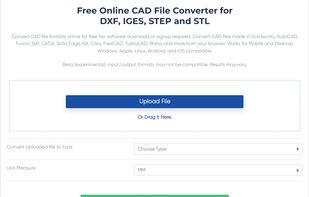
  13. Convert CAD file formats online for free. No software download or signup required. Convert CAD files made in Solidworks, AutoCAD, Fusion 360, CATIA, Solid Edge, NX, Creo, FreeCAD, TurboCAD, Rhino, and more from your browser. Works for Mobile and Desktop.

    Cost / License

    • Free
    • Proprietary

    Application type

    Since

    • Since 2022

    Platforms

    • Online
    • US flagUnited States
    eMachineShop Convert screenshot 1
    1 alternative
  14. Fluxketch icon
     Like

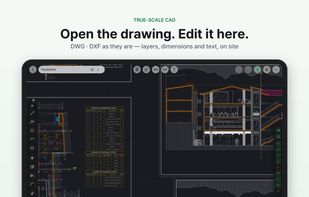
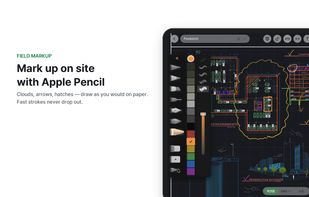
    Fluxketch is a CAD app built for architects, interior designers and site teams who work on a tablet. It opens DWG and DXF files as they are, lets you edit layers and dimensions, mark up drawings with Apple Pencil on site, and plot to true scale as PDF.

    Cost / License

    • Freemium (Subscription)
    • Proprietary

    Application type

    Since

    • New

    Platforms

    • iPad
    • KR flagSouth Korea
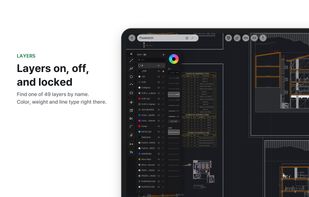
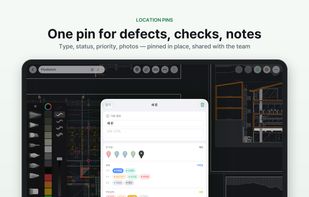
    Fluxketch screenshot 1
    Fluxketch screenshot 2
    Fluxketch screenshot 3
    +1
    Fluxketch screenshot 4
    6 alternatives
  15. Ansys Motor-CAD is a dedicated electric machine design tool for fast multiphysics simulation across the full torque-speed operating range.

    Cost / License

    • Pay once
    • Proprietary

    Application type

    Since

    • Since 2024

    Platforms

    • Windows
    • US flagUnited States
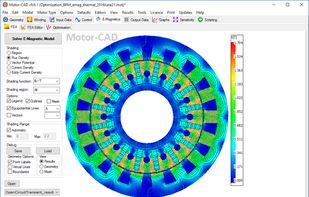
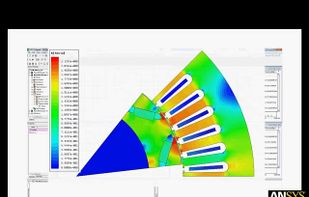
    Ansys Motor-CAD screenshot 1
    Ansys Motor-CAD screenshot 2
    1 alternative
  16. MakeVR icon
     Like

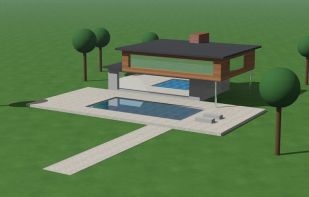
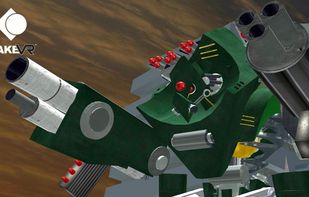
    MakeVR is a 3D content creation experience with a natural style of interaction that lets anyone, regardless of age or experience level, step into a professional CAD engine and start building cool 3D objects and worlds on Day One.

    Cost / License

    • Pay once
    • Proprietary

    Application type

    Since

    • Since 2019

    Platforms

    • Windows
    • HTC Vive
    • Viveport
    MakeVR screenshot 1
    MakeVR screenshot 2
    MakeVR screenshot 3
    2 alternatives
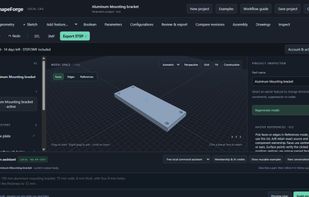
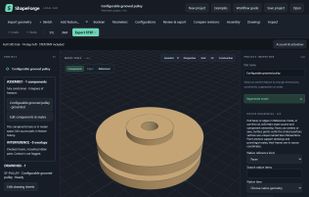
  17. Local-first parametric CAD for Windows with an AI design assistant. Free basic tier, $10/month full. Your files stay on your machine.
    Cost / License

    • Freemium (Subscription)
    • Proprietary

    Application type

    Since

    • New

    Platforms

    • Windows
    Main workspace
    Parametric grooved pulley model
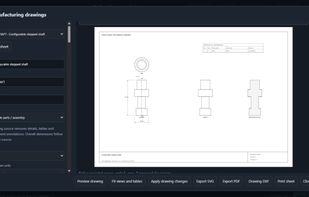
    Manufacturing drawing
    4 alternatives
  18. EnRoute icon
     Like

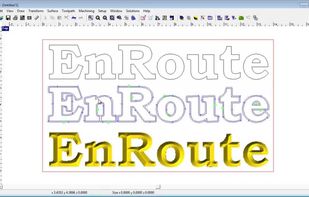
    EnRoute is a leading CAD/CAM design software that provides 2D & 3D design & toolpath capabilities for CNC routers, lasers, plasma, waterjet and knife cutters.

    Cost / License

    • Subscription
    • Proprietary

    Application type

    Since

    • Since 2020

    Platforms

    • Windows
    • PK flagPakistan
    EnRoute screenshot 1
    16 alternatives
  19. Skpwright icon
     Like

    Skpwright is an open-source, clean-room reader and writer for SketchUp (.skp) files that does not use Trimble's SDK. It reads meshes, materials, UVs, the component hierarchy, layers, scenes, attributes and document settings, and writes models back out as .

    Cost / License

    Application type

    Since

    • Since 2026 (updated Nov 2026)

    GitHub

    • GitHub stars: 19

    Platforms

    • Windows
    • Mac
    • Linux
    • US flagUnited States
    The Skpwright repository on GitHub.
    1 alternative
  20. Carveco icon
     1 like

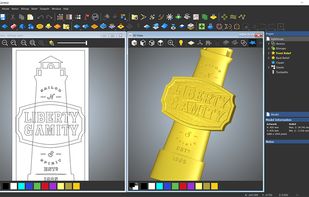
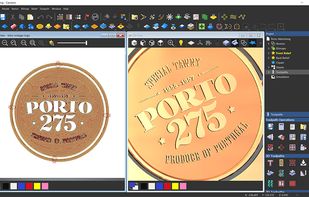
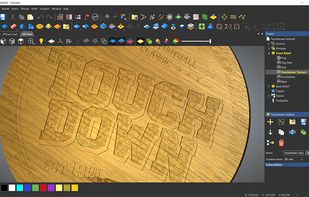
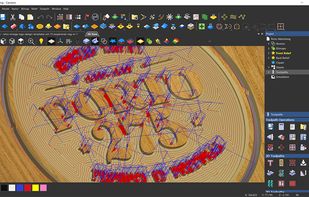
    Trusted 2D and 3D CAD modeling with CNC machining, based on an ArtCAM codebase with 25 years' development, for artistic, industrial, and creative manufacturing.

    Cost / License

    • Pay once or Subscription
    • Proprietary

    Application type

    Since

    • Since 2019

    Platforms

    • Windows
    • GB flagUnited Kingdom
    Carveco screenshot 1
    Carveco screenshot 2
    Carveco screenshot 3
    +1
    Carveco screenshot 4
  21. HamwiCAD icon
     Like

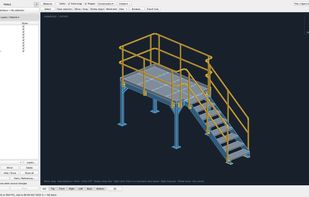
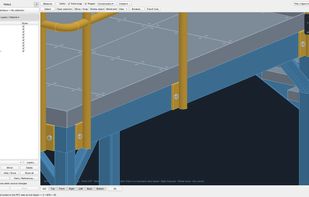
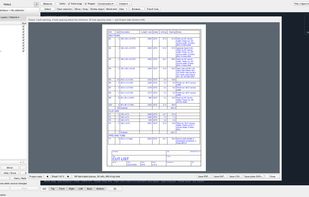
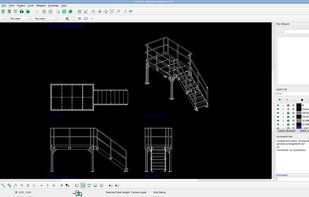
    3D CAD for steelwork and pipework, with section tables, stairs, floors, handrails, cut lists, bolt counts, STEP exchange and plate-cutting DXFs.

    Cost / License

    • Pay once
    • Proprietary

    Application type

    Since

    • New

    Platforms

    • Windows
    • Linux
    • GB flagUnited Kingdom
    platform and stair
    bolted stanchion detail
    Cutting List
    +7
    General Arrangement in Librecad
    11 alternatives