





BlinkCAD
Like
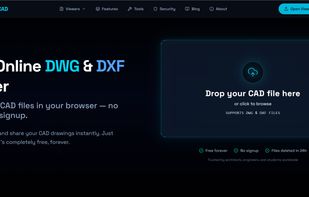
Free online DWG and DXF viewer for contractors, engineers, and architects. Open AutoCAD files in your browser — no install, no signup, no software. Measure distances, toggle layers, and share files via private link. Supports files up to 50MB.

Cost / License
- Free
- Proprietary
Application type
Platforms
- Software as a Service (SaaS)
- Online


Features
BlinkCAD News & Activities
Highlights All activities
Recent activities
 Blinkcad added BlinkCAD as alternative to eDrawings Viewer
 Blinkcad added BlinkCAD as alternative to VariCAD Viewer and A360 VIEWER
 Blinkcad added BlinkCAD as alternative to CAD Viewer
- Blinkcad added BlinkCAD
 Blinkcad added BlinkCAD as alternative to DWG FastView, DWG FastView Plus, DWGSee, Free DWG Viewer and 2 more


BlinkCAD information
Developed by
 BlinkCAD
 Licensing
Proprietary and Free product.Alternatives
10 alternatives listedBadge
Get an embeddable badge for BlinkCADSupported Languages

No comments or reviews, maybe you want to be first?