

A native Windows application for quickly analyzing disk usage and finding the files and folders that consume the most space.
Cost / License
- Free
- Proprietary
Since
- Since 2026



+1
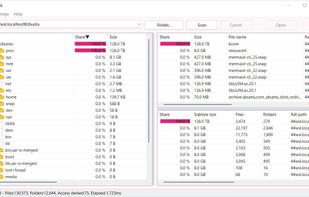


WinDirStat visualizes storage with treemap displays to quickly spot large files and folders, including on network drives. Users value its open-source nature and treemap-based disk visualization, but often switch due to speed and update concerns. Users complain that it can be slow, especially when scanning large drives or complex directory trees.
WizTree is the top-ranked alternative and reads the NTFS Master File Table directly, so scans can finish in seconds rather than minutes on Windows. SpaceSniffer ranks second with an easy-to-read treemap layout that users call simpler to understand, featuring a sober color scheme and labeled squares. TreeSize offers quicker scans and a friendlier UI with a separate free edition users say is "enough."
Disk analyzers split between Windows-first treemap tools and cross-platform open-source options, with QDirStat providing a WinDirStat-like experience for Linux users.
WinDirStat is a disk usage analyzer that helps visualize storage consumption through treemap displays. For open source transparency, Baobab Disk Usage Analyzer, Czkawka, and Filelight are community-driven options across Linux and macOS platforms. Linux users can choose Baobab Disk Usage Analyzer with GNOME integration, QDirStat for a WinDirStat-like UI, or ncdu for terminal-first analysis. Windows users seeking speed and polish have WizTree, TreeSize, and SpaceSniffer as frequently recommended disk analyzers with strong visual layouts.
If duplicates matter more than charts, Czkawka offers content-based comparison alongside its disk analysis features, while WizTree includes duplicate locator functionality. Terminal workflows benefit from ncdu, which is built for ncurses use over SSH, and dua-cli as another terminal-based directory analyzer for sysadmins working remotely. Android users managing phone storage can use DiskUsage for zoomable directory diagrams or disky for storage breakdown by directory and apps.
A native Windows application for quickly analyzing disk usage and finding the files and folders that consume the most space.

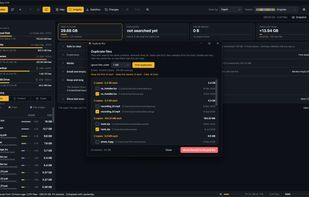
SpaceSharp shows a Windows drive as a zoomable map where every file and folder is a box sized by the space it uses, so you can see where your disk space went, what changed since last time, filter in plain words, and clean up directly from the map.
 Norway
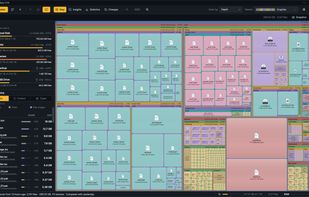
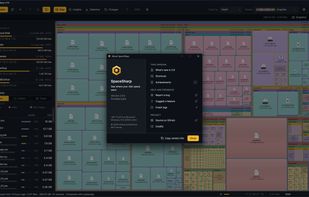
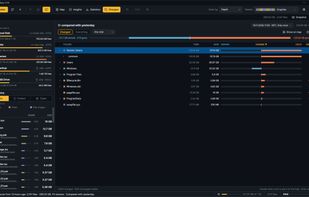


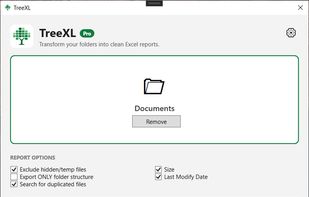
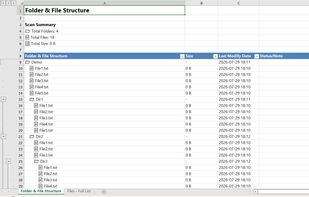
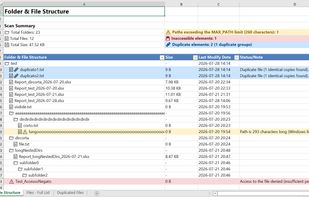
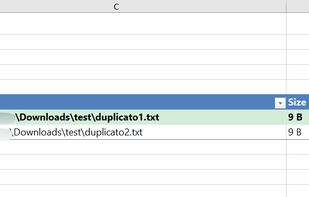
Scans Windows folders from File Explorer, exports hierarchical and flat Excel reports with duplicate detection, reclaimable space analysis, long path and permission audits. Color-coded, multi-sheet output stays local, requires no internet, never transmits data.
 Italy
 EU


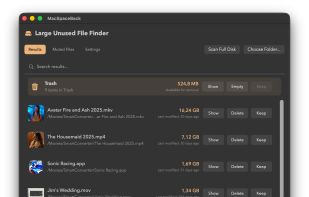
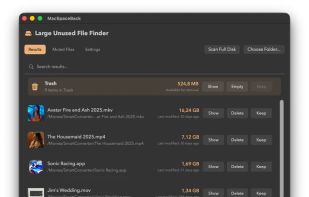
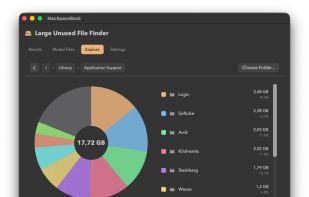
A menu-bar macOS storage cleaner that prioritizes files by size and time since last use, with low-space alerts and a hierarchical disk browser. Review suggestions in Finder, mute files temporarily or permanently, and move chosen items to the Trash before emptying it.
 LithuaniaEU
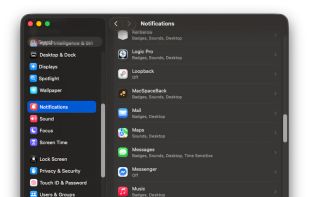


DiskFox is a Mac storage app that keeps a history of your disk, so it can show what grew, when and the likely cause.
 United Kingdom
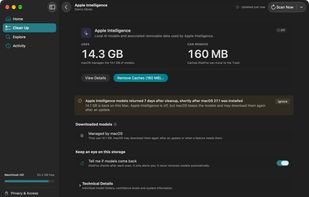
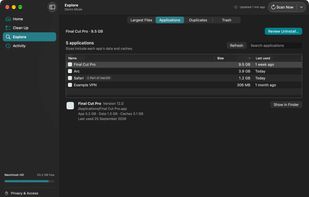
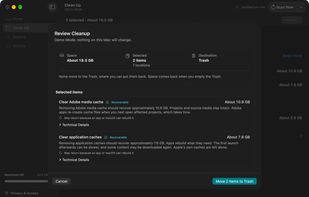
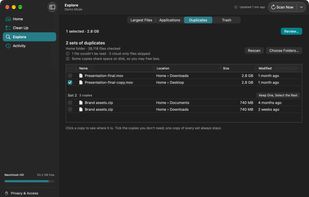

Disk space analyzer for Mac: see what fills your disk, from Xcode caches to app leftovers, and remove only what you approve.
 Thailand

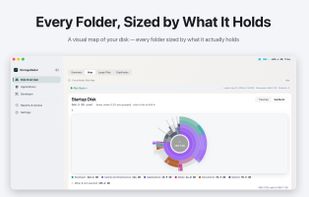




A modern disk space analyzer for Windows that visually maps your storage and uses AI to help you quickly find and clean up unnecessary files.
 United States
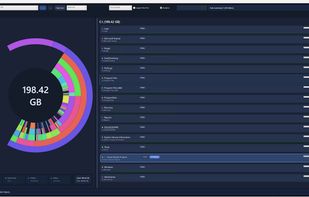


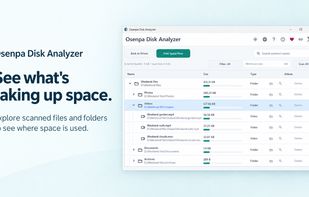
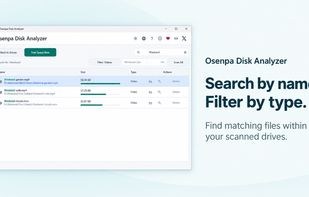
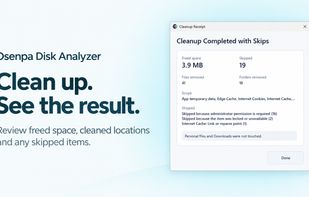
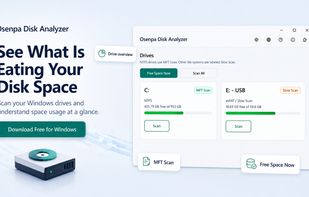
Free disk analyzer for Windows scans drives to reveal largest files and folders, displays visual tree with size bars, supports file type labels and minimum-size filtering, offers search and browser-based lookup, and includes safe cleanup features to remove temporary files.


PhotoSweep helps you clean up messy photo libraries by detecting real duplicate or near-duplicate photos even when filenames differ or the image has been edited. It groups similar images so you can quickly keep the best and remove the rest.



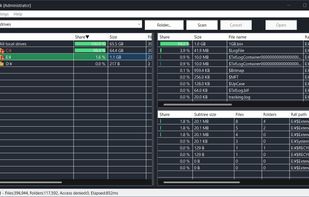
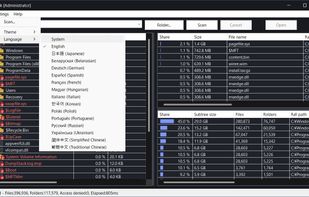
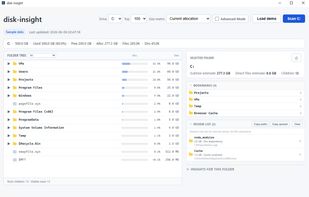
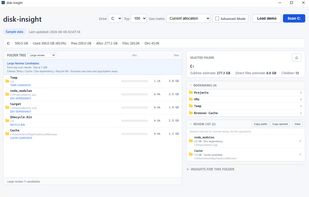
disk-insight is a local-only disk usage viewer for Windows. It reads NTFS Master File Table (MFT) data directly for fast scanning and presents the result as a tree-first view, so you can expand folders and see where storage is used before deciding what to review.


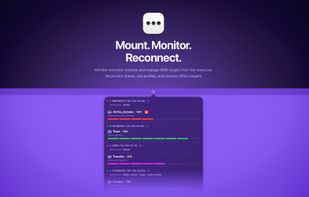
Monitor mounted volumes and manage network targets from the menu bar. Reconnect shares, use profiles, and recover offline targets.
 Switzerland



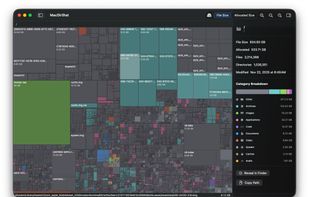
MacDirStat is a free, open-source disk space analyzer for macOS, inspired by WinDirStat. It scans a drive or folder and draws every file as a color-coded rectangle sized by its disk usage, so the biggest files and folders stand out at a glance.
United States