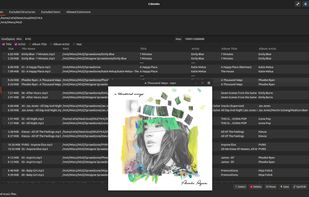
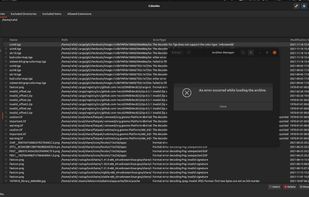
Czkawka is a simple, fast, written in Rust and easy to use app to remove unnecessary files from your computer.
Cost / License
- Free
- Open Source
Application typeApplication types
Platforms
- Mac
- Windows
- Linux
- Snapcraft
- Flathub
 Poland
 EU
EU



+2


The best open source alternative to WinDirStat is Czkawka. If that doesn't suit you, our users have ranked more than 100 alternatives to WinDirStat and many of them is open source so hopefully you can find a suitable replacement. Other interesting open source alternatives to WinDirStat are ncdu, QDirStat, Baobab Disk Usage Analyzer and Filelight.
Czkawka is a simple, fast, written in Rust and easy to use app to remove unnecessary files from your computer.
PolandEU
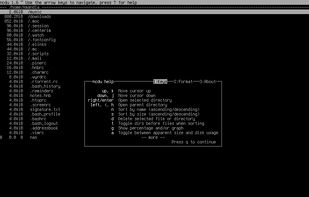
A disk usage analyzer with an ncurses interface, aimed to be run on a remote server where you don't have an entire graphical setup, but have to do with a simple SSH connection. ncdu aims to be fast, simple and easy to use, and should be able to run in any minimal POSIX-like...


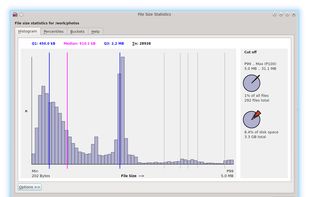
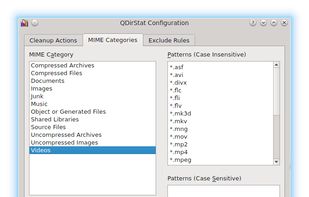
QDirStat is a graphical disk usage utility. The successor of KDirStat without any KDE dependencies.
 GermanyEU



Powerful GNOME application that provides in-depth disk usage analysis with graphical representation. It supports scanning of volumes, specific directories, and network folders, offering insights into space allocation both locally and remotely.
 United States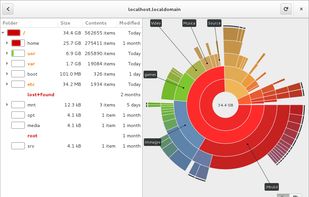
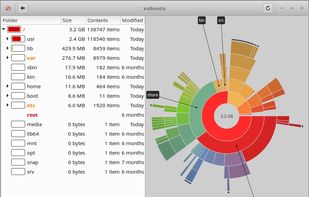
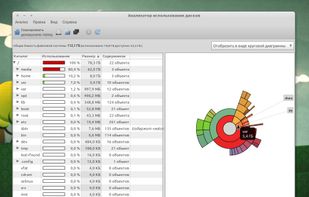
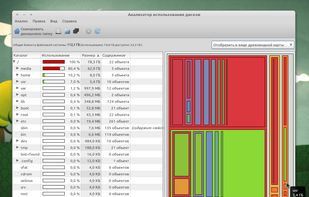


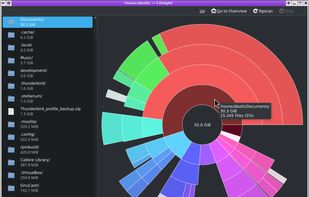
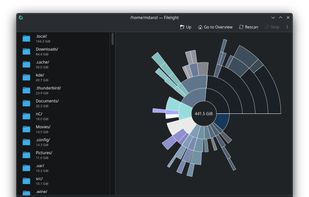
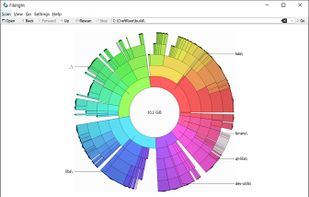
Provides graphical disk usage analysis using interactive segmented rings, scans local, remote and removable disks, enables navigation and file management from within the interface, displays live info on hover, and integrates with KDE file managers for efficient data management.
GermanyEU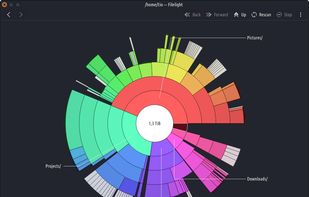


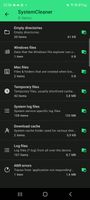
SD Maid SE (aka SD Maid 2) is a file management tool for Android that specialises in maintenance. Its core purpose is freeing up space and removing unwanted data.
GermanyEU



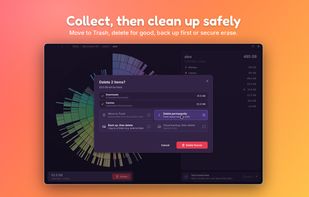
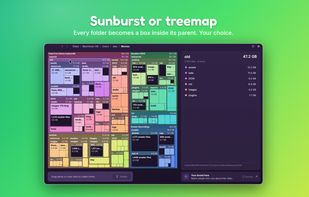
Free, open-source disk usage analyzer for Mac, Windows and Linux. See what fills your disk, servers and cloud storage, and clean it up safely.
 ItalyEU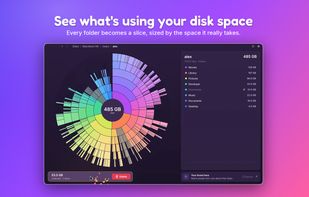



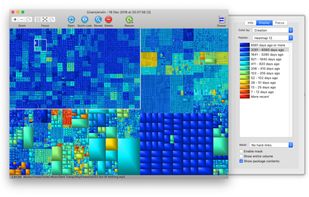
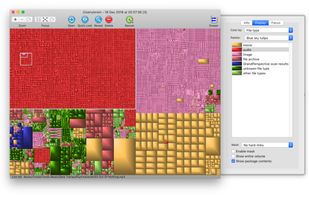
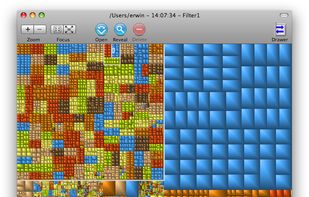
GrandPerspective is a small utility application for Mac that graphically shows the disk usage within a file system. It can help you to manage your disk, as you can easily spot which files and folders take up the most space.
 NetherlandsEU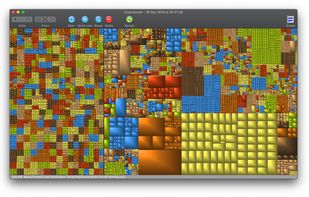


DiskUsage provides a way to find out which files and directories on the SD card of your Android phone are consuming the most space. It displays diagram with directories/subdirectories proportional to their size. Users are allowed to zoom in to look at specific directory content.



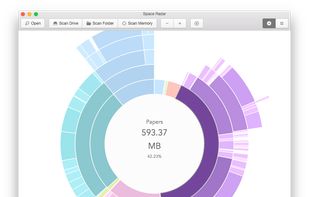
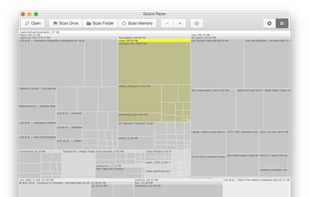
SpaceRadar allows interactive visualization of disk space and memory. It currently supports Sunburst, Treemap, and Flamegraph charts.
United States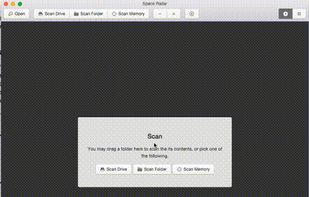


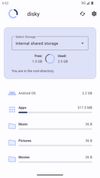
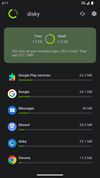
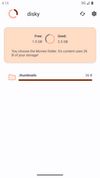
disky can analyze your device and show your data split by directory. Apps are also included, so you get the full picture of what uses your storage.
GermanyEU