VS Code Alternatives

Visual Studio Code is a cross-platform, extension-driven code editor with IntelliSense-style completion plus integrated Git and debugging workflows. Users praise its versatility and ease of use for many programming workflows, though some complain it can feel resource-intensive and may get slower over time, especially after updates.

VSCodium tops the rankings as a fully open-source build of Code - OSS that removes telemetry while keeping most VS Code functionality and extensibility. Privacy-focused developers who want a VS Code-like experience often choose VSCodium specifically to avoid telemetry, though some Microsoft extensions may be unavailable. Sublime Text ranks second and is repeatedly praised for outstanding speed and being less resource-intensive than VS Code, making it popular with developers on slower machines or large projects.

The alternatives landscape spans lightweight text editors like Vim and Notepad++ to newer AI-first editors like Zed Editor, with over 100 alternatives covering code editors, full IDEs, and terminal-based editors.

filter to find the best alternatives

Visual Studio Code is a code editor, but the alternatives span different approaches to development workflows. Open source options like VSCodium, Vim, and GNU Emacs appeal to users who want transparent licensing and community-driven tooling. For privacy-focused development, VSCodium and Helix emphasize no-tracking and telemetry prevention features.

Linux users have native options in VSCodium, Kate, and Lapce. Web-based development suits users who want browser-based environments - Replit and Firebase Studio run online for coding without local setup. For developers who live in the terminal, Micro, Neovim, and Helix target command-line workflows useful for SSH-heavy or low-overhead environments.

Copy a direct link to this comment to your clipboard
Visual Studio Code alternatives page was last updated

Alternatives list

  1. gedit icon
     695 likes

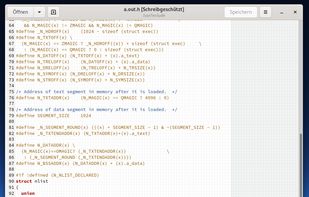
    Extensible text editor with UTF-8 support, syntax highlighting for several programming and markup languages, remote editing, file reverting, print preview, clipboard operations, powerful search, customizable fonts and colors, line numbering, and plugin support.

    194 gedit alternatives

    Cost / License

    Application types

    Platforms

    • Mac
    • Windows
    • Linux
    • Chrome OS
    • BSD
    • Flathub
    • GNOME
    • OpenSolaris
     
    |
    1
    gedit vs Visual Studio Code Comments
    Guest
    Positive
    0

    It is light weight and works and chromebook.

    Review by a new / low-activity user.
    • gedit is Free and Open SourceVisual Studio Code is Free and Proprietary
    • gedit is Lightweight and Privacy focusedVisual Studio Code is not according to our users
  2. Apache NetBeans icon
     744 likes

    A free, open-source Integrated Development Environment for software developers. You get all the tools you need to create professional desktop, enterprise, web, and mobile applications with the Java language, C/C++, and even dynamic languages such as PHP, JavaScript, Groovy, and...

    98 Apache NetBeans alternatives

    Cost / License

    Application types

    Platforms

    • Mac
    • Windows
    • Linux
    • BSD
     
    |
    2
    Apache NetBeans vs Visual Studio Code Comments
    ericwaters
    Negative
    8

    NetBeans is great and all, but it's an IDE, not a coding text editor. Inf act, there's a lot of IDEs listed as alternatives to VS Code, and they're really not.

    Guest
    Negative
    -1

    It's an IDE, not a generic text editor. While visually similar, they are quite different.

    Review by a new / low-activity user.
    • Apache NetBeans is Free and Open SourceVisual Studio Code is Free and Proprietary
  3. PyCharm icon
     298 likes

    Cross-platform IDE for Python and Django with refactoring capabilities, code completion, VCS integration, deployment, issue tracking, remote debugging, and Community Edition, though lacking database support and web technologies.

    58 PyCharm alternatives

    Cost / License

    Application types

    Platforms

    • Mac
    • Windows
    • Linux
    • BSD
     
    |
    2
    PyCharm vs Visual Studio Code Comments
    Guest
    Negative
    4

    A good IDE but it's not a text editor

    Review by a new / low-activity user.
    matti631
    Positive
    0

    It's a great tool and much less invasive then microsoft products

    Review by a new / low-activity user.
    • PyCharm is Freemium and Open SourceVisual Studio Code is Free and Proprietary
    • PyCharm is Lightweight and Privacy focusedVisual Studio Code is not according to our users
  4. Brackets icon
     428 likes

    Brackets is an open-source editor for web design and development built on top of web technologies such as HTML, CSS and JavaScript.

    91 Brackets alternatives

    Cost / License

    • Free
    • Open Source

    Application types

    Alerts

    • Discontinued

    Platforms

    • Mac
    • Windows
    • Linux
    • Electron / Atom Shell
     
  5. Pulsar Editor icon
     48 likes

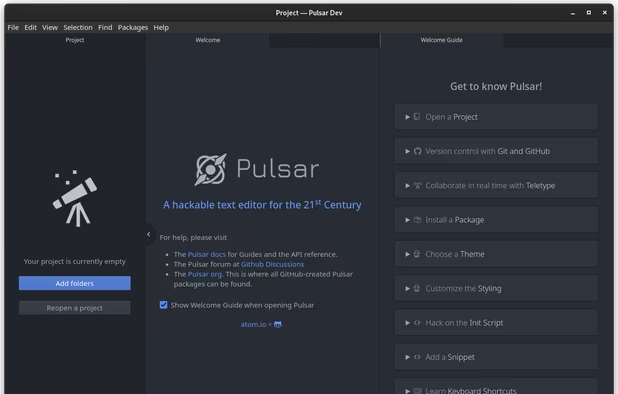
    A Community-led Hyper-Hackable Text Editor, built on Electron. and based on everything we love about our favorite editors.

    79 Pulsar Editor alternatives

    Cost / License

    • Free
    • Open Source

    Application types

    Platforms

    • Mac
    • Windows
    • Linux
    • Chrome OS
    • BSD
    • Electron
     
    |
    2
    Pulsar Editor vs Visual Studio Code Comments
    RemovedUser
    Positive
    1

    pulsar is slow compared to vs code, which is not that fast to begin with.

    Review by a new / low-activity user.
    Bill
    Positive
    0

    Pulsar is an active community fork of Atom.

    Review by a new / low-activity user.
    • Pulsar Editor is Free and Open SourceVisual Studio Code is Free and Proprietary
    • Pulsar Editor is Lightweight and Privacy focusedVisual Studio Code is not according to our users
  6. Micro icon
     84 likes

    Micro is a terminal-based text editor that aims to be easy to use and intuitive, while also taking advantage of the full capabilities of modern terminals.

    45 Micro alternatives

    Cost / License

    • Free
    • Open Source (MIT)

    Application types

    Platforms

    • Mac
    • Windows
    • Linux
    • BSD
    • FreeBSD
    • OpenBSD
     
    |
    2
    Micro vs Visual Studio Code Comments
    vXtreniusX
    Positive
    2

    Not an IDE, like VSCode, but it's still a nice text editor, with common bindings by default.

    Bill
    Positive
    0

    Micro is a command line editor with familiar key bindings.

    Review by a new / low-activity user.
    • Micro is Free and Open SourceVisual Studio Code is Free and Proprietary
    • Micro is Lightweight and Privacy focusedVisual Studio Code is not according to our users
  7. Edit icon
     19 likes

    Open-source command-line text editor for Windows with a modern interface inspired by MS-DOS Editor, featuring key bindings, lightweight build under 250KB, multi-file handling with ctrl + P, keyboard-optimized navigation, and direct file editing for developers.

    Cost / License

    • Free
    • Open Source (MIT)

    Application types

    Platforms

    • Windows
    • Linux
     
  8. Windsurf Editor icon
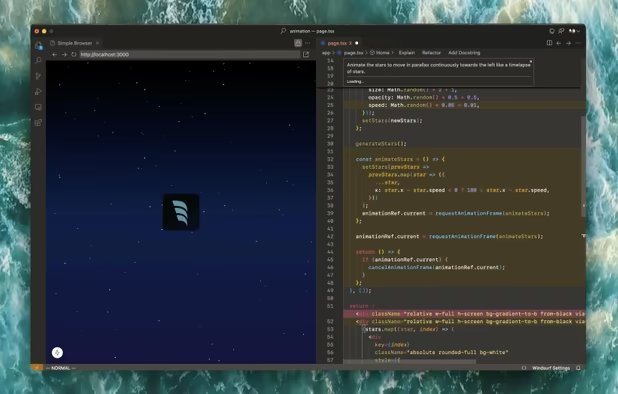
     34 likes

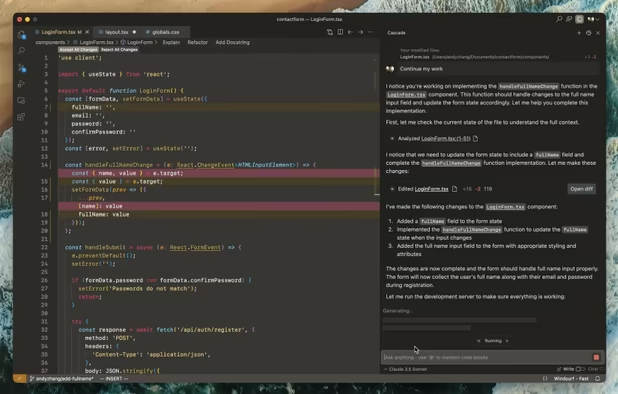
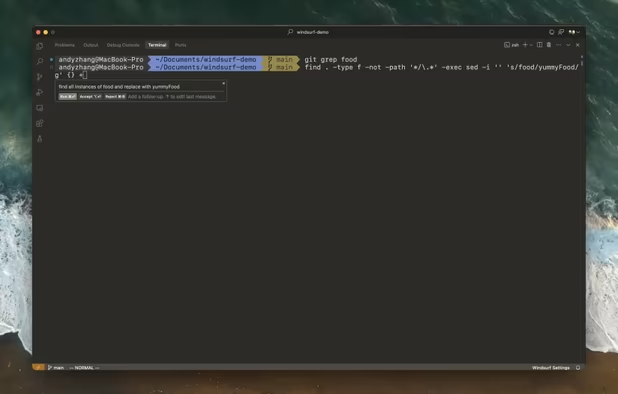
    Windsurf Editor is an IDE merging AI and developers for lockstep collaboration with Cascade capabilities, boosting speed and contextual coding through copilot and agent-like systems across Mac, Windows, and Linux.

    76 Windsurf Editor alternatives

    Cost / License

    • Freemium
    • Proprietary

    Platforms

    • Mac
    • Windows
    • Linux
     
  9. Lite XL icon
     54 likes

    Lite XL is a lightweight text editor written mostly in Lua — it aims to provide something practical, pretty, small and fast, implemented as simply as possible; easy to modify and extend, or to use without doing either.

    Cost / License

    • Free
    • Open Source (MIT)

    Application types

    Platforms

    • Mac
    • Windows
    • Linux
     
    |
    1
    Lite XL vs Visual Studio Code Comments
    Guest
    Positive
    0

    Lite XL is a text editor with extension support. It is both lightweight and uses much less resources than VS Code

    Review by a new / low-activity user.
    • Lite XL is Free and Open SourceVisual Studio Code is Free and Proprietary
    • Lite XL is Lightweight and Privacy focusedVisual Studio Code is not according to our users
  10. CudaText icon
     55 likes

    CudaText is a cross-platform text editor, written in Lazarus / Free Pascal.

    196 CudaText alternatives

    Cost / License

    Application types

    Platforms

    • Mac
    • Windows
    • Linux
    • BSD
    • Flathub
    • Haiku
     
    |
    2
    CudaText vs Visual Studio Code Comments
    David
    Positive
    2

    Unlike VS Code, CudaText is a native app so it loads and generally feels much faster. It uses a very similar interface with accessible project browser, command palette, minimap and more. CudaText additionally bundles a Python terminal as well as an easy-to-use template system for creating Python-based addons.

    Stringdom
    Positive
    2

    Great text editor that brings power editing a la Sublime Text if you don't need the whole suite of extensions of VSCode.

    • CudaText is Free and Open SourceVisual Studio Code is Free and Proprietary
    • CudaText is Lightweight and Privacy focusedVisual Studio Code is not according to our users
You are at page 2 of Visual Studio Code alternatives