

The best Screenshot Capture alternative to Snagit is ShareX, which is both free and Open Source. If that doesn't suit you, our users have ranked more than 100 alternatives to Snagit and loads of them are Screenshot Capture Tools so hopefully you can find a suitable replacement. Other interesting Screenshot Capture Tool alternatives to Snagit are Greenshot, Flameshot, Snipping Tool and PicPick.

QuickScreenshot is a lightweight and very easy to use application that enables you to take screenshots of your desktop with a few mouse clicks. Just press the wanted screenshot key (or press it multiple times) and your screenshots are done!
 Germany
 EU



Windows screen capture tool with no subscription. Region, fullscreen, window, and scroll capture. Free tier available. Pro is $29.99 once, own it forever.
 United States
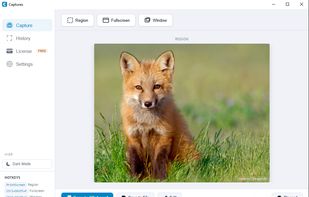


Snipper is a modern screenshot tool for Windows designed to make capturing and sharing screenshots faster.
 New Zealand
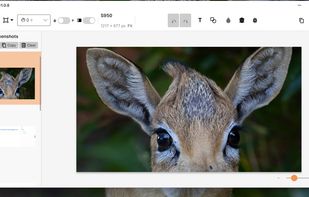
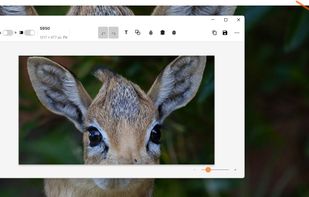


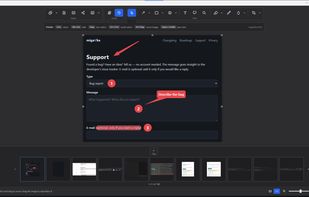
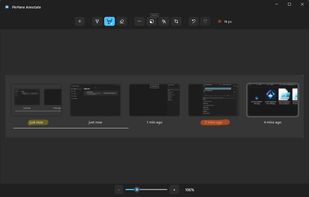
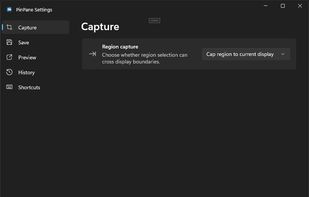
PinPane is a Windows screenshot tool built for captures you still need after taking them. Take a region, window, or full-display capture with familiar Print Screen shortcuts, then pin it as a floating reference image that stays above all other windows.


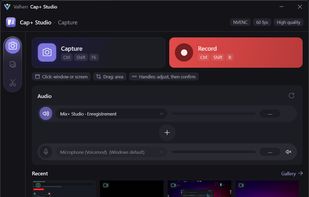
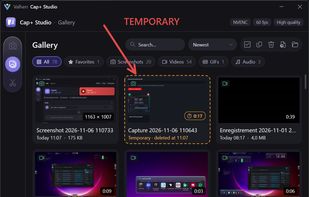
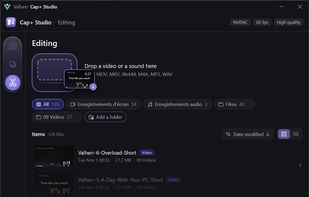
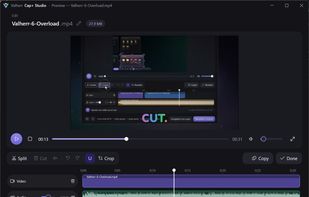
Screen capture, recording and quick editing photo, audio, video and gifs for Windows, with independent audio source selection.
 FranceEU


Turn annotated screenshots into professional SOPs, training manuals, and runbooks — export to PDF, Word, PowerPoint, HTML and more.


This is just a screen-capture toy, nothing more. If you don't know how to take screenshots with the system functions, use this tool :-).
 Serbia


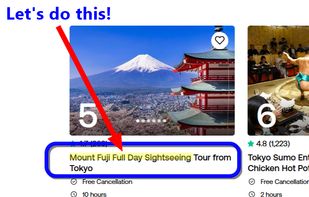
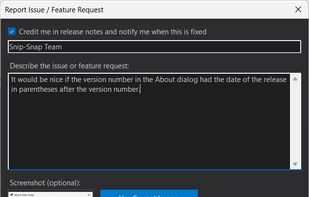
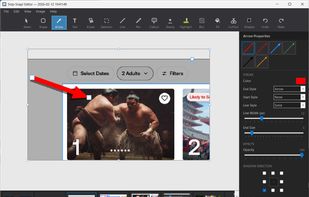
Snip-Snap! is a lightweight, privacy-focused screenshot utility for Windows 10/11. Capture regions, windows, or full screens with pixel-perfect precision using a built-in magnifier. Features a powerful editor with annotations (arrows, text, shapes, highlighters), quick styles...
United States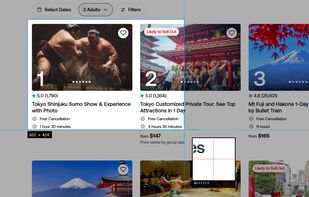


Automatically generate screenshots reflecting the latest version of your product and eliminate the manual burden of updating product screenshots in your help center.
United States



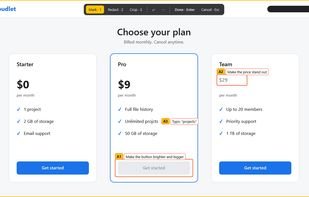
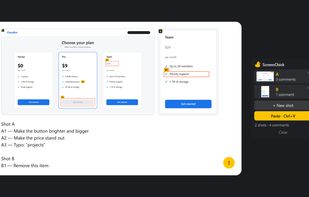
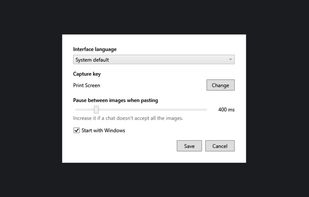
Annotated screenshots for AI chats: circle a spot, add a comment, paste it all with one Ctrl+V. Windows, offline, free and open source.


Fast, private screenshot and screen recording tool for Windows 11 — capture, annotate, record MP4/GIF and OCR, all fully offline.