Microsoft OneNote Alternatives Filtered by 'Handwritten Notes'

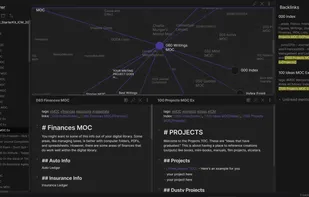
The best alternative to Microsoft OneNote is Obsidian, which is free. If that doesn't suit you, our users have ranked more than 100 alternatives to Microsoft OneNote and many of them are so hopefully you can find a suitable replacement. Other interesting alternatives to Microsoft OneNote are NoteLedge, sNotes – Students Notes, Xournal++ and Evernote.

filter to find the best alternatives

Microsoft OneNote alternatives are mainly Note-taking Tools, but if you're looking for Todo List Managers or Digital Painting Tools you can filter on that. Other popular filters include Linux, Open Source, iPhone, EU, Free, Android and Self-Hosted. You can also filter by region, for example EU-based alternatives if you prefer software developed in the European Union. These are just examples - use the filter bar below to find more specific alternatives to Microsoft OneNote.
Copy a direct link to this comment to your clipboard
Microsoft OneNote alternatives page was last updated

Alternatives list

  1. Obsidian icon
     1107 likes

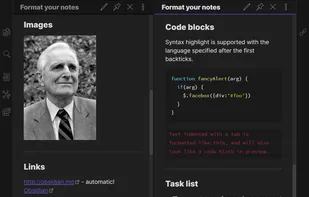
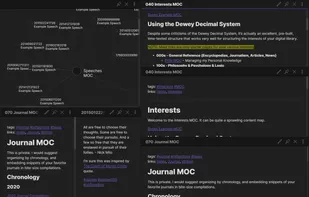
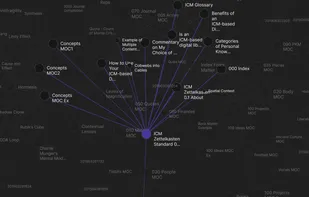
    Privacy-oriented note-taking app for non-linear thinking, blending knowledge graph creation with wiki-style linking. Supports Markdown, end-to-end encryption, and plugins for customization. Offers distraction-free mode, tags, themes, syntax highlighting, and operates offline without tracking.

    199 Obsidian alternatives

    Cost / License

    • Freemium
    • Proprietary

    Platforms

    • Mac
    • Windows
    • Linux
    • Android
    • iPhone
    • Android Tablet
    • iPad
    • Snapcraft
    • Microsoft Edge
    • Google Chrome
    • Flathub
    • Safari
    • Mozilla Firefox
    • AppImage
     
  2. NoteLedge icon
     197 likes

    Note-taking tool tailored for creatives offering idea capture from Pinterest, YouTube, and the web. Allows mood board creation, drawing, and sketching with varied brushes. Present work, share with teams using multimedia and exportable notes in PDF format

    75 NoteLedge alternatives

    Cost / License

    • Freemium
    • Proprietary

    Platforms

    • Mac
    • Windows
    • Android
    • iPhone
    • iPad
    • Android Tablet
     
    |
    1
    NoteLedge vs Microsoft OneNote Comments
    Harry Ryan
    Positive
    -1

    With this app you can organize everything including your daily activity or special event.

    • NoteLedge is Freemium and ProprietaryMicrosoft OneNote is also Freemium and Proprietary
  3. Students Notes is a note-taking app designed for online learners to overcome information overload, organization, and memorization challenges.

    Cost / License

    • Free
    • Proprietary

    Application type

    Platforms

    • Online
     
    |
    2
    sNotes – Students Notes vs Microsoft OneNote Comments
    dida_james
    Positive
    4

    The ability to organize knowledge with snotes and easily save snotes files for later access and review significantly enhances its usability. This makes snotes a strong competitor to OneNote.

    ceka-feyam
    Positive
    2

    A Real alternative to OneNote, especially for study purposes.

    • sNotes – Students Notes is Free and ProprietaryMicrosoft OneNote is Freemium and Proprietary
    • sNotes – Students Notes is Privacy focused and LightweightMicrosoft OneNote is not according to our users
  4. Xournal++ icon
     189 likes

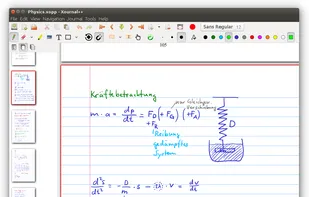
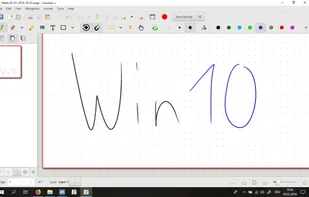
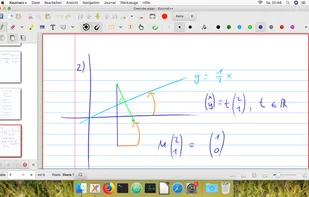
    Handwritten note-taking and PDF annotation using pen input and pressure sensitivity, shape drawing, customizable toolbar layouts, image insertion, audio recording, multi-language options, LaTeX integration, and complete export in PDF or PNG formats across all platforms.

    58 Xournal++ alternatives

    Cost / License

    Application types

    Platforms

    • Mac
    • Windows
    • Linux
     
    |
    7
    Xournal++ vs Microsoft OneNote Comments
    Top Positive Comment
    violoncello
    2

    With Xournal++ you own your notes and can save them wherever you want - you are not forced to store them somewhere in the cloud as it's the case with OneNote

    Top Negative Comment
    Guest
    0

    In the version available for Chromebooks, the option for typed text is not working.

    Review by a new / low-activity user.
    Guest
    Positive
    1

    Nearly similar interface. Lightweight, open source with latex support and voice notes. Flexible layout which was missing in xournal.

    Review by a new / low-activity user.
    3 of 7 comments
    • Xournal++ is Free and Open SourceMicrosoft OneNote is Freemium and Proprietary
    • Xournal++ is Privacy focused and LightweightMicrosoft OneNote is not according to our users
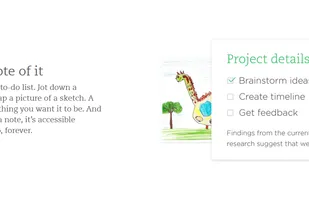
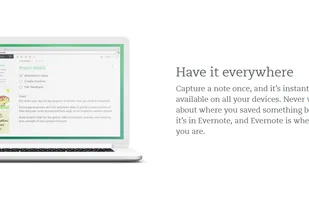
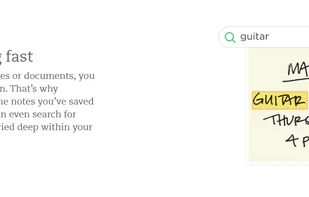
  5. Evernote icon
     2484 likes

    App designed for cross-platform note-taking and organizing. Create notes with text, images, and audio, tag and search them. Features offline access, business card scanning, and presentation modes. Integrate with LinkedIn and secure with a passcode lock.

    88 Evernote alternatives

    Cost / License

    • Freemium
    • Proprietary

    Platforms

    • Mac
    • Windows
    • Online
    • Android
    • iPhone
    • Blackberry
    • Android Tablet
    • Windows Phone
    • iPad
    • Apple Watch
    • Kindle Fire
     
    |
    10
    Evernote vs Microsoft OneNote Comments
    Top Positive Comment
    Britly Novus
    6

    Evernote is clunky, overwhelming, and slow. It has a lot of cool features that used to be relatively unique, but it's grown stagnant. Also the mobile version is pretty buggy.

    Top Negative Comment
    Guest
    60

    It is far and away lacking many features of onenote, most noticeably the ability to have sections and subsections of notes in binders. Making it not good for keeping ORGANIZED notes.

    Review by a new / low-activity user.
    k71
    0

    I dont use it for writing text (much better OneNote), i just use it for saving webpages or text from webpages. I think it´s quite slow, and somehow i dont like that much. Also, I dont trust neither expect any privacy with Microsoft, but it´s the best option i have to store the webpages.

    3 of 10 comments
    • Evernote is Freemium and ProprietaryMicrosoft OneNote is also Freemium and Proprietary
  6. Markor icon
     93 likes

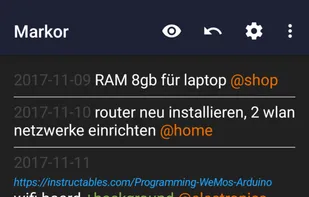
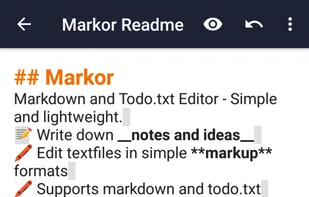
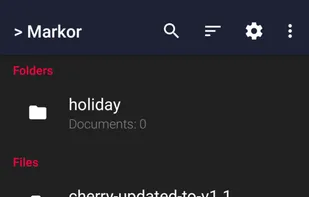
    Markor is a TextEditor for Android, versatile, flexible, and lightweight. Markor utilizes simple markup formats like Markdown and todo.txt for note-taking and list management. It is versatile at working with text; it can also be used for keeping bookmarks, copying to clipboard...

    158 Markor alternatives

    Cost / License

    • Free
    • Open Source

    Platforms

    • Android
    • Android Tablet
    • F-Droid
     
    |
    2
    Markor vs Microsoft OneNote Comments
    zokris
    Positive
    0

    Markor is light, fast and uses Markdown text so your notes can be read on all devices. With OneNote you need the app to open your notes.

    Guest
    Positive
    0

    Open-source, feature-filled and uses open formats so it is future-proof. Actively updated with new features. A great app for notes, to-do lists and jotting down thoughts and ideas.

    Review by a new / low-activity user.
    • Markor is Free and Open SourceMicrosoft OneNote is Freemium and Proprietary
    • Markor is Lightweight, Customizable and Privacy focusedMicrosoft OneNote is not according to our users
  7. Google Keep icon
     836 likes

    Google Keep is a multifunctional tool that merges note-taking with browsing, allowing capture of thoughts, checklists, or voice notes, with cross-device synchronization. Features include color-coded notes, voice transcription, geo-fencing, collaboration, cloud storage, and seamless Google integration.

    114 Google Keep alternatives

    Cost / License

    • Free
    • Proprietary

    Platforms

    • Mac
    • Windows
    • Linux
    • Online
    • Android
    • iPhone
    • Chrome OS
    • Android Tablet
    • iPad
    • Google Chrome
    • Android Wear
     
    |
    15
    Google Keep vs Microsoft OneNote Comments
    Top Negative Comment
    Guest
    51

    I love Keep, but it's not anywhere near as detailed as OneNote. Keep is basically for making sticky notes, which is helpful, but OneNote has way more features. I know a lot of students, as well as myself, who use OneNote for taking school notes. You can draw, add tags to notes, and add formattings, such as fonts, colors, bullets, and number lists. You can even draw on top of things you type. You can't any of that in Google Keep.

    Review by a new / low-activity user.
    Guest
    Negative
    1

    Far more basic than OneNote and not a comparable alternative

    Review by a new / low-activity user.
    Guest
    Negative
    2

    Keep is like sticky notes which is completely different from Onenote

    Review by a new / low-activity user.
    3 of 15 comments
    • Google Keep is Free and ProprietaryMicrosoft OneNote is Freemium and Proprietary
    • Google Keep is LightweightMicrosoft OneNote is not according to our users
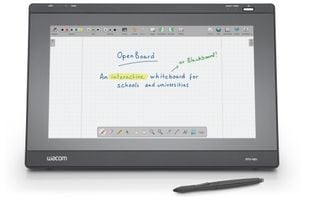
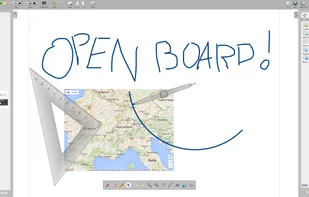
  8. OpenBoard is a cross-platform (Linux / Windows / macOS) interactive whiteboard application. It is currently maintained by the Education Department (DIP) of the Canton of Geneva in Switzerland.

    94 OpenBoard Whiteboard alternatives

    Cost / License

    Application types

    Platforms

    • Mac
    • Windows
    • Linux
     
    |
    1
    OpenBoard Whiteboard vs Microsoft OneNote Comments
    Mutaz_Abusaad
    Positive
    1

    The most important feature in OneNote, for me, is the "free-hand" writing feature on any PDF file. OpenBoard allows you to do so. It is also set up to take the whole screen with little distraction on it, so you can work and explain things to your students and collaborators.

    • OpenBoard Whiteboard is Free and Open SourceMicrosoft OneNote is Freemium and Proprietary
    • OpenBoard Whiteboard is LightweightMicrosoft OneNote is not according to our users
  9. Rnote icon
     37 likes

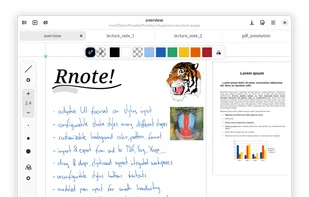
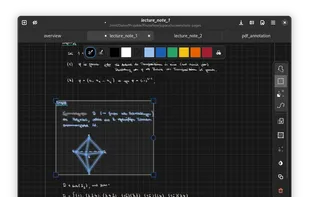
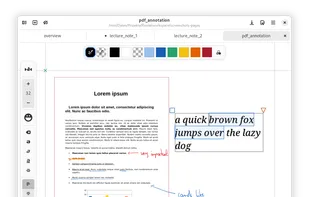
    Rnote aims to be a simple but functional note taking application for freehand drawing or annotating pictures or documents. It eventually should be able to import / export various media file formats.

    24 Rnote alternatives

    Cost / License

    Platforms

    • Mac
    • Windows
    • Linux
    • Flathub
    • Flatpak
     
    |
    1
    Rnote vs Microsoft OneNote Comments
    manuke
    Positive
    1

    It's insanely fast (and written in Rust). Pen support. Pages and Folder support. Open-Source. Saves everything as file and thus can be used in a cloud sync. Has basic Textediting functionality (but not very good for structured Texts, more made for freeform drawing and handwritten notes). PDF insertion (no real annotation though)!

    • Rnote is Free and Open SourceMicrosoft OneNote is Freemium and Proprietary
    • Rnote is Lightweight and Privacy focusedMicrosoft OneNote is not according to our users
  10.  Craft icon
     44 likes

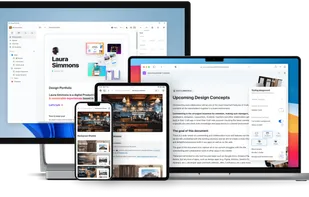
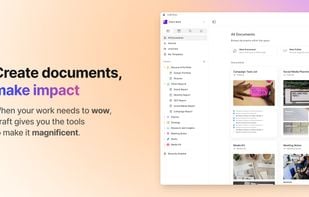
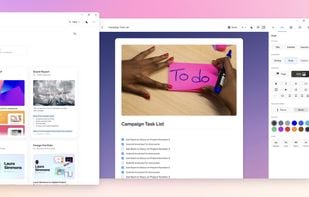
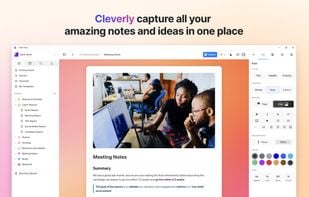
    Craft offers document creation with stunning visuals, seamless navigation, and effortless sharing. Nest notes, use AI for summaries, and export in multiple formats.

    107 Craft alternatives

    Cost / License

    • Freemium
    • Proprietary

    Platforms

    • Mac
    • Windows
    • Online
    • iPhone
    • iPad
     
  11. Zoho Notebook icon
     91 likes

    Web-based tool for integrating text, images, audio, and video with syncing across devices, real-time collaboration, handwriting input, AI-powered summaries, checklists, scanning, reminders, search in handwritten notes, and advanced organization.

    322 Zoho Notebook alternatives

    Cost / License

    • Freemium
    • Proprietary

    Platforms

    • Mac
    • Windows
    • Linux
    • Online
    • Android
    • iPhone
    • Android Tablet
    • iPad
    • Apple Watch
     
  12. Lockbook icon
     14 likes

    Provides end-to-end encrypted note-taking, file storage, and sketching with syncing across platforms, zero data collection, no personal info or passwords required, open-source code for transparency, and optional premium storage, all via native and CLI tools.

    60 Lockbook alternatives

    Cost / License

    Application type

    Platforms

    • Mac
    • Windows
    • Linux
    • Android
    • iPhone
    • Android Tablet
    • iPad
    • Flathub
    • Flatpak
    • Self-Hosted
     
12 of 29 Microsoft OneNote alternatives