Adobe Acrobat Reader Alternatives

Adobe Acrobat Reader is described as 'View, annotate, and collaborate on PDFs, utilize cloud storage and freehand tools. Upgrade for editing and converting to other formats' and is a very popular PDF Reader in the office & productivity category. There are more than 100 alternatives to Adobe Acrobat Reader for a variety of platforms, including Windows, Linux, Web-based, Mac and Android apps. The best Adobe Acrobat Reader alternative is SumatraPDF, which is both free and Open Source. Other great apps like Adobe Acrobat Reader are Okular, Foxit PDF Reader, Evince and Firefox PDF Viewer (PDF.js).

filter to find the best alternatives

Adobe Acrobat Reader alternatives are mainly PDF Readers, but if you're looking for PDF Editors or Ebook Readers you can filter on that. Other popular filters include Open Source, Windows, Linux, Windows + Open Source, Free, PDF Editor and Android. You can also filter by region, for example EU-based alternatives if you prefer software developed in the European Union. These are just examples - use the filter bar below to find more specific alternatives to Adobe Acrobat Reader.
Copy a direct link to this comment to your clipboard
Adobe Acrobat Reader alternatives page was last updated

Alternatives list

  1. Preview icon
     123 likes

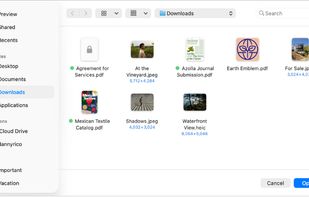
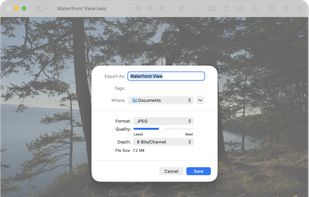
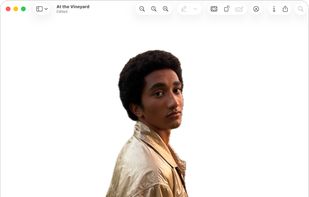
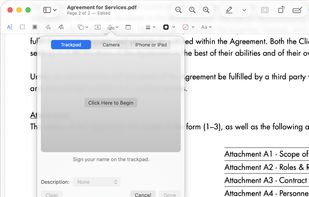
    Native macOS app for viewing, annotating, and editing images and PDFs, featuring tools for cropping, rotating, resizing images, rearranging pages, full-screen viewing, markup, document merging, batch conversion, and export in multiple formats.

    173 Preview alternatives

    Cost / License

    • Free
    • Proprietary

    Application types

    Platforms

    • Mac
    • iPhone
    • iPad
     
    |
    2
    Preview vs Adobe Acrobat Reader Comments
    Guest
    Positive
    1

    Easy, Very Fast, basic editing options.

    Review by a new / low-activity user.
    Guest
    Negative
    -6

    Unlike Adobe Acrobat Reader DC, which allows you to edit and erase certain parts of PDF files, Preview won't let you do it if it's only 1 page. I suggest getting a different PDF viewer, reader, and editor.

    Review by a new / low-activity user.
    • Preview is Free and ProprietaryAdobe Acrobat Reader is Freemium and Proprietary
  2. MJ PDF Reader icon
     28 likes

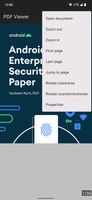
    A totally free of cost and ads PDF documents reader.

    75 MJ PDF Reader alternatives

    Cost / License

    • Free
    • Open Source

    Application type

    Platforms

    • Android
     
    |
    1
    MJ PDF Reader vs Adobe Acrobat Reader Comments
    Port5000
    Positive
    0

    Much more simpler UI, it has all you'd need to open and view pdf files without any kind of registration or tracking or any ads

    • MJ PDF Reader is Free and Open SourceAdobe Acrobat Reader is Freemium and Proprietary
    • MJ PDF Reader is Privacy focusedAdobe Acrobat Reader is not according to our users
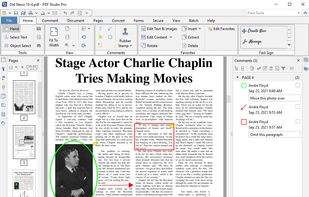
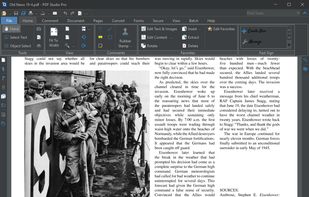
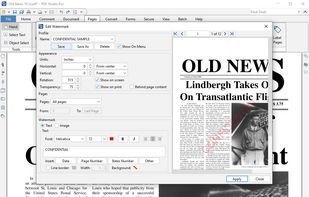
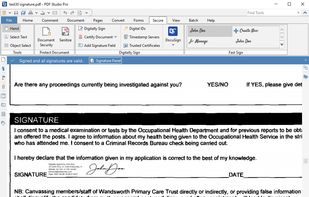
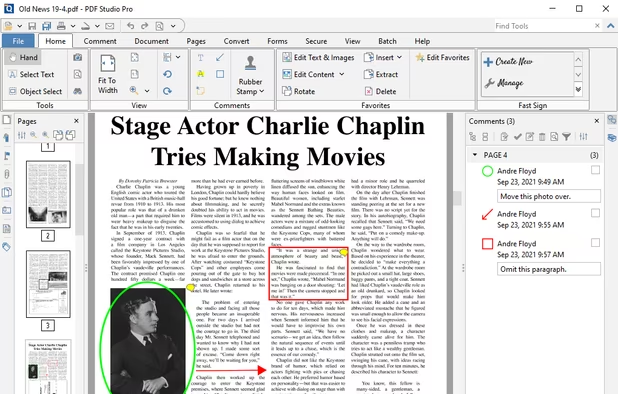
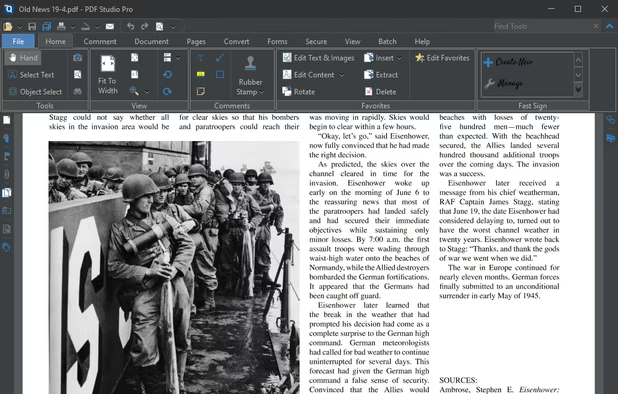
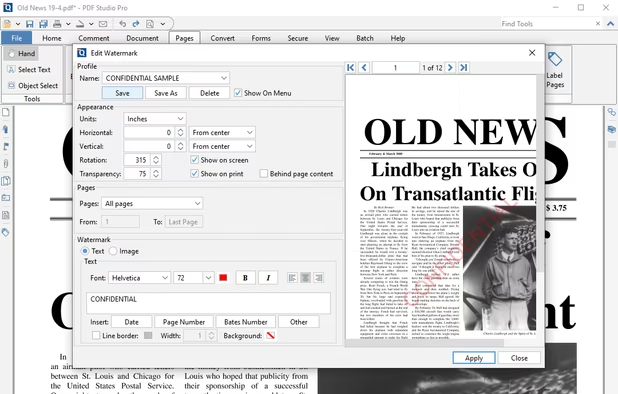
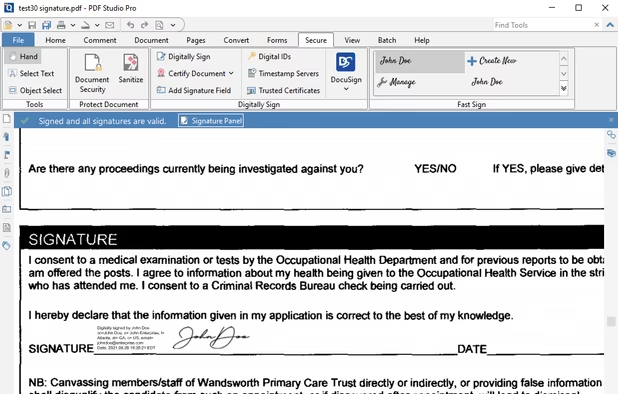
  3. Create, Convert, Review and Edit PDF Documents on Windows, macOS, and Linux.

    Cost / License

    • Paid
    • Proprietary

    Application types

    Platforms

    • Mac
    • Windows
    • Linux
    • Chrome OS
     
    |
    1
    Qoppa PDF Studio vs Adobe Acrobat Reader Comments
    Guest
    Positive
    0

    it has ability to paste highlighted text in comment automatically like adobe acrobate pro or foxit pdf reader.

    Review by a new / low-activity user.
    • Qoppa PDF Studio is Paid and ProprietaryAdobe Acrobat Reader is Freemium and Proprietary
  4. Papers icon
     12 likes

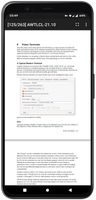
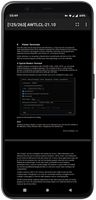
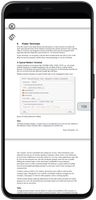
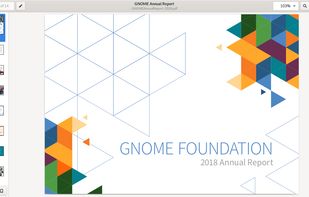
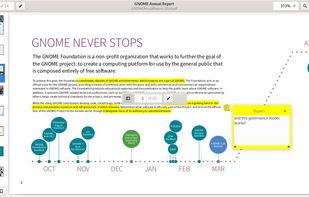
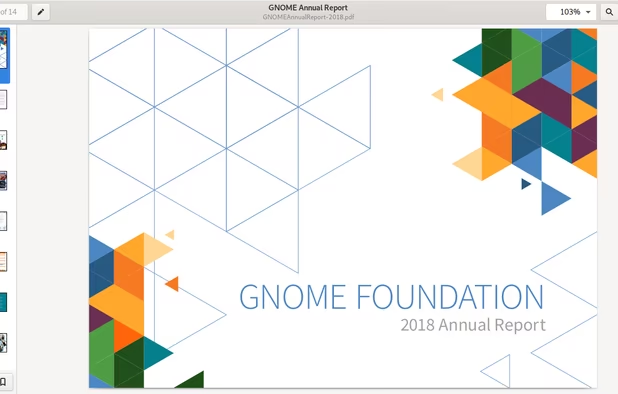
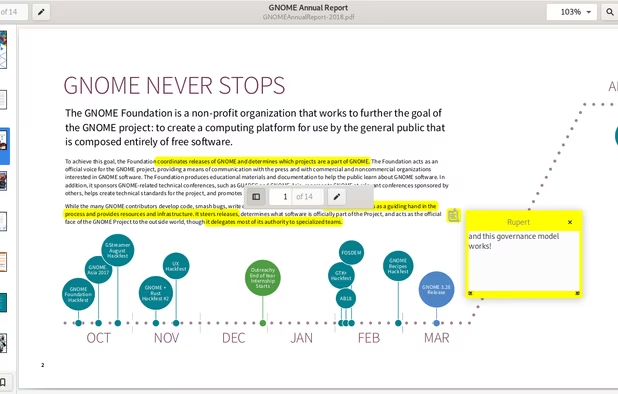
    A document viewer for the GNOME desktop. You can view, search or annotate documents in many different formats.

    Cost / License

    Application types

    Platforms

    • Linux
    • Flathub
    • GNOME
    • Flatpak
     
  5. Drawboard PDF icon
     15 likes

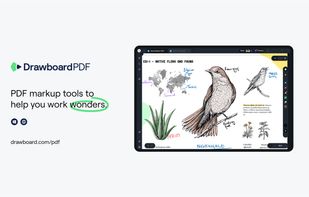
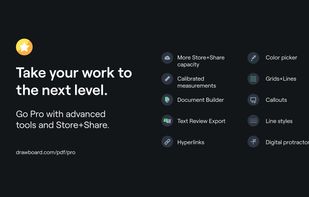
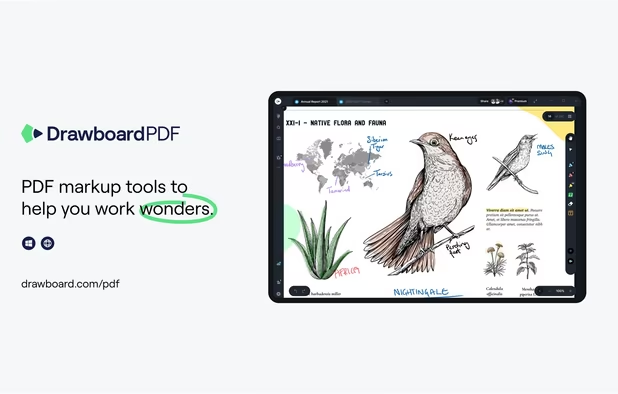
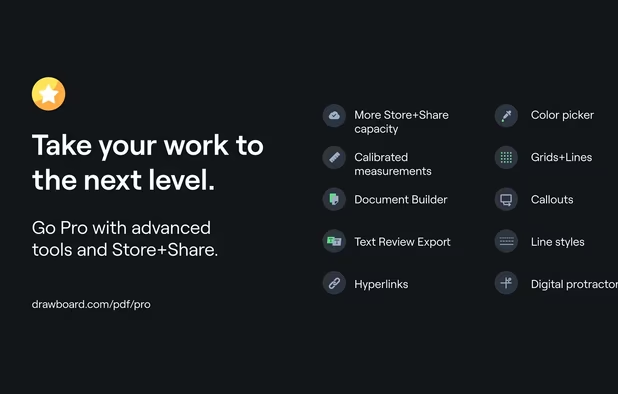
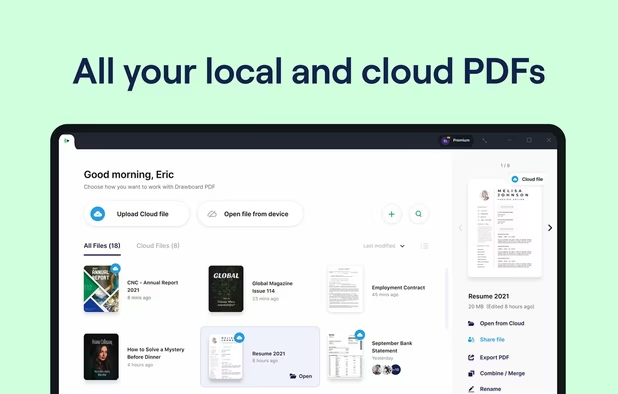
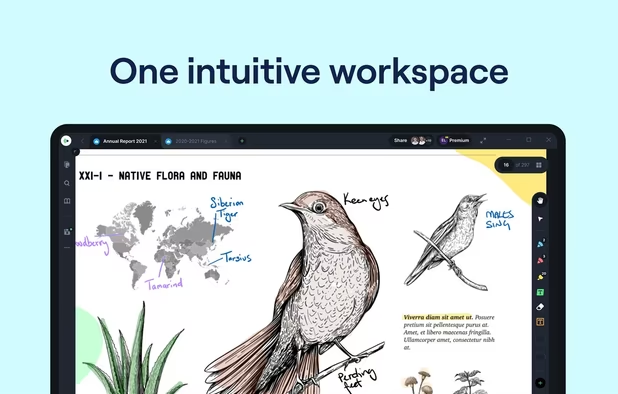
    The top AEC PDF app to markup and manage drawings and documents. Ideal for replacing pen and paper, avoid printing documents again by using our intuitive feature set that makes marking up a PDF easy. Open or create a new PDF, markup using our extensive array of tools, then save...

    62 Drawboard PDF alternatives

    Cost / License

    • Freemium
    • Proprietary

    Application types

    Platforms

    • Mac
    • Windows
    • Online
    • Android
    • iPhone
    • iPad
    • Android Tablet
     
  6. Skim icon
     93 likes

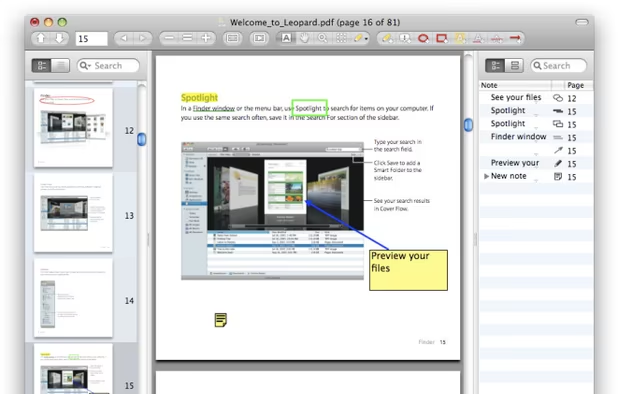
    PDF viewer for macOS supports scientific papers, annotations, highlights, bookmarks, split view, exporting notes, AppleScript, multiple annotation types, bibliography integration, full-screen, search, and compatibility with various macOS versions.
    93 Skim alternatives

    Cost / License

    • Free
    • Open Source

    Application type

    Platforms

    • Mac
     
  7. zathura icon
     45 likes

    Zathura is a highly customizable and functional document viewer. It provides a minimalistic and space saving interface as well as an easy usage that mainly focuses on keyboard interaction.

    73 zathura alternatives

    Cost / License

    • Free
    • Open Source (Zlib)

    Application types

    Platforms

    • Mac
    • Linux
    • BSD
    • MacPorts
    • Homebrew
     
  8. qpdfview icon
     44 likes

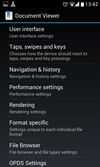
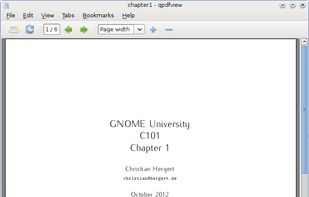
    qpdfview is a Qt-based tabbed document viewer using the Poppler library for PDF rendering and CUPS for printing. Support for the DjVu and PostScript formats can be added via plugins.

    Cost / License

    • Free
    • Open Source

    Application type

    Platforms

    • Linux
    • Haiku
    • Qt
     
    |
    2
    qpdfview vs Adobe Acrobat Reader Comments
    Hans Von Eichler
    Positive
    -3

    Anything written using the beautiful Qt SDK (or better yet with the KDE SDK) is awesome, and it's a tabbed PDF viewer! It's sweet!

    Guest
    Positive
    -3

    Really fast, many options with keybindings.

    Review by a new / low-activity user.
    • qpdfview is Free and Open SourceAdobe Acrobat Reader is Freemium and Proprietary
  9. In version 8, Google Chrome introduced a free PDF viewer, installed by default. While this plug-in lacks many features of the Adobe Acrobat Plug-in, it is much faster and lighter, and updates with the browser rather than an external utility.

    Cost / License

    • Free
    • Proprietary

    Application type

    Platforms

    • Mac
    • Windows
    • Linux
    • Google Chrome
     
    |
    1
    Chrome PDF Viewer Plug-in vs Adobe Acrobat Reader Comments
    Guest
    Negative
    0

    it is proprietary and I ask for open source app

    Review by a new / low-activity user.
    • Chrome PDF Viewer Plug-in is Free and ProprietaryAdobe Acrobat Reader is Freemium and Proprietary
  10. GoodReader icon
     48 likes

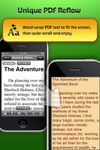
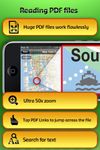
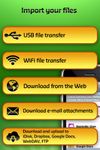
    With GoodReader on your iPhone, iPod Touch or iPad, you can read virtually anything, anywhere. Books, movies, maps, pictures; GoodReader puts it all in a single app, right in your pocket.

    90 GoodReader alternatives

    Cost / License

    • Paid
    • Proprietary

    Application types

    Platforms

    • iPhone
    • iPad
     
  11. PDF Viewer Pro is a fast and beautiful app, allowing you to view, search, and annotate PDF documents with ease on your iPhone and iPad.

    Cost / License

    • Freemium
    • Proprietary

    Application type

    Platforms

    • Mac
    • Android
    • iPhone
    • iPad
    • Android Tablet
     
You are at page 2 of Adobe Acrobat Reader alternatives