


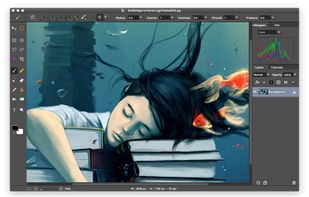
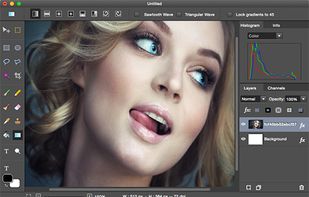
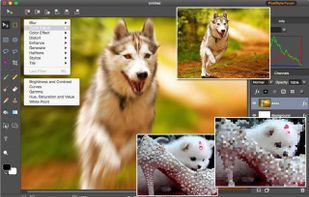
PixelStyle Photo Editor for Mac is an all-in-one photo editing and graphic design software, providing professional high-quality photo processing tools to edit the photos, enhance and touch up photos on Mac OS X.
 China
China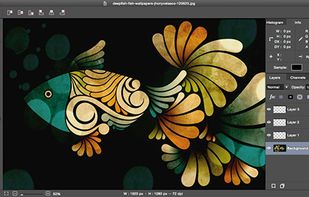



+1


Adobe Photoshop serves as a professional raster graphics editor for Windows and macOS, handling advanced image editing, retouching, and digital art. Users praise its extensive feature set for graphics and design, though many complain about high pricing compared to other editors.
GIMP tops the rankings as the leading Photoshop alternative, offering broad image-editing and retouching tools completely free and open-source. Many users switch to GIMP specifically to escape Photoshop's cloud licensing and subscription model. Affinity Photo ranks second with its polished interface and one-time purchase model, repeatedly highlighted as a cost advantage over subscription pricing. Luminar Neo brings AI tools like GenErase and GenExpand plus focus stacking and HDR merging for photographer-centric workflows.
Krita ranks third, focusing on digital painting with advanced brush control and animation support for artists. The alternatives landscape splits between pro photo editors and art-first painting apps, with Photopea standing out as a free, install-free option with PSD support and a familiar interface.
For open source transparency, GIMP and Krita lead with community-driven development and no proprietary licensing restrictions. Linux users have native options in GIMP, Krita, and MyPaint without relying on Windows or macOS-only tools. Windows-only picks include Paint.NET and Corel PaintShop Pro for desktop editing with layers, effects, and selection tools.
Web-based editors like Photopea, Pixlr, and Sumo Paint work in browsers when you can't install software on school or locked-down computers. Users avoiding subscriptions can choose Affinity Photo and Affinity Designer for predictable one-time licensing. For PSD workflows, Photopea, Affinity Photo, and Pixelmator open Photoshop-format documents to maintain collaboration compatibility. iPad workflows benefit from Affinity Photo, Pixelmator, and Pixlr for editing on tablets rather than desktop-only setups.
PixelStyle Photo Editor for Mac is an all-in-one photo editing and graphic design software, providing professional high-quality photo processing tools to edit the photos, enhance and touch up photos on Mac OS X.

AI-powered photo editing tool with features like photo enhancement, object and background removal, and AI art generation. Upscale images to 8K, enhance facial features, remove noise, blemishes, colorize, and fix faded photos. Includes portrait, object, and background editing.
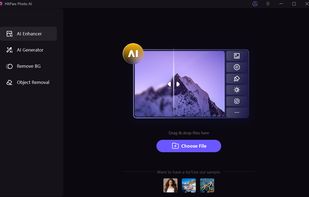
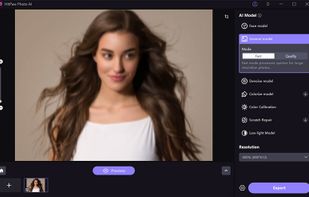
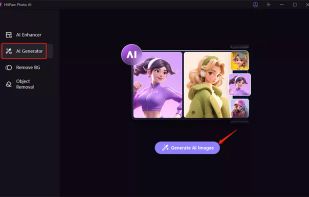
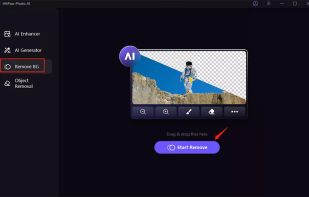


PixelStyle Photo Editor for Mac supports easy photo-editing & graphic-designing.
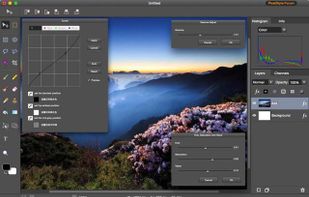

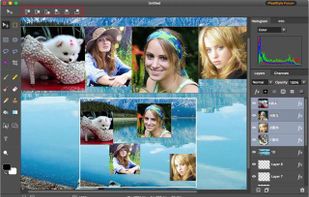
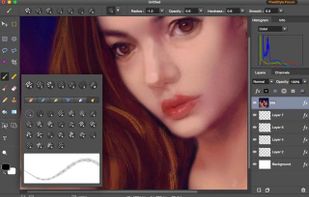


Add beautiful typography & artwork, apply stunning filters and photo effects, and add an ever-growing collection of shapes, light FX, textures, borders, patterns, and more to your photos and share them to your favorite social networks!.





Photo Pos Pro Photo Editor is a free photo editor offers users a wide variety of possibilities in the fields of Image Enhancing and Image Editing and in the field of Computer Graphics Design. Using the editor you can perform various tasks, from simple basic tasks to complex...

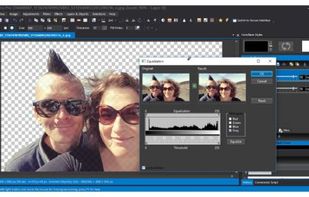


PhoXo is small and free image editing application. It's tiny, fast, easy to use, can be treated as a mini PhotoShop. Its features include layers, undo, over 50 special effects, batch processing, and a wide variety of useful and powerful tools for selecting, crop, painting...
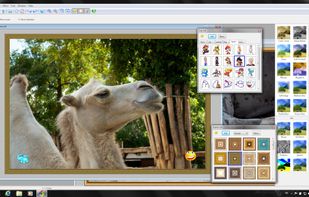
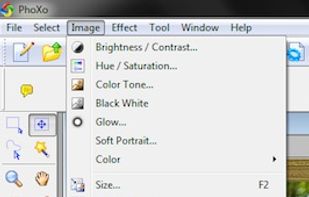
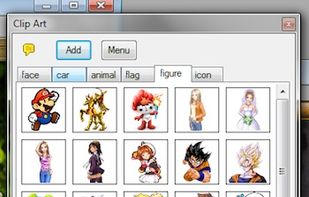


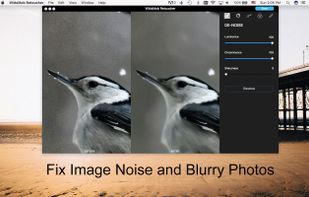
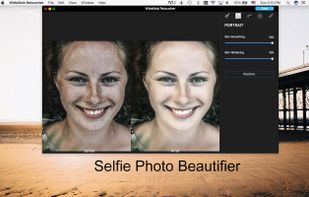
WidsMob Retoucher is an excellent photo retouching program, which is able to reduce image noise, portrait retoucher, film pack, adjust effects, fish eye effects, vignetting and more other features to photos with ease.
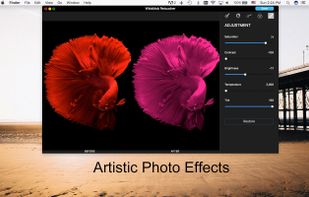



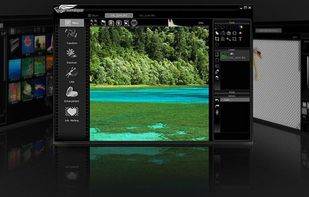
software running on the Windows with the affordable price, provides a professional and efficient solution for all photographers to cover their main works from management to editing, touching up to re-composition.


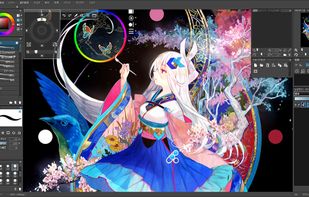



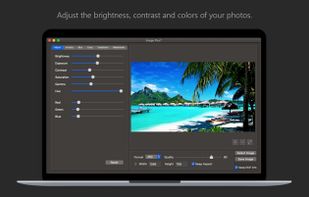
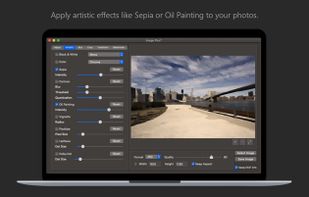
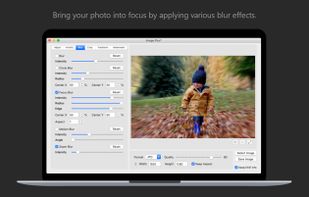
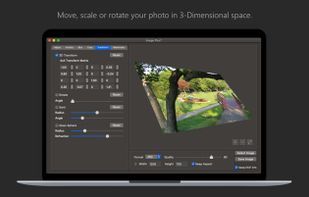
Fine-tune, watermark, resize, rotate, crop, convert and apply artistic effects to your photos using Image Plus. If you have photos on your Mac that need to be adjusted and watermarked then you are in luck.


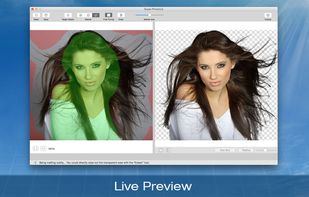
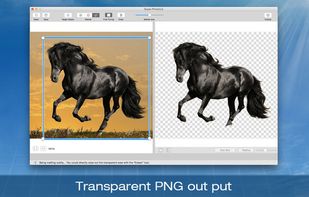
Super PhotoCut interactive cutout tool (http://www.effectmatrix.com/mac-appstore/download/super-photocut-mac-license-version.dmg) isolates and separates a detailed foreground object from photos. With our proprietary best-in-class algorithm masking tool, you can instantly remove...

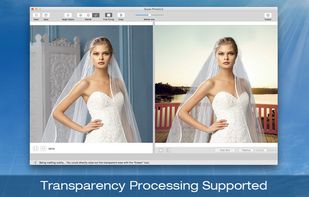


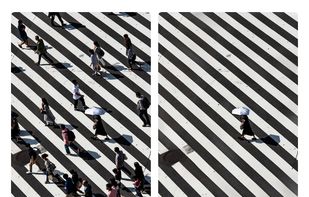
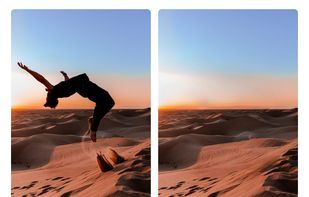
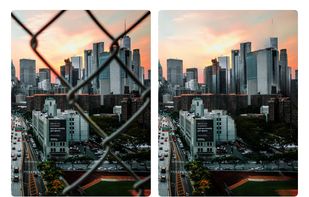
Hama is an AI-powered web application that lets you erase objects from your photo with a single brush.


 United Kingdom


 United States


 Japan
Japan


 Italy
Italy EU
EU


