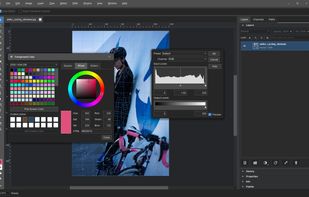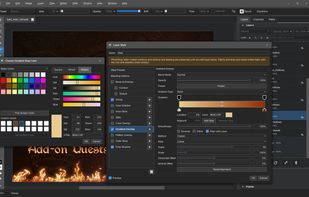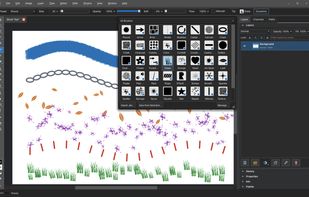


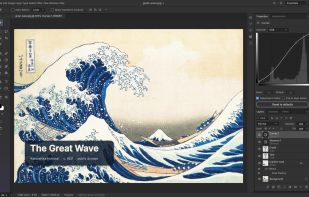
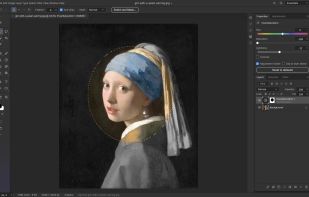
Layers, masks, adjustment layers, layer styles, type, vectors and brushes in a native app written entirely in Rust. Open source, offline, and yours.
 United States



+1


There are many alternatives to Adobe Photoshop as a web app if you are looking for a replacement. The best Online alternative is PhotoCraft, which is both free and Open Source. If that doesn't suit you, our users have ranked more than 100 alternatives to Adobe Photoshop and loads of them are available as a web app so hopefully you can find a suitable replacement. Other interesting Online alternatives to Adobe Photoshop are Photopea, PhotoSplice, Pixlr and CorelDRAW Graphics Suite.
Layers, masks, adjustment layers, layer styles, type, vectors and brushes in a native app written entirely in Rust. Open source, offline, and yours.
United States
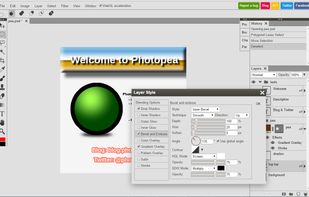
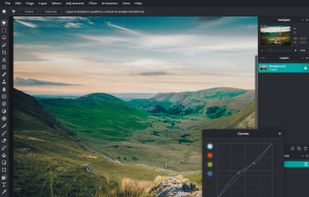
Browser-based image editing supports PSD, XCF, Sketch formats, advanced layers, vector tools, RAW photo support, and exports in 40+ formats. Fully client-side with AI background removal, content-aware tools, and privacy as files never leave your device.
 Czechia
 EU
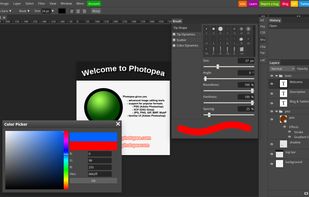

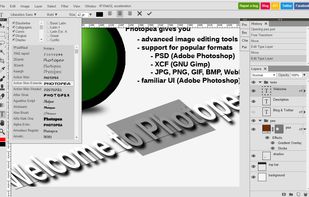

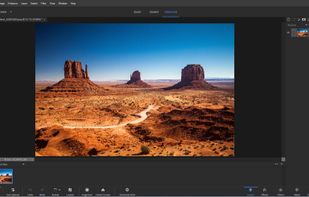
Offline raster and vector editor with PSD/PSB support, layer groups, clipping and layer masks, layer styles, smart objects and smart filters. It includes drawing, retouching and path tools, advanced text layout, action playback, scripts, sidebar plugins, and file dialogs.
 United Kingdom
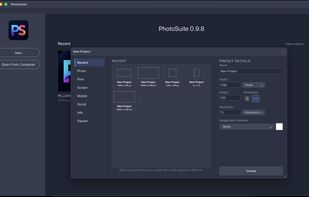
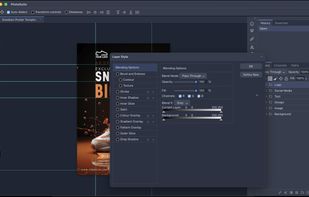
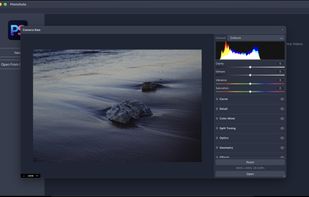
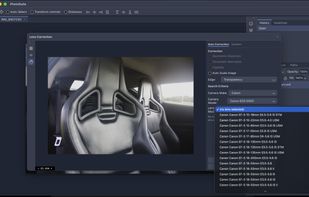

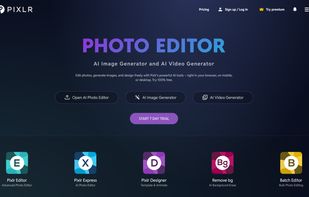
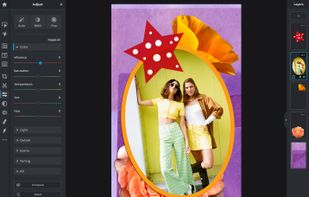
Web-based editor with AI image generation, quick fixes, overlays, intricate lighting and texture adjustments, customizable templates, advanced filters, support for layers, high-res export, and ad-free premium features for accessible image and design editing.
 Singapore



Suite featuring tools for vector illustration, image editing, page layout, bitmap tracing to convert bitmaps to vectors, asset browsing, web page creation, screen capture, file compatibility, color management, and professional multi-page document design.
 Canada


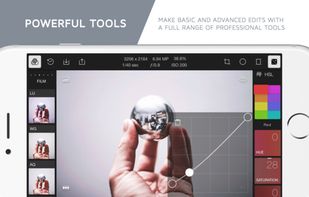
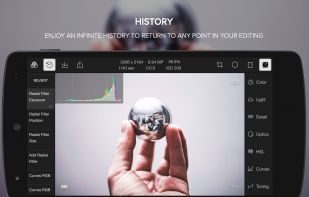
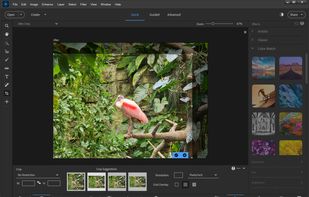
Offers advanced filters, high-precision color and light tools, clarity, dehaze, batch export, watermarking, custom filter creation, touch and mouse access, infinite undo, HSL/RGB curves, blending, and workspace customization for versatile editing needs.
United States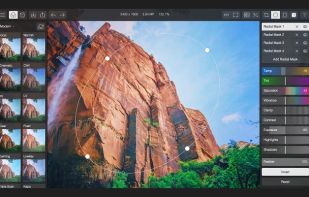


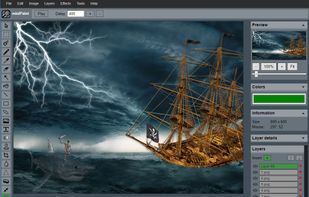
miniPaint is free online image editor using HTML5. Edit, adjust your images, add effects online in your browser without installing anything. You can use the Electron based version of the editor if you like.
 LithuaniaEU

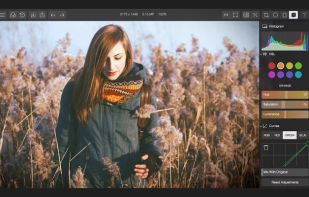
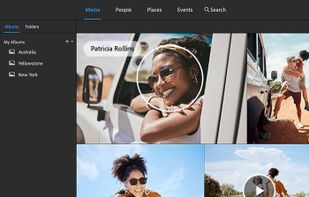
Comprehensive photo editing tool with AI-powered automation and easy step-by-step guidance. It includes unique creation tools, layer support, facial recognition, and organizes your photos seamlessly. Available as a one-time purchase, no subscription required, with cloud sync for flexibility.
United States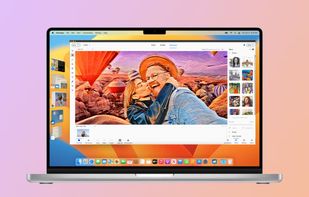
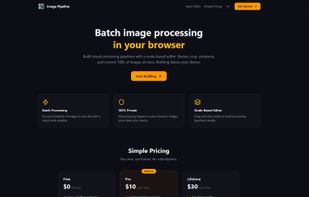
Node-based batch image processor that runs entirely in your browser. No signup, no uploads to cloud — your images never leave your device. Build visual pipelines (Load ? Resize ? Crop ? Compress ? Export), process hundreds of images in one click, download as ZIP.


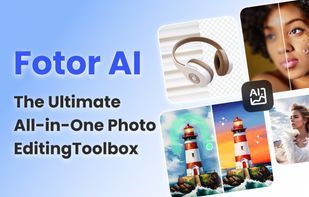
Comprehensive online editor offering filters, frames, text, stickers, collage creation, graphic design, templates for social media, batch editing, photo retouching, mobile and desktop access, regular updates, and direct sharing to social channels.
 China



PicMonkey is a feature-rich online photo editor that works right in your browser; no downloads necessary. Touch-up tools like Teeth Whiten, Blemish Fix, Weight Loss. Effects like Orton, Cross Process, Color Boost, with drag and drop ease.
United States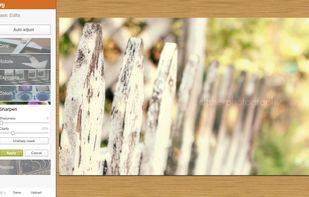




Patchy is a free, open-source image editor for Windows, macOS, and Linux, built for accurate PSD and PSB editing and round trips with Adobe Photoshop. It supports editable text and vectors, masks, layer styles, Smart Objects and Smart Filters, legacy 8BF plug-ins, JavaScript...