



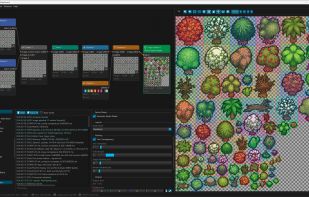
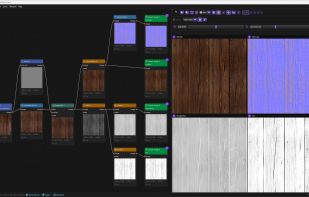
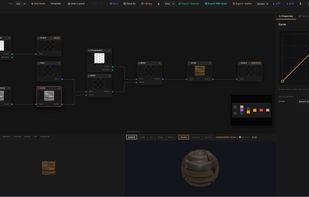
Build non-destructive image pipelines with 99 composable nodes. One graph produces every color variant, every format, every export, automatically.
Cost / License
- Freemium
- Proprietary
Application types
 United States
Platforms
- Mac
- Windows
- Linux



+4


Adobe Photoshop serves as a professional raster graphics editor for Windows and macOS, handling advanced image editing, retouching, and digital art. Users praise its extensive feature set for graphics and design, though many complain about high pricing compared to other editors.
GIMP tops the rankings as the leading Photoshop alternative, offering broad image-editing and retouching tools completely free and open-source. Many users switch to GIMP specifically to escape Photoshop's cloud licensing and subscription model. Affinity Photo ranks second with its polished interface and one-time purchase model, repeatedly highlighted as a cost advantage over subscription pricing. Luminar Neo brings AI tools like GenErase and GenExpand plus focus stacking and HDR merging for photographer-centric workflows.
Krita ranks third, focusing on digital painting with advanced brush control and animation support for artists. The alternatives landscape splits between pro photo editors and art-first painting apps, with Photopea standing out as a free, install-free option with PSD support and a familiar interface.
For open source transparency, GIMP and Krita lead with community-driven development and no proprietary licensing restrictions. Linux users have native options in GIMP, Krita, and MyPaint without relying on Windows or macOS-only tools. Windows-only picks include Paint.NET and Corel PaintShop Pro for desktop editing with layers, effects, and selection tools.
Web-based editors like Photopea, Pixlr, and Sumo Paint work in browsers when you can't install software on school or locked-down computers. Users avoiding subscriptions can choose Affinity Photo and Affinity Designer for predictable one-time licensing. For PSD workflows, Photopea, Affinity Photo, and Pixelmator open Photoshop-format documents to maintain collaboration compatibility. iPad workflows benefit from Affinity Photo, Pixelmator, and Pixlr for editing on tablets rather than desktop-only setups.
Build non-destructive image pipelines with 99 composable nodes. One graph produces every color variant, every format, every export, automatically.


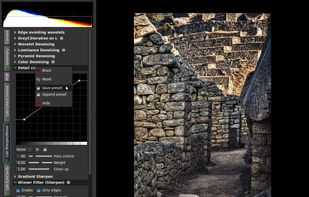
Photivo is a multi platform photo processor for RAW and bitmap images with 16 bit precision. Photivo tries to give the user as much control as possible to express his creativity and to allow flexible adjustments for the various needs in photography.


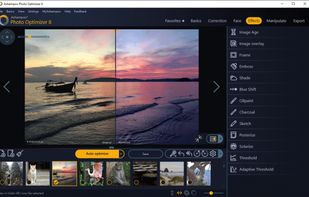
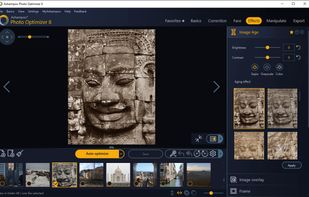
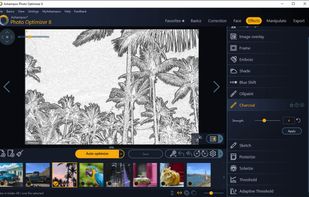
Ashampoo Photo Optimizer 8 enhances your photos at the click of a button! The program fully automatically adjusts colors, contrasts and exposure settings to perfection for individual images or entire collections.


*** This is the LEGACY version. ARTSTUDIO PRO, the successor to this app, is available now with many new features and improvements. Find it by searching for “Artstudio Pro” on the Mac/iOS App Store.


BrushCue is a free, browser-based image and media editor for quick visual effects, cutouts, and creative edits — no uploads, ads, or watermarks.


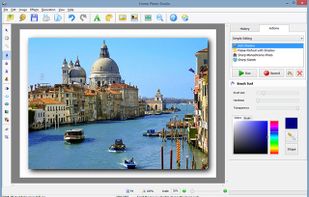
Home Photo Studio is powerful and easy-to-use photo editing software offering a complete set of image manipulation tools. Thanks to a convenient interface and a detailed help system, the software is simple to learn but provides enough options to keep any photo enthusiast...


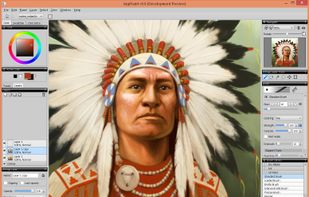
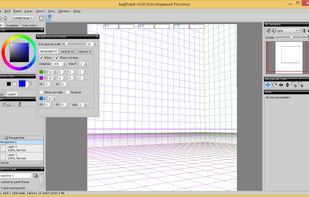
JugiPaint is a painting software with diverse sets of tools for various types of illustration work. It provides many standard digital painting features like layers, brushes, selections, transformations, etc., as well as some less often like guide layers and panels.


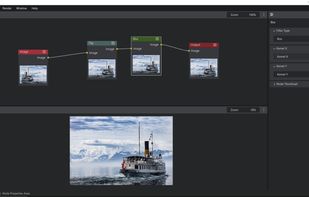
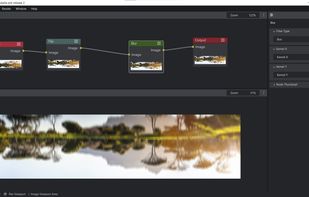
Gimel Studio is a non-destructive, 2D image editor focused on simplicity, speed, elegance and usability.


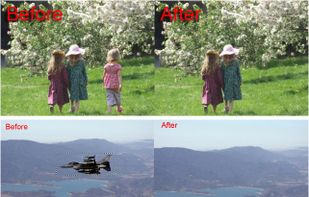
Do you have a photo that would look just right if you could only remove one or more objects or persons from your composition? Well, now you can remove just about any unwanted object or person using Inpaint.




A suite of 24 free browser-based creative tools for designers, developers and game creators. No sign-up required, all processing happens locally.


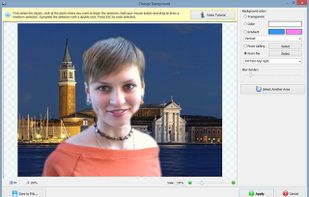
Perfect your photos and apply 200+ effects. Remove or replace background in few clicks! Remove unwanted objects from any photo.


 Germany
 EU
EU


 Finland


 Cyprus


 Switzerland


 China
China