Xenmaster's 2026 Distro Hopper Guide

I have noticed in general that the recommendation list for alternatives on this site is broken when it comes to Linux Distros. Often times when looking for a server distro or gaming distros, I will get generic recommendations for any Linux distribution and I will have to guess if the use-case is right. This list seeks to provide true alternatives based on use-cases for the most popular Linux and BSD distributions out there! Note this is a 2026 update to my original list posted several years ago. https://alternativeto.net/lists/23956/xenmaster-s-linux-distro-master-list/ Rather than re-write history, I'm adding a new post with the below link to my original. A lot has changed in the OS world so adding some details regarding what I use and how.

Unlike my old list, this one will include both Linux and BSD related systems, similar in their unix-like behavior, but each with different utilities and mechanisms for performing operations. Note that as of the posting of this list, only OpenBSD supports Full Disk Encryption on installation without manual configuration steps, a major drawback if this is a critical component to your use as a desktop setup.

Alex Ruiz
Alex RuizList by Alex Ruiz, last updated 
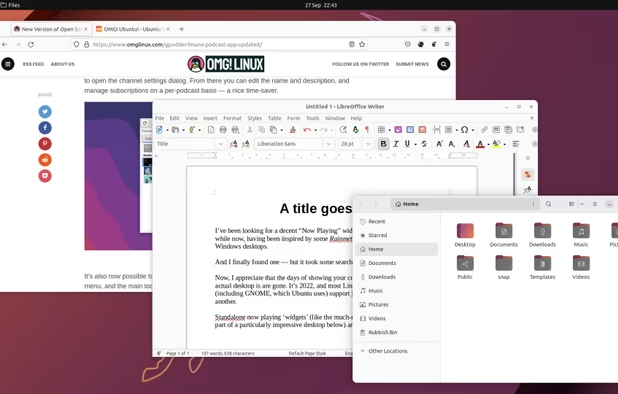
Copy a direct link to this comment to your clipboard
  1. Beginner Desktop Distros

    These distributions are best for people who are starting out in their Linux/BSD journey. They are also a perfect endpoint for people who don't care about becoming a Linux enthusiast and just want to get work done or perform basic tasks. All work out of the box, function well as single-user systems, and make installing packages a breeze without significant stability issues. They also all come with a desktop environment and while learning the command line is useful, you do not need to very much to get the most use out of these systems.

    2026 Update: Moved MX Linux, EndeavourOS, and Manjaro to separate categories, added CatchyOS, Zorin, and GhostBSD

  2. CachyOS icon
     Like

    My personal favourite beginner-friendly operating system. CatchyOS, despite its unfortunately misspelled name, has kernel optimization, a rolling release schedule, and great options for developers and casual users alike, including a massive assortment of packages and desktop options. Individuals who have older computers can still use legacy mode for this operating system. My strongest recommendation for those who are looking for a good initial experience.

    Cost / License

    • Free
    • Open Source

    Platforms

    • Linux
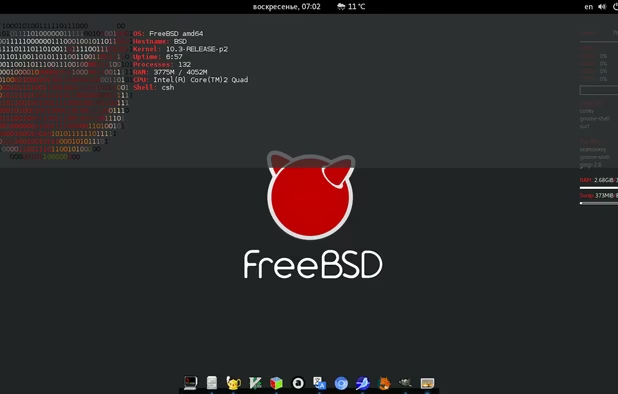
    CachyOS screenshot 1
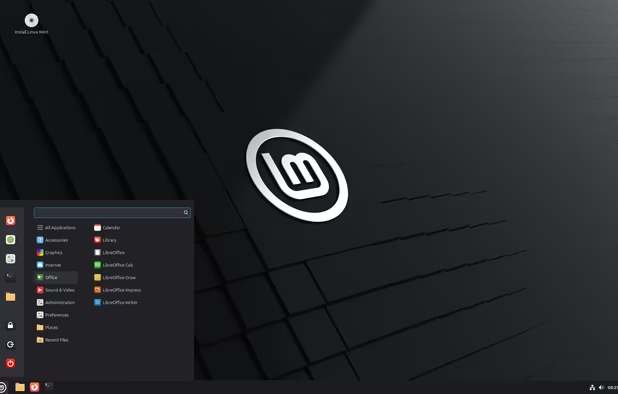
  3. Today, the most popular distributions for casual beginners is Linux Mint. This OS is based on Ubuntu (see below), which itself is based on Debian, making it relatively stable while still offering a great desktop experience. Apparently particularly popular with people who are coming from a MacOS environment.

    Cost / License

    • Free
    • Open Source

    Platforms

    • Linux
    Linux Mint 22.2 "Zara"
    Linux Mint screenshot 1
    Linux Mint screenshot 2
    +4
    Linux Mint screenshot 3
  4. Zorin OS icon
     Like

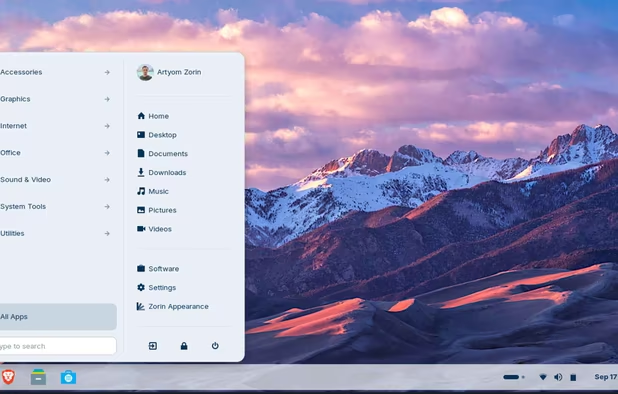
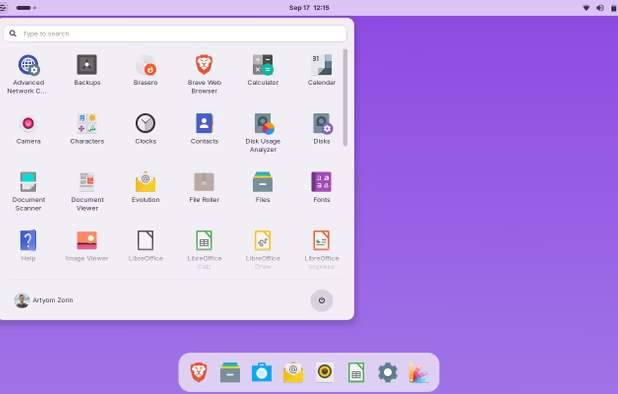
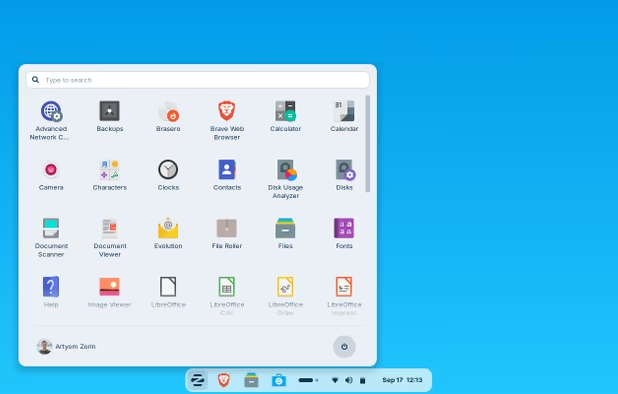
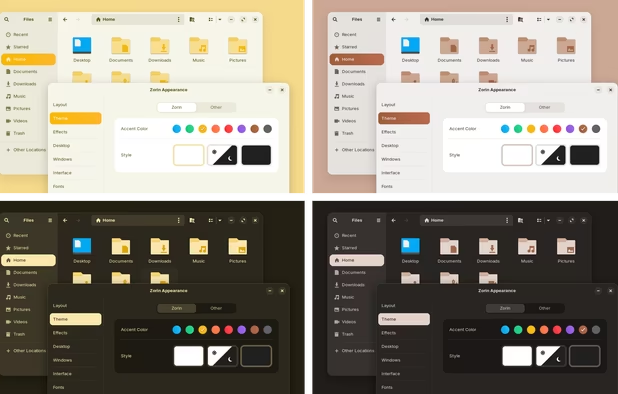
    Similar to Linux Mint, also based on Ubuntu, but popular with Windows 11 refugees. Has a lot of easy to set up customizations to mimic Windows desktop and can also (maybe) run Windows software using the Wine emulation tool. Also has a pay-once pro-version which includes pre-installed multi-use software, Windows 11 and MacOS desktop appearance setups and technical support.

    Cost / License

    • Freemium
    • Open Source

    Platforms

    • Linux
    Windows 10 layout
    MacOS layout
    Compact panel layout
    +2
    New theme colours
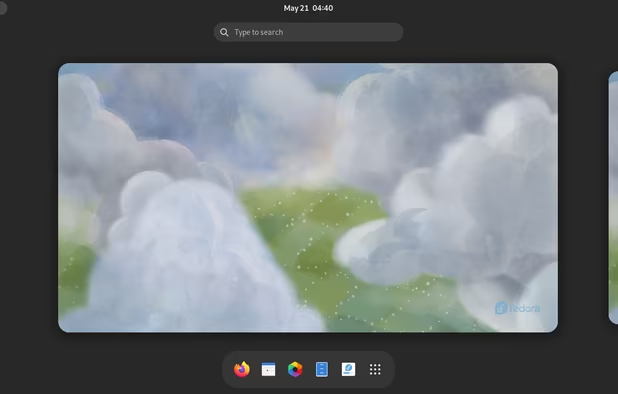
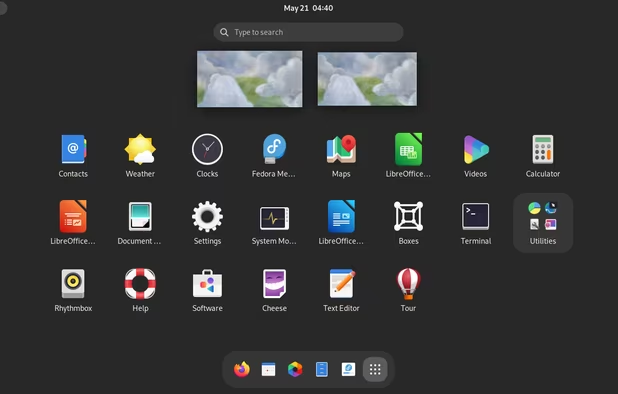
  5. Fedora is a desktop distribution based on Red Hat Linux (see below), but is not suitable out of the box for beginners. Ultramarine is available for those who want to run Fedora on easy mode and includes customization and pre-installed software aimed at improving ease of use.

    Cost / License

    • Free
    • Open Source

    Platforms

    • Linux
    GNOME is a simple, elegant, and intuitive desktop environment with a focus on productivity.
    KDE spin with a new custom layout inspired by Pop!_OS
    The default desktop of elementary OS focused on elegance and visual appea
  6. Pop!_OS icon
     Like

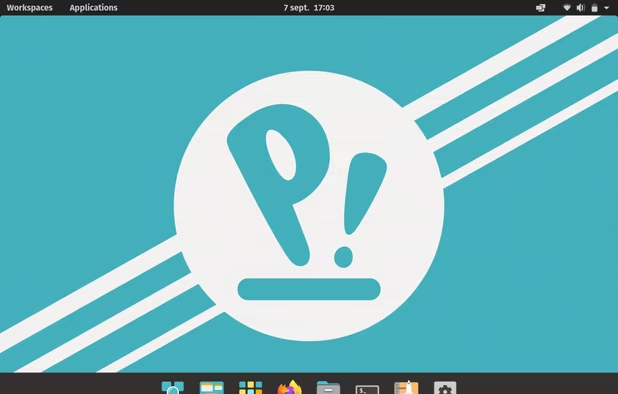
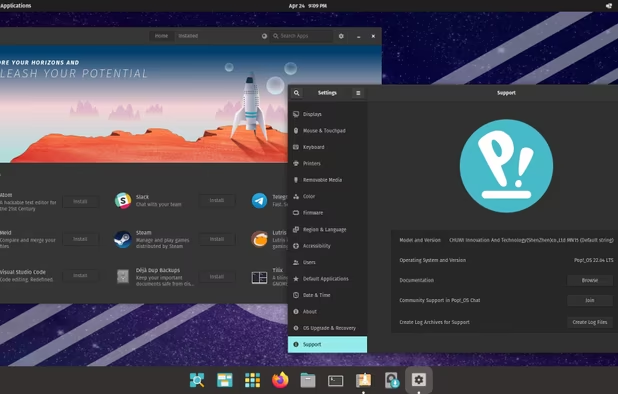
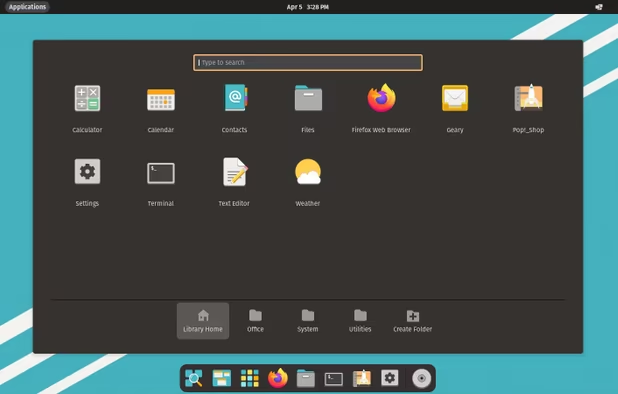
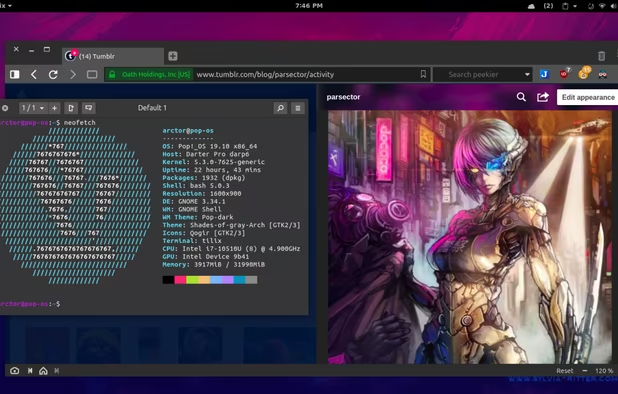
    If you aren't excited about installing Linux on your own, System76 sells PCs with this Ubuntu-derived distribution pre-installed. It's similar to the popular Ubuntu desktop, but customized out of the box for ease of use. This system can also be installed on non System76 PCs.

    Cost / License

    • Free
    • Open Source

    Platforms

    • Linux
    Pop!_OS screenshot 1
    Pop!_OS screenshot 1
    Pop!_OS screenshot 2
    +1
    Pop!_OS screenshot 3
  7. GhostBSD icon
     Like

    GhostBSD is derived from the FreeBSD system (see below section) and has been customized for ease of use by beginners, so a good place to get started with the BSD flavor of Open Source.

    Cost / License

    • Free
    • Open Source

    Application type

    Platforms

    • BSD
    GhostBSD screenshot 1
    GhostBSD screenshot 1
  8. Gaming Distros

    Very specific to gaming, if that is something you are into. Use any of these distributions if you are planning on plugging the box into a big screen, plugging a joypad into the box and either reliving your retrogaming dreams or trying out awesome new stuff straight from Steam!

    2026 Updates: Removed Chimera, added SteamOS, Bazzite, and Nobara

  9. SteamOS icon
     Like

    Based on Arch and backed by Valve to run the Steam game distribution service as well as a desktop mode. It's the primary operating system running on the Steam Machine hardware sold by the same company to compete with other gaming consoles. Great distribution for those looking for optimal performance from a gaming perspective.

    Cost / License

    • Free
    • Open Source

    Platforms

    • Linux
    • Wine
    • Steam
    • Proton
    SteamOS screenshot 1
    SteamOS screenshot 1
    SteamOS screenshot 2
  10. Bazzite icon
     Like

    Fedora based desktop distribution configured with drivers, codecs, and other customizations to support gaming on a Linux PC. This is an immutable Linux distribution; the base system is read-only and packages are usually supplied using Flatpak bundles to ensure installs and updates don't break the base system.

    Cost / License

    • Free
    • Open Source

    Platforms

    • Linux
    Bazzite screenshot 1
    Bazzite screenshot 1
    Bazzite screenshot 2
    +3
    Bazzite screenshot 3
  11. A user friendly version of Fedora which ships with WINE dependencies, OBS Studio, 3rd party codec packages for GStreamer, NVIDIA drivers, and some package fixes, making it deal for not just gaming, but video capture and streaming too. A great system for those who are gaming in front of an audience.

    Cost / License

    • Free
    • Open Source

    Platforms

    • Linux
    Nobara Linux screenshot 1
    Nobara Linux screenshot 1
    Nobara Linux screenshot 2
  12. Lakka icon
     Like

    This distro is built on top of retroarch and is basically a retrogamer dream. It runs pretty much all the emulators that are out there so if you have a collection of ROMs you obviously obtained through legal and fully legit means and cant wait to play, flash this on a box and let the nostalgia flow free! Works great on tons of hardware from real PCs to a Raspberry Pi.

    Cost / License

    • Free
    • Open Source

    Application types

    Platforms

    • Mac
    • Windows
    • Linux
    • Cubieboard
    • HummingBoard
    • Raspberry Pi
    • Nintendo Switch
    • Odroid
    Splash screen
    Main view
    Details
    +4
    Game-sorting
  13. Intermediate Desktop Distros

    These distributions are ideal for someone who is familiar with Linux and no longer afraid of the command-line, but also looking for a relatively simple desktop experience. Most of these are the base systems underpinning the more user-friendly options noted above and offer balance between utility and user friendliness.

    2026 Update: Moved Qubes to another category, moved Endeavour to here from the beginner list, added FreeBSD and Debian.

  14. Fedora icon
     Like

    Not a bad distro for moving to the next level of customizing a Linux install. I've encountered stability issues in the past and recommend using one version behind the most recent release. Also suffers from not being a rolling release, so to upgrade, you have to reinstall from scratch, and older versions do lose support relatively quickly compared to some of the server-based distros, especially when one version behind. For folks looking to get a better understanding of the Red Hat environment, a great start! Similar to Ubuntu, it has the Flatpak software capability, allowing the user to install applications beyond what is in the standard repositories.

    Cost / License

    • Free
    • Open Source

    Platforms

    • Linux
    Fedora 38
    Fedora screenshot 1
    Fedora screenshot 2
    +9
    XFCE spin
  15. Debian icon
     Like

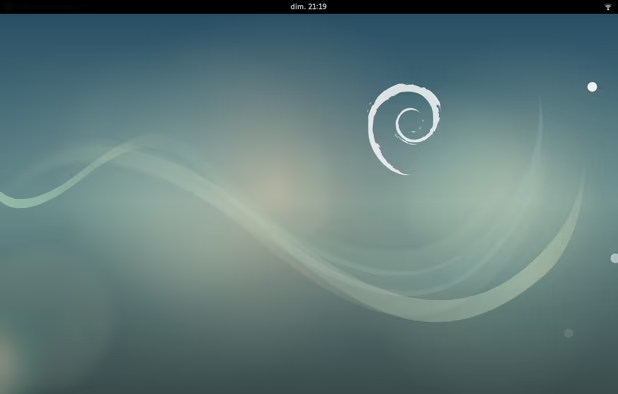
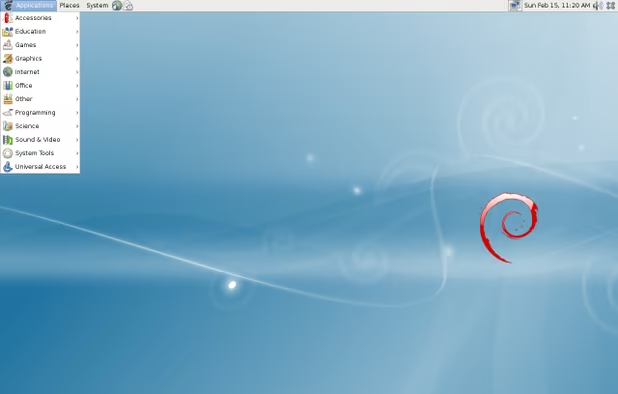
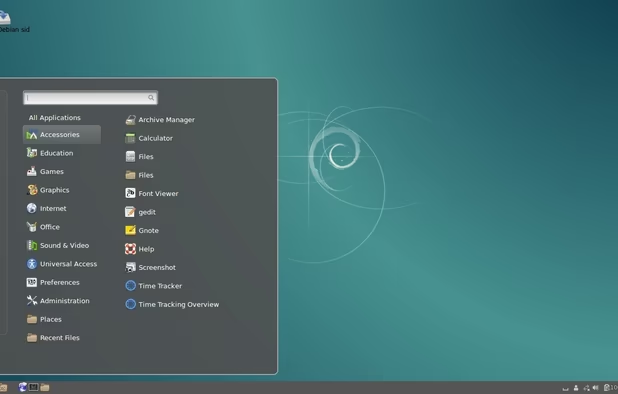
    Debian is a good desktop distribution for folks willing to shed the training wheels which come from Ubuntu-derivatives and work more closely with a base operating system. Primarily incorporates free software by default and prioritizes stability over latest and greatest software, but still makes a great desktop. Use the minimal version if you are feeling brave about using the command-line!

    Cost / License

    • Free
    • Open Source

    Platforms

    • Windows
    • Linux
    • BSD
    • Self-Hosted
    Debian 9 gnome.
    Debian screenshot 1
    Debian screenshot 2
    +2
    Debian screenshot 3
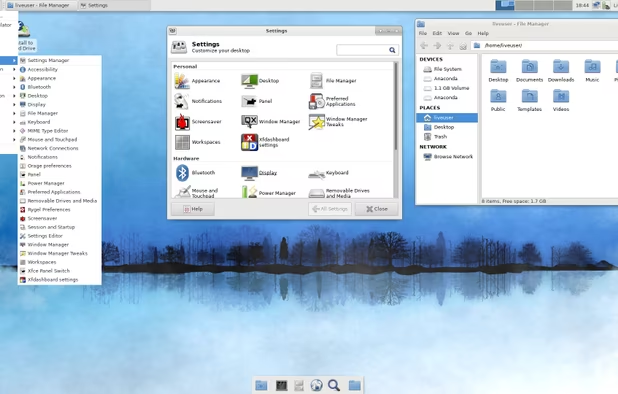
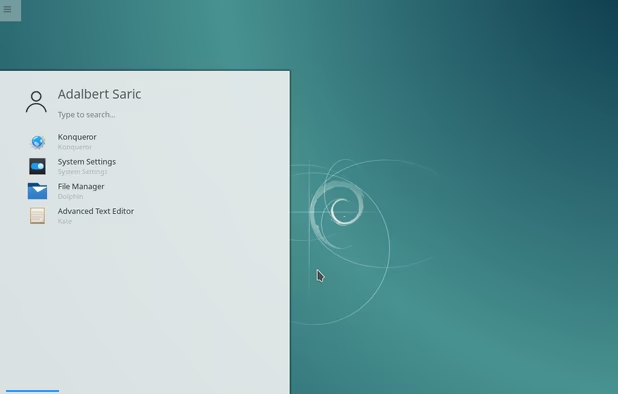
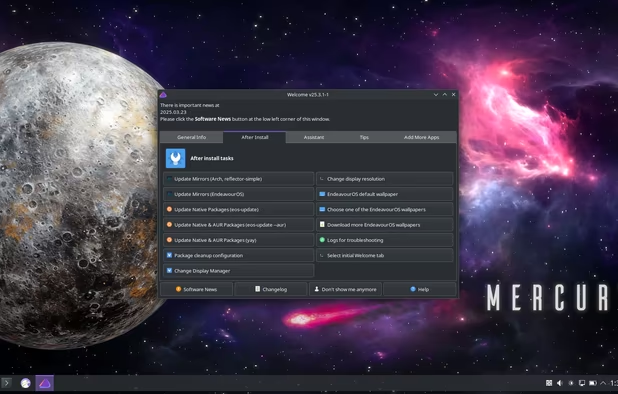
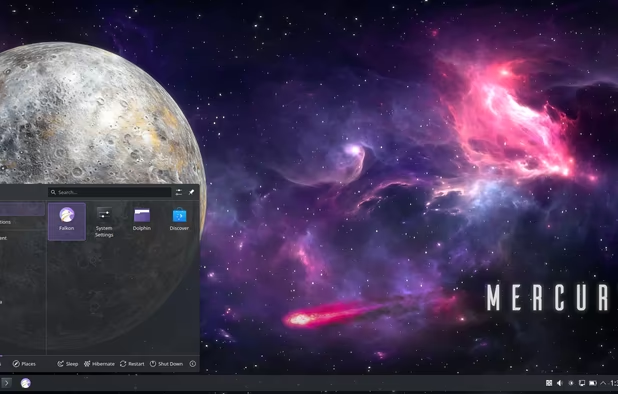
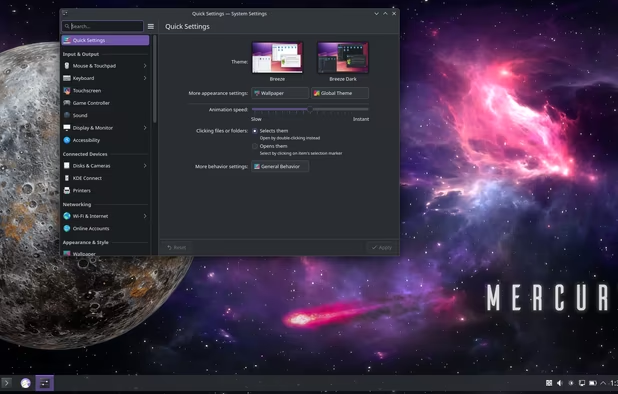
  16. An easier version of Arch than vanilla Arch, but not quite as user-friendly as CatchyOS, this one forces the user to be more terminal-involved, which is a good thing when learning how Linux works. Still comes with the same advantages as Arch and their support community is decent as well. Good for an aspiring Linux enthusiast looking to get their feet wet!

    Cost / License

    • Free
    • Open Source

    Platforms

    • Linux
    Welcome window
    Application menu
    KDE System Settings panel
  17. FreeBSD icon
     Like

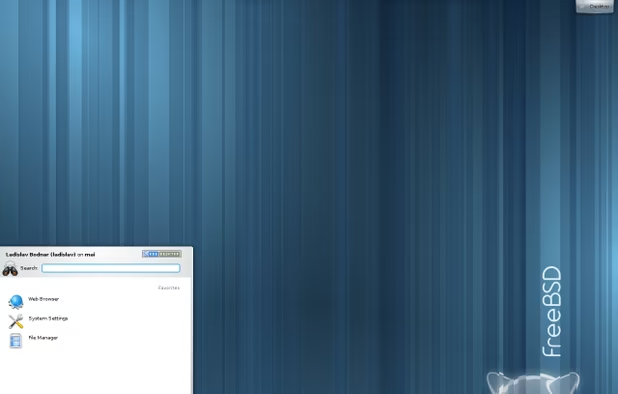
    FreeBSD is similar to GhostBSD, but with less handholding. Its stated aim is to be usable for as many uses cases as possible, including the server and embedded devices environments, but works as a desktop distribution as well. Pick this distro to learn what BSD is about!

    Cost / License

    • Free
    • Open Source

    Application type

    Platforms

    • BSD
    • Self-Hosted
    FreeBSD screenshot 1
    FreeBSD screenshot 1
  18. Developer Centered Distros

    Linux is becoming a popular OS option for users who want to avoid Windows and Mac computers. This category includes details for both distros popular with developers and those specifically designed with developers in mind.

    2026 Updates: New Category

  19. Ubuntu icon
     Like

    For a long time, the Ubuntu operating system from Canonical was the gateway drug for newbie Linux users. More user-friendly derivatives now exist for this system (see above), but base Ubuntu is super popular with developers who choose to use Linux since they have a large population of packages available using their Snap distribution tools. I'm not a big fan of this distro, but can't ignore its relevance and popularity.

    Cost / License

    • Free
    • Open Source

    Platforms

    • Linux
    • Ubuntu
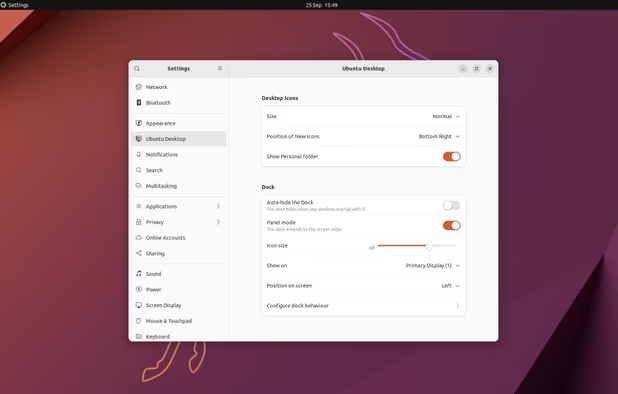
    Ubuntu 24.04 with Gnome 46
    Ubuntu screenshot 1
    Ubuntu screenshot 2
    +1
    Ubuntu screenshot 3
  20. Omarchy icon
     Like

    An opinionated arch-based distro built for developers by Ruby on Rails creator and race car enthusiast DHH with the Hyperland compositor and way too many proprietary apps for my taste. Comes with pre-installed developer tools one normally expects for both terminal and graphical tools in a slick looking tiled-window desktop environment little configuration required. I tried installing this on my Lenovo-mini and nearly bricked it, but maybe you will have better luck than I did.

    Cost / License

    • Free
    • Open Source

    Platforms

    • Linux
    Omarchy screenshot 1
    Omarchy screenshot 1
    Omarchy screenshot 2
    +2
    Omarchy screenshot 3
  21. Live USB Distros

    These distributions are used by booting directly from a USB drive and staying there. Each has its own use case and all of them are a great option when using a foreign machine when you do not want your fingerprints on it, or for recovering data from a failed computer OS. Note that while other operating systems already listed have live media or can be used as live USB devices, the below distributions are specifically designed for this use.

    2026 Updates: Added NomadBSD

  22. Puppy Linux is so lightweight, it can run completely from RAM. And by that, I mean you can boot up from the USB, pull the USB when the boot is complete, and it will continue to run like nothing happened until you shut it off. Of course, it is lightweight so limited in its applications, but for doing basic tasks, this cannot be beat as a great option for older computers. Ideal for beginners, but keep in mind it is an independent distro (i.e. not based on Fedora, Arch, Debian, etc), so this dog may end up teaching you new tricks.

    Cost / License

    • Free
    • Open Source

    Platforms

    • Linux
    Puppy Linux screenshot 1
    Puppy Linux screenshot 1
  23. Knoppix icon
     Like

    Similar to Puppy, but fully stocked with a whole host of application software. Based on Debian. The last time I checked, this was about 4.7GB large so it definitely is not lightweight, but if you have to boot into a system with a Live USB and do some actual work, this system will have the tools you need to get the job done. Originally meant to be used as a recovery tool, this distribution can do pretty much everything else too.

    Cost / License

    • Free
    • Open Source

    Platforms

    • Linux
  24. Porteus icon
     Like

    A Slackware-based portable Linux distro meant to be run off a USB drive. Used to be really great when it was combined with the ability to customize your own live image, but this function is no longer available! :( It also includes a custom edition called Porteus Kiosk, which, as it sounds, is designed for online kiosks for web-based terminals and therefore includes just the browser and nothing else.

    Cost / License

    • Free
    • Open Source

    Platforms

    • Linux
    Porteus screenshot 1
    Porteus screenshot 1
    Porteus screenshot 2
  25. SliTaz icon
     Like

    Probably one of the smallest Linux distributions ever witnessed that still has a graphical interface (using Openbox for desktop), SliTaz is an independently developed portable distro meant for use on a USB drive. Similar to Puppy, the OS runs in RAM upon booting and can continue running after the USB drive is removed. A custom USB Live Image can be built with this tool as well, similar to MXLinux and Manjaro. Runs very well on older hardware and a great rescue tool as well if you want to access the hard drive of a busted computer.

    Cost / License

    • Free
    • Open Source

    Platforms

    • Linux
    SliTaz screenshot 1
    SliTaz screenshot 1
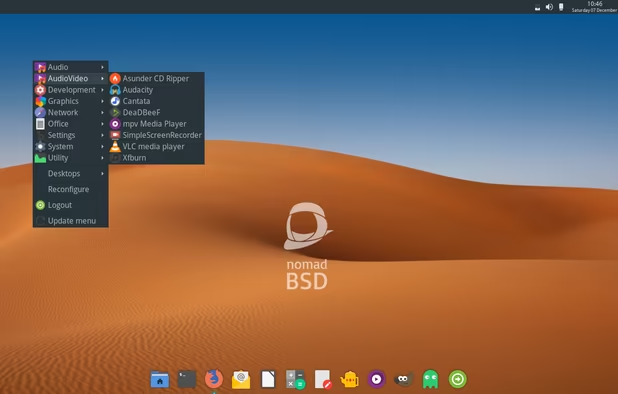
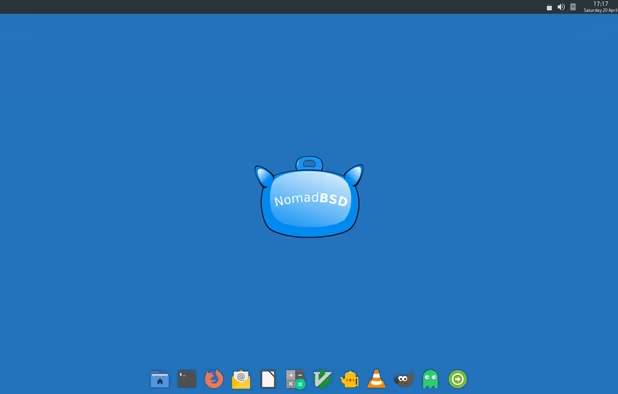
  26. NomadBSD icon
     Like

    Based on FreeBSD and optimized for use as a persistent liveUSB install. Great for booting into systems which are no longer functional and clearnet use of computers that aren't yours. Just get used to the BSD way of doing things!

    Cost / License

    • Free
    • Open Source

    Application type

    Platforms

    • BSD
    NomadBSD screenshot 1
    NomadBSD screenshot 1
  27. Save My PC Distros

    These distributions exist to prevent and correct computer issues and also to recover data from failed systems. Each one has a different function and level of proficiency needed to use it properly.

    2026 Update: new category

  28. Rescatux icon
     Like

    This is a run of the mill rescue distro which provides an easy to use minimal graphical interface for relatively inexperienced users to fix bootloaders, repairing filesystems, fix partition tables and resetting passwords on both Linux and Windows installs. The distro also ships with tools to rescue data and restore files and can wipe both Windows and Linux installs. This distro sacrifices some more advanced tools in favor of ease of use.

    Cost / License

    • Free
    • Open Source

    Platforms

    • Self-Hosted
    Rescatux screenshot 1
    Rescatux screenshot 1
    Rescatux screenshot 2
  29. This advanced repair distro is primarily operated using the command-line interface for its toolset. It is based on Arch Linux and caters to experienced users, but also includes a graphical interface useful for accessing documentation for command-line tools. One of the oldest and most battle tested rescue distros there is.

    Cost / License

    • Free
    • Open Source

    Platforms

    • Linux
    • Self-Hosted
    SystemRescue screenshot 1
    SystemRescue screenshot 1
    SystemRescue screenshot 2
  30. This OS has one specific use-case - it clones other operating systems. I use this to back up my entire computer at the baremetal level when I need to make serious changes, reformat my hard drive, or reinstall/upgrade an operating system. You will need a separate drive, possible portable HDD to capture the backup image to use this properly. Good for using the command-line to perform backups, but also has a step-by-step guide prompt as well.

    Cost / License

    • Free
    • Open Source

    Platforms

    • Mac
    • Windows
    • Linux
    Choices to save or restore partition or disk in clonezilla
    Device to image or device to device clone
    Enter clonezilla or shell command
    +2
    Setup the clonezilla image home directory
  31. Roll Your Own ISO Distros

    One of the biggest inconveniences from using Linux as opposed to Windows or Mac is the offline installation of software. With no access to online repositories, the best way to create an airgapped Linux machine with (most of) the packages you want is to build an offline Custom ISO. Here are a couple distros that make this process easy and have a huge selection of applications available. Note that both of the items below make good beginner distros on their own, using them as a means of building an offline installation USB key is a intermediate level topic.

    2026 Update: New category

  32. My favorite offline distro, it has probably the most software options available. Based on Arch, its repository has a huge selection of software making the desktop experience relatively stable and easy to manage. The support community is also fantastic. Manjaro tools manjaro-tools-iso and buildiso make the task of creating a custom ISO for offline use easy. One of the biggest complaints I've seen about Manjaro is how easy it is to break with updates - this issue doesn't exist for a offline install. Note AUR packages cannot be included in a custom ISO built with these tools.

    Cost / License

    • Free
    • Open Source

    Platforms

    • Linux
    • Arch Linux
    Manjaro 19.0 Kyria (Xfce)
    Manjaro 17.0 Gellivara (KDE)
    Manjaro 17.0 Gellivara (I3)
    +5
    Manjaro 17.0 Gellivara (I3)
  33. MX Linux icon
     Like

    Based on Debian, MX Linux also hosts a wide variety of software options. One of my favorite elements are MXTools, which allow a person to take a snapshot of their current system to build an ISO that can either be burned to a USB to use as a live environment, or as an installer onto a different machine. The built-in ISO burner also allows a user to create a custom live boot USB with persistence easily as well. Unlike Manjaro above, this also allows you to install Flatpaks and include them on your custom ISO. Cool!

    Cost / License

    • Free
    • Open Source

    Platforms

    • Linux
    MX Linux screenshot 1
    MX Linux screenshot 1
    MX Linux screenshot 2
    +1
    MX Linux screenshot 3
  34. Server Distros

    These distributions are best designed for ease of use, but also for stability and longevity. They will not have the most cutting edge software out there, but they are robust and hard to break, compared to alternatives. It is a good idea to be fully familiar with the command-line by the time you start getting into this aspect of Linux use since administrating a server is impossible without knowing how to use the command line. They function well as desktop distributions too, but if you are building a server, definitely consider one of the below. Note this list is specifically focused on base systems I've seen used in enterprise environments.

    2026 Update: Removed CentOS, as it is no longer maintained. Removing Almalinux and adding Rocky Linux

  35. An opensource version of Red Hat Linux Enterprise (RHEL), essentially what CentOS used to be from the original creators of CentOS. Keep in mind the default packages are rather outdated. If you can master Rocky, you are close enough to mastering RHEL, which is the primary enterprise server out there.

    Cost / License

    • Free
    • Open Source

    Platforms

    • Linux
    Rocky Desktop Environment
    Rocky Menu
  36. Basically what it says on the box. Ubuntu has a server and desktop version. This is the server version so if you got your start learning Ubuntu Desktop, learning how to use Ubuntu Server is a great way to learn how to administrate servers.

    Cost / License

    • Free
    • Open Source

    Application type

    Platforms

    • Linux
    Ubuntu Server screenshot 1
  37. Hardened Desktop Distros

    Most of these are traditional distros which are customized to provide additional security and privacy to the system. These distros offer good defense without having you perform manual hardening yourself. It's a good idea to get familiar with the Intermediate distros before trying these as many of these are modified versions of those operating systems. Note these systems are less about offensive security or actively monitoring and counteracting threats and more about ensuring your system has its shields up and limited vulnerability to external threats.

    2026 Update: New category

  38. Qubes OS icon
     Like

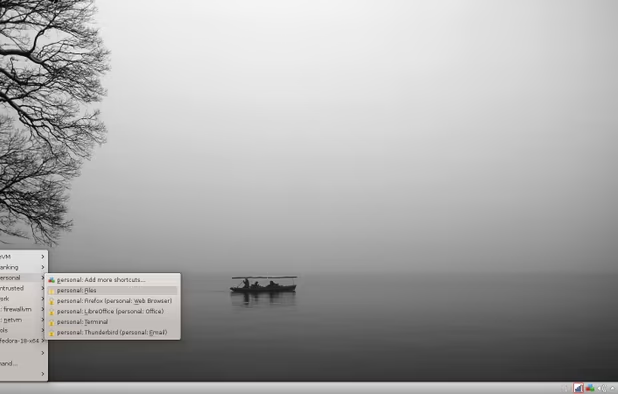
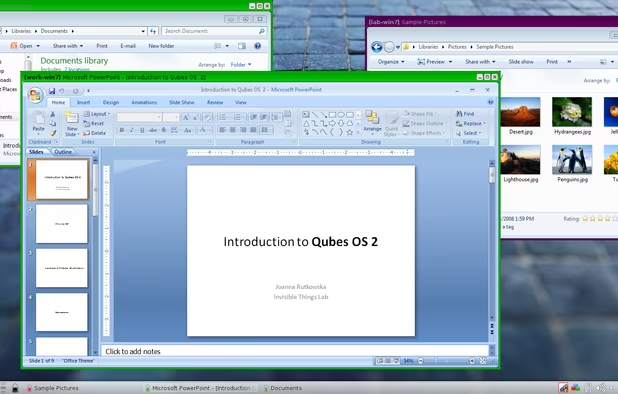
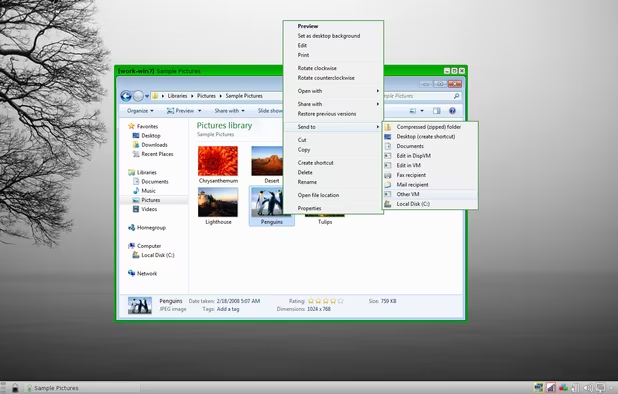
    I use this almost entirely for online computing (I am typing this from a qubes laptop). Unlike the other distros on here, QubesOS is actually a host environment for multiple virtual machines, each of which can launch their own applications. This comes in handy when I want to be logged into AlternativeTo and into my banking software while being comfortable that both browsers do not know what is happening to each other because they are secured in their own VM compartments. It takes a while to set up and to learn how to configure, but the peace of mind that comes with it is well worth the effort.

    One important thing to note is that when using this distro, you will technically be using Fedora, Debian and Whonix distros as VM domains inside the Qubes infrastructure, so it is good to know how those work first before diving in!

    Cost / License

    • Free
    • Open Source

    Platforms

    • Linux
    • Fedora
    • Xen
    Qubes OS screenshot 1
    Qubes OS screenshot 1
    Qubes OS screenshot 2
    +9
    Qubes OS screenshot 3
  39. A hardened version of Debian which also have a suite of preinstalled applications and configurations designed to provide added security operations, including separate modes for daily use and administration. Useful both as a desktop and live distribution. This distro forms the foundation of the Whonix virtual machine OS (see below).

    Cost / License

    • Free
    • Open Source

    Platforms

    • Linux
  40. A hardened version of Fedora which relies on Flatpak to install desktop applications to isolate applicaton runtimes from the core system. Like Bazzite, it is an immutable system which separates application installs and operations from the base computer system functionality.

    Cost / License

    • Free
    • Open Source

    Platforms

    • Linux
    secureblue screenshot 1
    secureblue screenshot 1
  41. OpenBSD icon
     Like

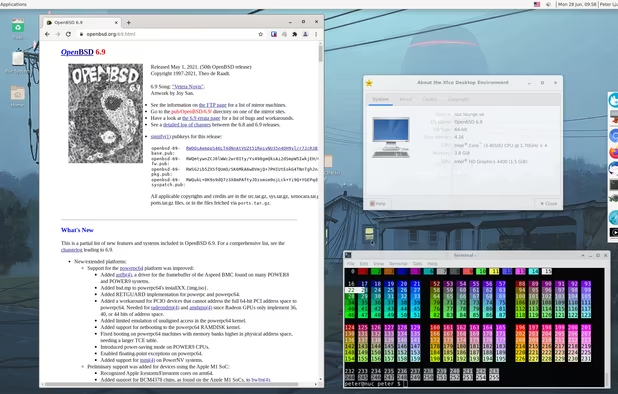
    A hardened NetBSD based distribution with top-notch security and ideal for both desktop and server use. Well known for going through continuous security auditing by the development team. This is the only BSD variant that allows for native full-disk encryption of an installed system. Operates best as a server when using the default in-build services, which include support for wireguard VPN, webservers with https, and virtualization capabilities without the need for third party packages.

    Cost / License

    • Free
    • Open Source

    Application type

    Platforms

    • BSD
    Example OpenBSD 5.2 desktop using Gnome 3.4.2 desktop environment
    Example OpenBSD 6.9 desktop using Xfce 4.16 desktop environment
  42. Tor Focused Distros

    The TOR network is the best way in 2026 to browse the web anonymously. It work s by putting several layers of proxies between you and the server you are contacting you.

    Using the TOR Browser Bundle on a Windows computer to go on the dark web is not the best way to go. You want your entire operating system to be fully secured and well configured to avoid any leaks and issues. That is where these distributions come in. Both are very different in how they work, but both serve the same purpose - giving you access to the internet anonymously and supporting your privacy.

    2026 Updates: none

  43. Tails icon
     Like

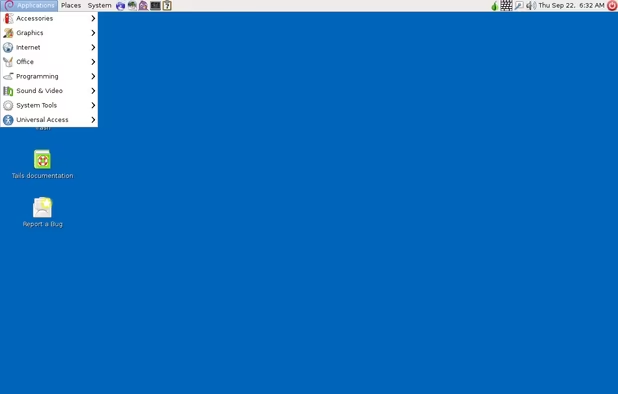
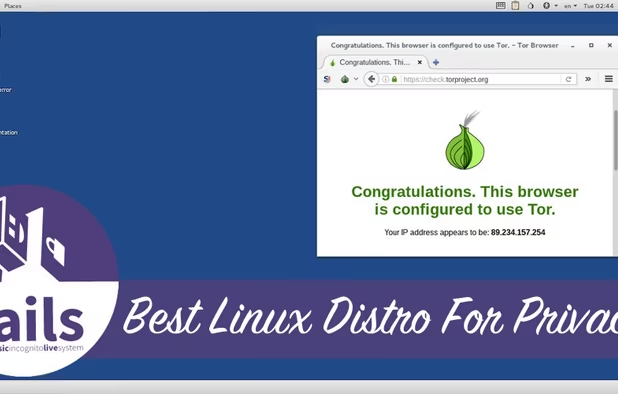
    TAILS is a Debian based distribution that is designed specifically to be used as a Live USB. The idea is that once you shut down, all traces of what you were doing are erased from the machine you were working on - it forgets everything that you did. The design of the system ensures that all traffic is routed through the TOR Network and minimizes how you can potentially expose your real identity to the rest of the internet by having a small number of limited applications to minimize attack surface and not allowing connections through a non-TOR connection, except in very specific circumstances you have to jump through hoops to activate. Bottom line, this is the gold standard for TOR network access!

    Cost / License

    • Free
    • Open Source

    Platforms

    • Linux
    • Tor Browser
    • GNOME
    • Tor
    • Thunderbird
    Tails screenshot 1
    Tails screenshot 1
  44. Whonix icon
     Like

    Whonix is also based on Debian (specifically the KickSecure variant), but rather than being used in a Live USB, it is used as a Virtual Machine. It can be run in Oracle VirtualBox on a desktop or it can reside in a Qubes domain, just like any of the other VMs used by that system. In either case, this OS isolates the work you are doing from the host OS in the hopes that your host machine or other VMs are peeking in on what you are doing and that anything nasty in your Whonix VM cannot break out and infest your primary system. If the VM is compromised, just destroy and restart from your last snapshot! Not as well focused in forgetting your actions as Tails, but definitely the next best thing. Note this system is technically two distros, a workstation VM for desktop activity and a headless gateway interface which sits between you and the web to ensure nothing which compromises your workstation can stop the gateway from keeping your traffic on the TOR network. Give it a try!

    Cost / License

    • Free
    • Open Source

    Platforms

    • Linux
    Whonix Desktop Environment
    Whonix Workstation running on Ubuntu
    Whonix Gateway running on XFCE
  45. Router Distros

    Most routers and firewalls come with their own firmware. By using the following systems, you can unlock features in your machine and also ensure that a proprietary OS is not in control of your system - you are! Fairly challenging to flash onto a machine and run, so I recommend that folks buy a machine already running these from the internets if possible. Otherwise, if you are feeling lucky and have a router you do not mind bricking if you mess up, give one of these options a try! Be sure you know how firewalls/networking work though before giving this a shot!

    2026 updates: Added OpnSense, removed LibreCMC

  46. pfSense icon
     Like

    Netgate has a full fleet of boxes with this distro preinstalled. Based on FreeBSD, this operating system is a fantastic way to get control over your hardware and very easy to use with a graphical interface. Of course, you will still need to know how to operate a firewall and networking rules too, but that is the hand you are dealt when going into this world!

    Cost / License

    • Freemium
    • Open Source

    Application types

    Platforms

    • BSD
    Dashboard page
    pfSense screenshot 1
    pfSense screenshot 2
    +2
    pfSense screenshot 3
  47. OPNsense icon
     Like

    A fork of the PFSense router software with more up to date packages and differing defaults. They also have their own store where they sell preinstalled software on firewall appliances, which are more expensive than the Netgate versions, for some odd reason.

    Cost / License

    • Free
    • Open Source

    Platforms

    • Self-Hosted
    OPNsense screenshot 1
    Login
    Dashboard
    +5
    System Logs
  48. OpenWrt icon
     Like

    A good option for users looking to unlock their wireless access points, managed switches, and other devices which require embedded operating systems. Builds are created for individual devices, so be sure you device is on the list.

    Cost / License

    • Free
    • Open Source

    Platforms

    • Linux
    OpenWrt screenshot 1
    OpenWrt screenshot 1
    OpenWrt screenshot 2
    +6
    OpenWrt screenshot 3
  49. Advanced Desktop Distros

    These are the best options for people who have mastered the command line as well as server and OS based administration, including security, functionality, logging, etc. It is very easy to break a system messing with these (at which point you can just start over), but if you have got the chops and the determination, also easy to build an incredibly efficient system that will do literally anything you want. When in doubt, make sure you use Clonezilla (see above), when updating or changing these systems to roll back if needed!

    2026 Updates: replaced Damn Small Linux with Linux From Scratch, which is what I meant to do in 2021 (oops). Added Slackware

  50. This system is the basis for Manjaro, Endeavour, and CatchyOS, among other popular distributions. Arch starts out as a bare kernel and a few basic utilities - making a system with a desktop environment (or none) and specific functionally and software that all work together is up to the user. This gives you the power to build your own distribution, lightweight, efficient, and powerful, as long as you have the skill for it! Mastering this OS comes with serious bragging rights, btw.

    Cost / License

    • Free
    • Open Source

    Platforms

    • Linux
    arch with KDE 4.4 desktop
    another arch with KDE 4.3 desktop
    arch for console addict
    +1
    arch with openbox window manager
Page 1 of 2

Comments

Darlene Sonalder
0

Very interesting list, but now I have discovered many other OSes that I feel like I need to dig into these now :D

Joke aside I recently came across GLF OS icon GLF OS which is a gaming (and content creator(OBS, Da Vinci)) distro made by a french community. What set it up appart is that it is based on NixOS icon NixOS but tweaked for gaming with Cachy custom kernel, pre-installed gaming utilities and software and so on with a very strong commitment to make GNU/Linux gaming very easy and accessible to Windows gamers that want to change and don't want to learn a new OS or tweak anything. You don't need to learn Nix, you simply install the ISO that suits your needs the best, install your games and start playing!

I also think that both ChimeraOS icon ChimeraOS and Kazeta icon Kazeta would deserve a mention in your gaming section. These are OSes for the living room PC (or HTPC). ChimeraOS inspired many technical changes from SteamOS 2 to 3 such as building on top of Arch Linux.

Gu