Xenmaster's 2026 Distro Hopper Guide

Alex Ruiz
Alex RuizList by Alex Ruiz, last updated 
Copy a direct link to this comment to your clipboard
  1. Gentoo icon
     Like

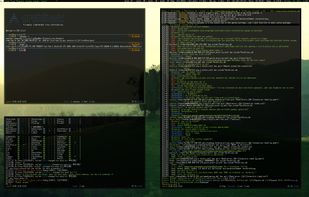
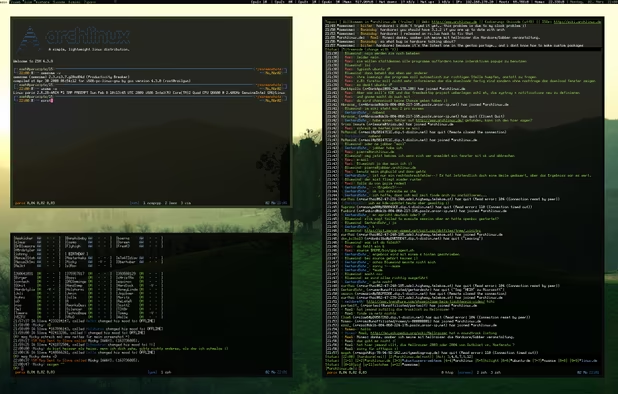
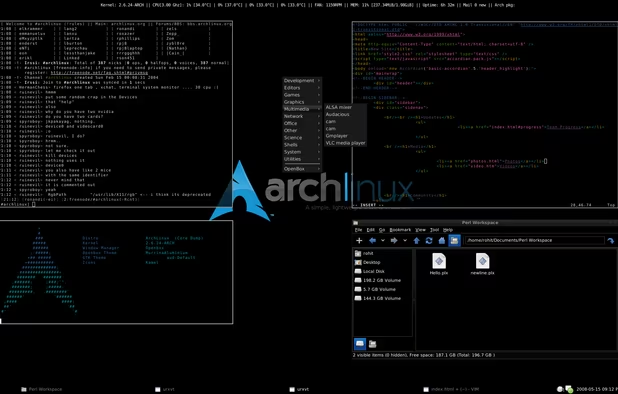
    Gentoo is similar to Arch, but goes even further in that not only are you responsible for configuring your own system from base applications, but you are also responsible for compiling your own operating system and application software from source. It is the logical next step in ground-zero building of a system. Install Gentoo!

    Cost / License

    • Free
    • Open Source

    Platforms

    • Linux
    • BSD
    • FreeBSD
    Gentoo screenshot 1
    Gentoo screenshot 1
    Gentoo screenshot 2
  2. Slackware icon
     Like

    This is the oldest actively maintained distribution for Linux. Slackware has no graphical installer, dependency resolution for packages and relies on a minimal amount of scripts and text files to manage configuration and operations. Linux on hard-mode if you have the fortitude for it!

    Cost / License

    • Free
    • Open Source

    Platforms

    • Linux
    Slackware screenshot 1
    Slackware screenshot 1
  3. What it says on the tin. This distro is as minimalist as it gets, even compared to the others on this list. I've never seen a full fledged OS built from it before, but it gives you an idea of being as close to the kernel as one can get. Good for understanding low-level basic operations for how Linux really works.

    Cost / License

    • Free
    • Open Source

    Platforms

    • Linux
  4. Security Focused Distros

    These are good distributions to learn when learning more about white hat hacking and security your network environment. Whereas the hardened Linux distros are about good defense, these are more about practicing the art of offense, and detecting attacks in a network in real time. They are built on more up-to-date versions of Debian and come fully stocked with great security tools meant for security and digital forensics. Don't bother using these until you've got the basics understood about IT security.

    2026 Update: added Security Onion

  5. The OG in the Linux security world when it was formerly known as BackTrack, Kali Linux has hundreds of security tools pre-installed and ready to go for the aspiring security professional.

    Cost / License

    • Free
    • Open Source

    Platforms

    • Windows
    • Linux
    Kali Linux screenshot 1
    Kali Linux screenshot 1
    Kali Linux screenshot 2
    +8
    Kali Linux screenshot 3
  6. A relatively user-friendly alternative to Kali Linux which doesn't have quite as many tools as Kali and has an added focus on development work and user friendliness.

    Cost / License

    • Free
    • Open Source

    Platforms

    • Linux
    Parrot Security OS screenshot 1
    Parrot Security OS screenshot 1
    Parrot Security OS screenshot 2
    +5
    Parrot Security OS screenshot 3
  7. Commercially supported open source software, this system comes with enterprise grade support, training, and certifications for those willing to pay. The system itself includes network visibility, host visibility, intrusion detection honeypots, log management, and case management. Geared more towards holistic system security maintenance rather than offense applications like Kali and Parrot.

    Cost / License

    • Free
    • Open Source

    Application type

    Platforms

    • Linux
    • Self-Hosted
    Kibana
    Squert HIDS/NIDS visualisation
    CapME
    +1
    Sguil, Wireshark and NetworkMiner
  8. Self-Hosted Distros

    The purpose of these distributions is to make it as easy as possible to host your own services, either in a VPS or local hardware. The focus here will be on server operating systems which have access to an "app-store" type repository for easy service setup and deployment.

    2026 Update: removed ubos, freedombox, homelabos, and smeserver. Added TrueNAS and DietPi

  9. YunoHost icon
     Like

    Why you no host? Probably one of the oldest Operating Systems I know for hosting applications from home, YunoHost is a Debian based system with a full suite of server applications that can be run on a home server.

    Cost / License

    • Free
    • Open Source

    Platforms

    • Linux
    • Self-Hosted
    • Debian
    YunoHost screenshot 1
    YunoHost screenshot 1
    Install your server with ease, you already have everything at home
  10. TrueNAS icon
     Like

    Similar to Yunohost, but used more specifically for Network Attached Storage (NAS) devices. Based on FreeBSD and also contains an app-store repository for easy to deploy services.

    Cost / License

    • Free
    • Open Source

    Platforms

    • Linux
    • BSD
    • Self-Hosted
    TrueNAS screenshot 1
    TrueNAS screenshot 1
    TrueNAS screenshot 2
    +6
    TrueNAS screenshot 3
  11. DietPi icon
     Like

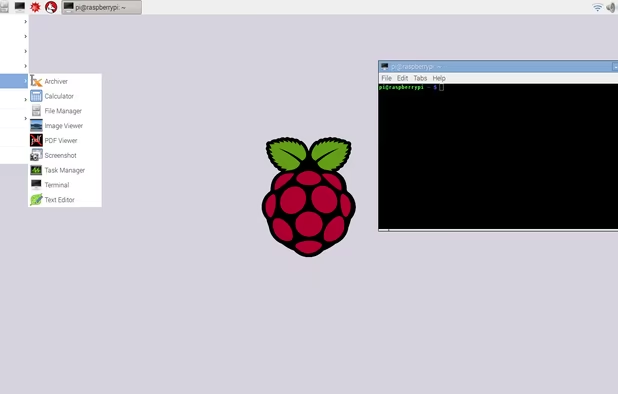
    Minimalist distribution ideal for ARM devices, especially SBC (Small Board Computers) like Libre.computer and Raspberry Pi devices. Includes easy access to popular server applications for use in a Homelab setting.

    Cost / License

    • Free
    • Open Source

    Platforms

    • Linux
    • Self-Hosted
    DietPi configuration tool
    DietPi software installation tool
    DietPi optimized software options
    +1
    DietPi backup tool
  12. Homelab Distros

    Not quite the same as the above section, these operating systems are more bare-bones and won't come with click-to-install services. Rather, they are ideal for setting up an infrastructure framework for building a networking computer lab. Ideal for use when learning how to set up your own Homelab without the hand-holding!

    2026 Update: New category, replacing the Container/Docker Distros

  13. Probably the most popular free OS supporting virtual environments that is free and easy to deploy. Useful for both managing virtual machines and services running in LXC containers. This is a Debian based distro and while you do have to pay to get access to updates and other bonuses, it is still free and open source for the layperson to get started! Only drawback is the distro borders on nagware with how often it asks you to get enterprise support and you will have to manually switch to community repositories (which the system will continuously tell you isn't ideal for production use.

    Cost / License

    • Freemium
    • Open Source

    Application type

    Platforms

    • Android
    • Android Tablet
    • Self-Hosted
    Proxmox VE 9.1 - Node Summary
    Proxmox Virtual Environment 8.2 - Cluster summary
    Proxmox VE 9.0 - New Node Metrics
    +3
    Proxmox Virtual Environment 8.1 - VMware ESXi Guest import add storage
  14. XCP-ng icon
     Like

    Similar to Proxmox, but using Xen rather than KVM as the primary virtualizer component. Doesn't work quite as well with containers, but has a better user interface, in my opinion.

    Cost / License

    • Free
    • Open Source

    Application type

    Platforms

    • Linux
    • NVIDIA vGPU
    • AMD MxGPU
    Installation boot screen
    Initial set-up
    Set-up confirmation
    +4
    Installation type
  15. Highly minimal distro ideal for using inside containers, virtual machines, and any other deployment where less is better. If Proxmox is your primary VM, Alpine works well as guest VMs to host individual applications. It works well in minimal cloud deployments and on SBC devices too. Alpine isn't based on Debian, Fedora, or Arch, so its package management system and other utilities will take some getting used to.

    Cost / License

    • Free
    • Open Source

    Platforms

    • Linux
    Alpine Linux screenshot 1
  16. A spiritual successor to the Fedora CoreOS. This is a newer and container-focused alternative to Alpine which is both immutable and hardened specifically to focus on running containerized applications.

    Cost / License

    • Free
    • Open Source

    Platforms

    • Self-Hosted
  17. Using the "Lite" version of this will provide a lightweight Debian-based environment one can use to customize a small server for anything from VPNs to Pi Hole and other services which can be run in a SBC device.

    Cost / License

    • Free
    • Open Source

    Platforms

    • Linux
    • Raspberry Pi
    Raspberry Pi OS screenshot 1
    Raspberry Pi OS screenshot 1
  18. Free as in Freedom Distros

    If you are a free and open source enthusiast who worships at the church of Richard Stallman, these are the only distros that will work for you. All of these are derived from other distributions, but have had all proprietary drivers, code, and blobs removed from them so everything running under the hood can be examined from the codebase. Run these on a LibreBoot system and you are running a fully free as in freedom system! Note that microcode updates designed to mitigate side-channel vulnerabilities in most processors will not be available in these distros!

    2026 Updates: Removed GNUSense and Hyperbola, added PureOS

  19. PureOS icon
     Like

    Created by the Puri.sm team and designed to work on devices they create, including their PCs and Linux phones. The distribution is fully free, similar to the below examples, and is based on Debian. Purism devices are sold with this pre-installed, similar to System76 and Pop_OS.

    Cost / License

    • Free
    • Open Source

    Platforms

    • Linux
    • Linux Mobile
    PureOS screenshot 1
    PureOS screenshot 1
  20. Trisquel icon
     Like

    Ubuntu is one of the most popular online distros out there and this is the same with the proprietary stuff taken out.

    Cost / License

    • Free
    • Open Source

    Platforms

    • Linux
    Trisquel screenshot 1
    Trisquel screenshot 1
    iso
    +11
    Login
  21. Indy Distros

    Most commonly recognized Linux distros are based on Debian, Fedora, or Arch. Here are a few that aren't which aren't already mentioned above. Listed in order from least to most challenging to use.

    2026 Updates: New Category

  22. Solus icon
     Like

    Beginner friendly rolling-release desktop distribution. Solus is an independently developed brand of Linux known for its an unconventional perspective on package management and heavy focus on security and privacy. This is one of few distros that is specifically designed for desktop use - no server or embedded type variants exist for this distribution.

    Cost / License

    • Free
    • Open Source

    Platforms

    • Linux
    Solus screenshot 1
  23. NixOS icon
     Like

    Independent Linux distribution which focuses on a purely declarative, functional software application configurations and installation. Updates are done by editing a text file with the expected updates and restarting to produce changes. Uses an atomic update process, where each update is a snapshot which can be rolled back in case of a bad update. Software package repository for this distribution is probably the largest I've ever seen in my 12+ years using Linux.

    Cost / License

    • Free
    • Open Source

    Platforms

    • Self-Hosted
    NixOS screenshot 1
    NixOS screenshot 1
  24. Linux distribution with a BSD-inspired package management process and default use of runit as its init system rather than systemd. Uses a rolling-release mechanism and supports flatpak installs. Relatively minimal when it comes to available desktop software.

    Cost / License

    • Free
    • Open Source

    Platforms

    • Linux
    Void's desktops: XFCE, Enlightenment and MATE
    Void Linux screenshot 1
    Void Linux screenshot 2
  25. Non-systemd Distros

    There is a significant community of Linux enthusiasts who believe the systemd init service used by most Linux distributions is the work of the devil. Here is a short list of the more popular distributions that use alternative init systems. OpenRC is the most common and stable non-systemd service I've seen used. Note that the Alpine, Void, Gentoo, MXLinux, Slackware, OpenWRT, Linux From Scratch and all BSD operating systems are also systemd free by default and are not included since they appear elsewhere in these lists.

    2026 Updates: New Category

  26. Devuan icon
     Like

    A Linux distribution forked from Debian in 2015. The project's primary goal is to provide a variant of Debian without the complexities and dependencies of systemd. No idea how they are going to deal with removing rustified apt from their system when that goes into mainline Debian, but we shall see. Can be used as desktop and server applications.

    Cost / License

    • Free
    • Open Source

    Platforms

    • Linux
    Devuan screenshot 1
  27. This is Arch Linux with systemd replaced by OpenRC init system. This comes with both a desktop installer for easy installation and can also be done the old fashioned Arch way. Tried the standard install once and even simple desktop applications like Catfish crashed on me, so use at your own risk.

    Cost / License

    • Free
    • Open Source

    Platforms

    • Linux
    Artix Linux screenshot 1
  28. Not Linux or BSD Distros

    These are PC operating systems that are NOT Linux, but feel close enough to it. If you are looking for something completely different from the Linux/BSD mindset, this is where you will find it.

    2026 Updates: New Category

  29. FreeDOS icon
     Like

    If you feel like taking a blast from the past, check out this fully free MS-DOS clone which is fully compatible with software of old. A true retro experience!

    Cost / License

    • Free
    • Open Source

    Platforms

    • Windows
    • Linux
    FreeDOS screenshot 1
    FreeDOS screenshot 1
    FreeDOS screenshot 2
  30. Haiku icon
     Like

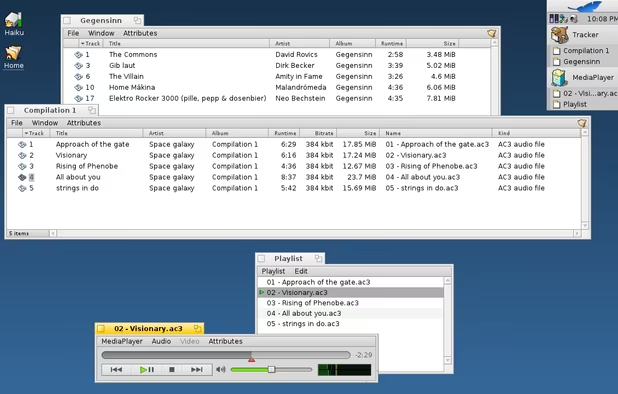
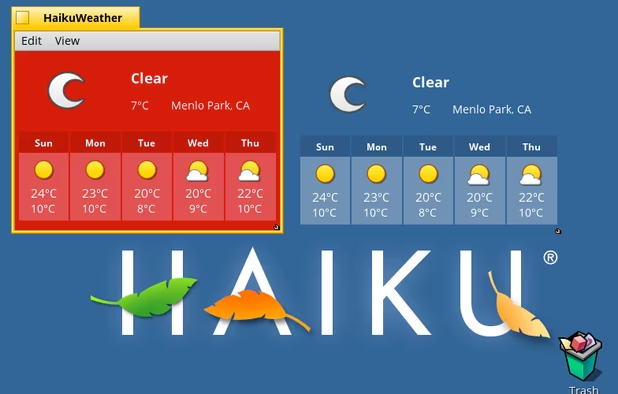
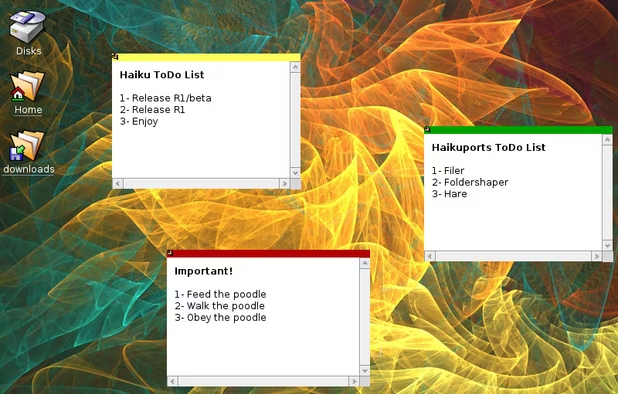
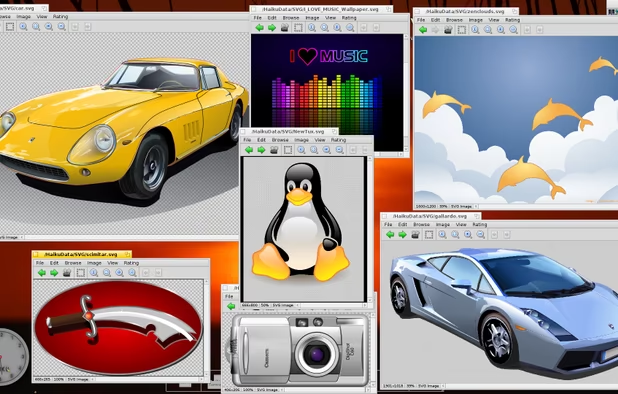
    Not-linux distribution which prizes a unified operating system experience where applications and the OS blend seamlessly in a lightweight and fast experience. Good for casual browsing and application use. This is technically still betaware so use at your own risk!

    Cost / License

    • Free
    • Open Source

    Application type

    Platforms

    • Haiku
    Haiku screenshot 1
    Haiku screenshot 1
    Haiku screenshot 2
    +7
    Haiku screenshot 3
  31. A hobbyist operating system catering to advanced users. It doesn't use a package manager and requires that both it, and any packages running on it, be compiled from source (There are no prebuilt ISOs for this distribution). Highly recommended to check the instructions on the Github readme before proceeding. The result is an old-school looking retro operating system. Note the Ladybird browser was once a part of SerenityOS, but has become a bigger deal in its own right since it aims to be a browser independent from the Firefox/Chrome/Safari triopoly.

    Cost / License

    • Free
    • Open Source

    Application type

    Platforms

    • Self-Hosted
    SerenityOS screenshot 1
    SerenityOS screenshot 1
  32. MenuetOS icon
     Like

    A non-Linux, non-UNIX operating system built 100% in assembly for some reason, including the kernel. There is a fork of this as well, Kolibrios, which follows the same objectives. Lightning fast and a good platform to do your own FASM development if you enjoy pain.

    Cost / License

    • Free
    • Open Source

    Application type

    Platforms

    • Self-Hosted
    Window transparency, preview, freeform
    C-lib/Menuet CD (Quake, Doom, ..)
    Digital TV (dvb-t)
    +1
    Network
  33. TempleOS icon
     Like

    This one needs no introduction. A curiosity at best, this basic OS runs directly on the CPU (Ring 0) and is unmaintained. Created by a man of focus, commitment and sheer f##king will, the TempleOS system was designed and created using the Holy C language all by a single individual who was haunted by either divine revelation or severe mental illness. RIP Terry D.

    Cost / License

    • Free
    • Open Source

    Application type

    Platforms

    • Self-Hosted
    TempleOS screenshot 1
    TempleOS screenshot 1
Page 2 of 2

Comments are only shown on the first page of the list.