

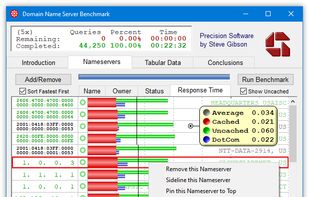
GRCs DNS Benchmark performs a detailed analysis and comparison of the operational performance and reliability of any DNS nameservers at once.
Cost / License
- Paid
- Proprietary
Application type
Platforms
- Windows


A curated list of Windows software that I've discovered (and been using) over the years, organized in categories. Some are well-known, some are hidden gems. Most are free, all are good.
GRCs DNS Benchmark performs a detailed analysis and comparison of the operational performance and reliability of any DNS nameservers at once.

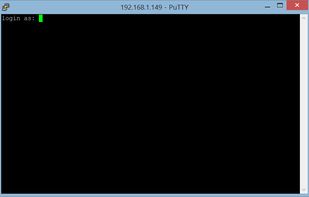
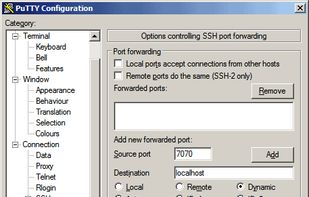
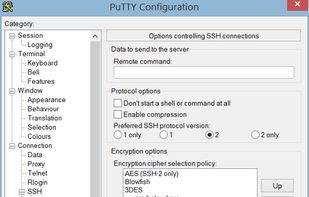
Free and open-source terminal emulator supporting SSH, Telnet, and SCP. Portable, lightweight, and works offline to connect to remote systems securely.

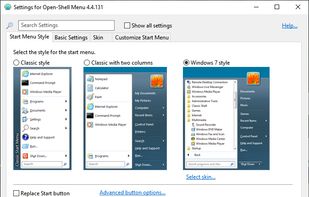
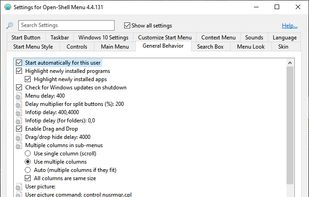
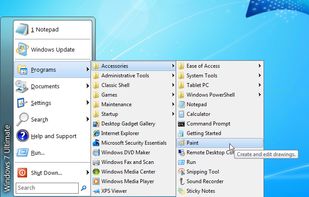
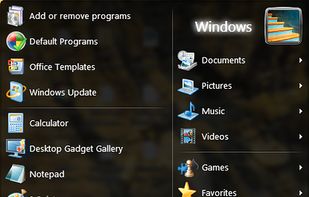
Open Shell is a fork of the Classic Shell project for Windows that getting back the classic start menu to modern versions of Microsoft Windows.

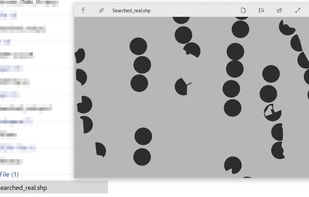
The Quick Look feature from Mac OS X, which allows users to preview file contents quickly by pressing the Space key, is missed. Windows doesn't have this feature. While alternatives like WinQuickLook and Seer exist, the decision was made to create a new version because the...


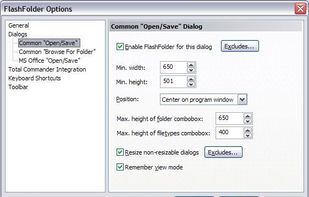
FlashFolder is an open source tool that extends the file-related common dialogs (e.g. open/save dialog) seen in most Windows applications. A small toolbar docks onto these dialogs that provides menus for quick access to recently-used folders, favorite folders and more.


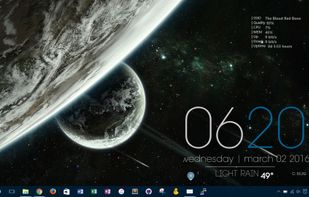
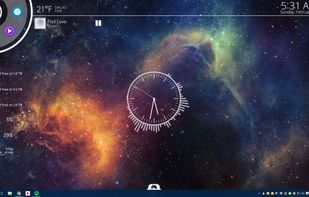
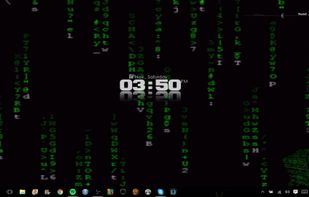
Enhance your Windows with customizable skins showcasing system resources, and more. Enjoy privacy-focused features, lightweight performance, and no ads.


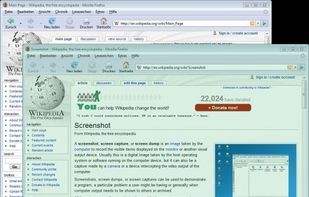
Efficient screenshot tool providing OCR, exports to Office apps, supports image editing and sharing, occupying minimal space with 32 languages.

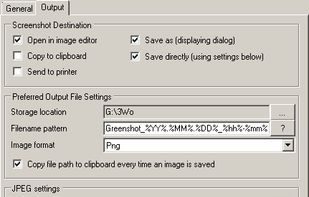

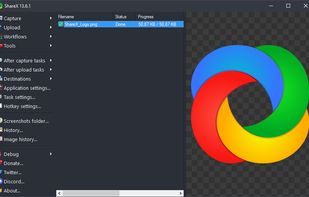
Free and open-source tool for screen capture and recording; enables file uploads, annotation, dark mode, 4K support, and customizable themes.
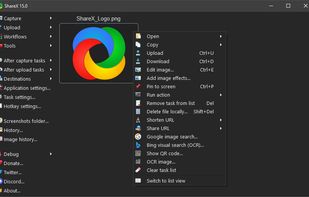
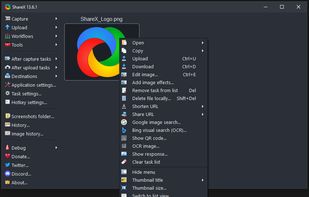

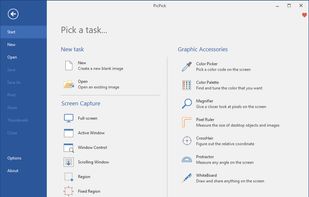
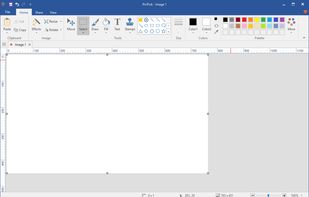
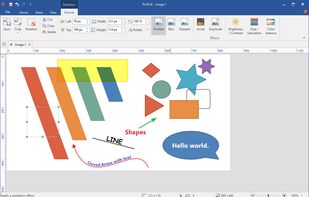
Offers multi-mode screen capture, integrated image editing, color selection tools, on-screen measuring utilities, hotkeys, sharing options, and a simple interface.

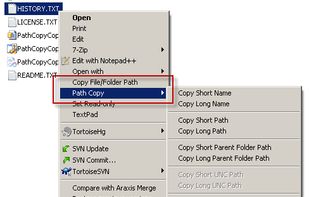
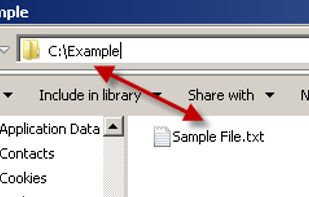
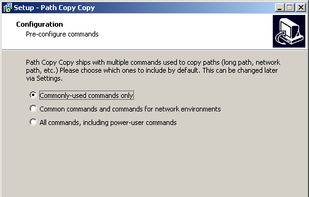
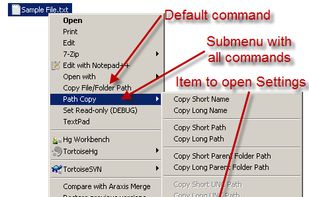
A Windows Explorer add-on that adds a contextual menu item on all files and folders allowing the user to copy the path in various formats. Idea copied from "Path Copy". Available at https://pathcopycopy.github.io/.

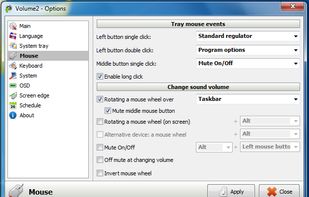
Volume2 is an advanced Windows audio mixer, a complete replacement for the standard Volume Control. This application lets you easily change the sound volume just by rotating the mouse wheel or by using keyboard hot keys or just mouse move on screen border.

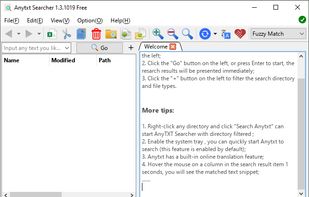
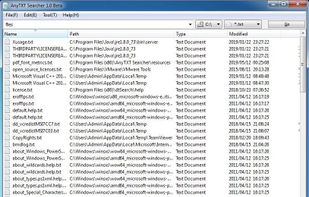
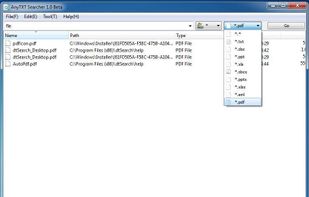
AnyTXT Searcher is a powerful local data full-text search engine, just like a local disk Google search engine. It is your ideal desktop search tool.


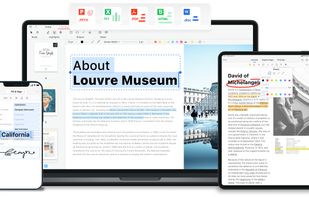
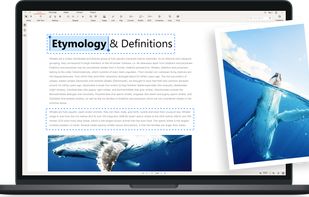
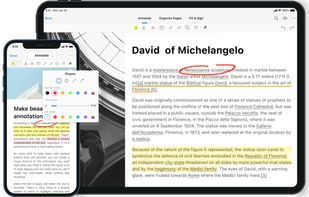
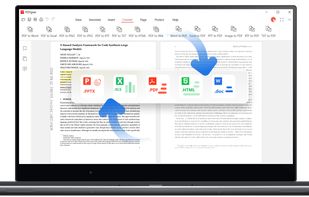
Read, edit, convert, merge, and sign PDF files across devices, for completely free and without signing up.

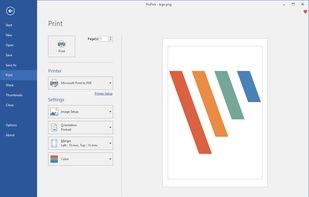
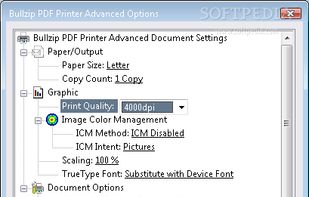
A virtual Microsoft Windows printer and allows you to print as PDF, BMP, JPEG, PCX, PNG, and TIFF files from virtually any Microsoft Windows application.


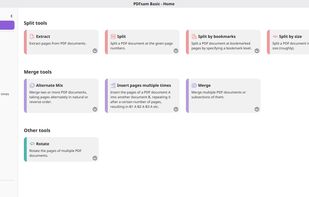
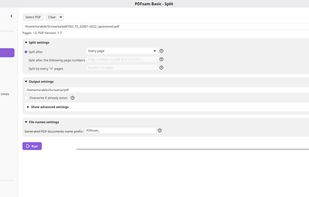
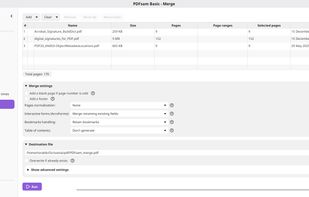
PDFsam Basic is a free and open-source desktop application for splitting and merging PDF files. It runs entirely on your own computer, so your files are never uploaded anywhere and it works fully offline.

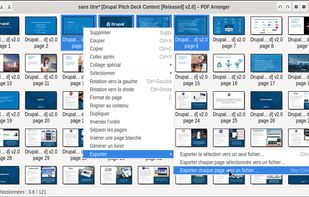
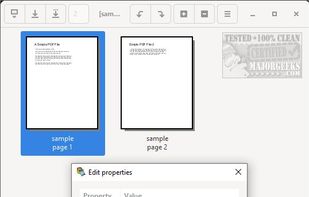
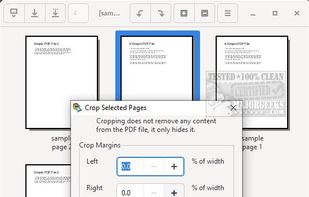
Small python-gtk application, which helps the user to merge or split pdf documents and rotate, crop and rearrange their pages using an interactive and intuitive graphical interface.


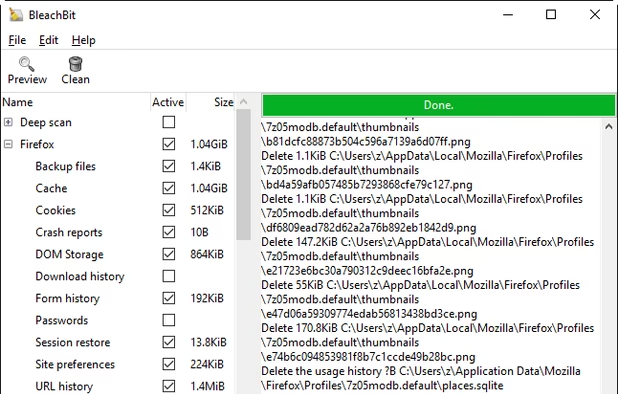
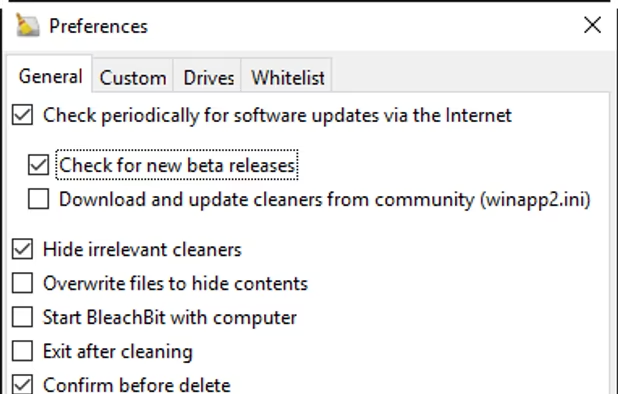
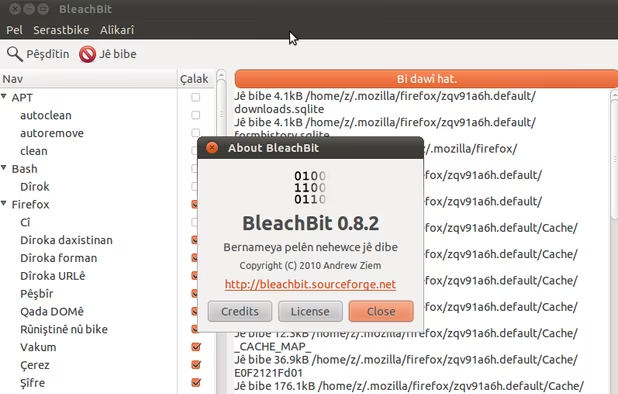
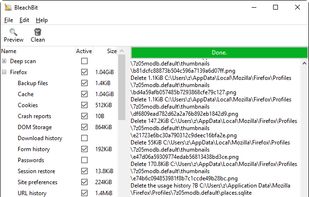
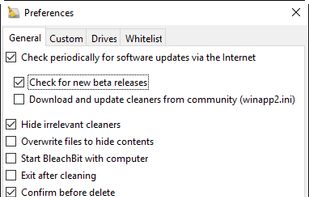
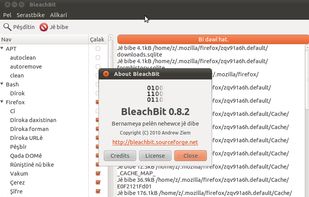
Erase unnecessary files like cache and cookies, maintain privacy, and optimize disk space on Linux and Windows. Supports various applications and uses.
![BleachBit user interface in dark mode [source: official documentation]](https://img.alternativeto.net/s/309x197/jpeg/bleachbit_608743_full.png)
HiBit Startup Manager makes managing your startup programs very simple. On startup, you are shown a list at the top and details at the bottom for each startup item. There is also a list of all startup items, including new and potentially dangerous programs.


Efficiently uninstall software and remove unnecessary files and registry entries on Windows, offering both free and pro versions with advanced features.
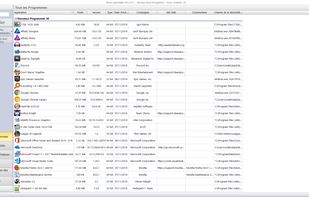
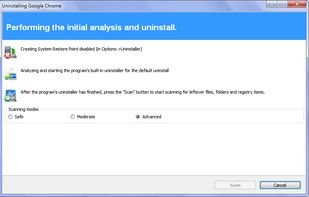
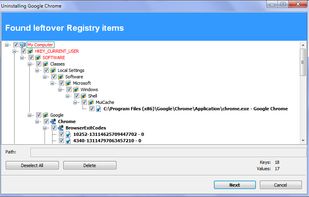


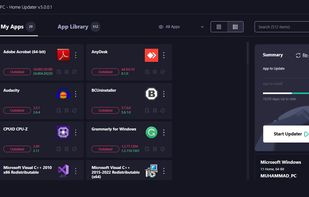
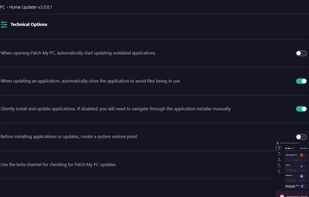
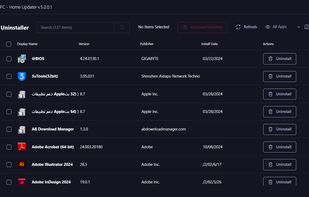
Patch My PC Home Updater is a free, user-friendly software designed to keep over 300 applications on your computer up-to-date. It automates the process of updating and installing apps, ensuring your system is secure and running smoothly without the hassle of manual updates1.


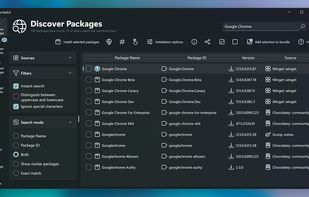
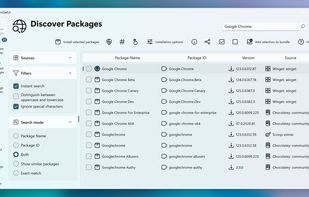
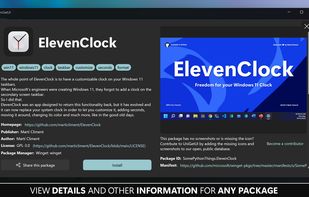
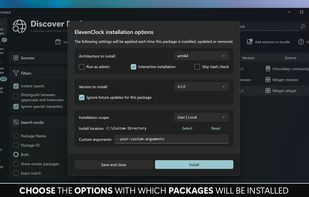
Intuitive interface for managing software via multiple Windows package managers. Supports install, update, bulk actions, backups, metadata review, and notifications.

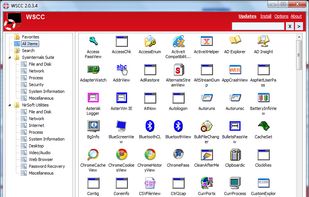
WSCC is a free (for personal use), portable program that allows you to install, update, execute and organize the utilities from various system utility suites. WSCC can install and update the supported utilities automatically.
I hope you enjoy this list and maybe find a useful program in it. Feel free to comment and suggest alternatives or additions to it.
No comments so far, maybe you want to be first?








![BleachBit user interface in dark mode [source: official documentation]](https://img.alternativeto.net/s/618x394/avif/bleachbit_608743_full.png)