Web Dev for Windows

Web development on Windows can be a pain due to compatibility with most modern web tools. Here's what to use to run an efficient web stack on Windows with a focus on free & open source tools.

ks
kshanerList by kshaner, last updated 
Copy a direct link to this comment to your clipboard
  1. Stack

    These can be run on WSL or Docker, take your pick

  2. Ubuntu icon
     Like

    You'll want this to run things like SSH, SCP, and rsync. Or you can run your full development stack on it.
    Cost / License

    • Free
    • Open Source

    Platforms

    • Linux
    • Ubuntu
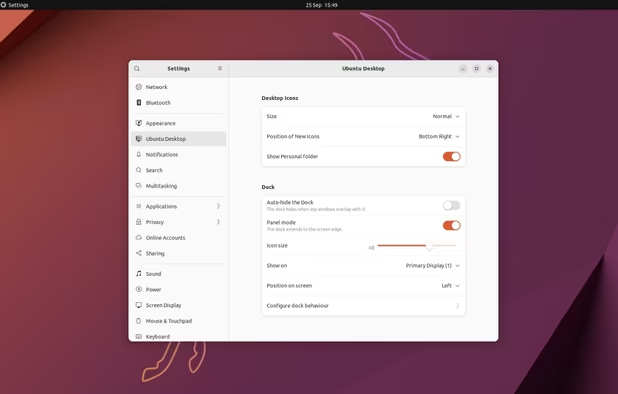
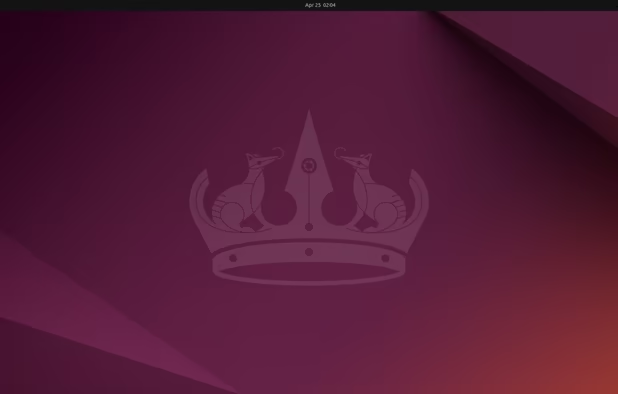
    Ubuntu 24.04 with Gnome 46
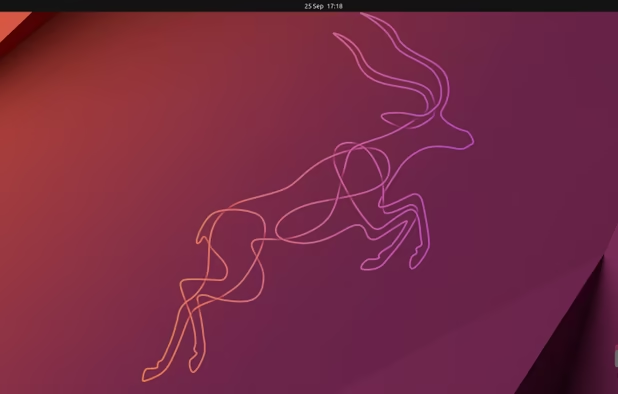
    Ubuntu screenshot 1
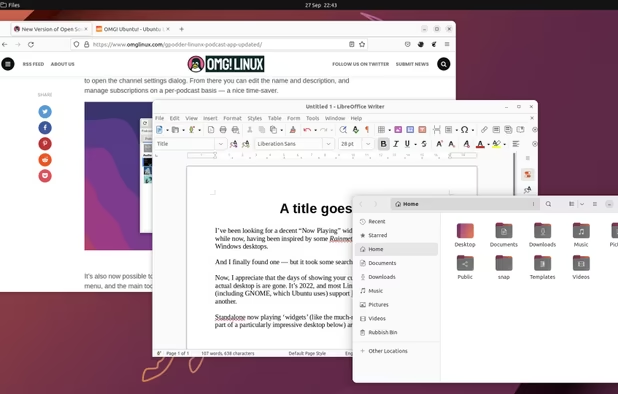
    Ubuntu screenshot 2
    +1
    Ubuntu screenshot 3
  3. Docker icon
     Like

    Docker allows for software stacks that are loosely coupled from each other. Ideal for when working on multiple projects that have different technology requirements.

    Cost / License

    • Freemium
    • Open Source

    Platforms

    • Mac
    • Windows
    • Linux
    • Online
    • Self-Hosted
    • TrueNAS
    Docker screenshot 1
    Docker screenshot 1
  4. MariaDB icon
     Like

    Best relational DB out there. If running it on WSL, you'll want to configure to use TCP/IP instead of sockets.

    Cost / License

    • Free
    • Open Source

    Application type

    Platforms

    • Windows
    • Linux
    • BSD
    Deploy
    Monitor
    Backup
  5. nginx icon
     Like

    Substitute Apache here if that's your flavor. But Nginx has http/2 support out of the box.

    Cost / License

    • Free
    • Open Source

    Platforms

    • Mac
    • Linux
    • BSD
    Manual page
    nginx screenshot 1
  6. Redis icon
     Like

    In memory cache for lighten the load on the database

    Cost / License

    • Free
    • Open Source

    Application type

    Platforms

    • Mac
    • Linux
    • Self-Hosted
    • Software as a Service (SaaS)
    • Docker
    Redis running on Windows
  7. Code Editors

    Choose 1 or 2

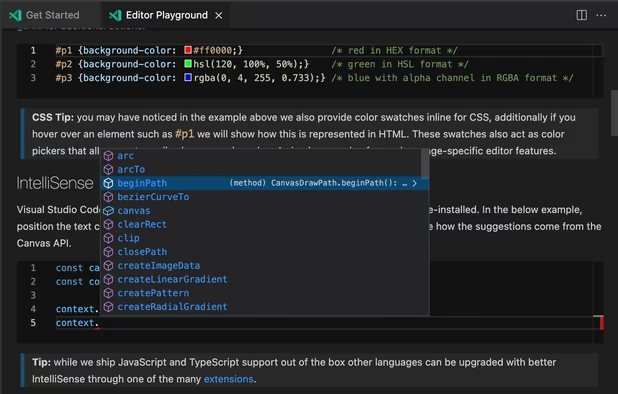
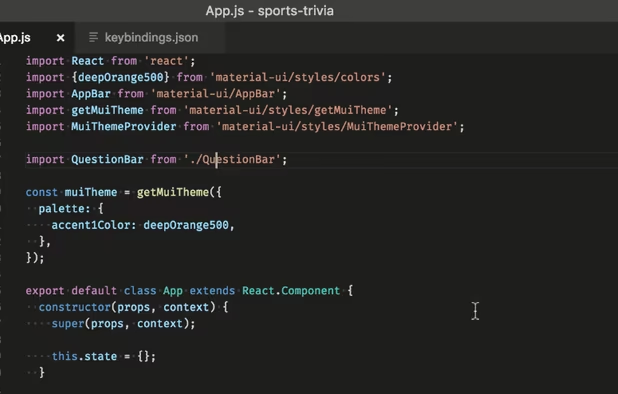
  8. Modern Code editor with an integrated terminal that's lighter than a full IDE

    Cost / License

    • Free
    • Proprietary

    Application types

    Platforms

    • Mac
    • Windows
    • Linux
    • Online
    • Chrome OS
    • Snapcraft
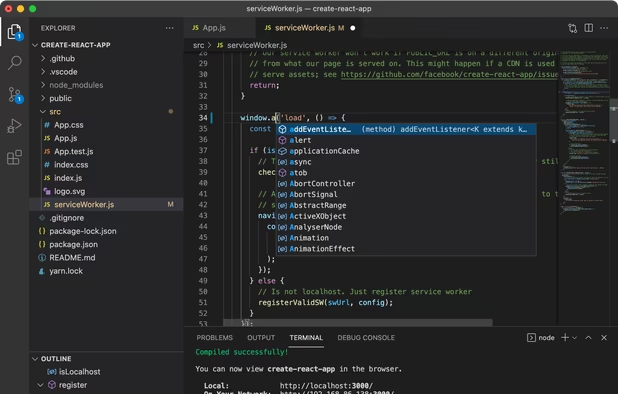
    Visual Studio Code screenshot 1
    Visual Studio Code screenshot 1
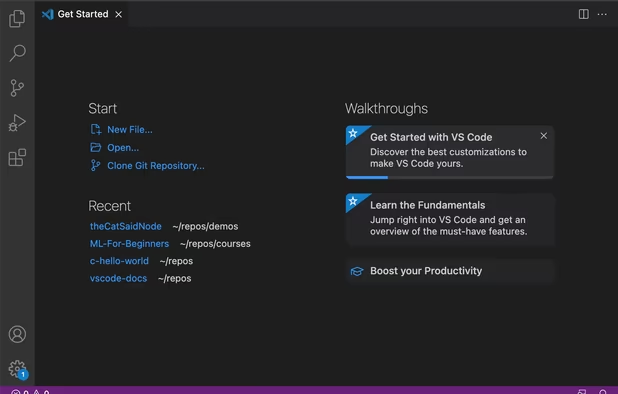
    Visual Studio Code screenshot 2
    +2
    Visual Studio Code screenshot 3
  9. Atom icon
     Like

    A sibling to VS Code, but from Github, and just as flexible.

    Cost / License

    • Free Personal
    • Open Source

    Application types

    Platforms

    • Mac
    • Windows
    • Linux
    • Chrome OS
    • BSD
    • Electron / Atom Shell
    Intro screen
    Command palette
    Choose from scores of community made themes
    +2
    Project view
  10. Best editor for opening large files because of it's GPU rendering

    Cost / License

    • Freemium
    • Proprietary

    Application types

    Platforms

    • Mac
    • Windows
    • Linux
    Sublime Text screenshot 1
    Sublime Text screenshot 1
    Sublime Text screenshot 2
    +2
    Sublime Text screenshot 3
  11. CLI

  12. Git Bash icon
     Like

    You can use git with WSL. However, to use git integration with other Windows apps like VS Code or Atom, you'll need the windows version installed.

    Cost / License

    • Free
    • Open Source

    Application type

    Platforms

    • Windows
    Git Bash screenshot 1
    Git Bash screenshot 1
  13. Browsers

    3 of the big 4.

  14. Still the standard for dev tools

    Cost / License

    • Free
    • Open Source

    Platforms

    • Mac
    • Windows
    • Linux
    • Android
    • iPhone
    • Android Tablet
    • BSD
    • iPad
    • AppImageHub
    • Snapcraft
    • Flathub
    • Samsung Galaxy Store
    • PortableApps.com
    • Haiku
    • Flatpak
    • Homebrew
    • Chocolatey
    • Gecko
    Firefox Desktop (Light Theme)
    Firefox Desktop (Dark Theme)
    Firefox iOS (Light Theme)
    +7
    Firefox iOS (Dark Theme)
  15. Cause it's what most people use

    Cost / License

    • Free
    • Proprietary

    Application type

    Platforms

    • Mac
    • Windows
    • Linux
    • Android
    • iPhone
    • Chrome OS
    • Android Tablet
    • iPad
    • PortableApps.com
    Main Window
    Settings
    Incognito Mode
    +8
    Main View (Android)
  16. Similar to Browserstack but you get 60 free minutes per month.

    Cost / License

    • Freemium
    • Proprietary

    Platforms

    • Mac
    • Windows
    • Online
    • Google Chrome
    • Software as a Service (SaaS)
    • Wordpress
    LambdaTest screenshot 1
    LambdaTest screenshot 1
    LambdaTest screenshot 2
    +6
    LambdaTest screenshot 3
  17. Tools

    Optional, and highly opinionated.

  18. CopyQ icon
     Like

    Not sure how I worked without a clipboard manager before. CopyQ gets the nod for having an encryption option.

    Cost / License

    • Free
    • Open Source

    Platforms

    • Mac
    • Windows
    • Linux
    • Flathub
    • PortableApps.com
    • Flatpak
    • Homebrew
    • Chocolatey
    CopyQ screenshot 1
    Shows a list of previously copied text or images.
    Tabs with text, HTML and image items
    +5
    Simple built-in editor
  19. 1Password icon
     Like

    Credentials management is a must. 1Password has great teams integration for sharing credentials amongst teams.

    Cost / License

    • Paid
    • Proprietary

    Platforms

    • Mac
    • Windows
    • Linux
    • Online
    • Android
    • iPhone
    • Chrome OS
    • Android Tablet
    • iPad
    • Apple Watch
    • Microsoft Edge
    • Vivaldi
    • Google Chrome
    • Safari
    • Yandex Browser
    • Opera
    • Brave
    • Mozilla Firefox
    Desktop & Mobile Apps
    1Password screenshot 1
    1Password screenshot 2
    +2
    1Password screenshot 3
  20. KeePass icon
     Like

    For people who want a pure and verifiable open source password manager, but no teams integration.

    Cost / License

    • Free
    • Open Source

    Platforms

    • Mac
    • Windows
    • Linux
    • BSD
    • Mono
    Entry Templates Plugin
    Main window
    Login Screen
    +5
    Built-in Password Generator
  21. WinSCP  icon
     Like

    Still the best SFTP/FTP client for Windows.

    Cost / License

    • Free
    • Open Source

    Application types

    Platforms

    • Windows
    • PortableApps.com
    • Wine
    WinSCP  screenshot 1
    WinSCP  screenshot 1
    WinSCP  screenshot 2
    +7
    WinSCP  screenshot 3
No comments so far, maybe you want to be first?
Gu