

Autotext expander organizes reusable texts in folders, inserts phrases by shortcut or abbreviation, syncs across devices, supports macros, and offers clipboard memory.
 Germany
 EU
EU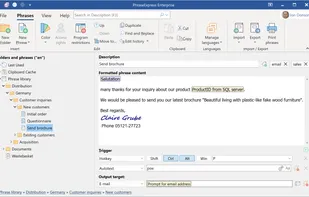
+12
3.7
Good23 reviews


Autotext expander organizes reusable texts in folders, inserts phrases by shortcut or abbreviation, syncs across devices, supports macros, and offers clipboard memory.

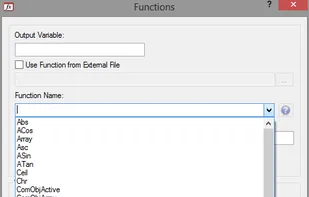
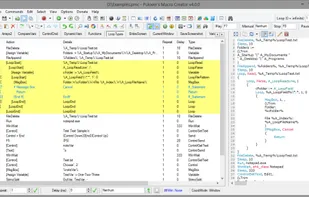
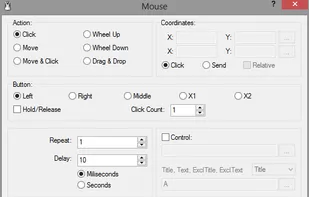
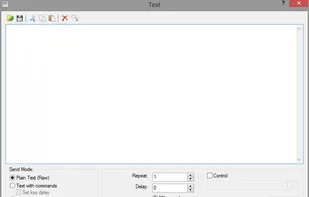
Pulover’s Macro Creator is a Free Automation Tool and Script Generator. It is based on AutoHotkey language and provides users with multiple automation functions, as well as a built-in recorder.
 AutoHotkeyand

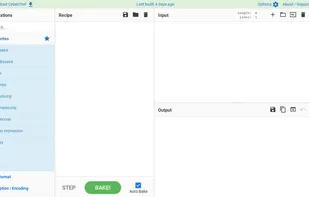
CyberChef is a simple, intuitive web app for carrying out all manner of "cyber" operations within a web browser. Runs client-side in your browser via the website or as a downloadable html file.
 DevToysand

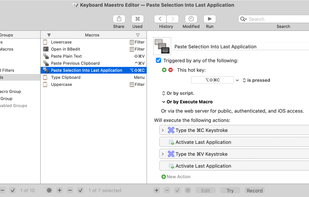
Automate applications or web sites, text or images, simple or complex, on command or scheduled. You can automate virtually anything.
 AutoHotkeyand
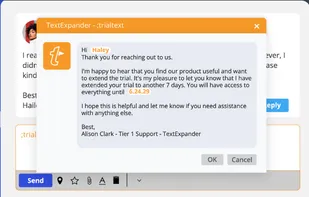
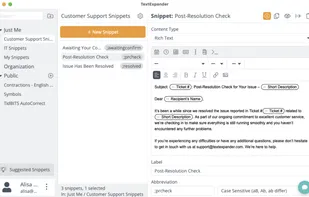
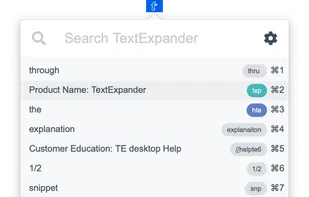
Boosts productivity by managing reusable text snippets, enabling quick sharing across platforms. Offers fill-in fields and data insights to improve team performance.
 AutoHotkeyand

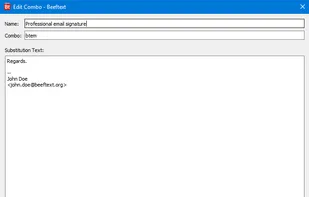
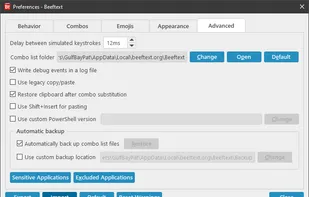


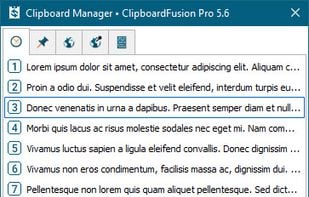
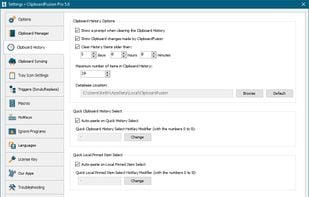
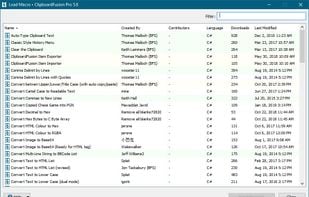
ClipboardFusion is a powerful clipboard manager, complete with HotKeys, text scrubbing, text replacing and completely customizable clipboard Macros. ClipboardFusion can remember your clipboard history, and even sync it between computers using the ClipboardFusion Online service.

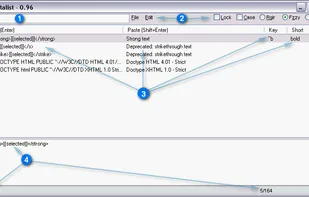
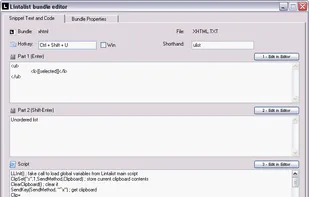
Lintalist allows you to store and (incrementally) search and edit texts in bundles and paste a selected text in your active program. The text can be interactive, for example you can automatically insert the current time and date, ask for (basic) user input or make a selection...

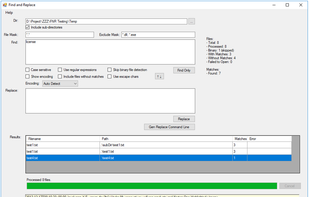
Find and Replace (FNR) is an open source tool to find and replace text in multiple files.


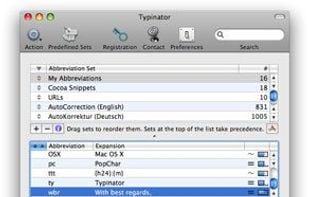
What is Typinator?
Have you ever experienced the tedium and frustration of having to repeatedly type your name, e-mail address, home page url, or other words or phrases again, again and again? Do you frequently need to quickly insert images like your signature, location plan, or.
 AutoHotkeyand
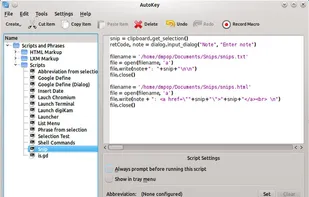
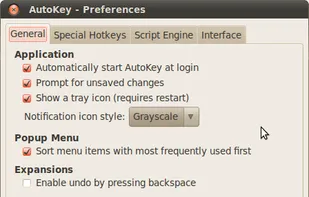
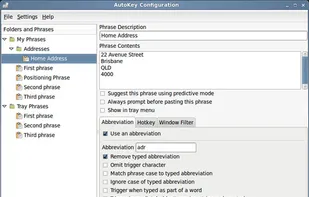
AutoKey is a desktop automation utility for Linux and X11. It allows you to manage collection of scripts and phrases, and assign abbreviations and hotkeys to these. This allows you to execute a script or insert text on demand in any program.
 AutoHotkeyand
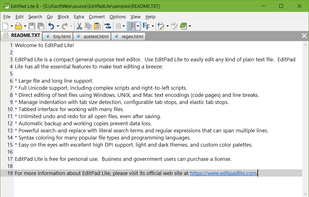
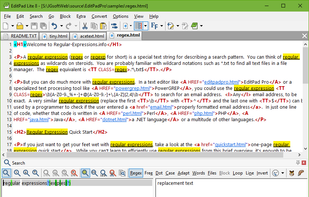
EditPad Lite is a compact general-purpose text editor. Use EditPad Lite to easily edit any kind of plain text file. EditPad Lite has all the essential features to make text editing a breeze:
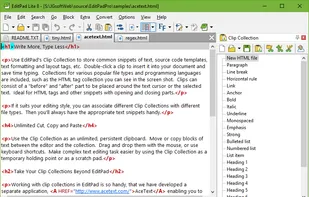


Insert frequently used phrases, paragraphs, and images with quick shortcuts and custom abbreviations. Features macro support and a user-friendly interface.
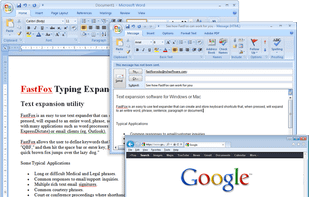
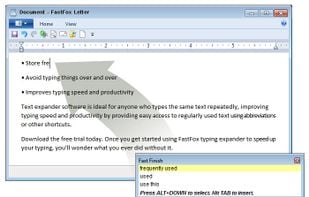
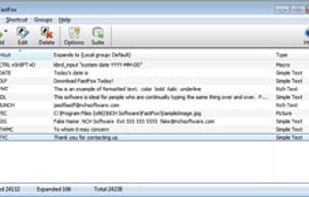


Automate text transformations. Combine transformation actions and create powerful automations for your text. Text Workflow removes the need to perform repetitive tasks manually on your text.
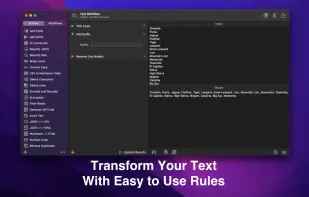
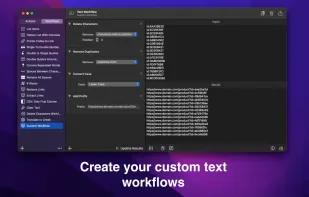
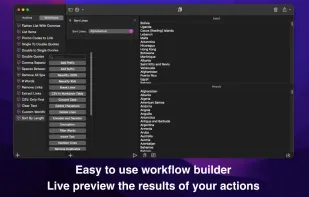
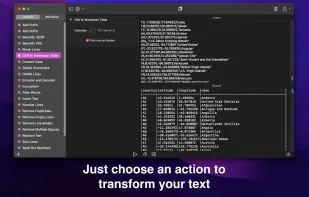


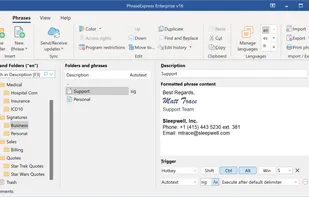
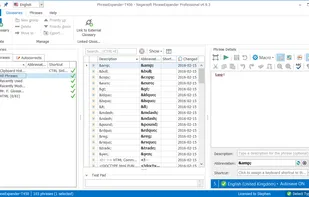
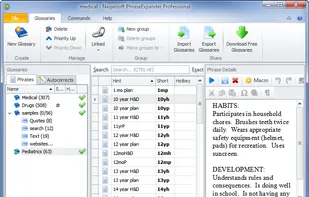
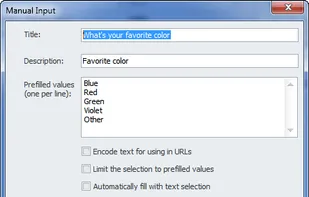
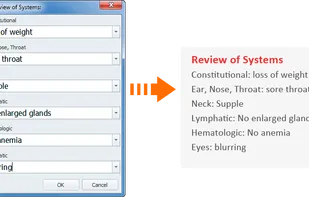
PhraseExpander saves time typing texts, filling forms, launching programs, opening websites and automating common tasks by using customized shorts. It can also correct your spelling mistakes and includes a clipboard history manager.

Use Text Expander to increase productivity. Save time with textexpander shortcuts and power text automation for all your tasks.


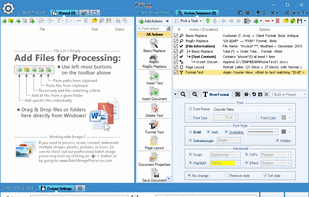
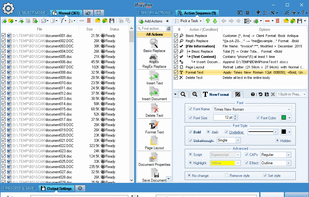
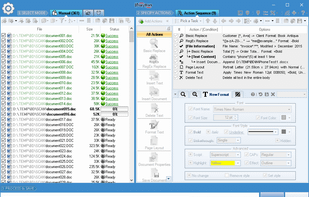
Replace, insert new content, remove existing text, change text style and formatting in 1000s of Word and text documents in bulk. Save results and convert between various document formats: docx, doc, pdf, odt, rtf, wpd, txt, xps, html, and others.


Texpand is a text expansion app that helps you save a lot of time by assigning shortcuts to your frequently used texts. Features include:


 AutoHotkeyand
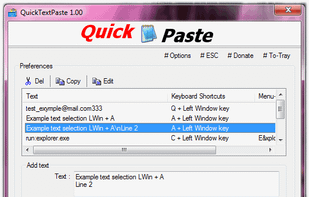
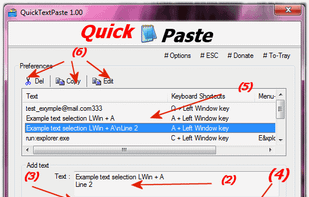
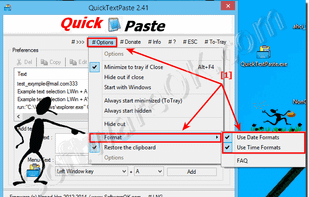
Quick paste text is a small portable program that allows you to insert (paste) quickly pre-defined text in any Windows applications via keyboard shortcut.


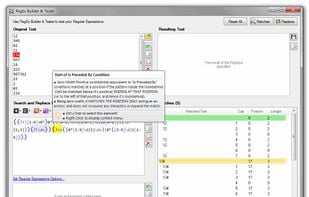
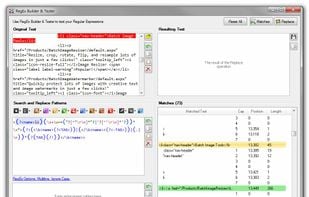
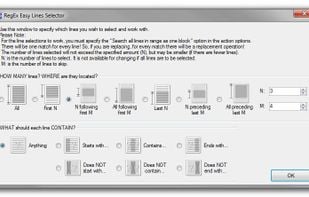
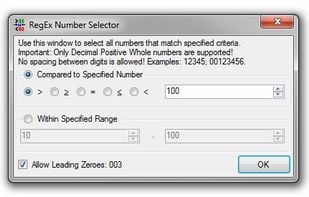
Create, edit, and test RegEx Regular Expressions. Replace, format, and extract text in files using Regular Expressions. Perform GREP-like tasks, use RegEx substitutions, extract data! Supports color syntax highlighting and contextual tooltips making it easy to design patterns.


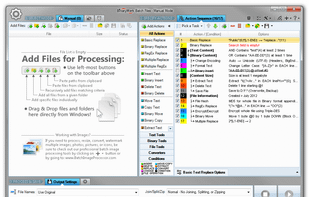
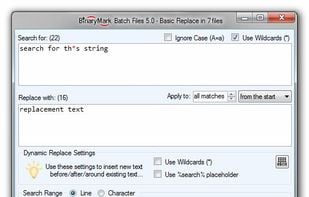
Replace, insert new content, remove existing text, change text style and formatting in 1000s of Word and text documents in bulk. Save results and convert between various document formats: docx, doc, pdf, odt, rtf, wpd, txt, xps, html, and others.
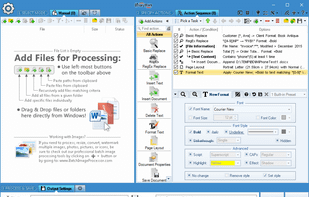

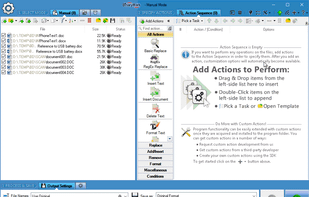
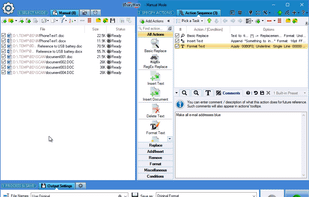


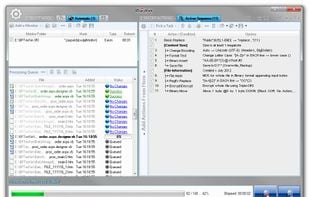
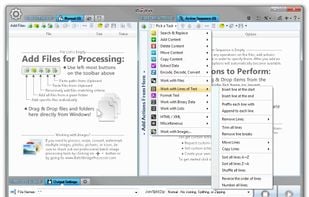
Replace, insert, delete, copy, move, format, extract, convert, encode, encrypt text and bytes in multiple files. Process 1000s files using multiple CPU cores in manual, automatic, scheduled, or console modes, or right-clicking on selected files.

I just want a quick way to expand a text snippet into a longer chunk of text. For example, I want to type 'sig' and have it expand into my complete email signature – no matter what browser or email client I’m using.


 Brazil
 United Kingdom

 United States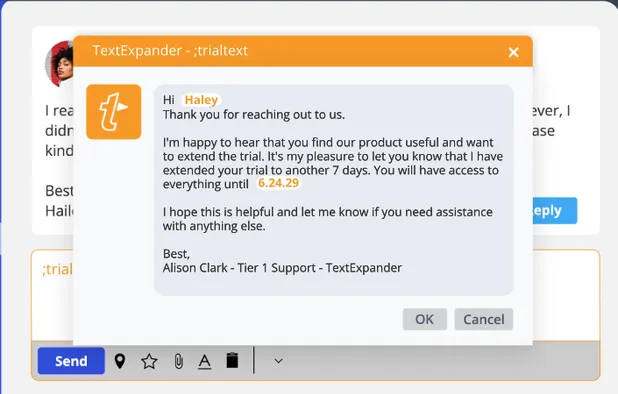

 France
 Canada


 Austria


 Australia
 Greece
 Italy
Italy


 Ethiopia


