Apps with 'PDF Markup' feature

All apps in Apps with 'PDF Markup' feature category. Use the filters below to narrow down your search. 
Copy a direct link to this comment to your clipboard
  1. WPS Office icon
     398 likes

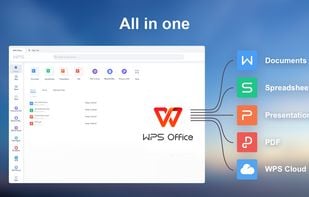
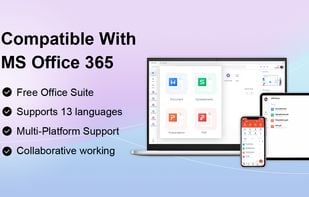
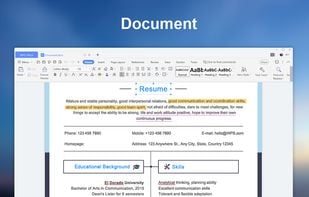
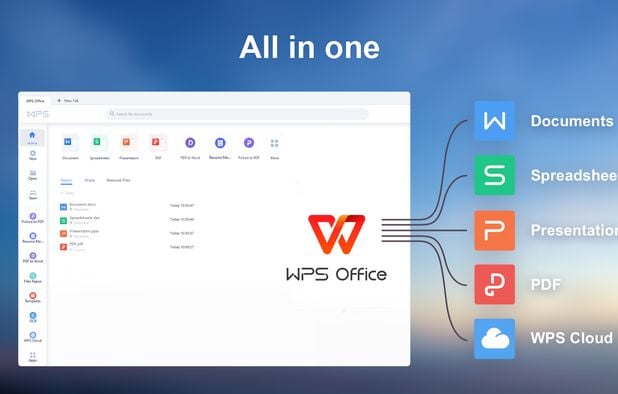
    A free, lightweight office suite offering high compatibility with files and multi-platform support. Includes features for text, presentations, spreadsheets, and PDFs.

    • Word Processor
    • FreemiumProprietary
    • Mac
    • Windows
    • Linux
    • Android
    • iPhone
    • Chrome OS
    • Android Tablet
    • iPad
    • Flathub
    • Flatpak
    All in one
    51 alternatives
    3.0
    Fair24 reviews
  2. GoodNotes icon
     77 likes

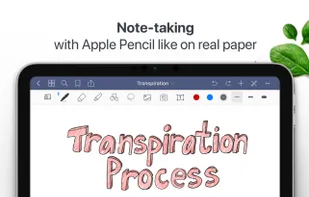
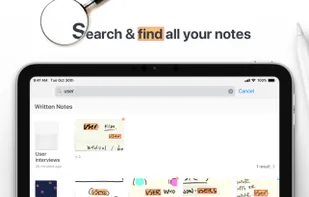
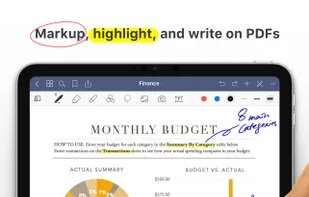
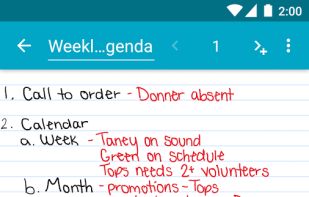
    Easily take notes on mobile devices, annotate PDFs, and organize in folders. Handwritten notes are searchable and sync across devices with iCloud.

    • Note-taking Tool
    • FreemiumProprietary
    • Mac
    • Windows
    • Online
    • Android
    • iPhone
    • Android Tablet
    • iPad
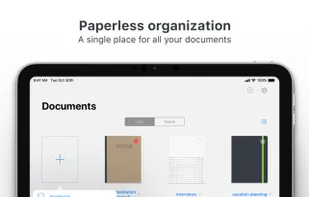
    GoodNotes screenshot 1
    GoodNotes screenshot 2
    GoodNotes screenshot 3
    66 alternatives
    3.6
    Good7 reviews
  3. Squid icon
     19 likes

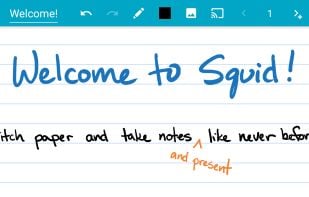
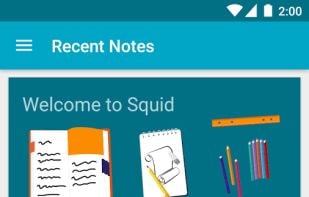
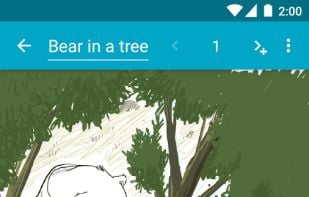
    Take handwritten notes naturally on your Android tablet, phone, or Chromebook supporting Android apps! With Squid you can write just like you would on paper using an active pen, passive stylus, or your finger.

    • Note-taking Tool
    • FreemiumProprietary
    • Android
    • Chrome OS
    • Android Tablet
    • Kindle Fire
    Squid screenshot 1
    23 alternatives
  4. PDFill icon
     39 likes

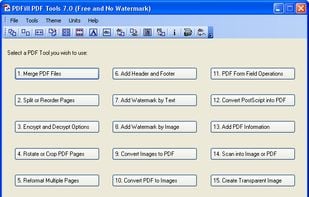
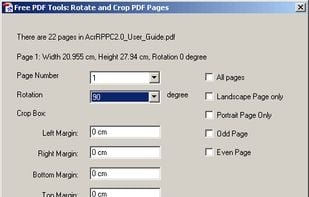
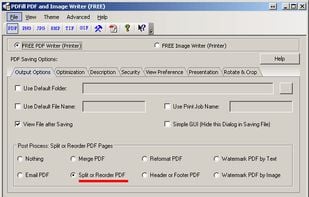
    With PDFill you can create, fill, delete and submit PDF form fields; insert new formatted text, check, image, hyperlink, whiteout, highlight, drawing, comment and annotation anywhere in the document; save, print or email the filled and password-protected PDF; save and resume...

    The only free pdf-software able to split very big pdf-files over 200 pages
    162 alternatives
  5. Bluebeam Revu icon
     11 likes

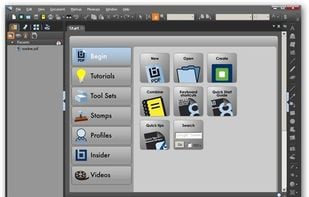
    Bluebeam Revu delivers award-winning PDF creation, editing, markup and collaboration technology to Windows desktop and tablet users. Create and navigate smart, information-rich document sets from converted Microsoft Office and CAD files.
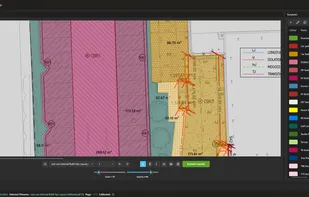
    Bluebeam Revu screenshot 1
    69 alternatives
  6. Notestudio icon
     1 like

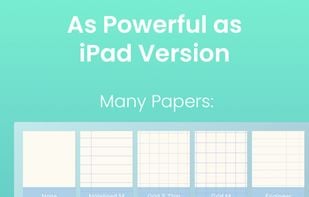
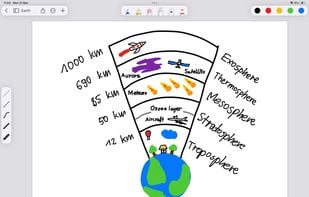
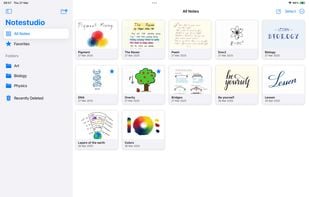
    Notestudio brings the charm of traditional handwriting together with powerful digital tools, making note-taking feel natural and intuitive. With flexible paper styles, advanced drawing tools, and a smooth, customizable interface, it’s perfect for capturing and organizing your ideas.

    Notestudio screenshot 1
    5 alternatives
  7. Jumpdf icon
     1 like

    Jumpdf is a keyboard-focused PDF viewer for documents where one needs to jump between different sections of the document frequently.

    Jumpdf screenshot 1
    51 alternatives
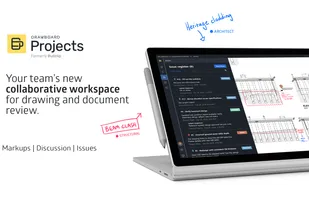
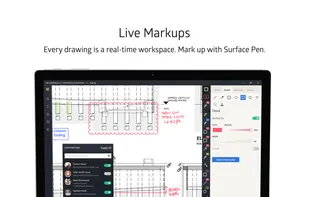
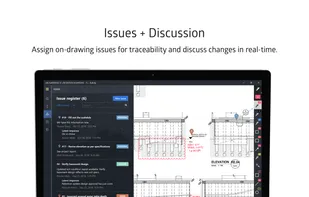
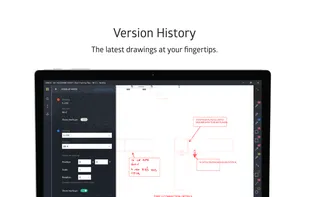
  8. Drawboard Projects (formerly Bullclip) streamlines markup communication on PDF drawings and documents, reducing team frustration and time.

    • PaidProprietary
    • Windows
    • Online
    • iPhone
    • iPad
    Drawboard Projects screenshot 1
    5 alternatives
  9. Punchlist icon
     1 like

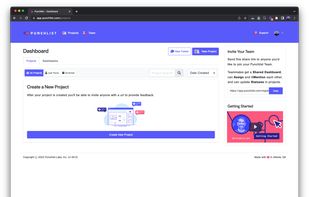
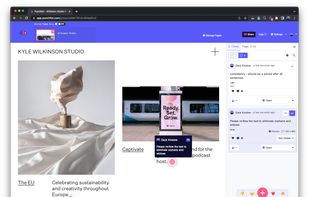
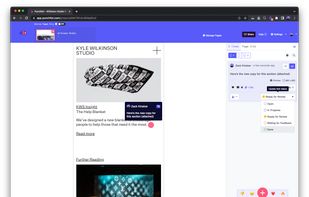
    Punchlist is the annotation layer over your creative work, allowing teams to collaborate and get projects done faster than ever.

    Punchlist App Dashboard.
    8 alternatives
  10. Scrapp icon
     Like

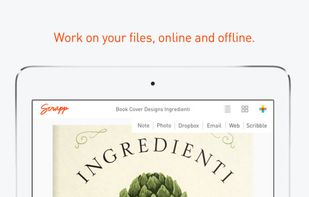
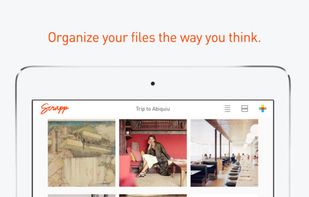
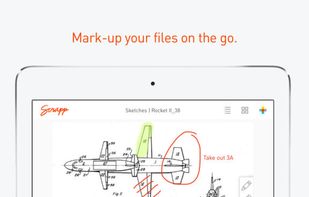
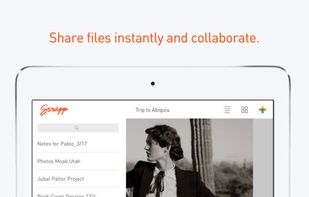
    Scrapp is a free iPad app that helps to capture, organize, mark-up and share all the files that you collect. You can organise PDF’s, notes, photos and websites and scribble thoughts and ideas on them before sharing with friends and collaborators.

    • FreeProprietary
    • iPad
    work on your files, online and offline.
    Organise your files the way you think.
    Mark-up files on the go.
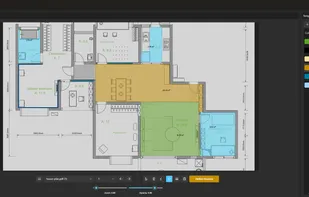
  11. An easy-to-use PDF takeoff and measurement tool designed for estimators, quantity surveyors, and construction professionals who need fast, accurate measurements without unnecessary complexity.

    • PaidProprietary
    • Windows
    Metre2 Takeoff Studio screenshot 1
    2 alternatives