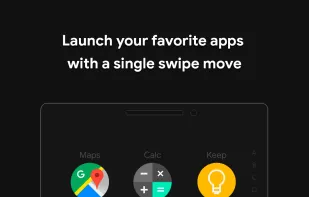
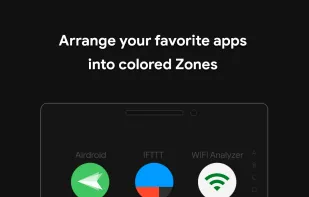
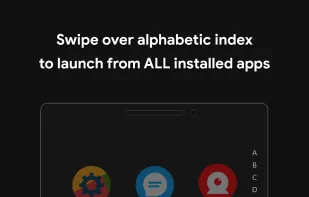
Detox 3D Launcher Minimalist is a black-themed launcher with a minimalist design. It aims to reduce device usage by offering features that improve user control and efficiency. The launcher includes functionalities like App Actions for performing tasks within installed apps, and...
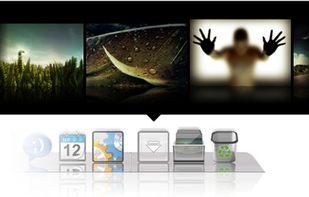
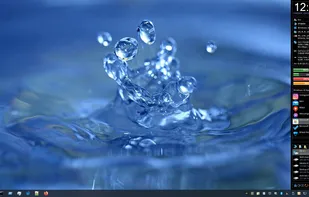
XWindows Dock - or XWD for short - is the newest free Windows Vista and XP program of the class Application Launcher and Desktop Organizer. But its not just another one: its the result of years of use and observation of the many dock programs on the market, plus all functions...
NoLauncher is an extremely lightweight and minimal launcher for Android inspired by OLauncher Light, and OLauncher in general. It is very barebones and aims to provide only the most basic features.
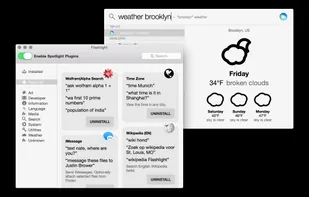
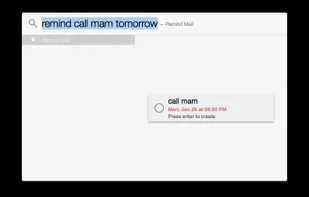
Flashlight gives you control over Spotlight. There are tons of options for customization so you can do things how you want to. Flashlight is designed to make enhancing Spotlight easy and enhance it's usefulness on macOS 10.9 and up.
Application launcher with bash-like completion.
It's a simple program which provides a "run program" window, featuring a bash-like TAB completion. It uses GTK+ interface. Also, supports CTRL-R / CTRL-S / "!" for searching through history. Running commands.
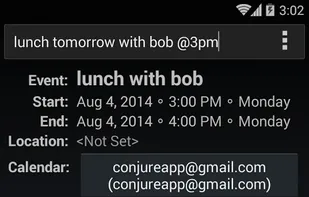
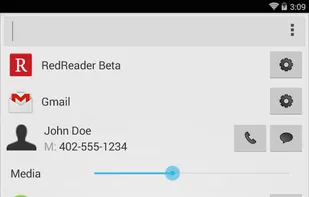
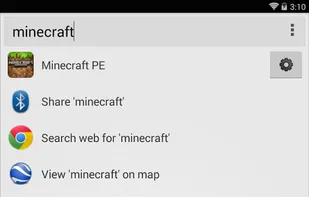
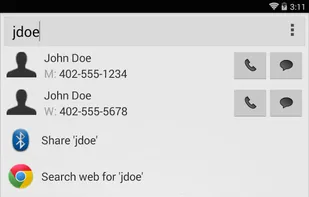
Conjure is the fastest, smartest launcher for Android. Use it to open apps, make calls, toggle wifi, adjust volume, and much more. Search results are prioritized according to use so your favorite apps and contacts are always a keystroke away.
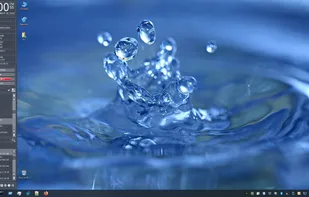
A Central Hub for User-Categorized Shortcuts to Apps, Files & Folders, Quick Access to Drives & System Folders with PC Info & Resource Monitoring Dashboards and One-Click Access to Common Windows Operations.
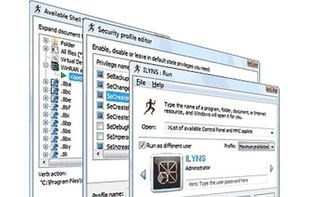
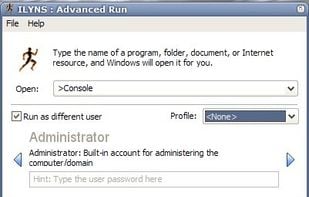
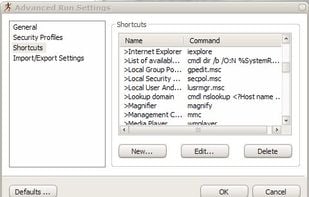
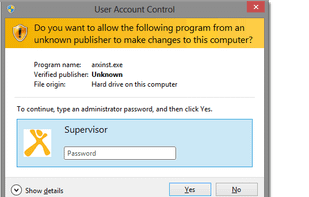
Advanced Run is a replacement for a standard Windows Run dialog. Advanced Run allows you to run any program, run any command line command, open and edit and print documents on behalf of any user account without switching between user accounts.
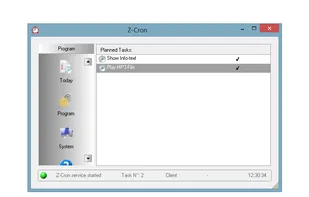
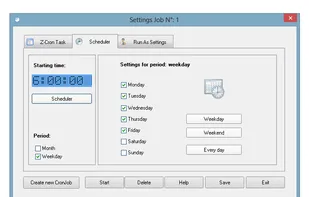
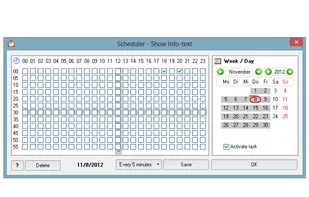
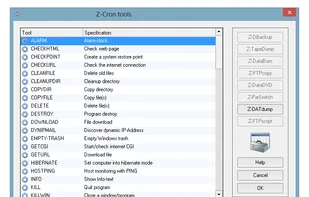
Z-Cron is a scheduler which you can use to run jobs/tasks on your PC time-controlled with a schedule. Z-Cron is a central coordination point for the scheduling and automation of software.
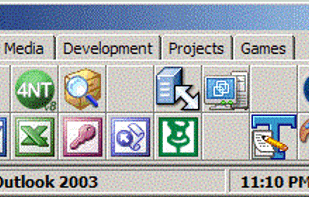
TurboLaunch is a fully configurable tool-bar style application that can be set up to run many programs and perform certain pre-programmed actions. Like a toolbar, pictures are used to distinguish what a button is configured to do.
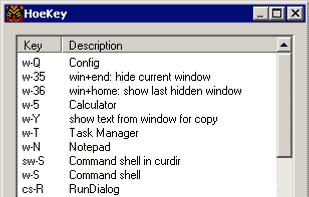
HoeKey is a lightweight portable application that helps you create user-defined hot key combinations that control a wide variety of Windows functions from launching programs to modifying windows.
LaunchBar Commander is what is commonly referred to as an "Application Launcher"; it is typically docked to the side of your screen and lets you configure buttons and menus which will launch your favorites programs.
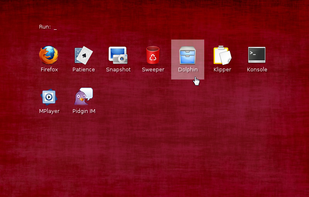
Welcome! This is xlunch, the coolest graphical app launcher for Xorg/X11. It requires only pure Xlib and Imlib2. It allows you to run programs, commands, or simply select something out of a list using your mouse, keyboard, or both!
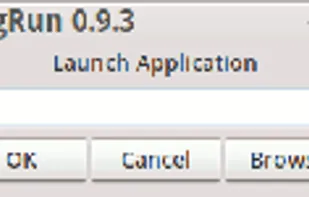
gRun is a GTK based Run dialog that closely resembles the Windows Run dialog, just like xexec. It has a intelligent history mechanism and a dual level fork() mechanism for launching the application in its own process.
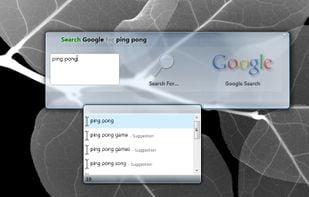
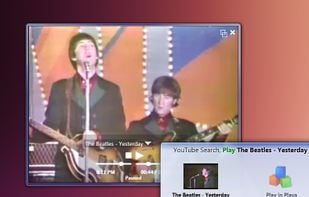
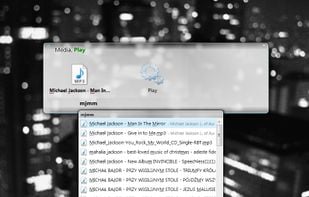
Skylight is an experimental keyboard launcher. It lets you quickly find and open anything on your computer or the web. Start apps, documents or search websites with a few keystrokes, it even learns from your habits.
Welcome to Lumen, the minimalist launcher designed to enhance focus and digital freedom. Lumen is a lightweight, sleek, and powerful home screen replacement tool for those seeking productivity and tranquility.


 Czechia
 EU
EU
 AutoHotkeyand



















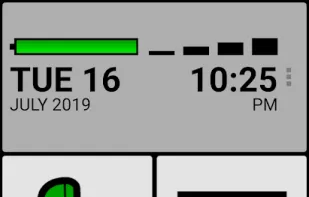
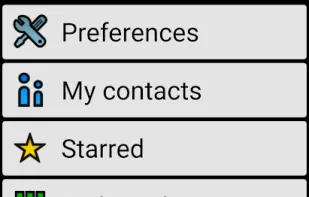
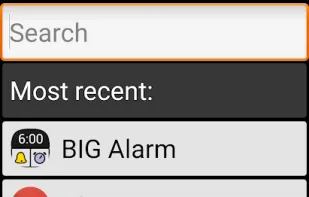
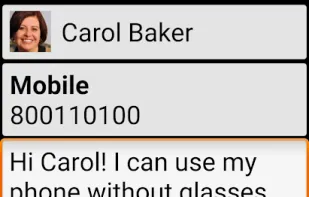
 Incoming Call Only Launcher
 Google Searchand










 Flow Launcher






 Spain
Spain


 Ukraine


 Russia


 United States




 Germany


 Indonesia


 India
India