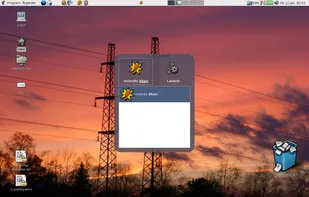
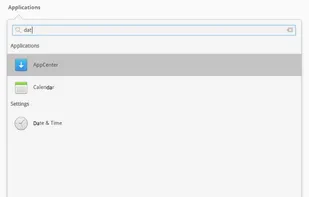
Launch Box is generally an application launcher. It's very influenced by Quicksilver for Mac OSX. Remember that this is only a first release so don't get your hopes up too much. Launch Box is written for the GNOME 2.10 platform and depends on GTK+ 2.
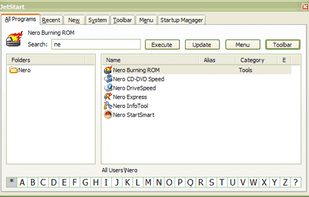
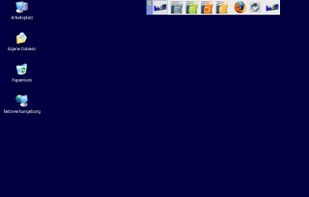
Tired of digging into crowded Start Menu? JetStart offers you a quick access to categorized Start Menu shortcuts, recently launched programs and system commands.
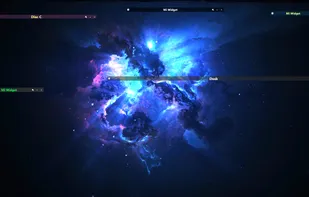
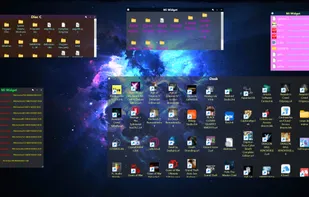
Windows application for creating widgets, which can be linked to folders (except the Recycle Bin), creating notes (WNotes), or creating shortcut containers (WLinks). From within the widgets, you can interact with files and other folders.
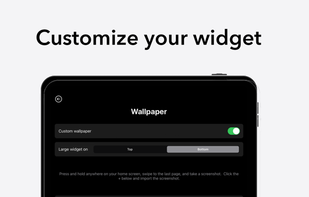
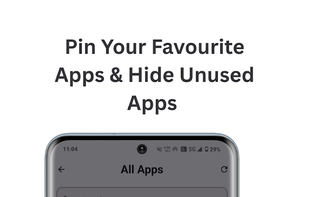
Blank Spaces is a minimal home screen launcher that eliminates distraction from your phone. We believe that technology should empower us, not take away our attention.
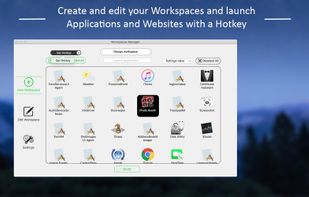
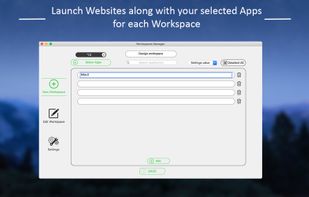
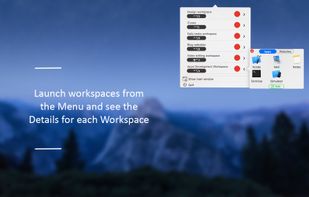
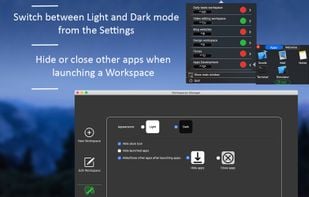
Workspace Manager is a great tool for organizing workspaces by launching Groups of Apps and Websites by pressing a Shortcut or by clicking the button in the Menu for each workspace.
Launcher that uses a terminal with a modified bash session.
Bashrun2 is the second generation version of bashrun, an application launcher running a modified bash session in a small terminal window, providing all the well known bash features like tab-completion and history. Addi.
Forget your start menu and the icons on your desktop - launch programs and documents from your keyboard, with just a few keystrokes, by typing abbreviations. Just type a few letters of what you are looking for and Key Launch finds it - enter e.g.
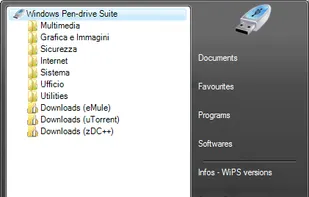
This pendrive suite is an application launcher that runs in the notification area. It uses a Vista-like menu style. The suite is preloaded with multiple free applications and users can choose which type of bundled software package to download.
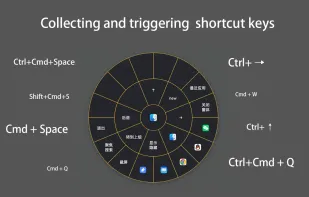
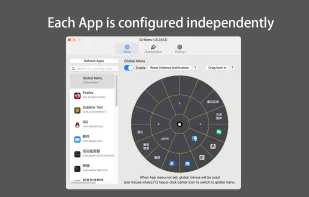
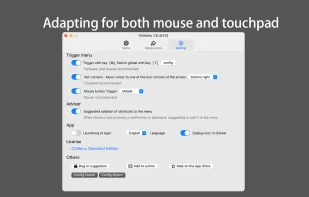
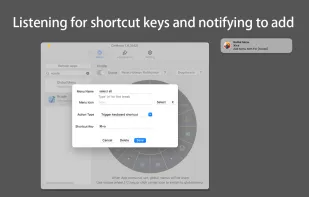
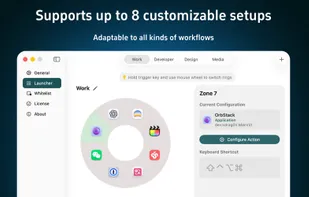
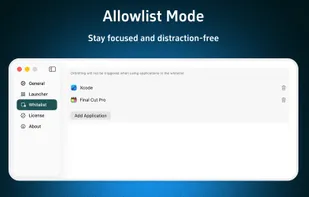
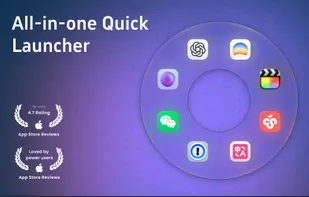
OrbitRing is a sleek and lightweight macOS launcher, featuring a unique ring design that surrounds your mouse with apps for a highly efficient and intuitive start-up experience.
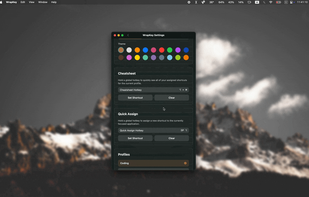
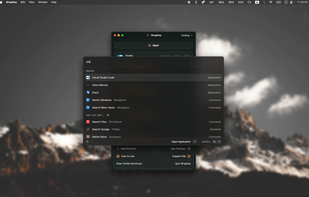
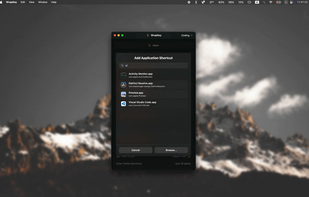
WrapKey is a lightweight yet powerful macOS utility. Create simple, memorable, or complex keyboard shortcuts to launch, switch, or run anything on your Mac. It's designed to be blazing-fast and intuitive.
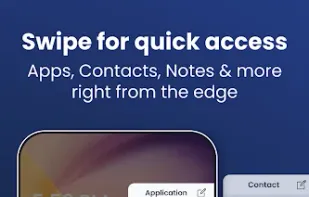
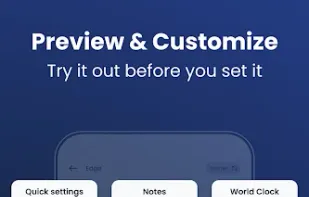
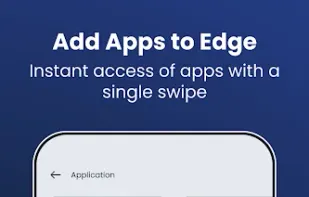
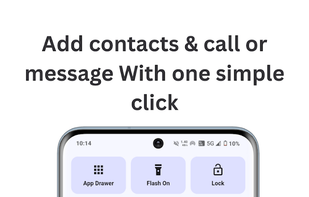
It also offers many features like you can add a contact to make a call directly from edge screen or you can direct do a math function on edge screen calculator. And you can compare time using World Clock or open website in one go. All these features can be done in just one click.
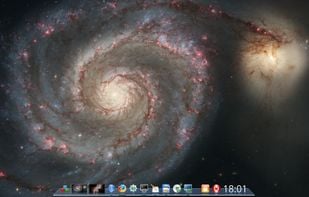
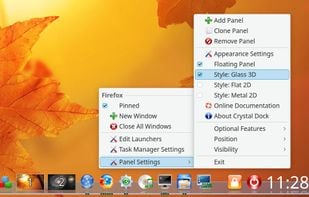
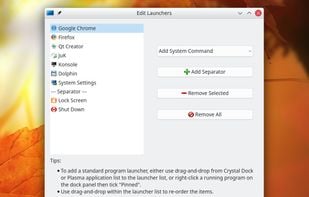
Crystal Dock is a cool dock (desktop panel) for Linux desktop, with the focus on attractive user interface, being simple and easy to customize, and cross-desktop support.
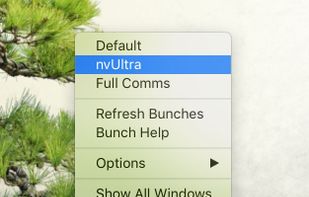
Bunch is a little macOS utility that sits in your Dock (or your Menu Bar). It doesn’t have any windows. When you right/ctrl-click the Dock icon (or click the menu item), it gives you a list of “Bunches” you can select from, each one launching a group of applications that you...
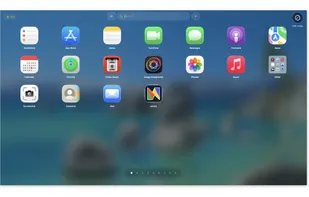
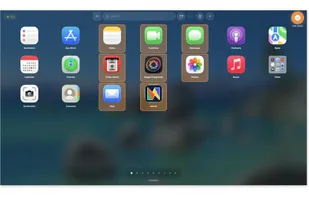
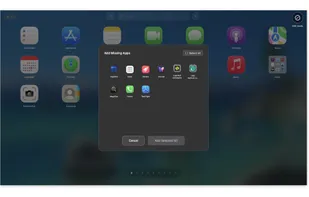
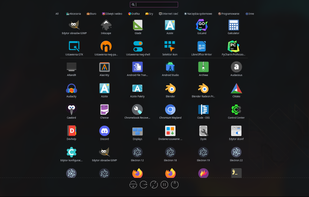
Ready for macOS Tahoe? With Launchpad being replaced, AppGrid is the perfect way to keep the classic grid view you love. It's the ideal Launchpad replacement for users who want simplicity and power.




 Australia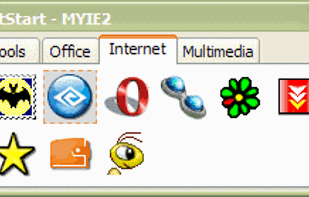




 Mexico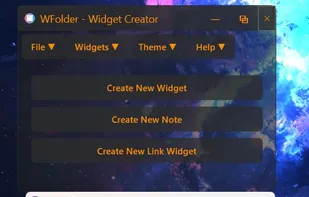








 Ukraine





 Germany
 EU
EU




 Poland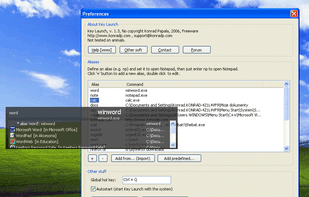






 China
China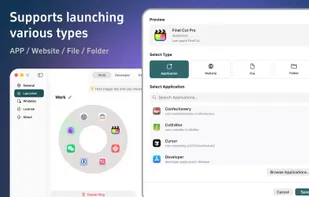
 United States


 Türkiye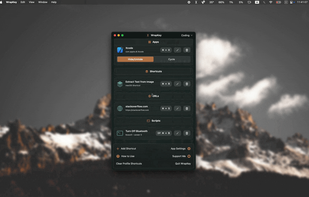




 India
India

 Vietnam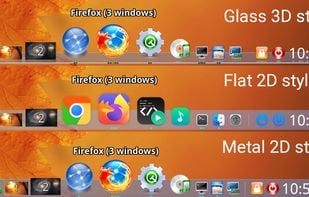









 Hungary