Mac OS X System Monitor and Process Explorer Tool
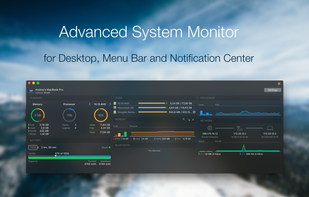
atMonitor is the most advanced monitoring tool for Mac OS X that displays system activity in real-time. It is designed to allow quick assessment of computers state and it is powerful enough to make it a core utility in anyones sys.
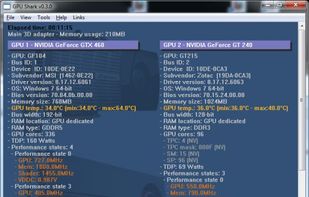
GPU Shark is a simple, lightweight (few hundred of KB) and free GPU monitoring tool, based on ZoomGPU, for NVIDIA GeForce and AMD/ATI Radeon graphics cards. GPU Shark offers a global view of all your graphics cards in a single window.
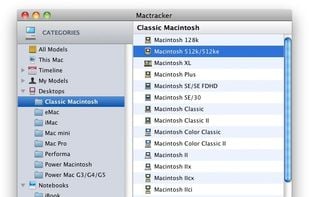
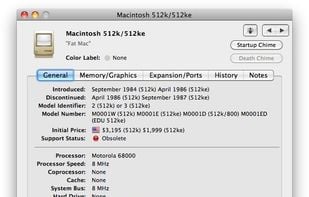
Mactracker provides detailed information on every Apple Macintosh computer ever made, including items such as processor speed, memory, optical drives, graphic cards, supported Mac OS versions, and expansion options.
GKrellM is a single process stack of system monitors which supports applying themes to match its appearance to your window manager, Gtk, or any other theme.
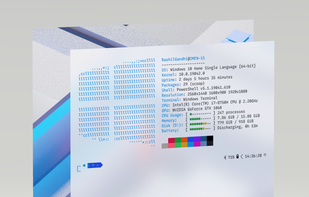
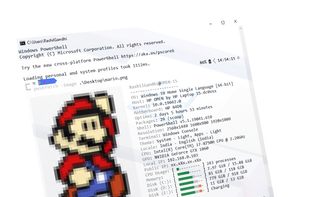
Winfetch is a command-line system information utility written in PowerShell 5+. Winfetch displays information about your operating system, software and hardware in an aesthetic and visually pleasing way.
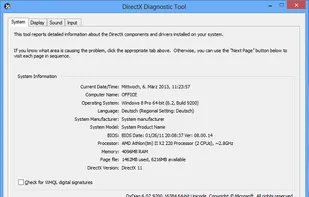
DxDiag ("DirectX Diagnostics") is a diagnostics tool used to test DirectX functionality and troubleshoot video- or sound-related hardware problems. DirectX Diagnostic can save text files with the scan results.
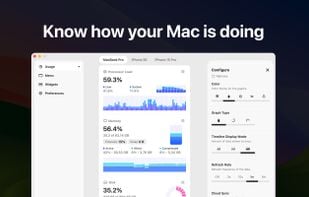
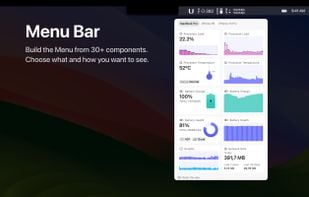
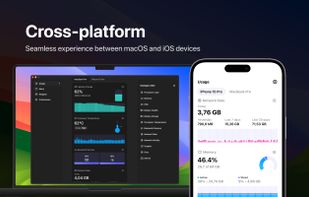
System Activity Monitor for Mac, iPhone, and iPad.
Customizable, precise, and lightweight apps to keep an eye on the activity and performance of your devices.
TaskInfo is a poweful utility that combines and improves features of Task Manager and System Information tools. It visually monitors (in text and graphical forms) different types of system information in any Windows system (95, 98, ME, NT 4.
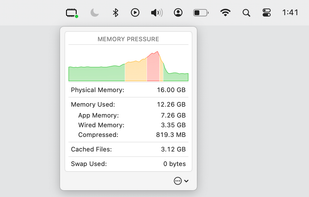
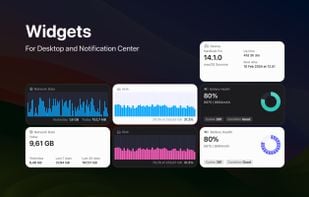
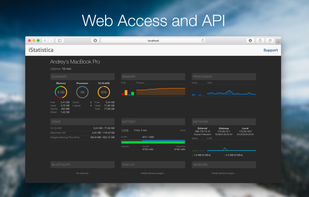
iStatistica is an advanced system monitor for macOS and iOS. It includes notification center widget and menu bar popover / monitoring dashboard. Simply slide out notification center to keep an eye on your CPU, memory, disk usage, network activity, sensors and fans data.
EF System Monitor gives you a well-rounded tool that can be used to retrieve a permanent record of information on all your network computers; these records include; memory space, hard disk usage, date, time, and username.
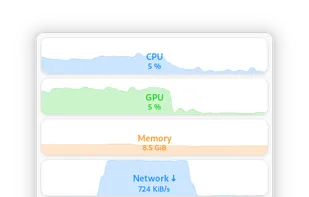
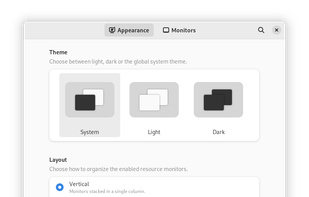
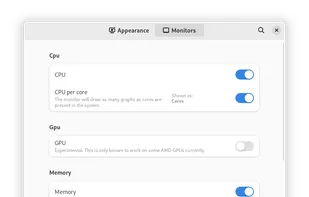
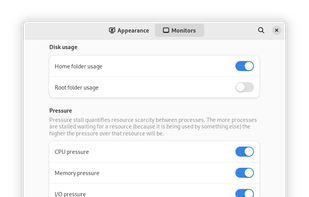
Monitorets is a small utility application offering a simple and quick view at the usage of several of your computer resources. Almost like an applet or a widget for your Linux desktop.
SIV by Ray Hinchliffe. System Information Viewer is a general Windows utility for displaying lots of useful Windows, Network and hardware info - CPU info, PCI info, PCMCIA info, USB info, Machine Info, Hardware Sensors, Networked computers, Operating System Information and more.
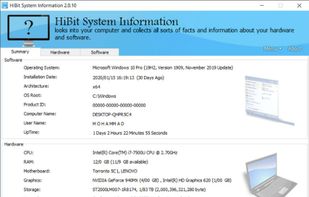
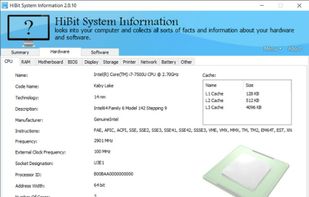
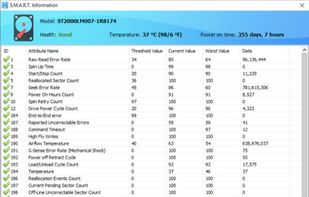
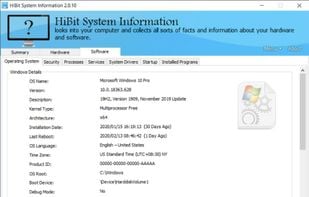
HiBit System Information is a powerful system information utility that gathers important data on the computer's hardware components, operating system and installed software.
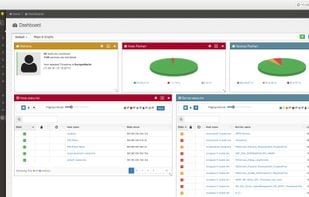
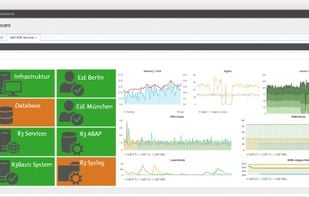
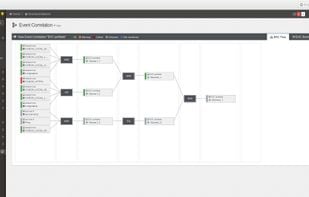
Easy to use configuration web interface for nagios and neamon. openITCOCKPIT is a perfomant monitoring system with support for distributed monitoring (Satellites), REST API, nice dashboards, maps, graphs and a modular concept for easy customization.
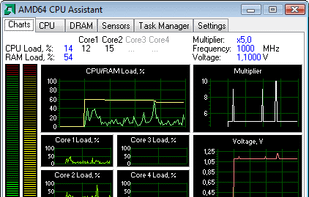
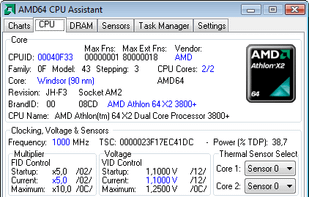
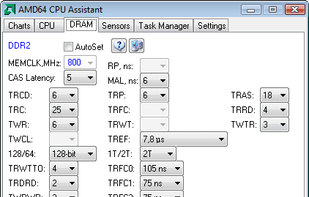
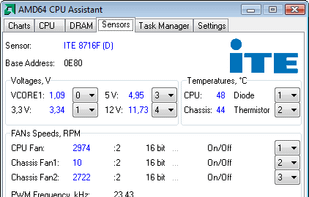
AMD64 CPU Assistant monitors the temperature of AMD64 CPU cores (AMD64 K8 processor on Socket 754/S1/940/F1207/939/AM2/ASB1/S1g1) using the on-die thermal sensor.


 United States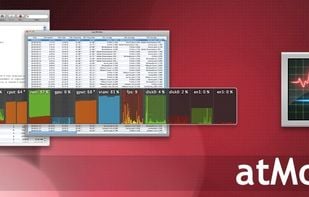









 China
China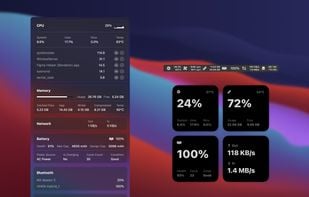




 Ireland
 EU
EU








 Russia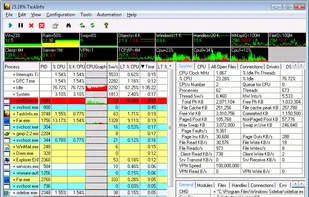




 Germany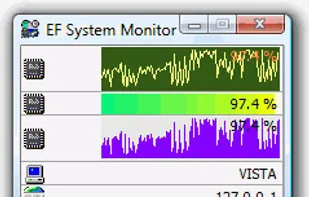




 United Kingdom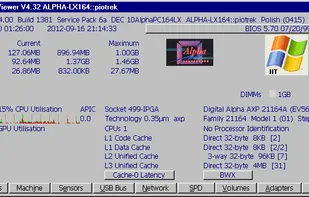


 Iran
Iran