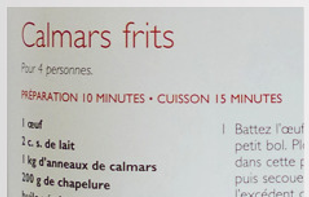
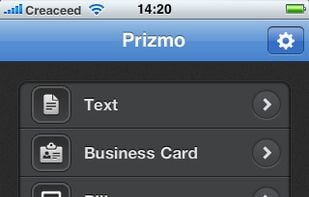
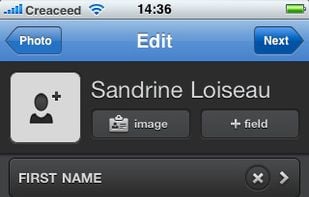
Prizmo 3 is a scanning application with Optical Character Recognition (OCR) in 25 languages with powerful editing capabilities, text-to-speech, iCloud support, and translation into 59 languages.
• Free
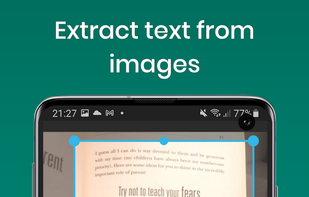
• Extract text from images.
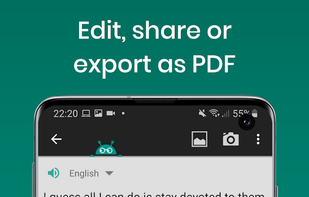
• Edit, share, or export as PDF
• Works offline to protect your privacy.
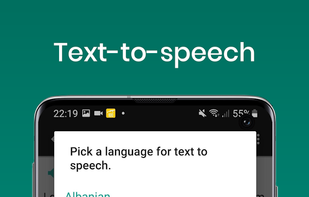
• Reads text out loud. (Text-to-speech, TTS)
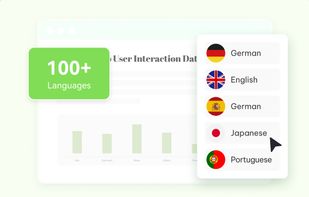
• Recognizes printed text from more than 110 languages.
• Scan documents with t.
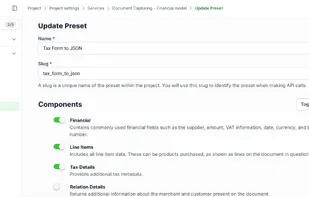
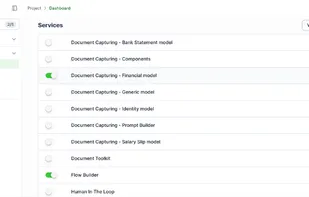
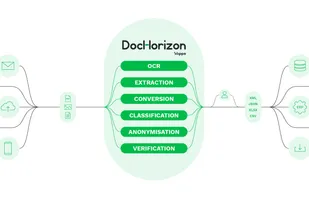
DocHorizon is an AI-powered document processing platform that automates data extraction, fraud detection, identity verification, anonymization, and e-invoicing.
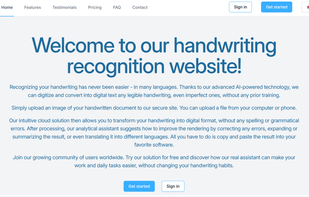
Transform handwriting into digital text effortlessly with Pen2Txt's AI, supporting multiple languages and imperfect script, complete with error correction and translation, streamlining document digitization.
Introducing the ultimate all-in-one document converter app! Seamlessly convert any file format to your desired type with ease. From PDFs to Word, images to PDF, our app handles it all.
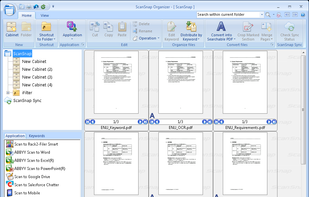
Manages and organizes PDF, JPEG files with thumbnail views, folder sorting, PDF editing in Word or Excel, email sharing, and cloud sync via third-party services.
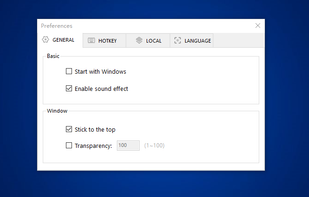
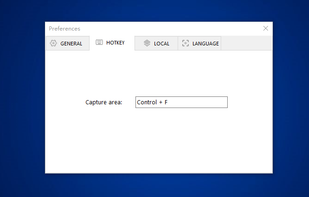
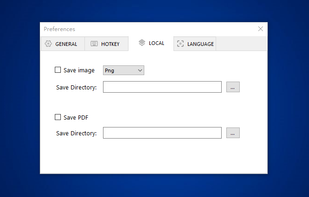
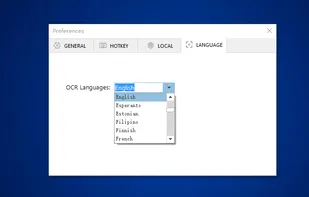
You can use Easy Screen OCR to capture a snapshot and start OCR process. this program will detect the text from the image and start OCR process immediately. You can extract the text to copy and paste in seconds.
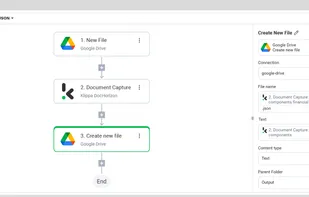
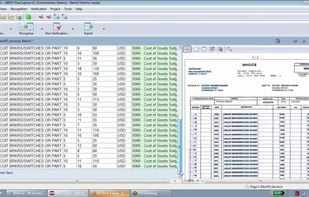
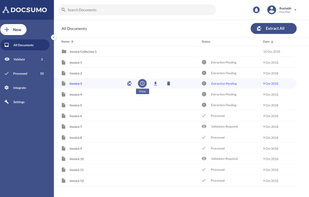
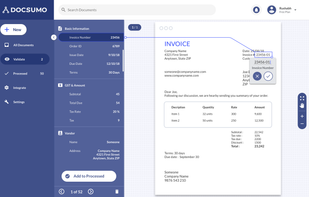
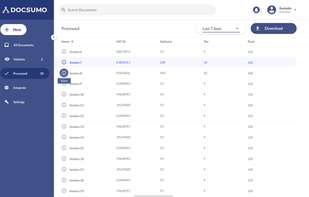
Automate data entry & document workflow using AI. Capture data from invoices & receipts without manual setup or templates. As simple as uploading documents to Google Drive and sending the captured data to Quickbooks, Xero or Excel in one click.
The OnBase product suite, by Hyland Software, enables organizations to be more efficient – reducing costs, increasing cash flow, and preparing for audits, litigation and disasters.
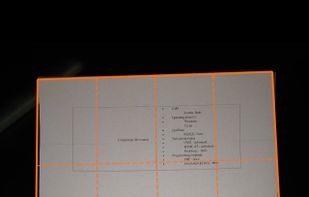
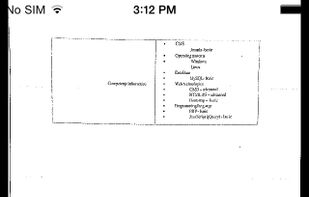
JotNot Scanner uses the phone's camera to scan documents and pictures into electronic PDF files that can be saved on the phone. The application also processes the images to make them clearer.
Mopria Scan makes it possible for Android users to scan documents using any compatible scanner or multi-function printer on the same WiFi network. Digital scans can be then organized, renamed and shared as PDF or JPEG files.
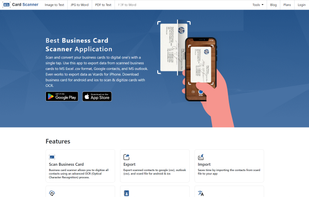
Business Card Scanner app for organizing and digitizing paper card data. Also, its online source offers full-fledged image to text converter to grab text from images.
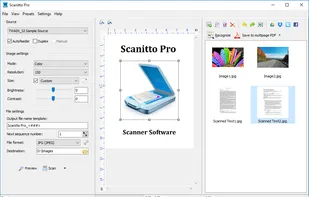
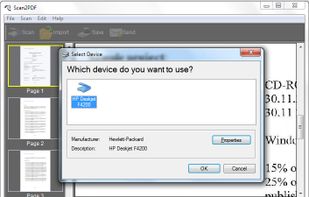
AXPDF Scan to PDF Converter scan your paper documents into PDF format quickly, accurately and directly. In addition, you can import existing images and combine all the image files into a single PDF. Create PDF from scanned files and images is as easily as clicking buttons.
Scanner is a great app for quickly scanning and saving a digital version of a paper document like receipts, whiteboards, paper notes, or any multipage document.
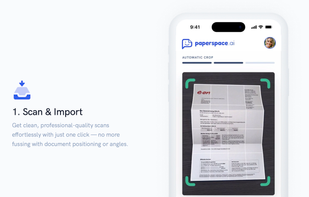
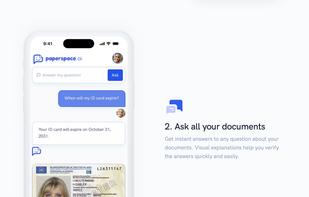
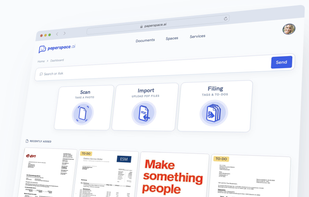
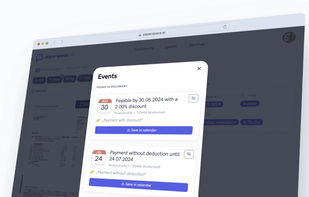
PaperSpace is your smart document management app that recognizes content, highlights important details, and simplifies complex letters. Whether for family or work, it identifies tasks and deadlines, adds them to your calendar, and answers your questions via chat.
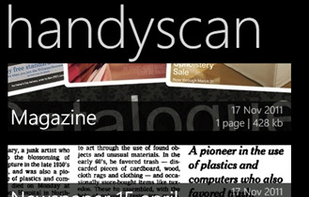
Handyscan is your personal document scanner. With it you will be able to use the device’s camera to scan (picture) physical documents and send them to your inbox or to any email recipient, either in JPG or PDF format.


 Belgium
 EU
EU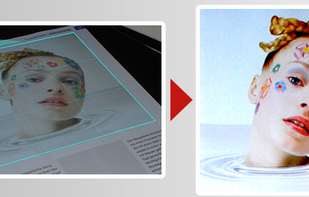









 ABBYY FineReader PDF
 Stirling-PDF

 Midshipand






 CherryTreeand




















 Russia
 Germany
 Netherlands
 United Kingdom


 United States


 Japan
Japan
 China
China

 India
India


 Canada


 Romania