

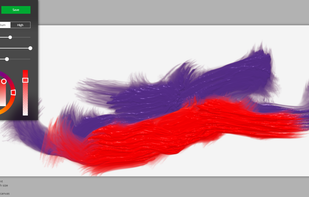
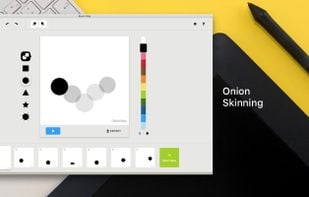
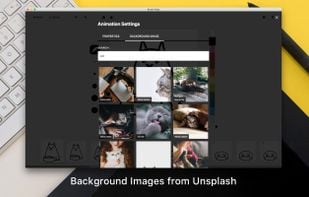
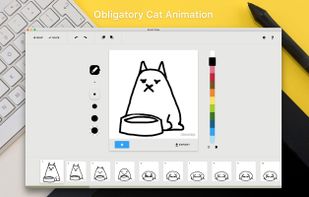
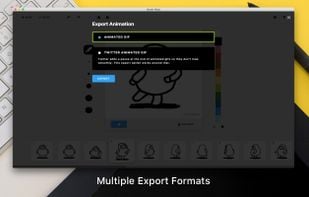
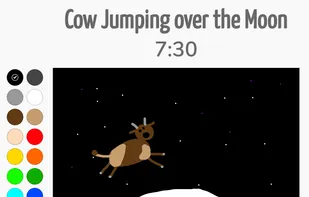
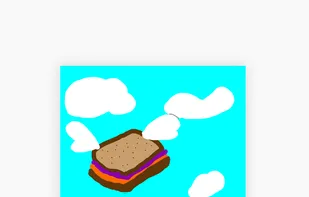
scri.ch is a hackable, open source and minimal drawing tool. Learn more about tips and hacks on http://about.scri.ch/
+1


scri.ch is a hackable, open source and minimal drawing tool. Learn more about tips and hacks on http://about.scri.ch/

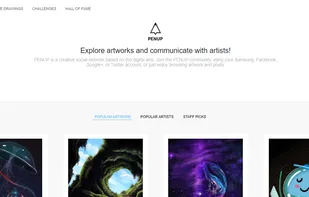
The PENUP app is a social network for people who like to draw and interact with fellow creative types. It's a thriving art community right on your Galaxy smartphone.
 DeviantArtand

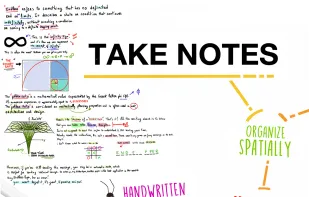
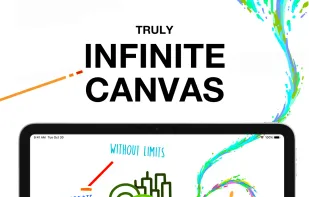
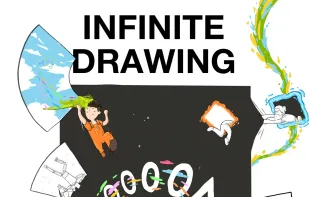
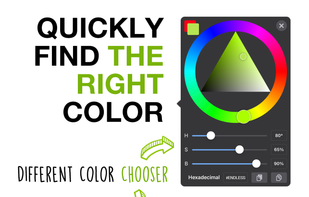
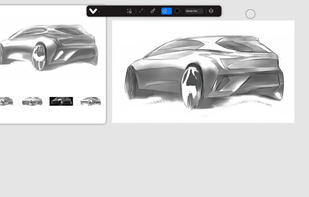
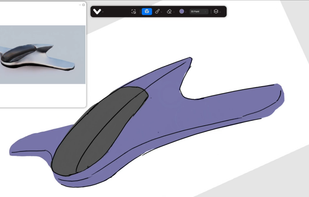
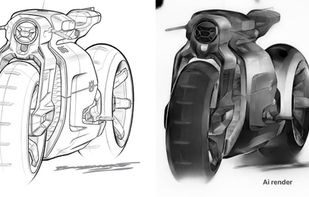
Endless Paper is a limitless canvas application for note-taking, art projects, and idea development, offering high-quality vector rendering, expansive content creation, and seamless navigation across an infinite workspace.





 DeviantArtand
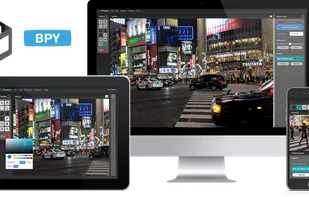

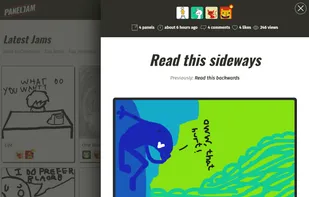
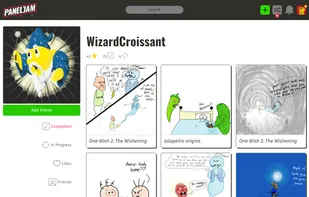
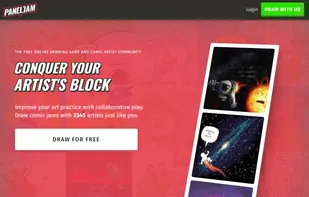
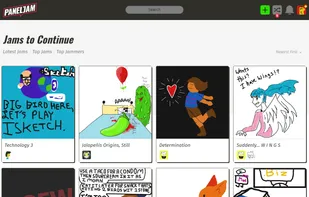
Draw comics online with strangers and friends! PanelJam is the community where artists can have fun with comic strips one panel at a time in the collaborative online comic drawing game. Practice new subject matter, defeat artist's block, and connect with artists.
 DeviantArtand
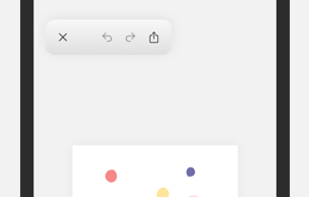

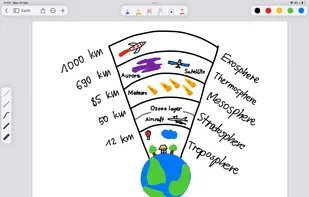
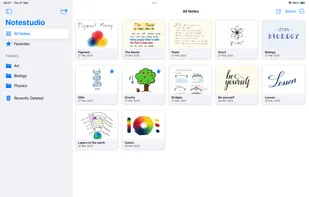
Notestudio brings the charm of traditional handwriting together with powerful digital tools, making note-taking feel natural and intuitive. With flexible paper styles, advanced drawing tools, and a smooth, customizable interface, it’s perfect for capturing and organizing your ideas.

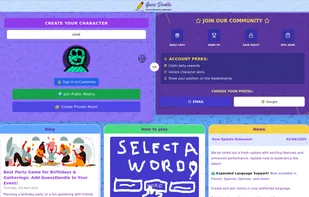
An online multiplayer game where players draw and guess words in a fun, interactive environment. Whether you're playing for casual entertainment, team-building, or to sharpen your creative skills.


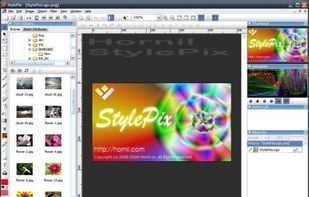
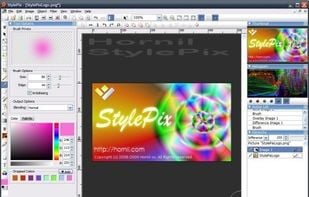
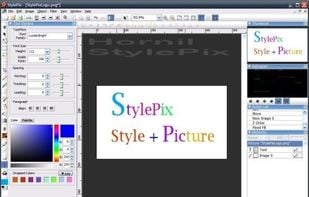
Hornil Stylepix, or simply StylePix, is a graphics editing program with a number of advanced features. StylePix is an acronym for Style Pictures. This means your pictures with nice style. If you have no experience, you can easily learn how to edit image and retouching your...
 GIMPand
 Adobe Photoshop
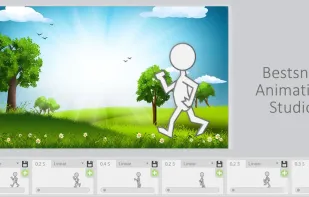
Bestsnip Animation Studio is a free online tool to create 2D tweening animations directly in your browser.


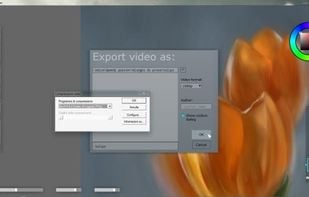
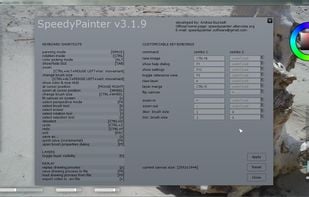
"SpeedyPainter" is a simple and lightweight painting software. It is written in C++ and uses the OpenGL graphics library.
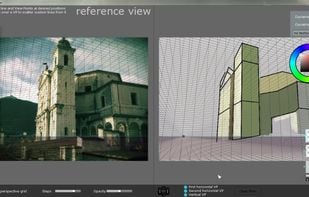

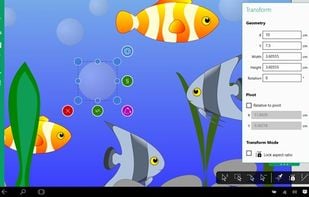
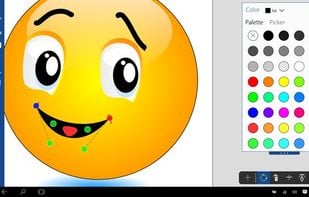
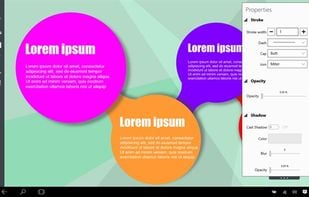
Vector drawing tool with nondestructive Boolean operations, smart shapes, gradient fills, shadows and so on built exclusively for tablets and hybrid devices on Windows 10.
 Inkscapeand
 Affinity Photo
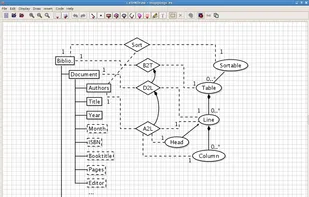
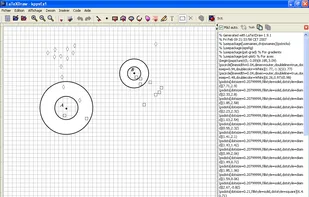
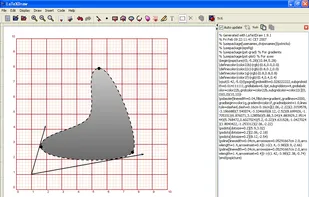
LaTeXDraw is a graphical drawing editor for LaTeX. LaTeXDraw can be used to 1) generate PSTricks code; 2) directly create PDF or PS pictures. LaTeXDraw is developed in Java and thus runs on top of Linux, Windows, and Mac OS X.

Because beautiful tools make beautiful drawings, we endlessly refined Sketches brushes to create the most realistic drawing tools.
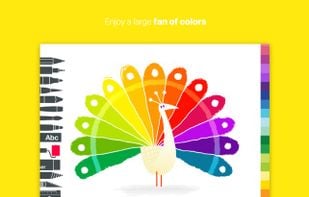
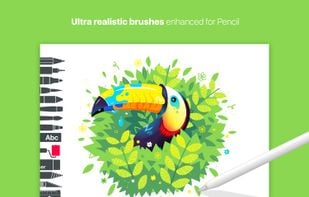
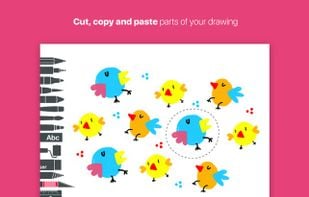

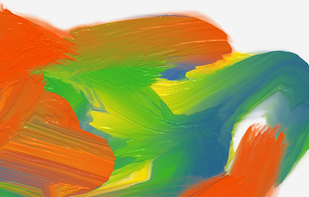
Fluid Paint is an open-source web app that simulates real paint using a dynamic brush that is easily controlled by moue and using simple parameters.

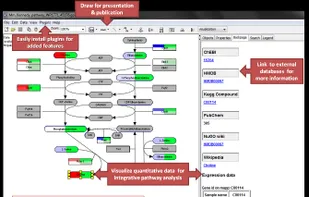
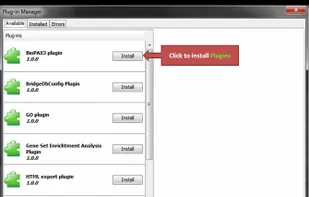
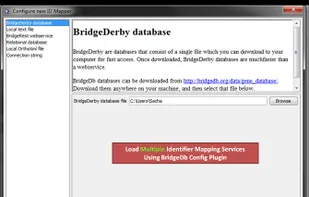
PathVisio is a free open-source pathway analysis and drawing software that allows drawing, editing and analysing biological pathways.
 draw.io


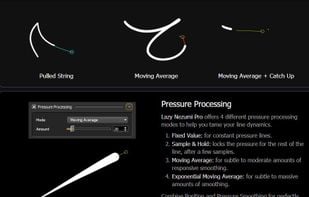
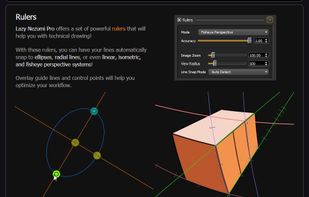
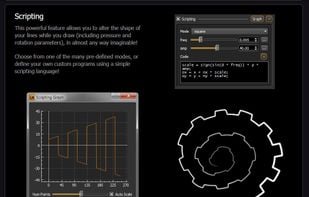
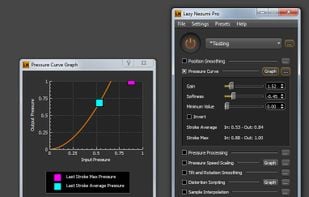
Lazy Nezumi Pro is a Windows app that helps you draw smooth, beautiful lines, with your mouse or pen tablet.


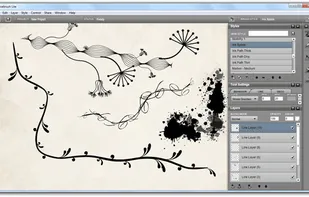
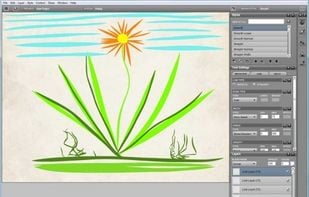
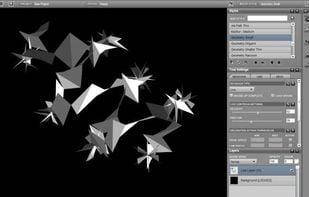
Livebrush is a drawing application. It employs an easy-to-use brush tool that reacts to your gestures through the use of velocity and other motion controls. By combining simple motion controls with customizable brush styles, Livebrush offers a fun and unique way to create...
 KritaandAdobe Photoshop
Brush Ninja is an online, browser based, animation tool. It’s an easy way to create simple animations, for free, without the need to learn complex software (or spend a fortune).

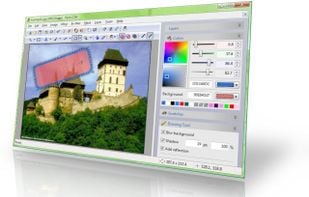
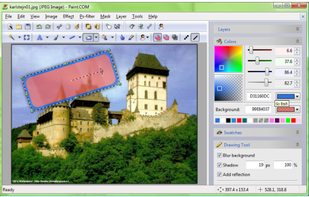
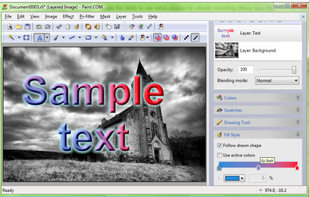
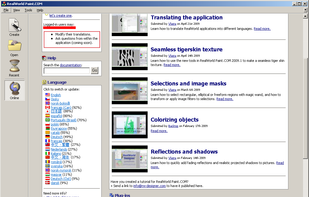
RealWorld Paint is an free portable image/photo/animation editor. It supports layers with styles and can import and export Photoshop, GIMP and Paint.net images with layers.
 GIMPandAdobe Photoshop
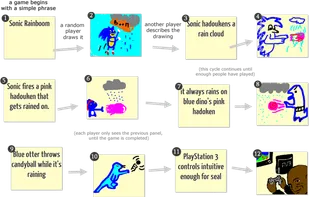
Classic game of Telephone but with drawing and thousands of players, ensuring miscommunication and chaos.


 South Korea


 United States


 Germany
 EU
EU


 Spain
Spain


 India
India


 Italy
Italy

 France


 Netherlands

 Canada

 United Kingdom
 Czechia