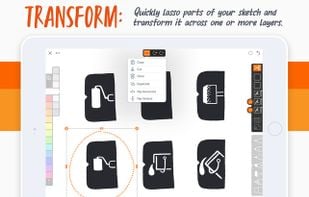
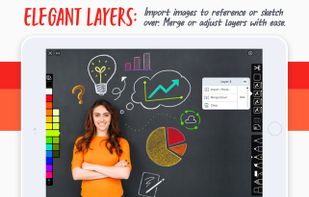
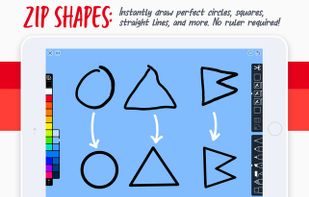
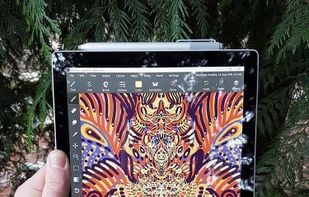
Linea is an elegantly simple sketchbook for Apple devices optimized for use with Apple Pencil. It opts for a minimal interface with only the essential options, rather than overkill like many other apps.
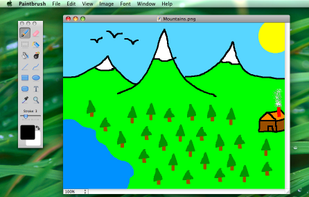
Paintbrush is a simple paint program for Mac OS X, reminiscent of Microsoft Paint and Apple’s own now-defunct MacPaint. It provides users with a means to make simple images quickly, something which has been noticeably absent from the Mac for...
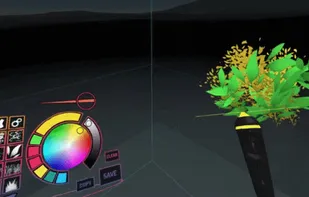
A-Painter lets you paint in VR in your browser. A WebVR-enabled browser is required. For controls, the experimental Chromium build on Windows supports HTC Vive controllers. You will need to enable Gamepad Extensions in about:config.
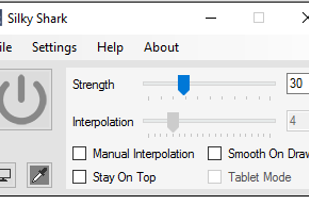
Silky Shark was created as another solution to enable mouse smoothing or stabilization for applications and web canvases that do not natively support smoothing or stabilization.
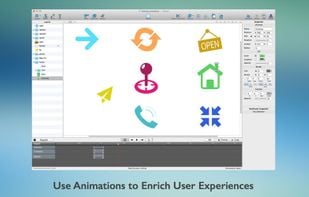
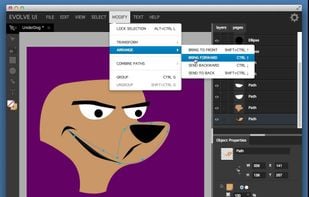
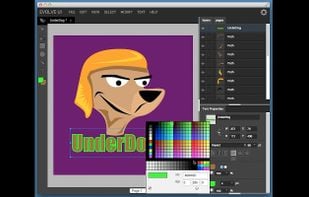
EvolveUI is tailored for user experience designers, information architects, interaction designers, and web developers. Prototype, Design, and Export to the Web!.
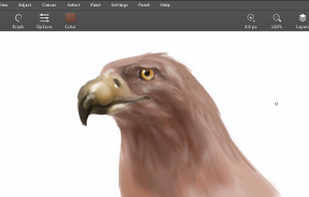
We believe artists deserve the best possible tools and we are determined to give it to them. The goal with Leonardo is to make the best painting application ever.
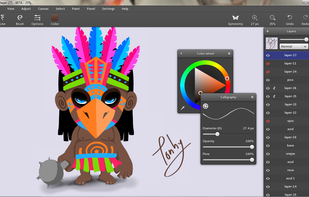
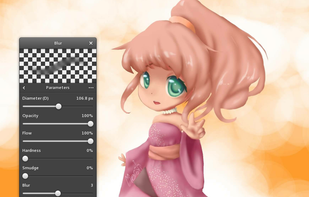
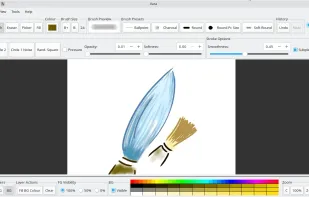
Drawing and digital painting application with pressure-sensitive brushes. It belongs to the group of applications like Krita and MyPaint, but with a limited number of features. The main focus is on simplicity.
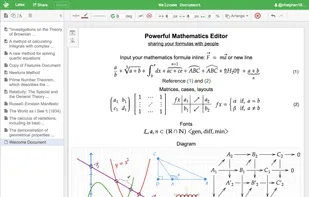
We want to help people to quickly write any mathematics formula/equation. People don't need to know about LATEX, but still have a powerful and rich Mathematics symbols/layouts/features so they can share with others.
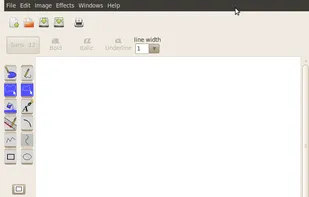
gpaint (aka GNU Paint), a small-scale painting program for GNOME, the GNU Desktop Environment. gpaint does not attempt to compete with GIMP, it is just a simple drawing package based on xpaint, along the lines of Microsoft Paint.
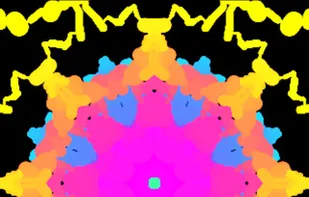
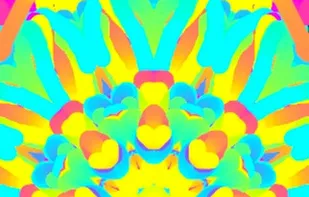
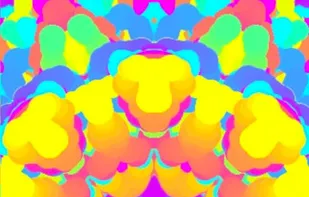
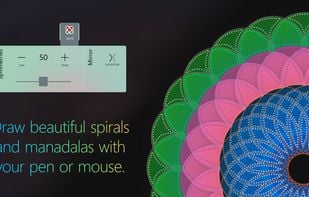
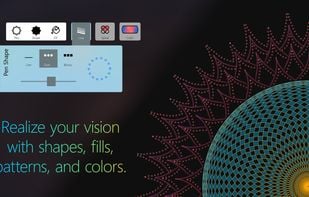
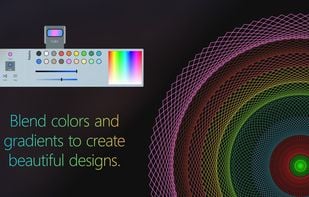
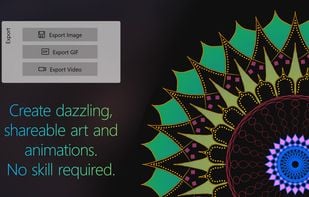
Create beautiful drawings reminiscent of old Spirograph toys. Draw, color and write to create one-of-a-kind art, mandalas, and doodles. Watch pleasing colors and shapes flow from your pen and mouse - you'll feel like a true artist.
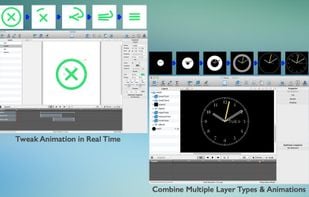
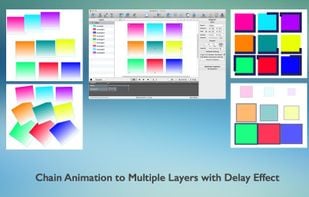
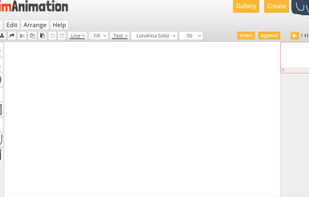
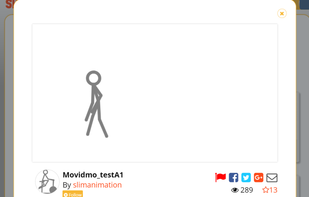
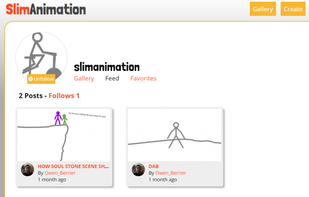
A tool for animation where you can make an animation, and, if you purchase premium for only $12/year, post it onto your personal gallery, or onto the public gallery for anyone to see.


 Sweden
 EU
EU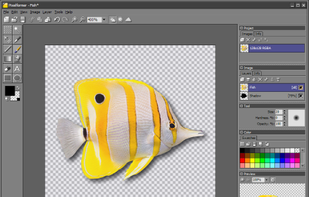
 PixiEditorand


 United States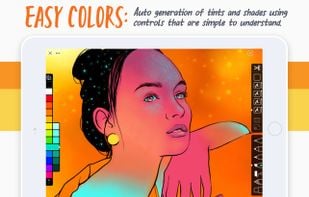






 Russia













 Spain
Spain










 India
India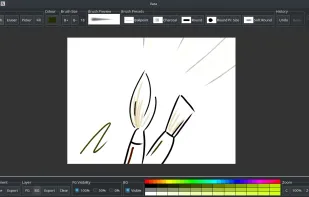













 Germany