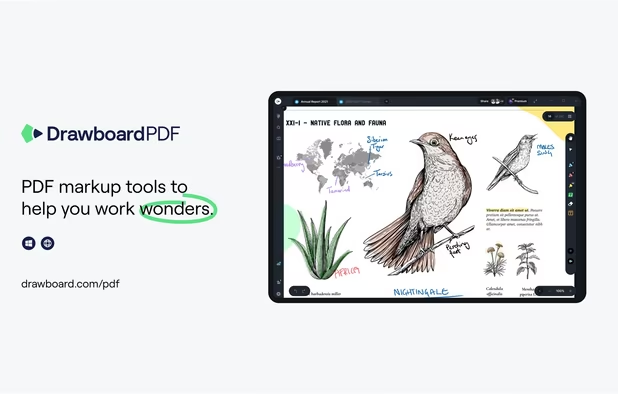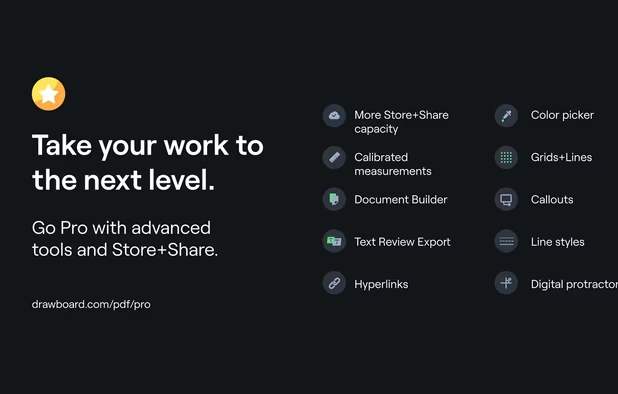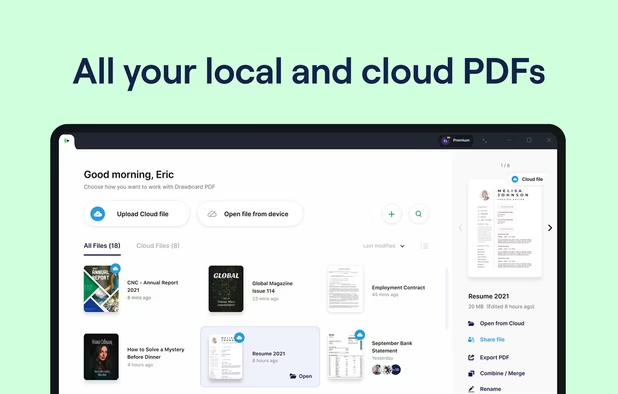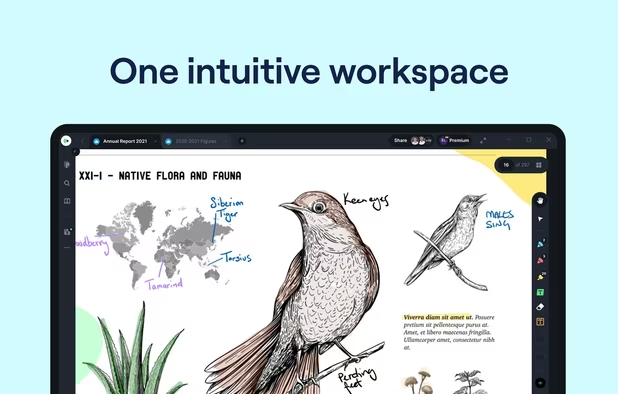
Handwritten notes and PDF annotation app with pen input, shape drawing, customizable toolbar, image insertion, audio recording, and multi-platform support.


Handwritten notes and PDF annotation app with pen input, shape drawing, customizable toolbar, image insertion, audio recording, and multi-platform support.


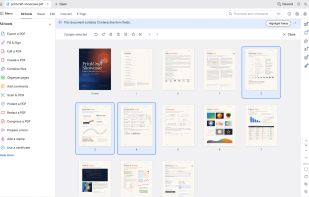
Small python-gtk application, which helps the user to merge or split pdf documents and rotate, crop and rearrange their pages using an interactive and intuitive graphical interface.


Draw lets you produce anything from a quick sketch to a complex plan, and gives you the means to communicate with graphics and diagrams. With a maximum page size of 300cm by 300cm, Draw is a an excellent package for producing technical drawings, general posters, and much else.


An efficient PDF viewer and editor with advanced features like direct content editing, OCR by ABBYY, form filling, annotation, and offline access.


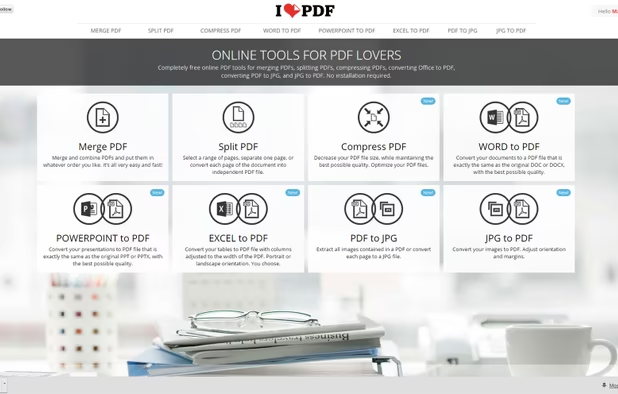
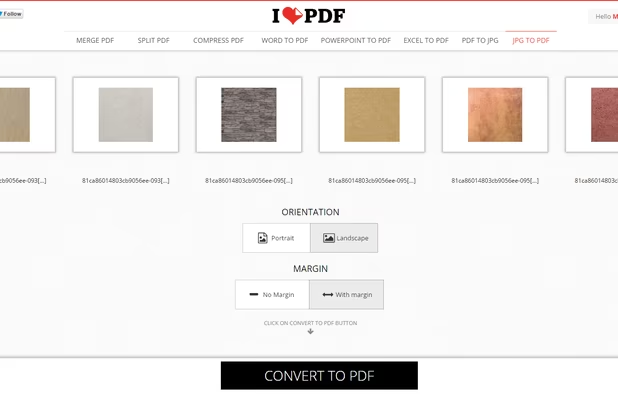
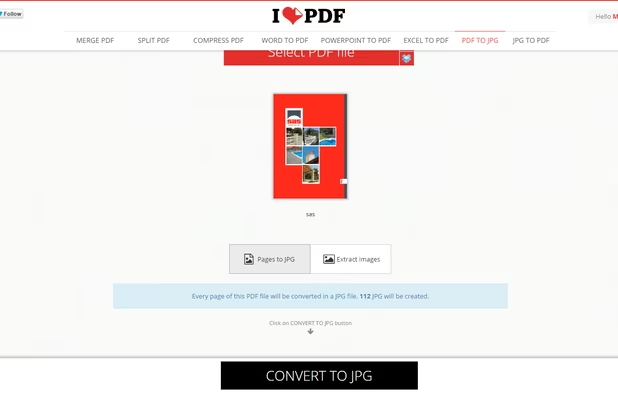
Read, edit, convert, merge, and sign PDF files across devices, for completely free and without signing up.


Locally hosted tool with an interactive GUI for merging, splitting, reorganizing, compressing, converting, watermarking, and securing PDF files.


PDF24 Creator is free and feature-filled PDF creation, merging and conversion tool for Windows. Its unique feature among the free PDF printer tools is an editor, which allows to easily assemble, create and modify PDF files with Drag & Drop.


Free and open source desktop application to split, merge, extract pages, rotate and mix PDF files.


PDFCreator is a virtual PDF printer that converts any printable document into a PDF file. It works with all Windows applications, including Word, Excel, browsers, and design tools.


Master PDF Editor is complete solution for editing PDF and XPS files. You can insert, edit, remove, copy, add images or graphics. Export, import, remove and change page layouts. Also Master PDF Editor provides full functionality for changing PDF information, including author...


Sejda helps with your PDF tasks: edit existing text, split, merge, extract, compress, export to other formats and more.


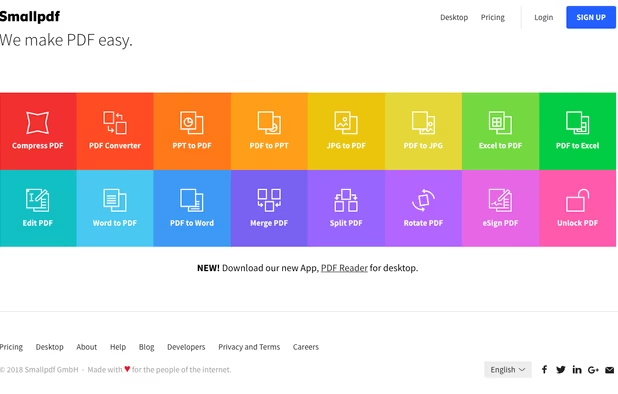
Smallpdf is the first PDF Software you will actually like. The perfect gateway to productive, portable and cost-efficient document management solutions in your everyday life.


JOPDF is a 100% free PDF editor for Windows, Mac, and Linux. Edit, compress, merge, convert and annotate PDFs with no watermark or signup required.


PDFTK Builder is a free graphical interface to for PDFtk, making it much easier to use. It is a easy to use tool to collate (merge), split, encrypt, decrypt, stamp and rotate (only 90°, 180° or 270°) pdf documents.


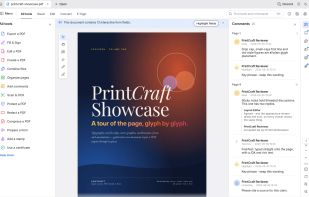
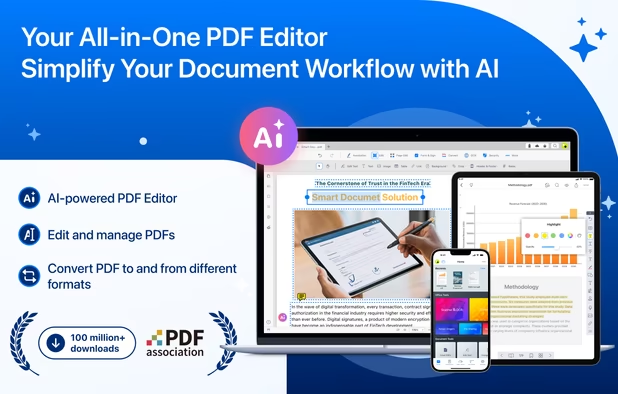
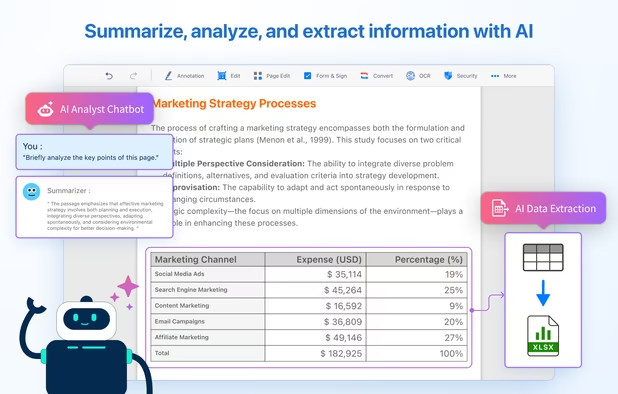
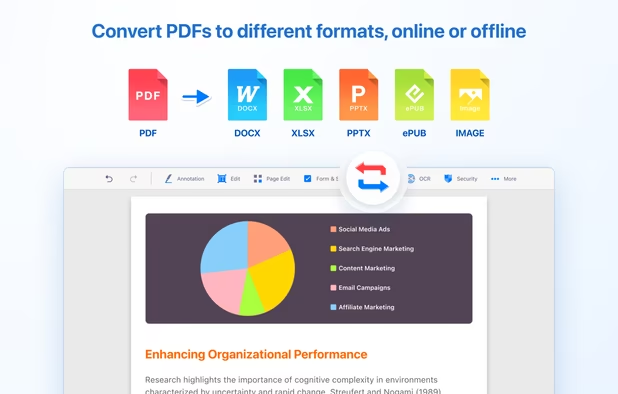
KDAN PDF is a comprehensive, AI-powered document solution that enables professional PDF editing, conversion, and intelligence analysis across Windows, Mac, iOS, and Android.


The top AEC PDF app to markup and manage drawings and documents. Ideal for replacing pen and paper, avoid printing documents again by using our intuitive feature set that makes marking up a PDF easy. Open or create a new PDF, markup using our extensive array of tools, then save...


Open-source PDF viewer/editor using Qt framework with C++ library, multithreading, hardware rendering, encryption, text layout, and form tools.


A PDF Editing tool that ensures your privacy. Open source, available on Windows, MacOS and Linux. Available in 4 Languages (English, Bengali, Chinese and Japanese). Ambient vibes are also included....


LiquidText offers a fast, natural way to review, gather, and organize information across all your docs: then apply the results to writing reports or simply studying. Pull out key facts and connect them together


Portable PDF editor for field techs and anyone tired of Adobe. View, annotate, edit text, OCR, fill forms, sign, merge, split, and print. Free and open source: no subscription, no account, no telemetry.


Advanced tool supporting lossy, lossless, and archival compression, page manipulation, merging, splitting, and PDF-to-image conversion, all offline.


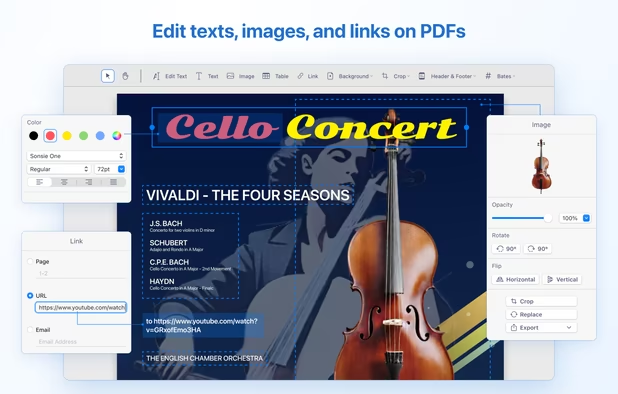
UPDF is a PDF editor offering a variety of features such as editing, annotating, converting, protecting, and organizing PDFs. It allows users to modify text and images, apply annotations like highlighter, underline, sticky notes, and links.


With PDFill you can create, fill, delete and submit PDF form fields; insert new formatted text, check, image, hyperlink, whiteout, highlight, drawing, comment and annotation anywhere in the document; save, print or email the filled and password-protected PDF; save and resume...


Professional PDF tools without the cloud. 100% offline, native performance, and zero data collection. Your documents stay where they belong: on your device.


PDF Candy is an online PDF toolset of 47 services for successful processing of PDF files. The service is free for single-file operations and does not require an account. A desktop application is also offered,