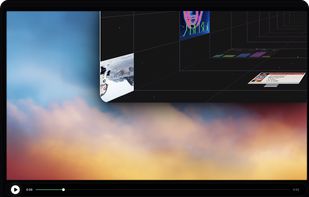
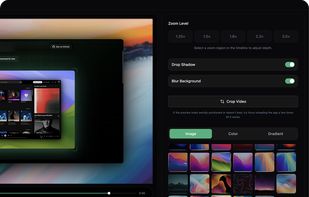
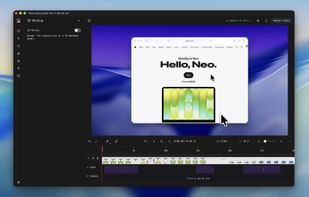
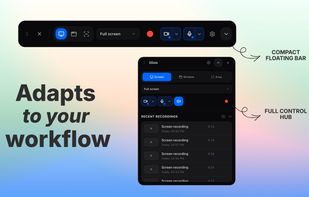
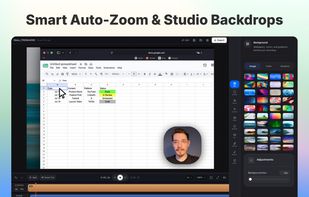
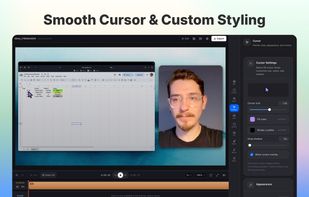
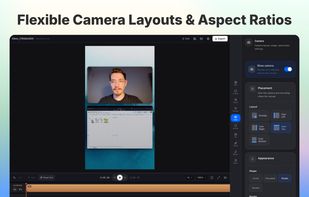
Free, open-source screen recorder and editor that turns recordings into polished product demos, with auto zoom, webcam overlay, captions and GPU export.



+1

Best alternatives are  OBS Studioand

108 alternativesOBS Studioand

Free, open-source screen recorder and editor that turns recordings into polished product demos, with auto zoom, webcam overlay, captions and GPU export.
OBS Studioand
Open-source screen recorder for macOS and Windows with auto-zoom, smooth cursor animations, MP4/GIF export, comprehensive editing tools, and advanced audio capture.
 Australia


 OBS Studioand


A free Mac screen recorder and screenshot editor with automatic zooms, redrawn cursor motion, local captions, voiceover and editable annotations.
 Canada
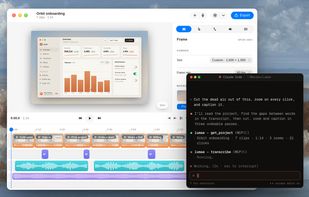 OBS Studioand
 ShareX

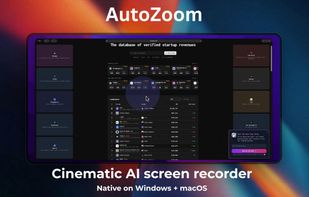
AI screen recorder offering native Windows and macOS support, automatic zoom, motion blur, 3D effects, captions, webcam overlays, keystroke highlights, and rapid 4K exporting.
 Bangladesh
 OBS Studioand
Native macOS screen recording and editing with auto-zoom, built-in editor, Metal-accelerated export, customizable overlays, and fast 4K processing.
Canada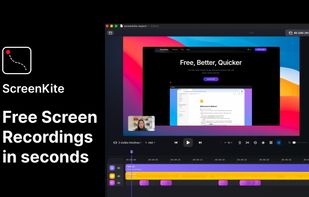 OBS Studioand
Screenshot and screen recorder app for macOS. One app instead of four. Capture multiple windows, annotate, zoom, add transitions, and drop your recording onto a 3D MacBook with a simulated lens. Everything stays local.
Australia
 OBS StudioandShareX

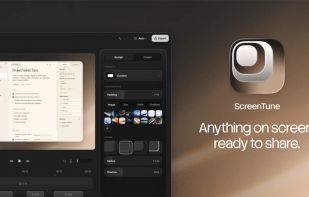
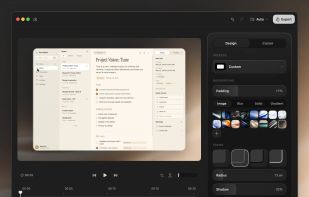
ScreenTune is a macOS app for capturing, editing, and exporting screenshots and screen recordings. It lets users record a screen, window, or selected area, then adjust the result with backgrounds, padding, frames, rounded corners, shadows, cursor styling, annotations, text...
 Japan



Vibrantsnap turns one rough screen recording into the tutorials and product demos your customers need. Record a tab, a window or your whole screen with the Chrome extension, or import a video you already have, and talk through your product however it comes out.
Canada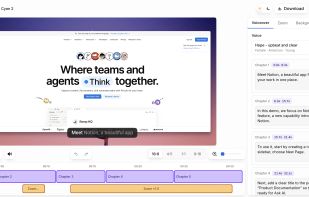
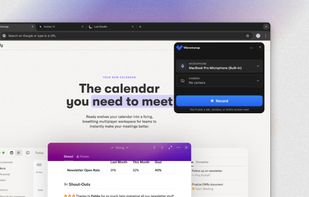

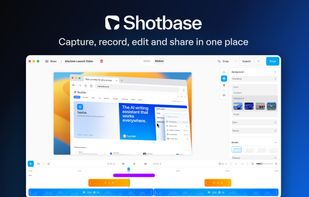
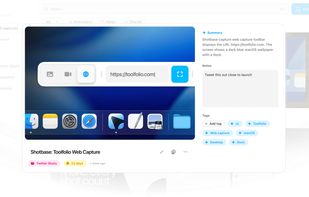
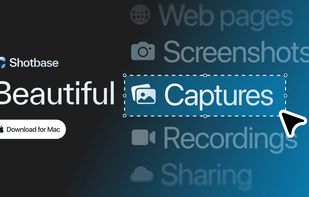
Shotbase is a screen capture workspace for macOS that brings screenshots, screen recordings and webpage captures together in one app, with a built-in editor, an organized library and instant sharing.
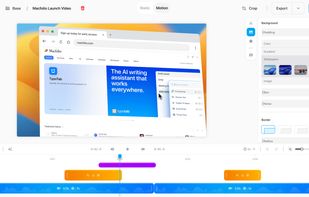
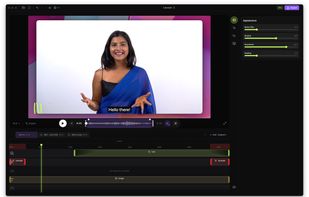
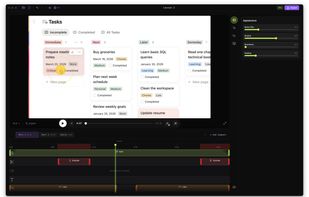
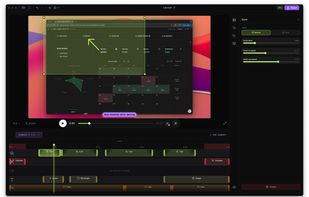
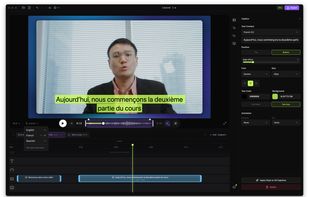
Native screen recorder for Mac and Windows with auto-zoom, segment recording, multilingual captions, and a one-time license.
 Serbia
 OBS Studioand

ScreenMotion is a native macOS screen recorder that automatically adds cursor-tracking zoom effects as you record, with an editable timeline and professional output styling (gradients, shadows, rounded corners) — no manual zoom editing required.
 United States


Screen recorder for Windows that turns a raw take into a demo that looks edited: automatic zoom on your clicks, clean cursor, styled backgrounds and captions written on your PC.
 Italy
 EU
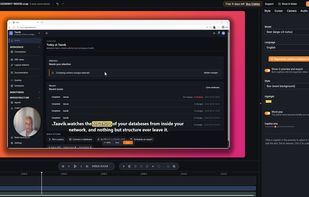
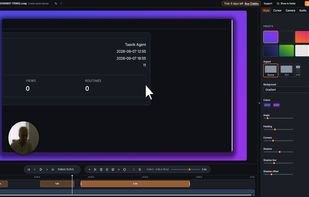 OBS Studioand

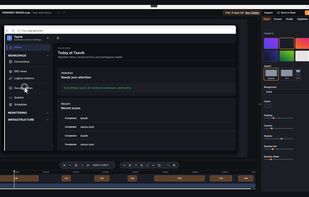
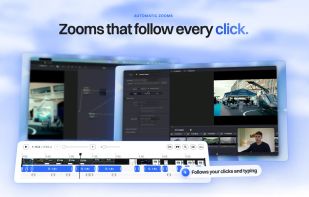
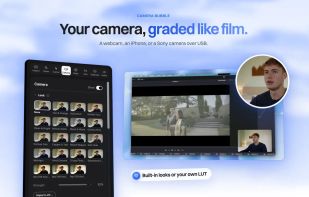
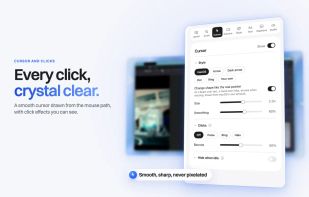
A Mac screen recorder with a camera bubble, teleprompter and an editor that does the polish for you: zooms, cursor, captions and clean sound. No account, nothing leaves your Mac.
 United Kingdom
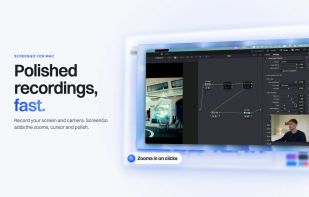
 OBS Studio
Native Mac screen recorder with system audio, cinematic auto-zoom, and local MP4 export — no BlackHole, no account required to try.
 Türkiye
 OBS Studioand
 Cap
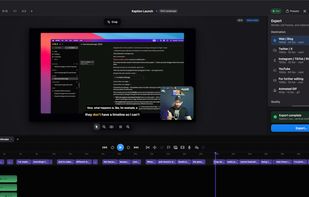
Native Mac screen recorder and editor. Logs your clicks and keystrokes while you record, then places zooms, a smooth cursor and key-caps from that log. On-device captions, ProRes export, and voice and system audio exported as separate WAV stems.
 OBS Studioand

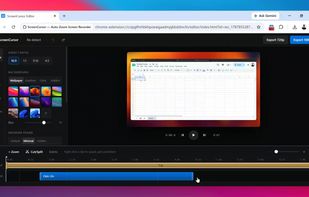
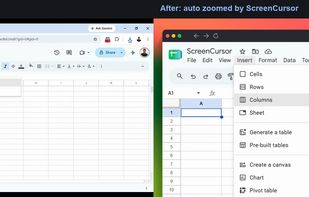
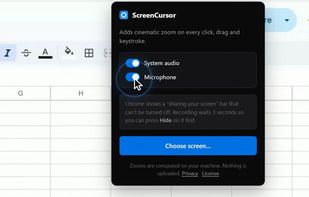
Chrome screen recorder that adds automatic zoom on every click, with an editor and MP4 export. One-time purchase, nothing uploaded.
United States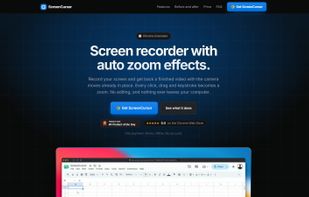
 OBS Studioand