




Glisio
Like
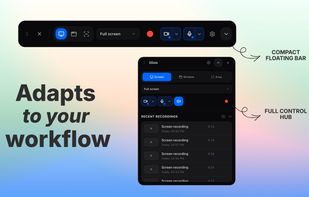
Native Mac screen recorder with system audio, cinematic auto-zoom, and local MP4 export — no BlackHole, no account required to try.

Cost / License
- Freemium (Subscription)
- Proprietary
Application typeApplication types
Since
- Since 2026
Platforms
- Mac


Features
Highlights All activities
Glisio News & Activities
Recent activities
- Ece Koc added Glisio
- Ece Koc updated Glisio
- Ece Koc updated Glisio
 Ece Koc added Glisio as alternative to Screen Studio, OBS Studio, Cap, Loom and 1 more

Developed by
 Ploreon
Licensing
Proprietary and Freemium product.Pricing
Subscription that costs $15 per month + free version with limited functionality.Alternatives
5 alternatives listedBadge
Get an embeddable badge for GlisioSupported Languages



No comments or reviews, maybe you want to be first?