





ScreenKite
6 likes
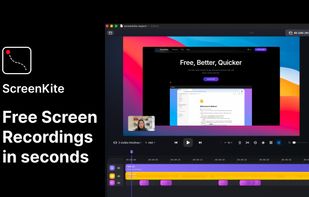
Native macOS screen recording and editing with auto-zoom following every action, built-in editor for quick trims, super-fast Metal-accelerated 4K export, no subscription, customizable backgrounds, movable camera overlay, shadow effects, and AI-driven features.

Cost / License
- Freemium (Pay once)
- Proprietary
Application typeApplication types
Platforms
- Mac

Features
Highlights All activities
ScreenKite News & Activities
Recent News
No news, maybe you know any news worth sharing?
Share a News Tip
Recent activities
 Alukkart added ScreenKite as alternative to ClipKeeper
 Paul added ScreenKite as alternative to Lumae
 Mustafa Özel added ScreenKite as alternative to VidShrink
 wilbertkramer added ScreenKite as alternative to Giflane
- Paul updated ScreenKite
- Ben liked ScreenKite
 Abdessamad idboussadel added ScreenKite as alternative to capptivo
 Paul added ScreenKite as alternative to OpenScreenShot
 Jviguy added ScreenKite as alternative to Clutchd
 gesidner added ScreenKite as alternative to SlimSnap


Developed by
 ScreenKite
 Licensing
Proprietary and Freemium product.Pricing
One time purchase (perpetual license) ranging between $80 and $100 + free version with limited functionality.Alternatives
94 alternatives listedBadge
Get an embeddable badge for ScreenKiteSupported Languages


No comments or reviews, maybe you want to be first?