


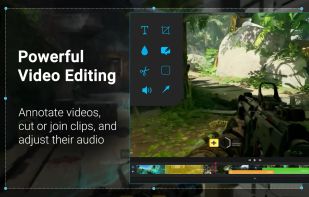
Make a screenshot, add your notes on top and share it instantly. Need to show some action? Record what you do, and share a GIF in a few seconds.
Platforms
- Windows


Make a screenshot, add your notes on top and share it instantly. Need to show some action? Record what you do, and share a GIF in a few seconds.

Tracks employee activity with screenshots, real-time dashboards, and manual clock-in, ensuring transparency and not spying.
 United States


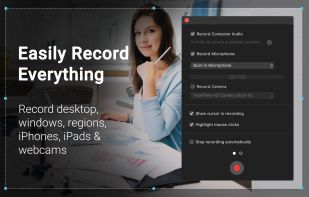
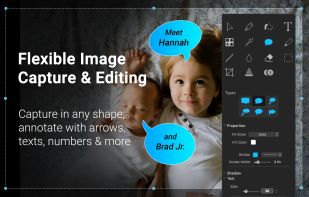
Screen and web capture, HD recording at 60 FPS, video and image editing, iOS device recording, voiceover support, file management, and sharing tools for Mac.
 India
India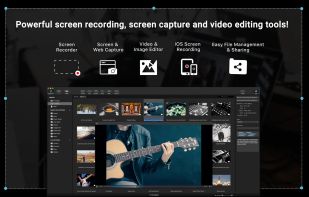

 Sweden
 EU
EU


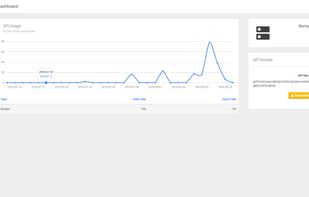
A supremely flexible and reliable HTTP API that supports professionals and enterprise alike in the programmatic generation of screenshots and PDF documents.

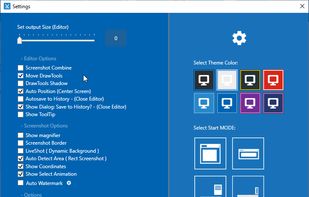
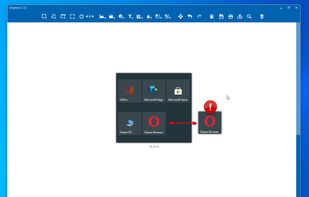
Snip tool is a screen capture tool that lets you capture one or more selected areas on your desktop and save it with optional annotations.
 GermanyEU


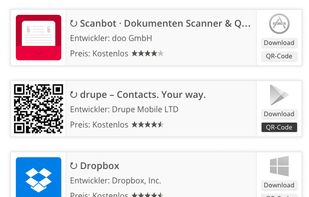
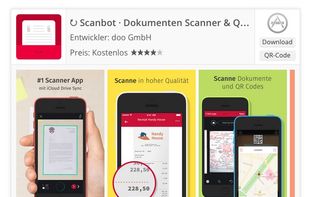
With WP-Appbox you can add beautiful mobile app badges to your WordPress posts and pages simply by adding a shortcode. WP-Appbox supports the following app stores:

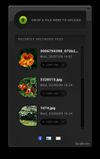
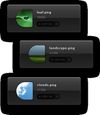

ImageWell is a small, but powerful, image editing application that lets you quickly resize, crop, watermark, edit your images, take screenshots and then instantly upload them to the web, save to your computer or email them to a friend.


Uploading images and screenshots from home page or from your dashboard. Offers a 50 MB upload limit for guests and a 100 MB upload limit for registered users. Offers 11 GB of free storage space for registered users.
United States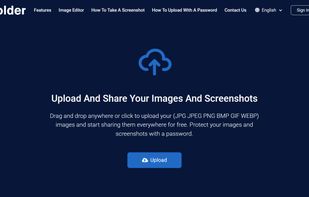

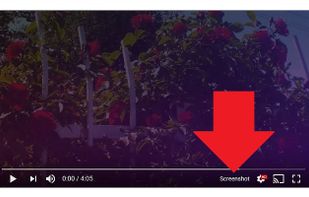
Adds a “Screenshot” button to the YouTube video player which saves a screenshot of the currently playing video as a file, or copies it to the clipboard, or both.


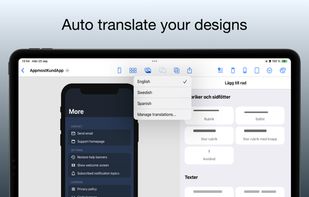
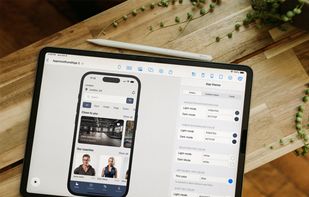
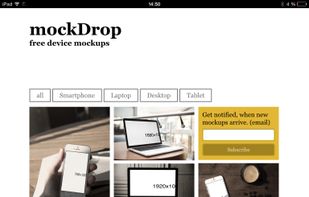
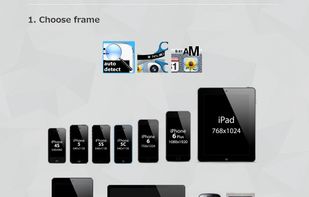
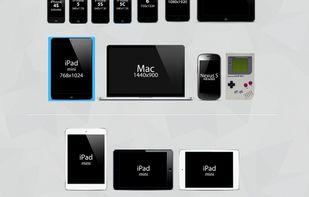
Free online device mockup images. mockDrop is a webapp for creating beautiful device mockups. Use mockups to showcase you website or app without the need of specialized photography equipment. All mockups are fully created in the browser.


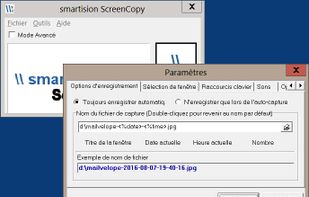
With Smartision ScreenCopy, you can do screenshots all or a part of the screen on Windows in PNG or JPEG formats with a keyboard shortcut.

 United Kingdom


WebCargo provides robust and responsive REST APIs across all categories, backed up with fast support and clear, pay as you go pricing tariffs enabling large bulk usage discounts.
United Kingdom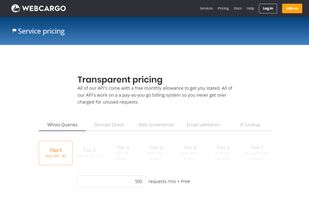




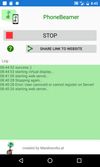
With PhoneBeamer you can present your phones screen in a browser simply by scanning a QR Code on the website https://phonebeamer.marekworks.at. And your phones-screen doesn't get published to the whole internet - just in your local network.
 AustriaEU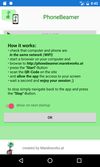





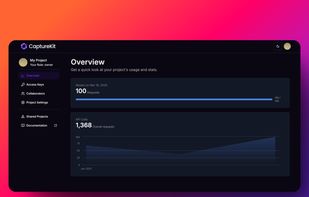
CaptureKit is a powerful API that allows developers to capture website screenshots, extract structured website data, fetch internal and external links, and generate AI-powered content summaries. With a simple API request, users can automate web content extraction and streamline...
 FranceEU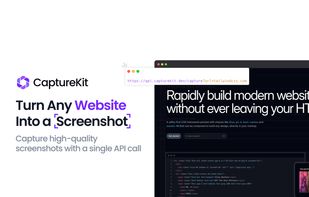


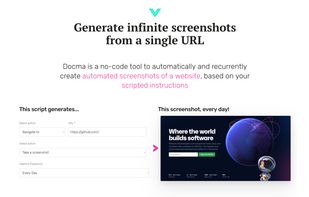
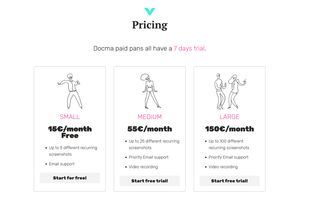
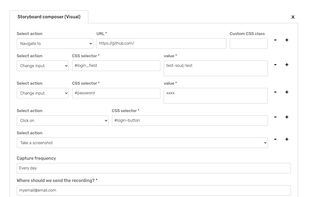
Docma is a no-code tool to automatically and recurrently create automated screenshots of a website, based on your scripted instructions. Just provide an URL and Docma will take screenshots on the selected frequency - daily, weekly and monthly.



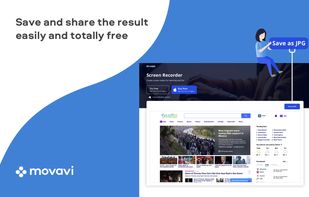
Movavi ScreenShot is a screenshot extension for Chrome and Firefox that lets you grab full and partial screen captures as well as save screenshots in multiple formats.
 CyprusEU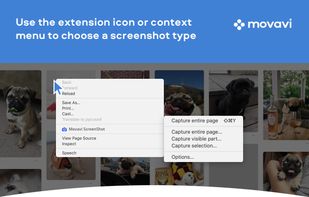


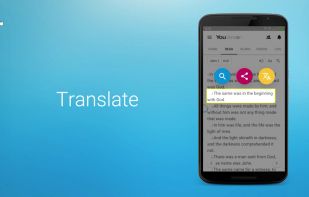
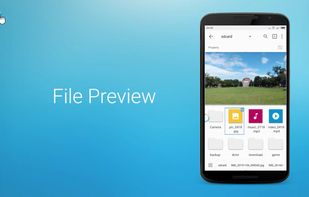
fooView - Float Viewer is a magic floating button. It's a system enhancement tool to help you access your favorite websites, apps, games, files, music, photos, videos, and screen contents by a gesture using one hand.
United States

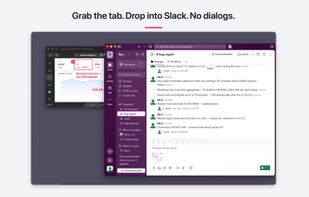
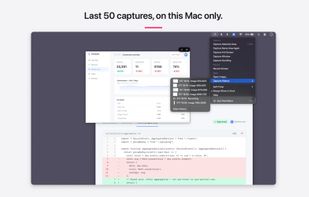
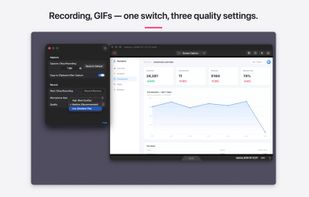
Shoot, mark up, hand off in three seconds. A screenshot and screen-recording annotation tool for Mac that carries the Skitch feel forward.
 Japan
Japan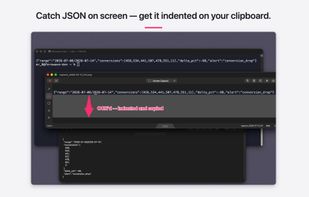


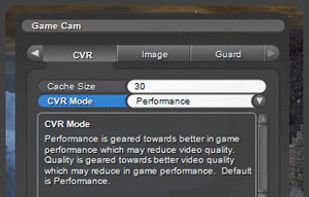
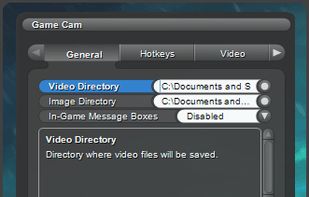
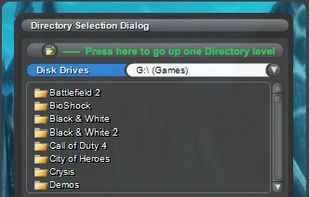
GameCam is an in-game recording software that captures video while you play and can capture screenshots with multiple screenshot image formats.
United States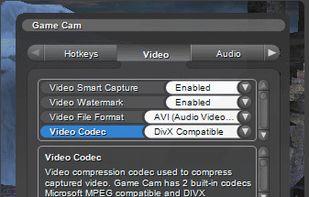





Launch the Touch Bar simulator from anywhere without needing to have Xcode installed, whereas Apple requires you to launch it from inside Xcode. It also comes with a handy transparency slider and screenshot button.
 Norway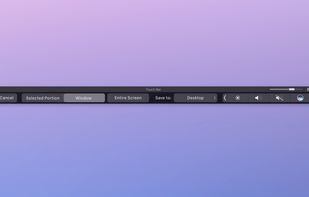


 Canada


