



Affordable, encrypted note-taking app with a rich-text editor, offline sync, and team collaboration.
Cost / License
- Freemium
- Proprietary
Application typeApplication types
Platforms
- Online
- Software as a Service (SaaS)
 Canada
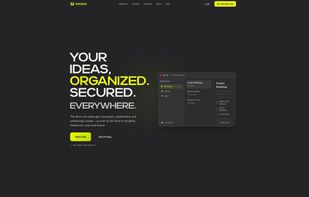

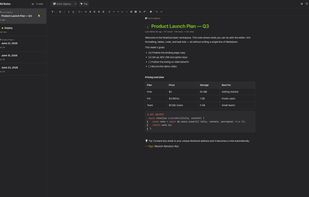

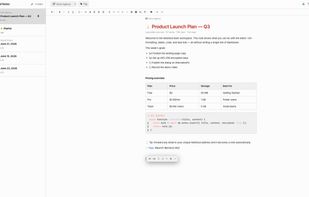


Affordable, encrypted note-taking app with a rich-text editor, offline sync, and team collaboration.
Canada
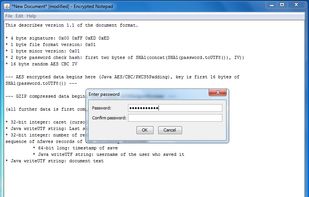
Encrypted Notepad is a very simple to use application providing state of the art industrial-strength encryption to users who want nothing more than to store sensitive information in text documents. Users can be completely at ease in the security provided by Encrypted Notes...
 Croatia
 EU
EU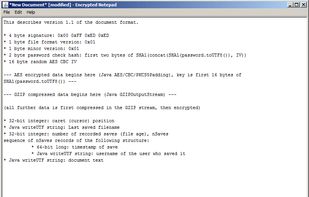

 Switzerland
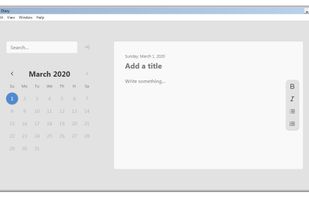
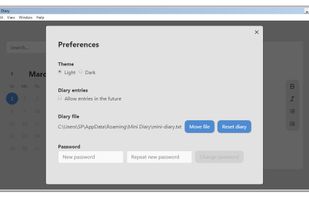

An app that encrypts text files using the secure AES (Advanced Encryption Standard) encryption, which is approved in the United States for government documents with the highest level of confidentiality.
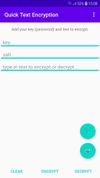
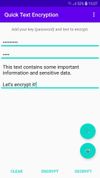
 VeraCryptand
 Cryptomator
RozVibe is a private encrypted journaling app designed for people who want a secure place to think, write, and reflect honestly.
 India
India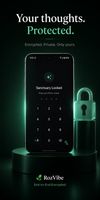



Private Notepad is a simple notepad with the nice interface that allows you to maange your notes easily, and to protect them with password and encryption. Hundreds of thousands people already use it!.
 Russia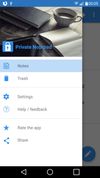
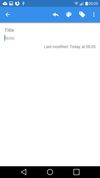
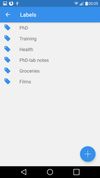


A minimalistic privacy-focused journal that applies Deep Work principles to bring work-life balance. Markdown supported, works offline, smooth shortcuts.
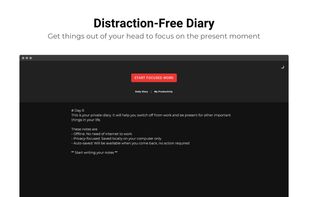
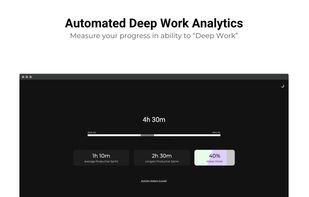
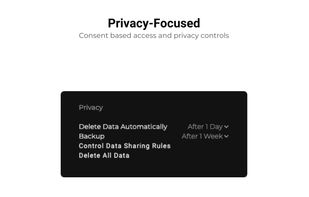


Encrypted notepad with password protection, real-time autosaving, rich formatting, sharing via unique links, no account required, and cross-device support.
 EstoniaEU
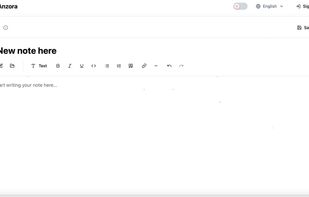

Notepad for safe storage of records. Store passwords from websites or notes without worrying about their safety. The program uses the most popular and powerful encryption algorithm AES. Securepad is lightweight and can be run from a flash drive. The program works with text files.
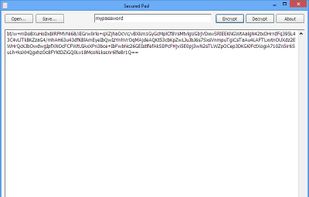

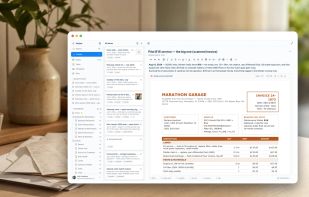
Harbor is a private, cross-platform second brain for everything you want to keep for life: notes, scanned mail and documents, PDFs, receipts, web clips, photos, and meeting recordings.
 United States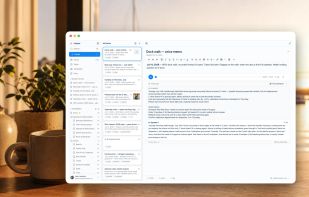
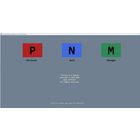
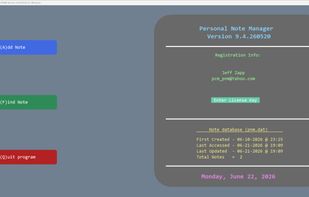
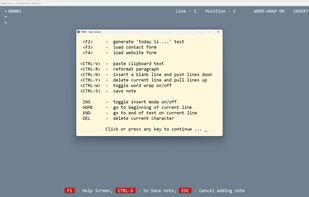
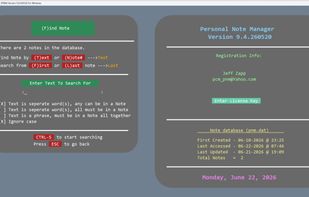
Personal Note Manager (PNM) is a lightweight, fully offline journal and note-taking application built for Windows 10 and 11.

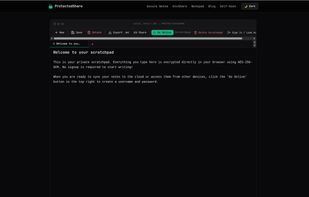
A zero-knowledge encrypted sharing utility for secure notes, one-time self-destructing secrets (EnvShare alternative), and a cross-device synced private notepad.
India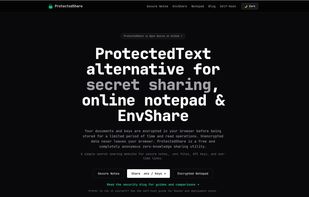


Local-first password manager and secure digital vault for encrypted passwords, notes, files, passkeys, and recovery data.
United States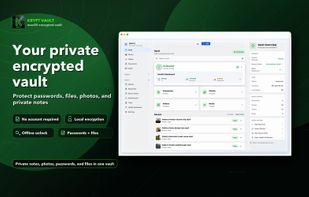
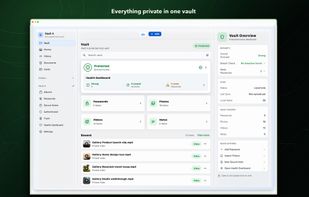
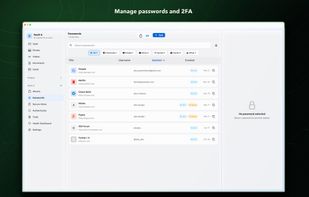

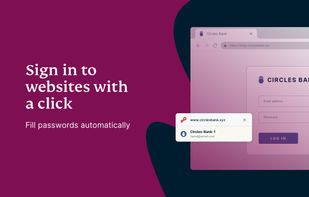
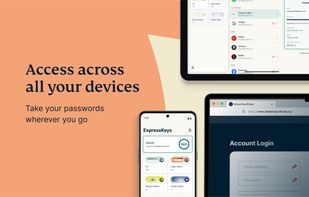
ExpressKeys is a secure password manager from the makers of ExpressVPN. Store, autofill, and protect your passwords, credit cards, and sensitive data in a secure vault with end-to-end, zero-knowledge encryption across all your devices.
 British Virgin Islands

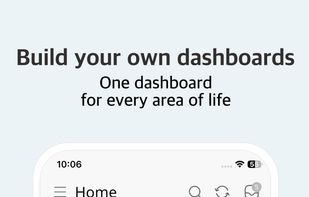
All-in-one life organizer combining journal, planner, notes, habits, and goals in one interconnected system. Mobile-first, offline-first, with optional E2E encryption.
EstoniaEU

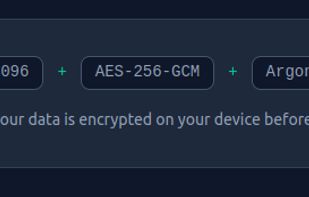
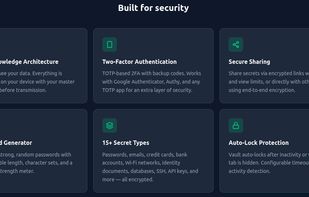
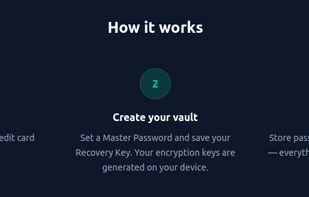
End-to-end encrypted secrets manager using RSA-4096 and AES-256-GCM, supporting 15+ secret types, TOTP, health analysis, and secure sharing.
 Palestinian Territories
 United States
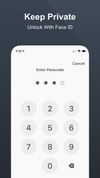

A fully-featured block-based notes and tasks app for Android, with free optional end-to-end encryption and a design inspired by Nothing OS.
 United Kingdom
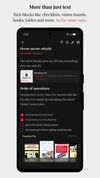

 Notesnookand

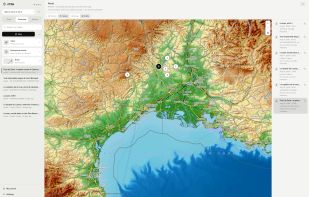
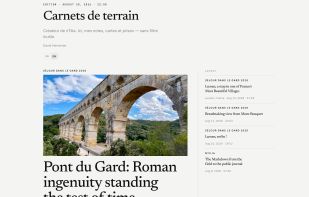
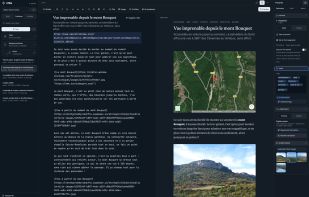
nTilia is a Markdown notes app built for field work. You capture notes, photos and audio on the device, even without a network. When you are back online, you can edit, translate and publish. Nothing is sent to the cloud unless you choose to.
 BelgiumEU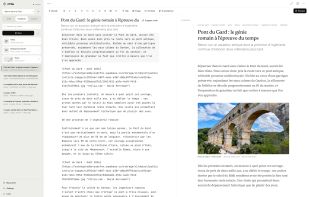

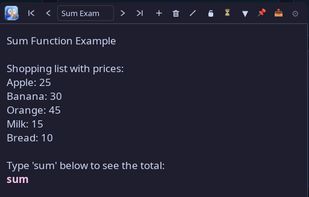
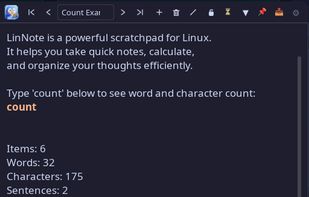
A fast, keyboard-driven scratchpad for Linux with smart calculator, currency conversion, OCR, timers, and 14+ themes. Built for KDE Plasma & GNOME with Qt6.
 Türkiye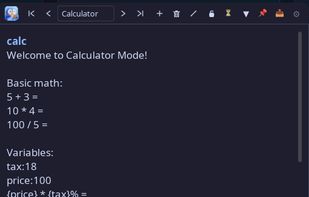
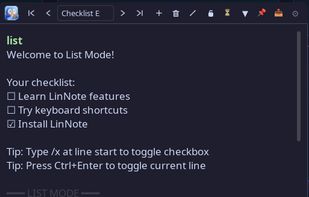

OrgaMemo is a secure, ad-free app to organize notes and appointments. Your data is encrypted and only you can access it.
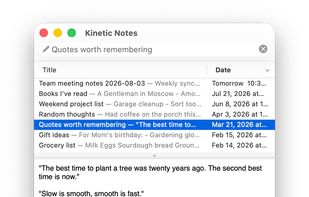
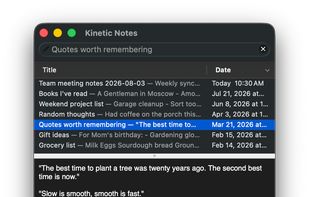
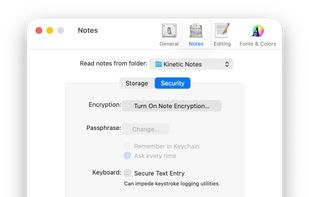
A fast, keyboard-first, local-first notes app for macOS—a modernized fork of Notational Velocity with privacy and Universal Mac support.
 Notesnookand
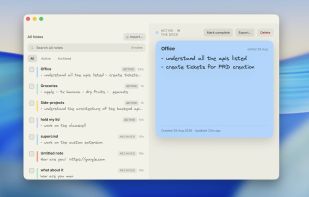
Hold My Notes keeps a deck of sticky notes on the right edge of your Mac. At rest it is a thin pill; move the pointer over and the notes fan out. Encrypted on your machine, no account, macOS 13 or later.
India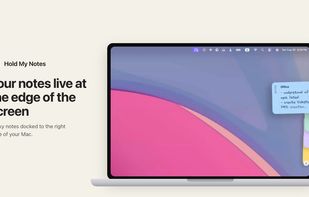



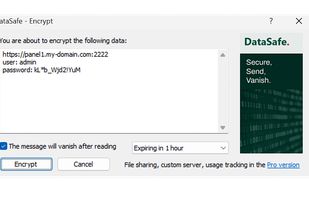
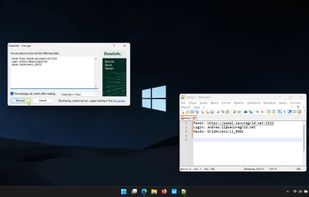
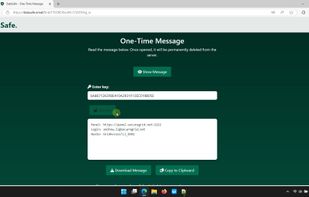
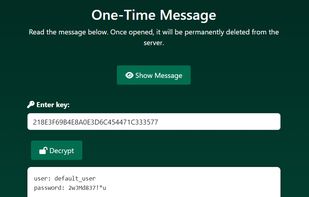
A tiny Windows app to quickly send encrypted messages with a hotkey. It creates one-time, AES-encrypted messages from your clipboard and gives you a temporary link to share.


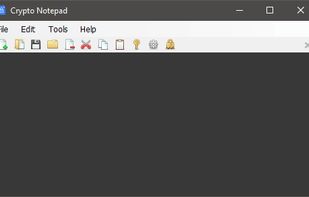
Crypto Notepad stands out through its relatively simple design, as it looks very similar to the standard Windows Notepad. It offers a few extra features, such as encryption and a customizable UI, but it remains lightweight and very easy to use.





 France


