





Harbor Notes
Like
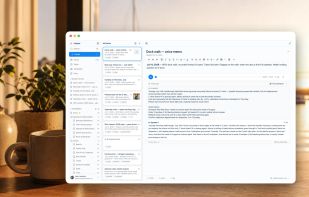
Harbor is a private, cross-platform second brain for everything you want to keep for life: notes, scanned mail and documents, PDFs, receipts, web clips, photos, and meeting recordings.

Cost / License
- Freemium (Subscription)
- Proprietary
Application type
Platforms
- Mac
- Windows
- Android
- iPhone
- iPad
- Online


Features
Harbor Notes News & Activities
Highlights All activities
Recent activities
- HarborNotes added Harbor Notes
 HarborNotes added Harbor Notes as alternative to Evernote, Microsoft OneNote, Obsidian, Joplin and 5 more


Harbor Notes information
Developed by
 Cloudmanic Labs
 Licensing
Proprietary and Freemium product.Pricing
Subscription that costs $10 per month + free version with limited functionality.Alternatives
9 alternatives listedBadge
Get an embeddable badge for Harbor NotesSupported Languages




No comments or reviews, maybe you want to be first?