


Intuitive screenshots baked right into the browser. Capture, save and share screenshots as you browse the Web using Firefox.
Cost / License
- Free
- Open Source (MPL-2.0)
Application type
Platforms
- Firefox


Intuitive screenshots baked right into the browser. Capture, save and share screenshots as you browse the Web using Firefox.

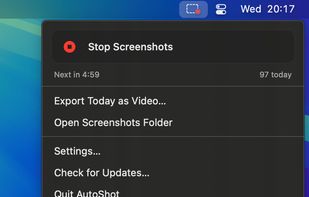
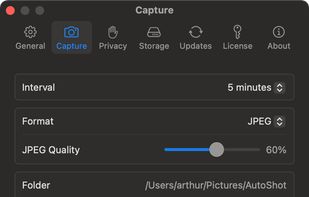
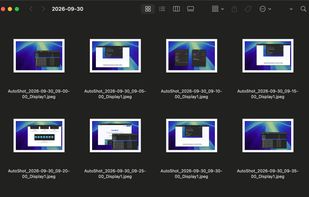
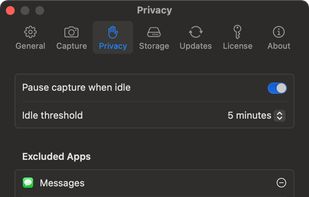
Menu bar app for Mac that takes a screenshot of every display on a timer, sorts them into a folder per day, and turns any day into a timelapse video.

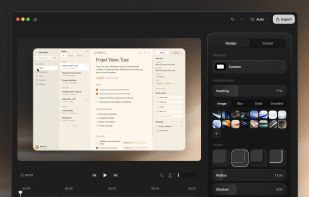
ScreenTune is a macOS app for capturing, editing, and exporting screenshots and screen recordings. It lets users record a screen, window, or selected area, then adjust the result with backgrounds, padding, frames, rounded corners, shadows, cursor styling, annotations, text...
 Japan
Japan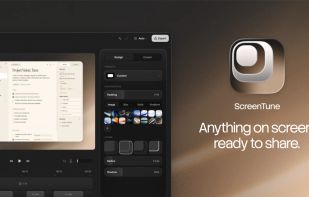



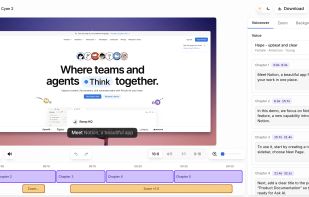
Vibrantsnap creates studio-quality product demos, training videos, and guides that speed up onboarding and drive adoption. Record your screen with the Chrome extension or import your own video, then let AI turn the raw footage into a polished video.
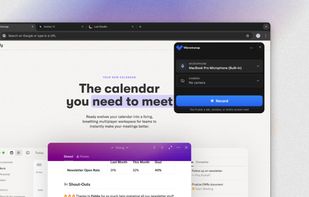

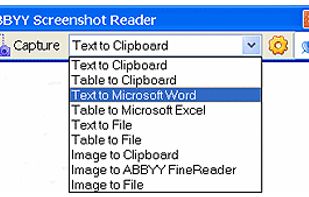
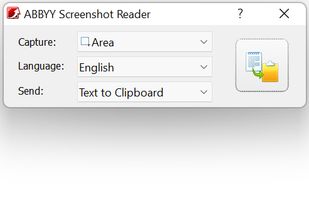
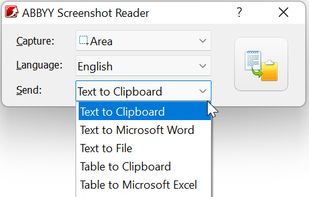
Screenshot Reader is a smart OCR-screenshot application for capturing text and images from any area on your PC screen and extracting text from them or just saving as an image. Prize: 9.99 USD.
 Russia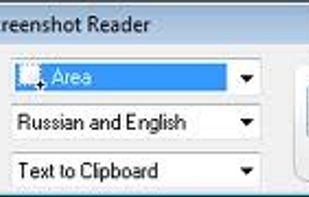

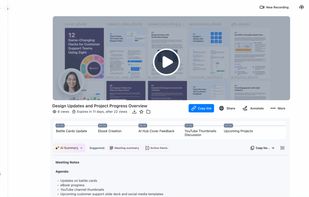
Enables screen and webcam recording, cloud storage, AI transcription, detailed screenshot and video editing, and instant sharing of annotated content across Windows and Mac.
 United States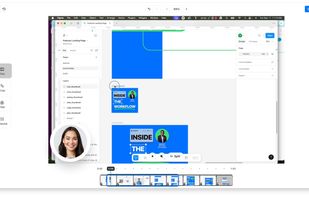
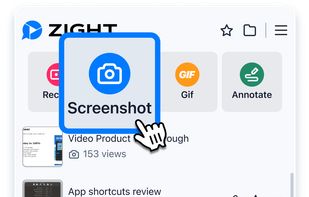

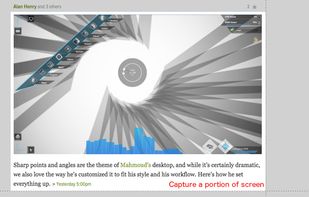
Easy Screenshot is an easy to use screen capture tool. Simply press one of the context menu items to capture entire or a portion of your screen.
United States


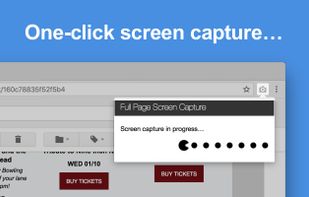
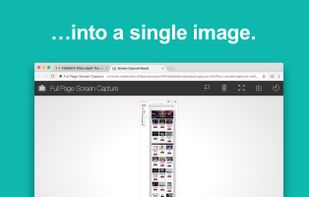
The simplest way to take a full page screenshot of your current browser window. Click on the extension icon (or press Alt+Shift+P), watch the extension capture each part of the page, and be transported to a new tab of your screenshot where you can download it as an image or PDF...
United States

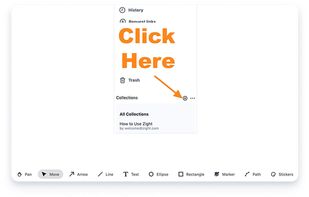
Annotate screenshots using drawing tools, shapes, text, pointer emojis, and export locally in multiple formats with offline support and privacy.
 Germany
 EU
EU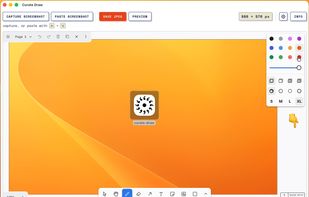

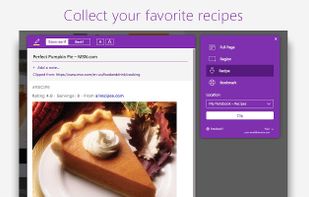
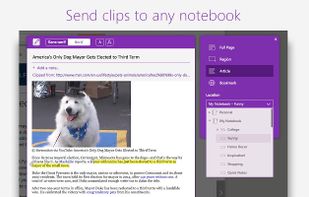
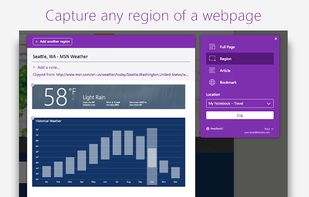
You're busy. OneNote Web Clipper lets you quickly clip all or part of a web page to OneNote, and save it for later. Clip images, pdfs, videos, or a visual bookmark of a page. Best of all, you can access them from any computer, tablet, or phone - even when you're offline.


 TagSpaces
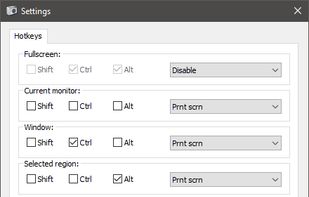
Freeware tool for taking fast and simple screenshots of the entire screen, windows and regions.
 Kazakhstan


Shots Studio turns your chaotic screenshot gallery into an intelligent, organized archive. Backed by powerful AI, it makes your screenshots searchable, taggable, and easy to browse — all while giving you control.


This app allows you live drawing and taking notes over desktop applications. There are also tools for screen recording and making screenshots. It is great tool for creating presentations, tutorials, manuals, animations, video or streaming.






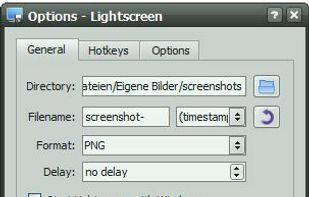
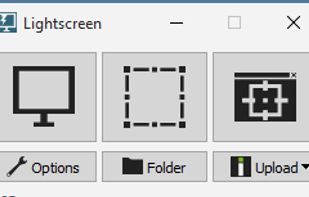
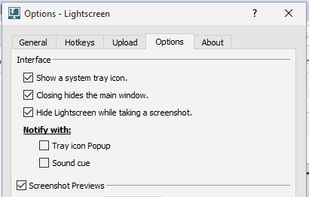
Lightscreen is a lightweight screen shooting application for Windows and linux used to automate the process of saving and cataloging screenshots.
GermanyEU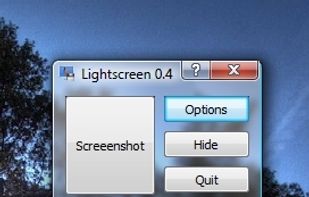

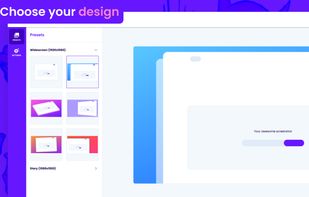
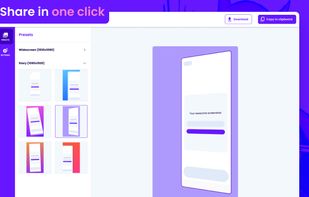

Screencut is useful app for iPhone for creating amazing image for a viral posts. Easily create screenshots in a powerful editor that supports photos and videos, adding notes, overlaying text and GIF animations, and flexible settings for shadows and fillets.
 Peru
Peru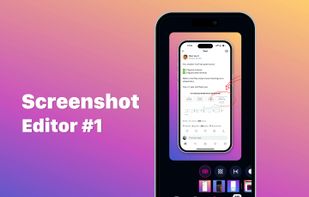
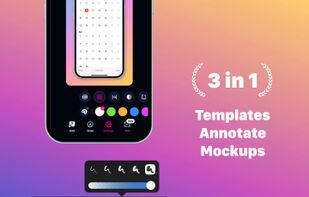
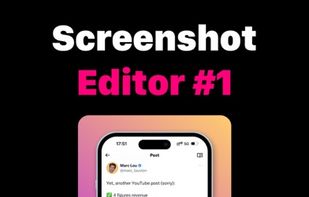
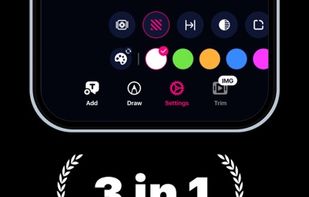
 Gradiaand

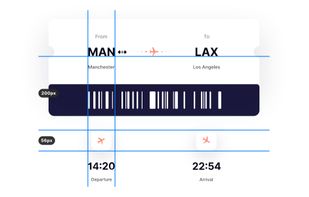
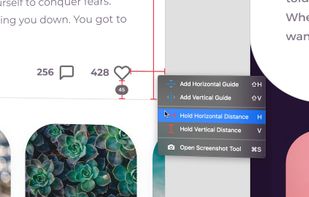
PixelSnap is an app for macOS that makes it easier for designers and web-developers to measure anything on their screens by just clicking and dragging around the cursor.
 SwedenEU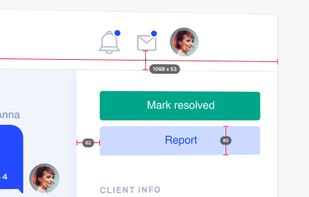

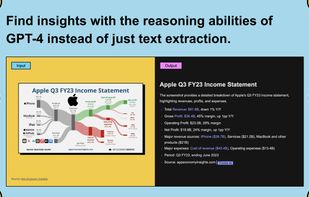
Trickle helps you summarize and organize screenshots, extracting insights for easy search and query. Transform visual chaos into an intelligent archive, allowing you to screenshot anything and effortlessly retrieve and utilize its contents later.



Simplistic Image Viewer with focus on speed of rendering and switching between images. A good complement when no editing capabilities are nessesary.
SwedenEU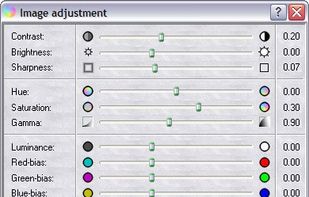

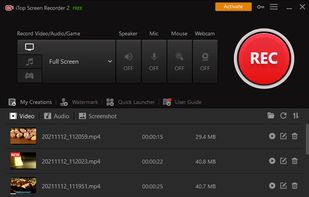
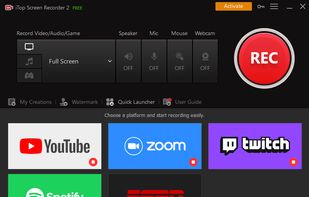
iTop Screen Recorder is a free screen recording software with a built-in video editor. It captures important events and allows the refinement of the recorded video. The software can record video conferences, webinars, lectures, presentations, gaming sessions, and 4K films.
 Hong Kong SAR China
 OBS Studioand

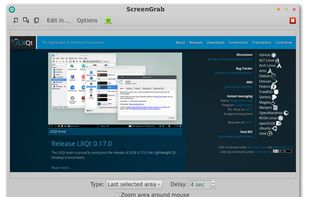


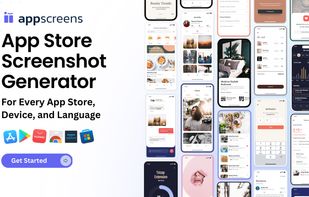
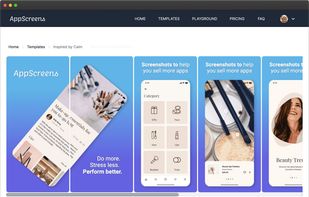
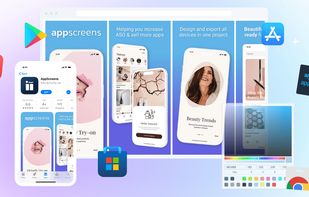
AppScreens is the go-to solution for developers and marketers looking to create professional, app store-ready screenshots effortlessly, supporting all major app stores, devices, and over 70 languages.



This extension is able to capture 100% of both the vertical and horizontal content appearing on any webpage on the Internet.


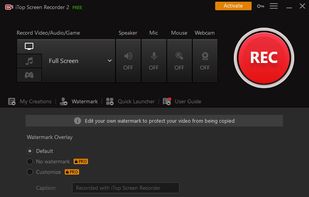
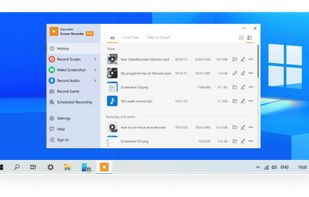
Captures screen and audio, supports webcam, custom watermarks, various formats, scheduling, draw panel, screenshot upload, zoom, and 45+ languages.
 CyprusEU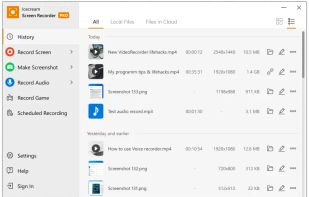
 OBS Studioand


