Netherlands
 EU







Best alternatives are 
18 alternatives
 NetherlandsEU
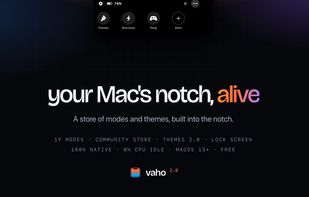
Media, alerts and files in the one spot of your screen that's always in sight — plus a store of community modes and themes, whole-desktop themes and lock-screen widgets. Native, free to start.


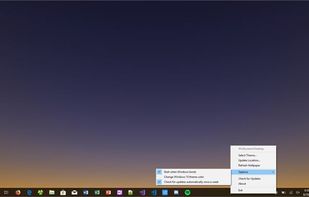
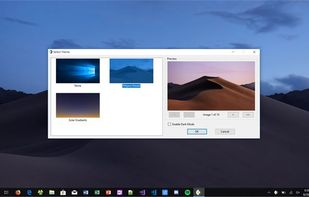
This app ports the Dynamic Desktop feature from macOS Mojave to Windows 10. It uses your location to get the times of sunrise and sunset each day, and rotates through the 16 Mojave wallpaper images throughout the day and night.
 United States




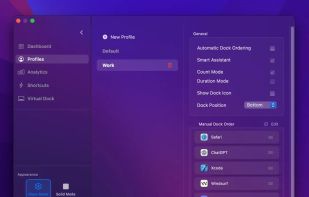
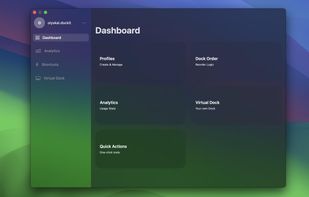
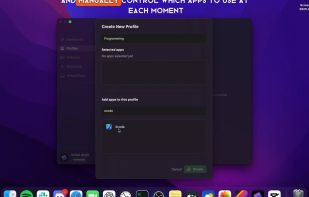
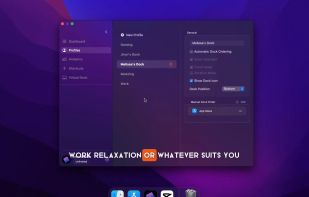
Organize your Mac Dock like never before with custom profiles for different workflow, manual profiles and automatic dock ordering!.


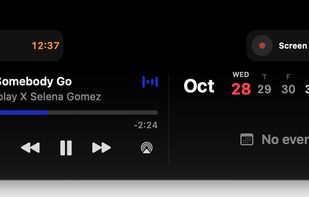
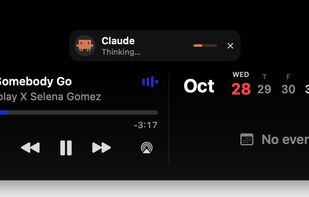
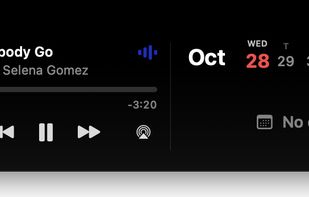
Oriel turns the notch into a living island: your music, on Apple Music or Spotify, with lyrics and moving covers, live activities from Claude to your texts, your week, widgets, even your lock screen.
 PortugalEU

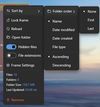
Automates organization of apps, files, and folders on Windows desktops, featuring grouping into boxes, customizable appearance, hotkey shortcuts, and quick search.
 Hong Kong

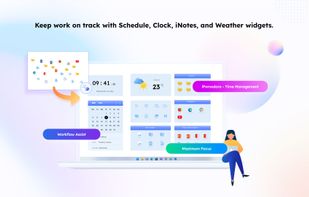
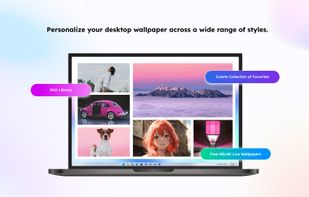
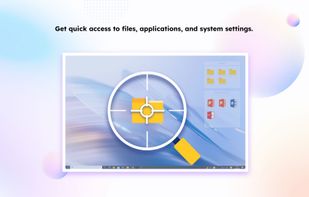
NotchNook Pro takes the original notch app for Mac to the next level with 37+ features in the space beneath your camera. Follow Claude Code and Codex sessions, approve commands and respond to requests from the notch.
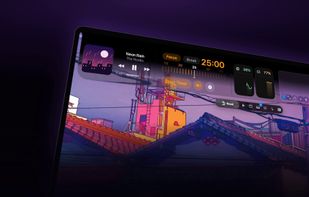
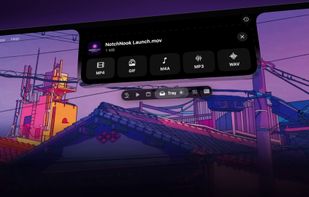
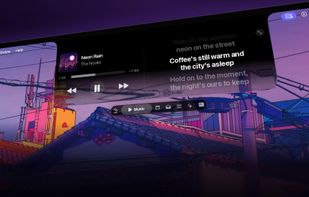
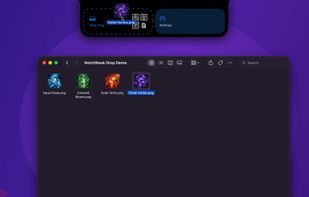

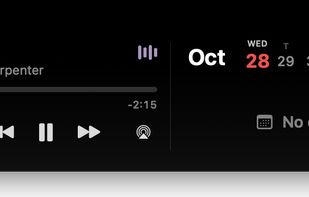
Transforms the MacBook notch into a dynamic music center with real-time visualizer, full playback controls, and support for various music apps on macOS.

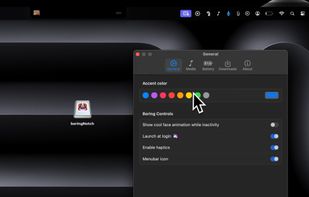

XWidget is a free desktop customization platform. It’s light, handy with powerful visual widget editor and very subtle animations. The Android page is found here: http://android.xwidget.com/
 China

Dockable is a macOS-style dock for Windows 11. It shows pinned and running apps in a translucent bar at the bottom of the screen, starting from the apps already pinned to the Windows taskbar, and magnifies icons under the cursor with an adjustable size and magnification.
 Brazil
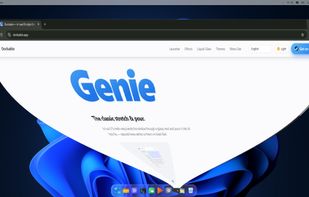
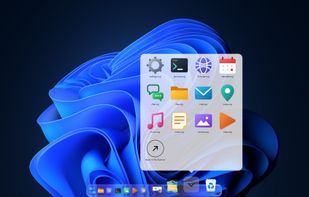
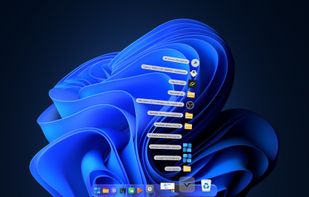
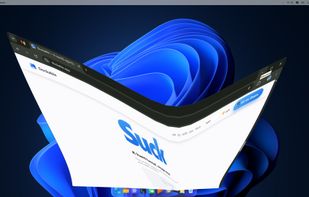

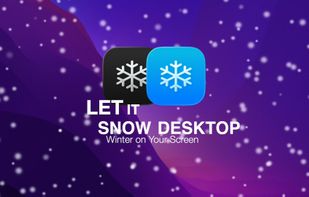
Creates realistic animated snowfall on Mac desktops with ultra-low CPU and memory use, seamless multi-monitor support, per-display settings, and full customization.





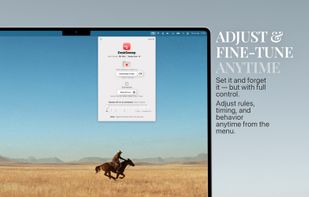
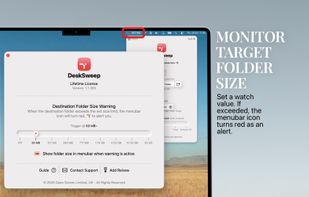
Boost your productivity by eliminating clutter—DeskSweep automatically organizes your desktop by moving files to a designated folder, ensuring a clean and distraction-free workspace.
 United Kingdom



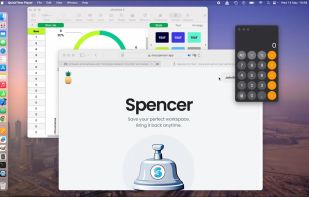
Customize your workspace with profiles for any context or task — whether you’re working, browsing, or creating. Easily return to your favorite window setup anytime.

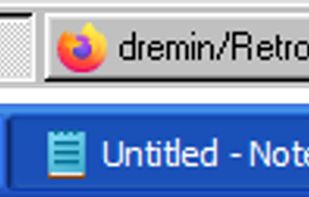
Pining for simpler times? RetroBar teleports you back in time by replacing your modern Windows taskbar with the classic Windows 95, 98, Me, 2000, XP, Longhorn, or Vista style.
 Canada



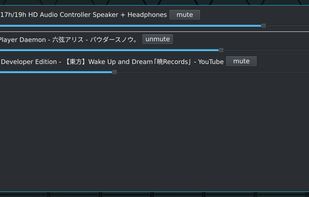
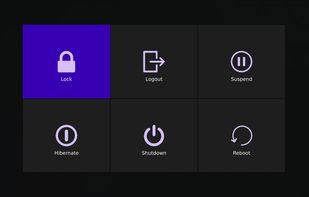
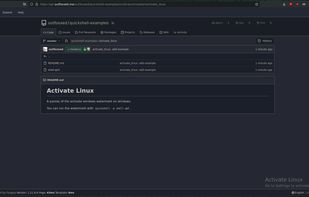
Quickshell is a toolkit for building status bars, widgets, lockscreens, and other desktop components using QtQuick. It can be used alongside your wayland compositor or window manager to build a complete desktop environment.
United States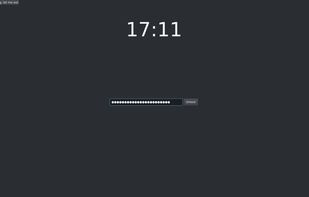

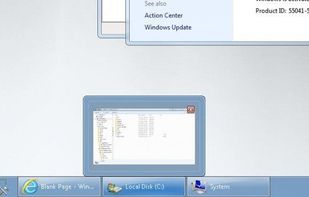
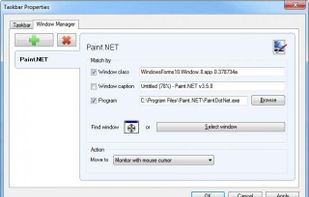
A taskbar for the second monitor. (Only tested on Windows Server 2008 R2 and Windows 7.)
 RomaniaEU


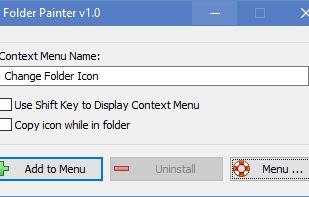
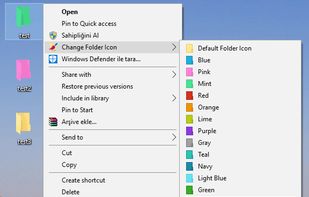
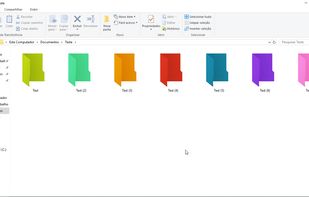
Folder Painter is an easy to use Portable Freeware program, which allows you to change the color of the icon representing a chosen folder to any color you like.

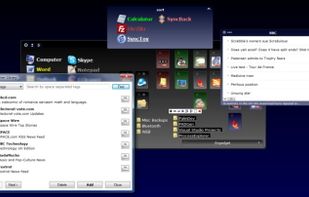
SideSlide is an advanced, portable, unobtrusive, dockable, skinnable, instantly accessible, highly configurable Desktop Extension on Steroids! Clean desktop clutter and make your computer friendlier and faster than ever before.
 Israel


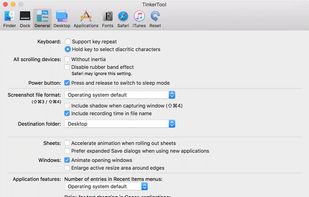
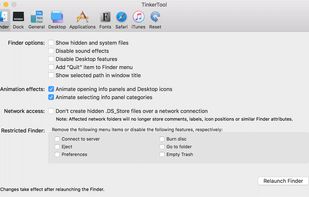
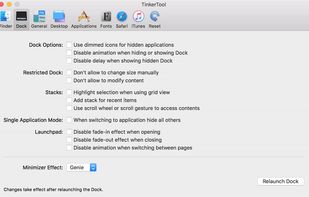
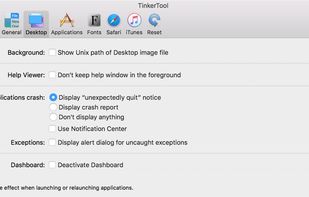
TinkerTool is an application that gives you access to additional preference settings Apple has built into Mac OS X. This allows to activate hidden features in the operating system and in some of the applications delivered with the system.
 GermanyEU

 RemoveMacAI

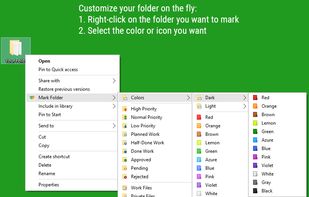
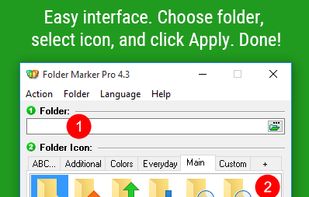
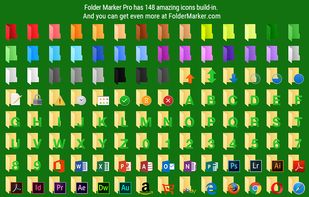
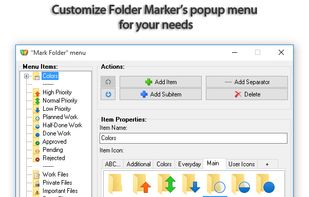
Label folders with customizable color or image-coded icons to identify status, priority, or content type, enabling rapid visual organization and quick folder access.
 Ukraine

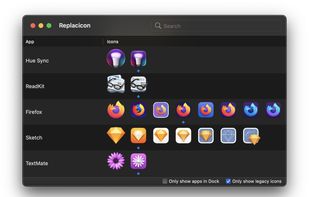
Replacicon makes it easy to find and replace app icons on the Mac. It scans online sources containing thousands of replacement app icons for each of your installed macOS apps.






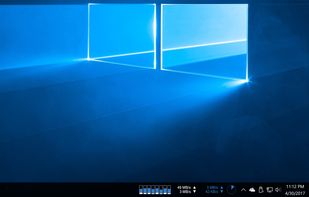
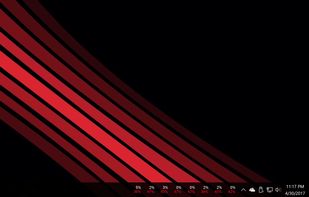
Displays real-time CPU, RAM, disk, and network stats in the Windows taskbar, with customizable appearance, lightweight design, and quick refresh options.
United States

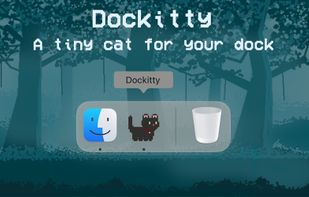
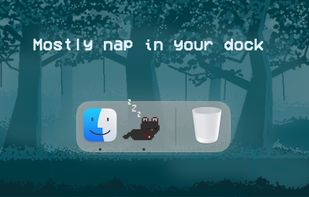
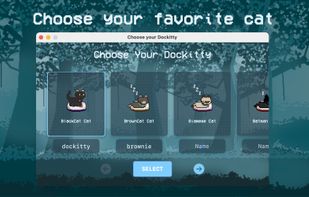
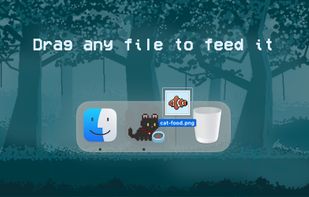
Tiny animated cat lives inside the Mac Dock, allowing users to choose, name, interact with, and feed it using right-clicks or file drops. Designed to be lightweight and non-intrusive.
 BelgiumEU