Apps tagged with 'Clipboard Manager' Page 13 of 14

All apps in Apps tagged with 'Clipboard Manager' category. Use the filters below to narrow down your search. 
Copy a direct link to this comment to your clipboard
  1. Copia icon
     Like

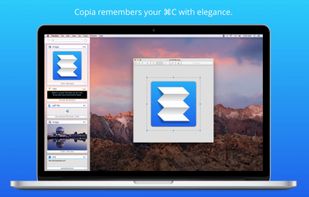
    Copia remembers your Command-C with elegance.

    Cost / License

    • Freemium
    • Proprietary

    Application type

    Since

    • Since 2017

    Alerts

    • Discontinued

    Platforms

    • Mac
    • IT flagItaly
    • European Union flagEU
    Copia screenshot 1
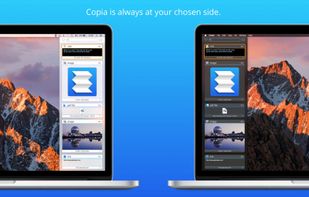
    Copia screenshot 2
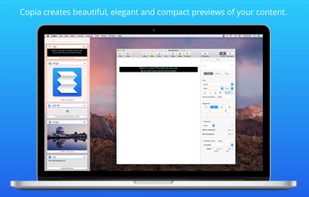
    Copia screenshot 3
    +1
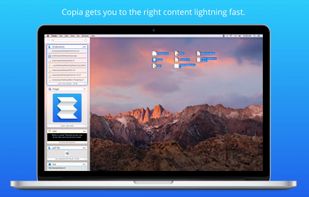
    Copia screenshot 4
    35 alternatives
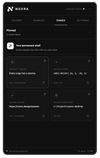
  2. Noxra icon
     1 like

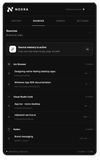
    Noxra turns your screen border into an instant clipboard & file-transfer hub. No hotkeys, no modal popups - just hover to expand, drag anything out, and keep working. Free & open-source for Windows.

    Cost / License

    • Free
    • Open Source (MIT)

    Application type

    Since

    • New

    GitHub

    • GitHub stars: 5

    Platforms

    • Windows
    • DE flagGermany
    • European Union flagEU
    Preview 01
    Preview 02
    +2
    Preview 03
    51 alternatives
  3. FloatPill icon
     Like

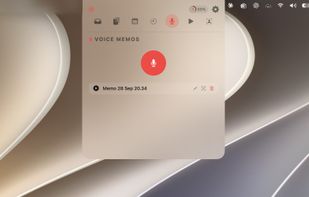
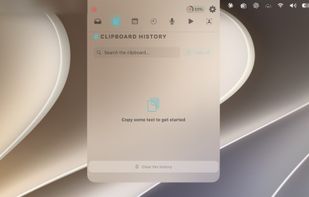
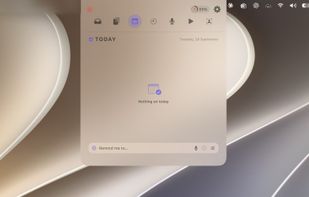
    A MacBook notch app that tells you when Claude Code or Codex is done, and keeps music, files, calendar and a YouTube video one hover away.

    Cost / License

    • Pay once
    • Proprietary

    Application type

    Since

    • New

    Platforms

    • Mac
    • IT flagItaly
    • European Union flagEU
    Claude is done
    Recorder
    Clipoard
    +5
    Calendar
    9 alternatives
  4. PasteMyClip is a clipboard manager for the Mac built by a solo developer, Raju Mandapati, around one idea: a small, essential utility shouldn't bill like a streaming service. It puts everything you copy in a Paste-style visual shelf at the bottom of the screen — cards you...

    Cost / License

    • Freemium (Pay once)
    • Proprietary

    Application type

    Since

    • New

    Platforms

    • Mac
    • PT flagPortugal
    • European Union flagEU
    PasteMyClip screenshot 1
    3 alternatives
  5. Bidbar icon
     Like

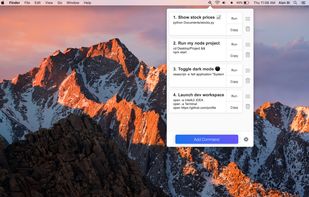
    Save Terminal commands in the Mac menu bar. Run and copy them with keyboard shortcuts.

    Cost / License

    • Pay once
    • Proprietary

    Application type

    Since

    • Since 2019

    Platforms

    • Mac
    • US flagUnited States
    Bidbar screenshot 1
    75 alternatives
  6. Jackdaw icon
     Like

    Native macOS utility combining searchable, editable clipboard history, a drag-and-drop file shelf, and private on-device dictation in one overlay.

    Cost / License

    • Pay once
    • Proprietary

    Application type

    Since

    • Since 2026

    Platforms

    • Mac
    • FR flagFrance
    • European Union flagEU
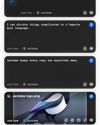
    The overlay summoned with Ctrl-Cmd-V over whatever you are working in: recent clips, numbered for keyboard selection.
    Clipboard history. Every copy is captured and searchable, and images preview inline before you paste.
    +2
    The file shelf taking a drag-in. Drop files, gather more from other windows, then drag them all out at once.
    22 alternatives
  7. Clip Log icon
     Like

    Say goodbye to losing important snippets of text and images! Clip Log is the ultimate clipboard manager, combining intelligent organization, real-time saving, and privacy-first design. Designed to simplify your workflow, Clip Log ensures that everything you copy is instantly...

    Cost / License

    • Pay once
    • Proprietary

    Application type

    Since

    • Since 2025

    Platforms

    • Mac
    • US flagUnited States
    Clip Log screenshot 1
    Clip Log screenshot 2
    Clip Log screenshot 3
    Clip Log screenshot 4
    50 alternatives
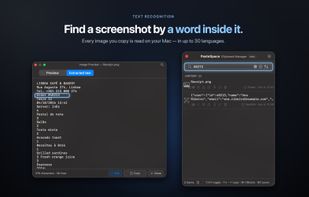
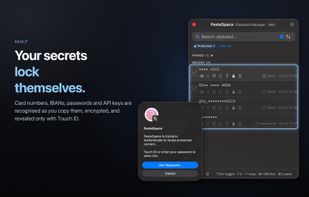
  8. Stores Mac clipboard history for text, links, images and files, with offline search, image OCR, encrypted sensitive-data vaults, edits and tools.

    Cost / License

    • Freemium (Pay once)
    • Proprietary

    Application type

    Since

    • New

    Platforms

    • Mac
    PasteSpace screenshot 1
    PasteSpace screenshot 2
    PasteSpace screenshot 3
    +14
    PasteSpace screenshot 4
    28 alternatives
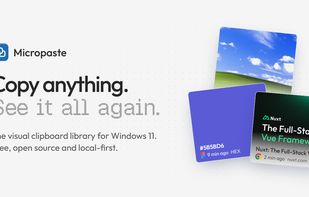
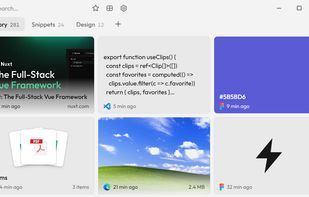
  9. Micropaste is a visual clipboard library for Windows 11. Everything you copy is kept, shown as a rich card, and ready to reuse in a single click or drag.

    Cost / License

    • Free
    • Open Source (MIT)

    Application type

    Since

    • New

    GitHub

    • GitHub stars: 8

    Platforms

    • Windows
    • FR flagFrance
    • European Union flagEU
    Micropaste screenshot 1
    Micropaste screenshot 2
    18 alternatives
  10. ClipMax icon
     Like

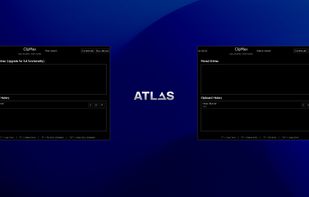
    ClipMax is a next-generation clipboard manager that enhances productivity by automating, organizing, and integrating copied content with AI.
    Cost / License

    • Freemium (Pay once)
    • Proprietary

    Application type

    Since

    • Since 2025

    Platforms

    • Windows
    Interface of free and deluxe version
    Interface of free and deluxe version with entry
    Entry pinning
    58 alternatives
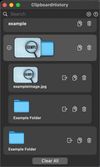
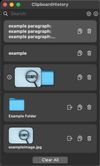
  11. A Mac clipboard history manager inspired by Windows, holding text, images, files, and groups, customizable up to 50 items, accessed via shortcuts.
    Cost / License

    • Free
    • Open Source (MIT)

    Application type

    Since

    • Since 2024 (updated Jul 2025)

    GitHub

    • GitHub stars: 25

    Platforms

    • Mac
    ClipboardHistory screenshot 2
    ClipboardHistory screenshot 3
    +3
    ClipboardHistory screenshot 4
    62 alternatives
  12. CopyCharm icon
     Like

    CopyCharm is a Windows desktop app that helps users collect and reuse copied text, important clips, and saved prompts for AI work. It stores copied text locally and provides search and favorites to help users find useful material from past work.

    Cost / License

    • Subscription
    • Proprietary

    Application type

    Since

    • New

    Platforms

    • Windows
    3 alternatives
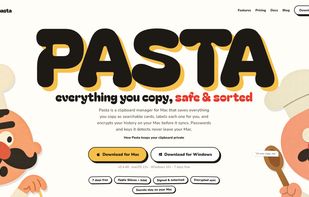
  13. Clipboard manager that saves copied items as labeled cards, offers instant search, encrypted sync, and local protection for passwords and keys.

    Cost / License

    • Subscription
    • Proprietary

    Application type

    Since

    • New

    Platforms

    • Windows
    • Mac
    • US flagUnited States
    Pasta Clipboard Manager screenshot 1
    Pasta Clipboard Manager screenshot 2
    15 alternatives
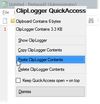
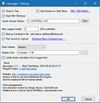
  14. clipLogger logs text copied to the clipboard, putting everything in one textbox for easy access. Clipboard captures can be separated & labeled with a timestamp, or just appended by themselves. It can also log the paths of copied or dragged&dropped files.

    Cost / License

    • Free
    • Proprietary

    Application type

    Since

    • Since 2019

    Platforms

    • Windows
    clipLogger screenshot 1
    clipLogger screenshot 2
    clipLogger screenshot 3
    70 alternatives
  15. Kopi icon
     Like

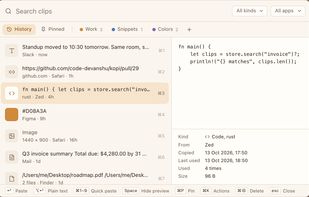
    Kopi is a free, open-source clipboard manager. It runs in the background and keeps everything you copy (text, links, images, colors and code) so you can find it and paste it again in a keystroke.
    Cost / License

    • Free
    • Open Source (MIT)

    Application type

    Since

    • New

    Platforms

    • Mac
    Kopi's clipboard history panel with search and filters
    6 alternatives
  16. ClipTyper icon
     Like

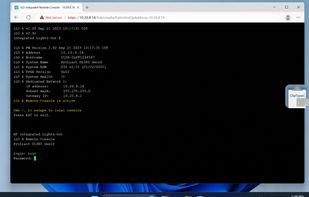
    ClipTyper types clipboard text as real Windows keystrokes into RDP, KVM, iLO/iDRAC and VM consoles and paste-blocked fields, even when the console uses another keyboard layout. Tray app, no admin rights, portable or installer.

    Cost / License

    • Free
    • Open Source (MIT)

    Application type

    Since

    • New

    GitHub

    • GitHub stars: 8

    Platforms

    • Windows
    • DE flagGermany
    • European Union flagEU
    ClipTyper screenshot 1
    6 alternatives
  17. ReCopied icon
     Like

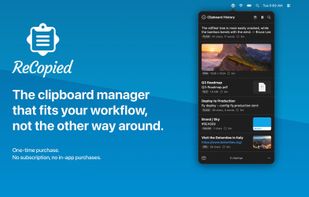
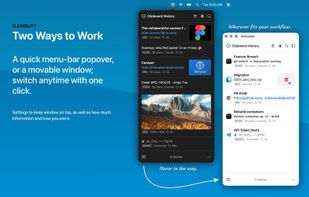
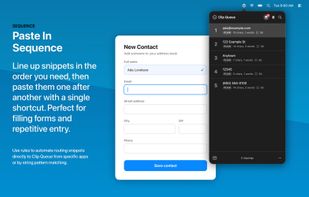
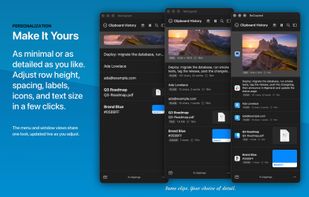
    ReCopied is a fast, private, native macOS clipboard manager with searchable history, Clip Lists, a paste-in-sequence queue, and text formatters — a one-time purchase, no subscription.

    Cost / License

    • Pay once
    • Proprietary

    Application type

    Since

    • New

    Platforms

    • Mac
    • US flagUnited States
    ReCopied screenshot 1
    ReCopied screenshot 2
    ReCopied screenshot 3
    +6
    ReCopied screenshot 4
    2 alternatives
  18. Gojo puts dictation, clipboard history, window controls, file staging, and media controls in the MacBook notch. Hover over the notch to open the tools.

    Cost / License

    • Pay once or Subscription
    • Open Source (GPL-3.0)

    Application type

    Since

    • New

    GitHub

    • GitHub stars: 4

    Platforms

    • Mac
    Dictation settings: choose and download the recognition model.
    Clipboard history with search and pinned items.
    Temporary file shelf for moving files between apps.
    +2
    Media playback controls in the MacBook notch.
    16 alternatives
  19. Pano is a clipboard manager for Mac and Windows for people who want what Paste, Maccy or Ditto do, without passwords and API keys piling up in their history.

    Cost / License

    • Freemium (Pay once or Subscription)
    • Proprietary

    Application type

    Since

    • New

    Platforms

    • Windows
    • Mac
    • CH flagSwitzerland
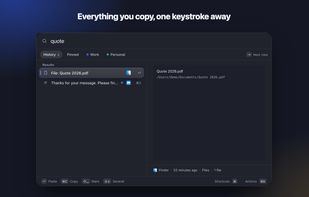
    Fuzzy search finds a copied file and an email in a few keystrokes
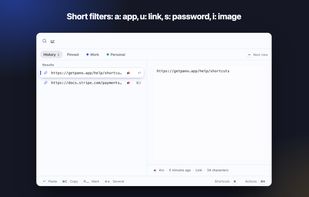
     Short filters: u: shows only copied links
    A password and a Stripe API key, masked and expiring on their own
    +2
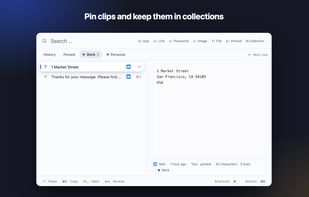
    A pinned address in the Work collection
    16 alternatives
  20. See, search, pin, and paste your clipboard history in one tidy window. Works with Windows' built-in Win+V

    • adds pinning, instant search, previews, and drag-to-paste. Private and fully offline.

    Cost / License

    • Pay once
    • Proprietary

    Application type

    Since

    • New

    Platforms

    • Windows
    • US flagUnited States
    Main window
    Pop-out preview
    Dark Mode
    6 alternatives