





Pasta Clipboard Manager
Like
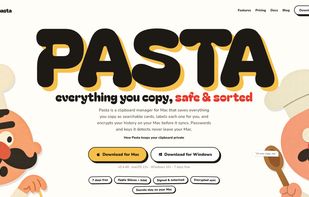
Clipboard manager for Mac and Windows that turns copied text, links, images, files, and code into labeled, searchable cards. A keyboard shortcut opens history in any app, while encrypted sync spans devices and detects passwords and API keys for local-only storage.

Cost / License
- Subscription
- Proprietary
Platforms
- Mac
- Windows


Features
Highlights All activities
Pasta Clipboard Manager News & Activities
Recent activities
- freedevguy added Pasta Clipboard Manager
 Fla added Pasta Clipboard Manager as alternative to Maccy, Rememory, UniClipboard, PasteBar and 4 more
- Fla updated Pasta Clipboard Manager
- freedevguy added Pasta Clipboard Manager as alternative to Maccy, Unclutter, CopyQ, Ditto and 3 more

Developed by
 Automatique
 Licensing
Proprietary and Commercial product.Pricing
Subscription that costs $5 per month.Alternatives
14 alternatives listedBadge
Get an embeddable badge for Pasta Clipboard ManagerSupported Languages


No comments or reviews, maybe you want to be first?