Cost / License
- Free
- Proprietary
Application typeApplication types
Platforms
- Online




+1


The easiest way to send files. No folders, no syncing, no waiting. Simple, secure and fast.


Movavi ScreenShot is a screenshot extension for Chrome and Firefox that lets you grab full and partial screen captures as well as save screenshots in multiple formats.
 Cyprus
 EU
EU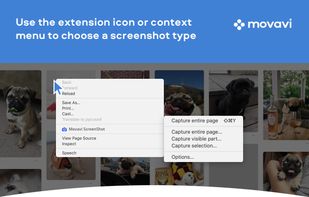



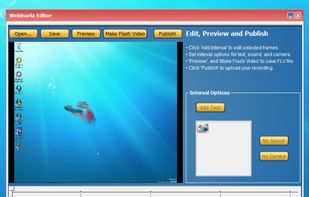
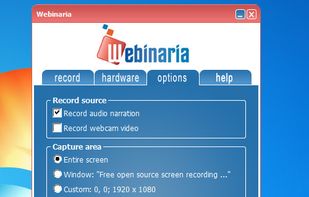
Webinaria is an easy to use screen recording and screen-casting tool. It allows you to record your screen or just a specific window. The integrated editor allows you to annotate your screen-cast before publishing it as a flash video.
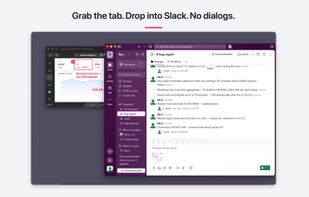
Shoot, mark up, hand off in three seconds. A screenshot and screen-recording annotation tool for Mac that carries the Skitch feel forward.
 Japan
Japan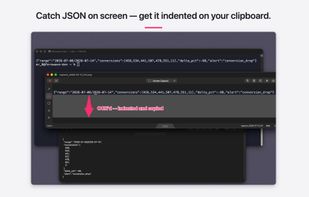


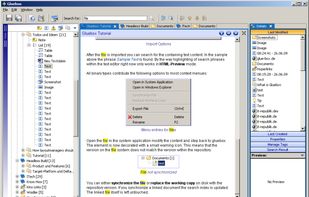
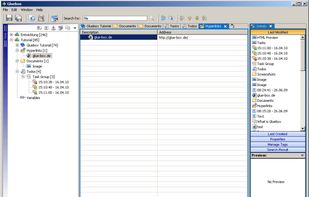
Gluebox is a free platform independent Wiki-like notetaking and information gathering tool with a strong focus on project documentation and document management. It provides an easy and comfortable way to capture all your ideas, images, hyperlinks, notes, working results and...


 CherryTreeand

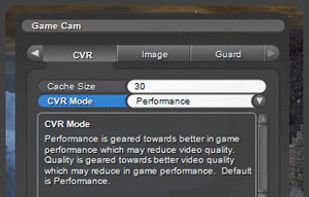
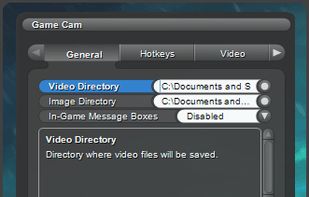
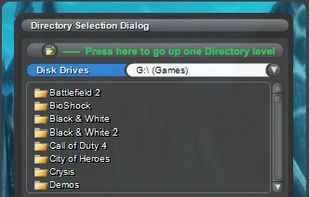
GameCam is an in-game recording software that captures video while you play and can capture screenshots with multiple screenshot image formats.
 United States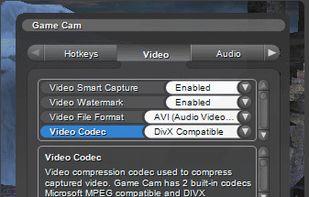


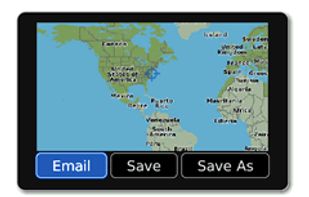
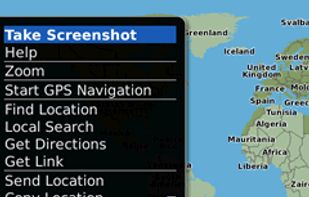
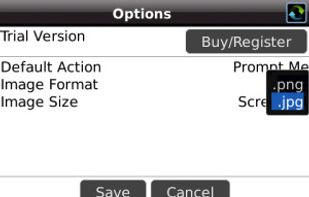
Email Screenshot app allows you to take screenshots on your BlackBerry® device then quickly and easily send screenshots to your contacts. Customisable options are provided with this app. It's user-friendly and saves high-quality Screenshots on a selectable folder on the...

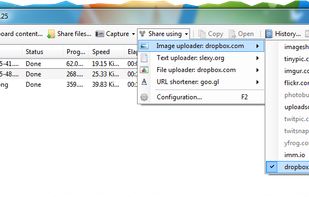
ShareXmod is an open-source program that lets you take screenshots, save them in your clipboard, hard disk or upload them to over 20 different remote locations. ShareXmod can capture screenshots with different shapes: rounded rectangle, ellipse, triangle, diamond, polygon and...
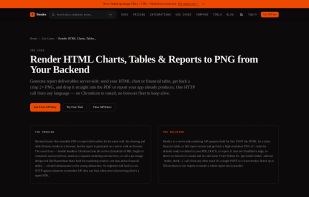
Rendex renders any webpage, raw HTML, or Markdown into a pixel-perfect image or PDF from a single API — screenshots, HTML-to-image, hosted OG links, and URL-to-Markdown extraction. Built for automation builders (n8n, Make, Zapier) and AI agents (MCP), with 500 free...
United States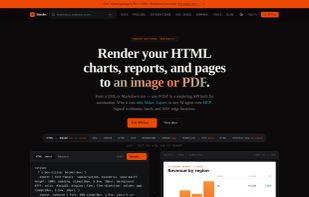



Easemon is an all-in-one employee monitoring solution for Windows and macOS that monitors keyboard entries, Internet usage, application usage, desktop activities by screenshots, IM conversations, emails sent and more.
 China
China





7capture is free screen capture software for Windows 7, Vista and XP. 7capture automatically handles complicated transparency problems such as rounded corners and Aero semi-transparent windows backgrounds.
No matter what Windows version you are using, 7capture will do it's m.
 FranceEU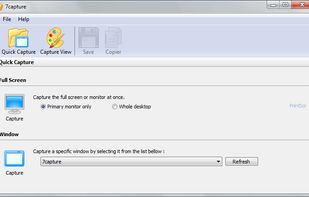

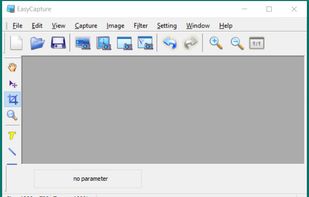
EasyCapture is a powerful and easy-to-use free screen capture software.
It allows you to capture whole windows, scrolling windows, selected-regions, fixed-size rectangles (regions) and window controls. It has a delayed capture mode, so that you can capture the target window dur.



Inboard is a Mac desktop application that helps organize your images.
Perfected workflow
If you value simplicity then Inboard is for you. Most apps compete on which has the most features. We’re not one of those apps. We’re focused on perfecting a great workflow for collecting.
 LatviaEU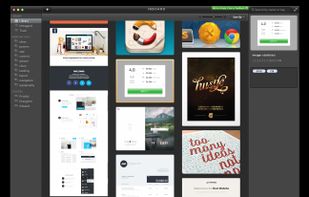

Enables Windows applications to capture screen text from any window part, including error messages and custom controls, using a COM interface for integration.


Originally intended for software developers, UX/UI designers and IT support desks, goScreenCapture is the perfect software utility for anyone who wants to create a document, build a slide presentation, check artwork, complete a project and work collaboratively.
 United Kingdom


Screeny gives you the freedom to capture your videos or images at any size. You can click & drag to resize the capture area or input the exact pixel dimensions to set to the size of the capture area.
United States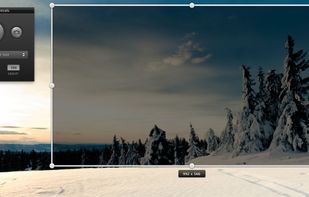
 OBS Studio
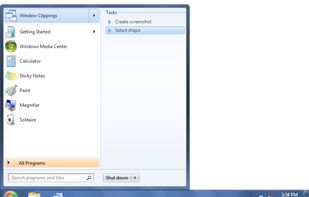
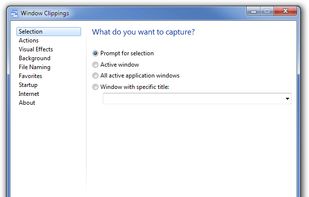
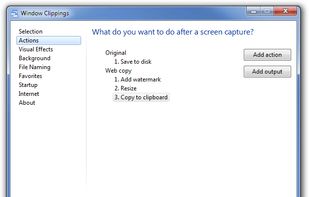
Window Clippings is screenshot app that capture the full Aero glass and shadows interface in screenshots. You can use it to capture shots of windows, menus, or even a free-form selection quickly and easily.


Product page for Any Wallpaper, an automatic wallpaper changer, including description, summary of features and screenshots.


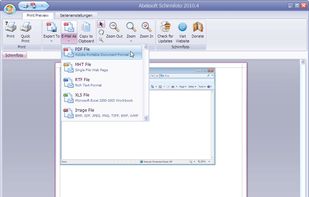
Schirmfoto is the easiest way of creating screenshots. Schirmfoto integrates itself into your Windows system by adding a new button in the title bar of each window. Clicking this icon will create a screenshot for you.
 GermanyEU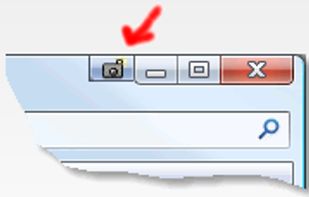

Screen capture in real time and send instantly to any destination: clipboard, file, graphic editor, studio, e-mail, web, Windows Instant Messenger, ICQ, printer/fax.