


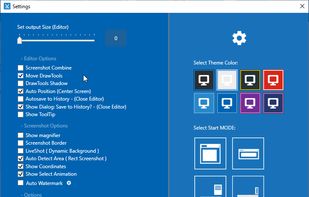
Snip tool is a screen capture tool that lets you capture one or more selected areas on your desktop and save it with optional annotations.
Cost / License
- Free
- Proprietary
Application typeApplication types
Platforms
- Windows
 Germany
 EU
EU




+6
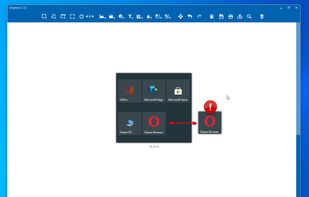


Snip tool is a screen capture tool that lets you capture one or more selected areas on your desktop and save it with optional annotations.
GermanyEU GermanyEU
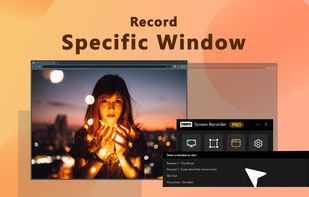
 OBS Studio
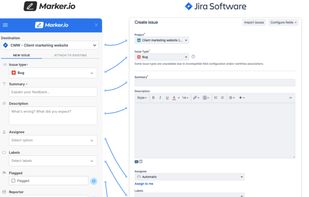
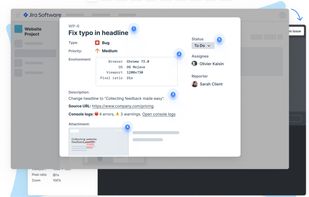
Create & annotate visual bug report tickets in your project management tool in seconds. Marker.io adds technical metadata & console logs for you, so developers can recreate & resolve faster. Developer-ready issues, even from non-technical reporters.
 BelgiumEU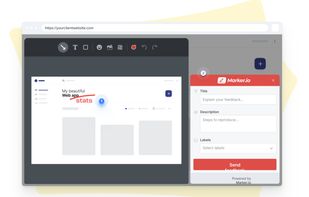


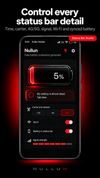
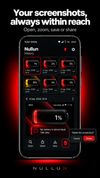
Nullun is an Android app for creating customizable battery screens and detailed status-bar visuals for entertainment, creative posts, conversations and social content.


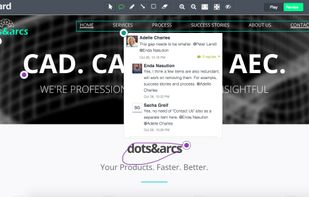
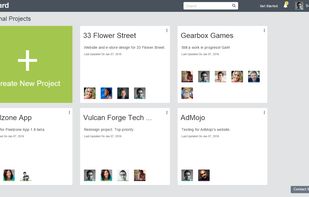
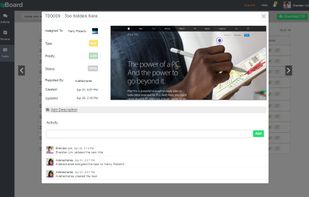
Annotate web pages and e-learning courses with real-time bug tracking and visual feedback, fostering collaboration and task management in development teams.
 India
India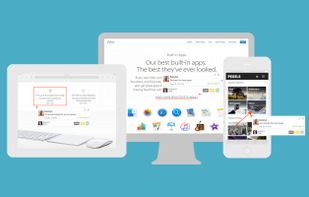
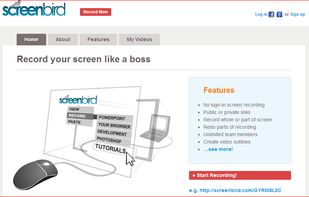
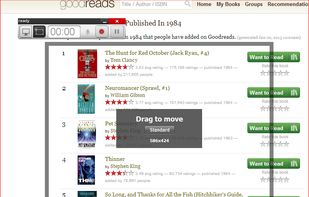
Screenbird is a browser based, no-sign in screen recorder. It's cross platform, and built for collaboration. From there you can push videos to Youtube, or create an outline for it, download a copy for backup.
 United States


Uploading images and screenshots from home page or from your dashboard. Offers a 50 MB upload limit for guests and a 100 MB upload limit for registered users. Offers 11 GB of free storage space for registered users.
United States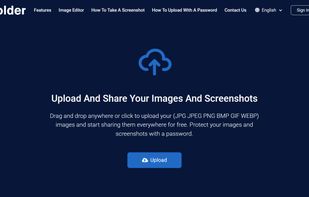

Every annoying feature is consistently excluded. Make a screenshot with a click on the button or by pushing the "Print Screen" key and it will be directly saved as an image - thats it!
GermanyEU
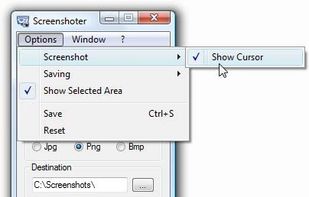
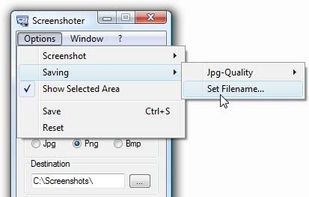

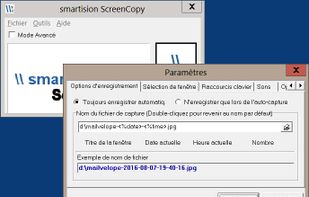
With Smartision ScreenCopy, you can do screenshots all or a part of the screen on Windows in PNG or JPEG formats with a keyboard shortcut.

 United Kingdom


Capture breathtaking views from Google Street View with ease. Frame your desired location in Street View, and with a click of a button, preserve stunning snapshots of real-world landscapes. Relive your favourite travel memories or plan your next adventure from the comfort of...
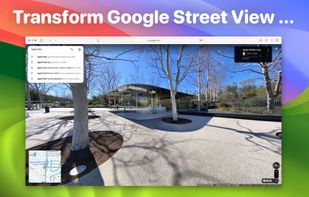
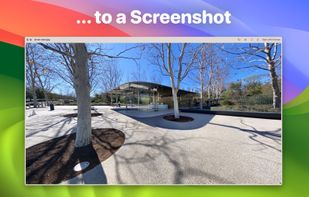
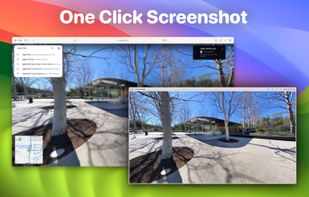

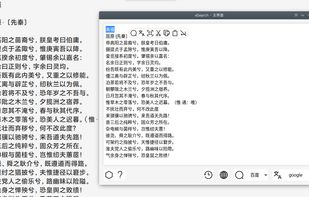
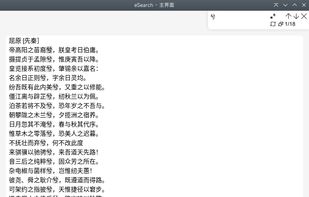
Supports screenshots for simple annotation or to paste images on the screen. Images can be recognised by OCR for searching or translation. Images can be searched. The screen can be recorded for simple editing.
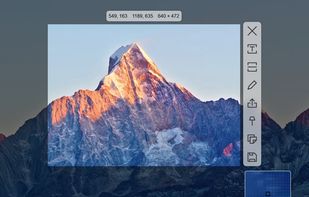
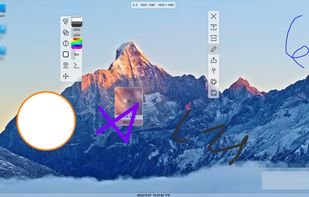

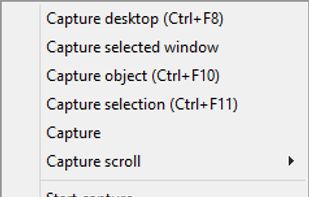
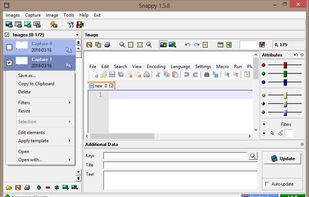
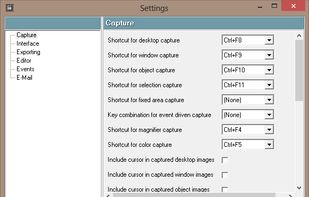
Snappy is a desktop-capture software for Microsoft Windows that allows to capture the screen of your monitor. Compared to other similar applications, Snappy could be less complete, but my purpose is to keep it as immediate as I can. Try it, and let me know if I'm wrong...

WebKut is an AIR application that allows you to capture web pages, or parts of them in a very simple way. It provides you 3 capture options: the entire page, the current view, or only a selection.
 Greenshot
Snapplr is a revolutionary tool to efficiently take and share screenshots. It completely replaces Mac OS Xs native capabilities and works in the same way as the system tool, but offers a wide range of options. Its main feature is to upload screenshots automatically to Snapplr.
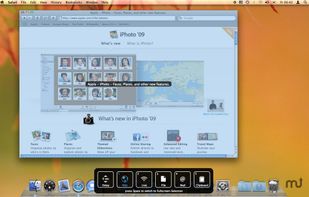

Fast, low-cost website screenshot API with a free no-signup online tool, verified proxies in 45+ countries, and an official MCP server for AI agents.
United Kingdom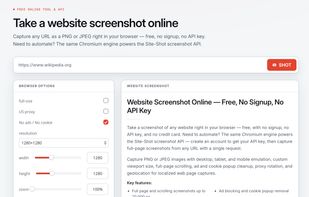


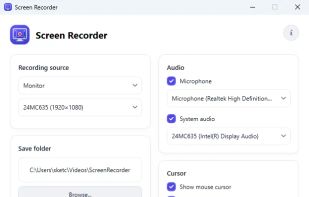
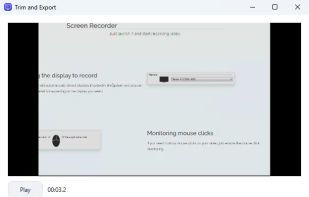
A light application for instant recording of events happening on the monitor and saving that to an AVI file at high quality.
 OBS Studio
How often were you in the situation when you needed to save some data but wasnt able to do it because words or figures were protected by some script of just cannot be copied? Well, heres the tool that will help you to avoid all these problems and settle them once and for all.



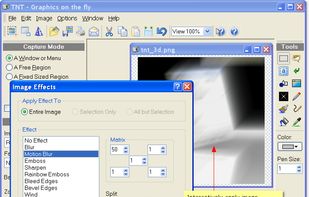
TNT Screen Capture creates screen shots that look better than the original screen.
 AustriaEU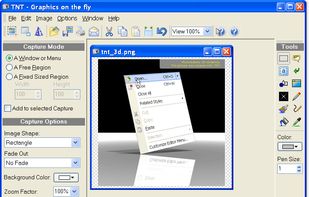


Windows screen capture tool with no subscription. Region, fullscreen, window, and scroll capture. Free tier available. Pro is $29.99 once, own it forever.
United States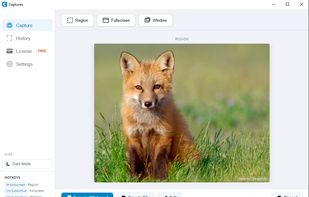

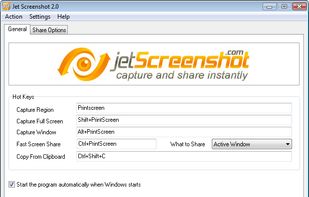
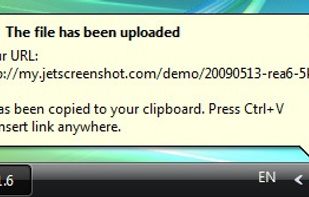
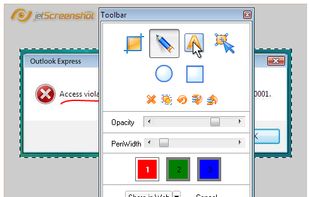
Jet Screenshot is a freeware utility enabling you to share screenshot via the internet in seconds. It allows you to take a screen snap, edit it and send it to the Web, so that you can immediately provide anyone with a link to the image.
 Ukraine


Record what you see on your PC screen exactly as it appears. GOM Cam also records all audio outputs from your PC, allowing you to make more dynamic videos. Record your computer screen, webcam video or games, and share with others on YouTube, Google Drive or Facebook.

 OBS Studio


